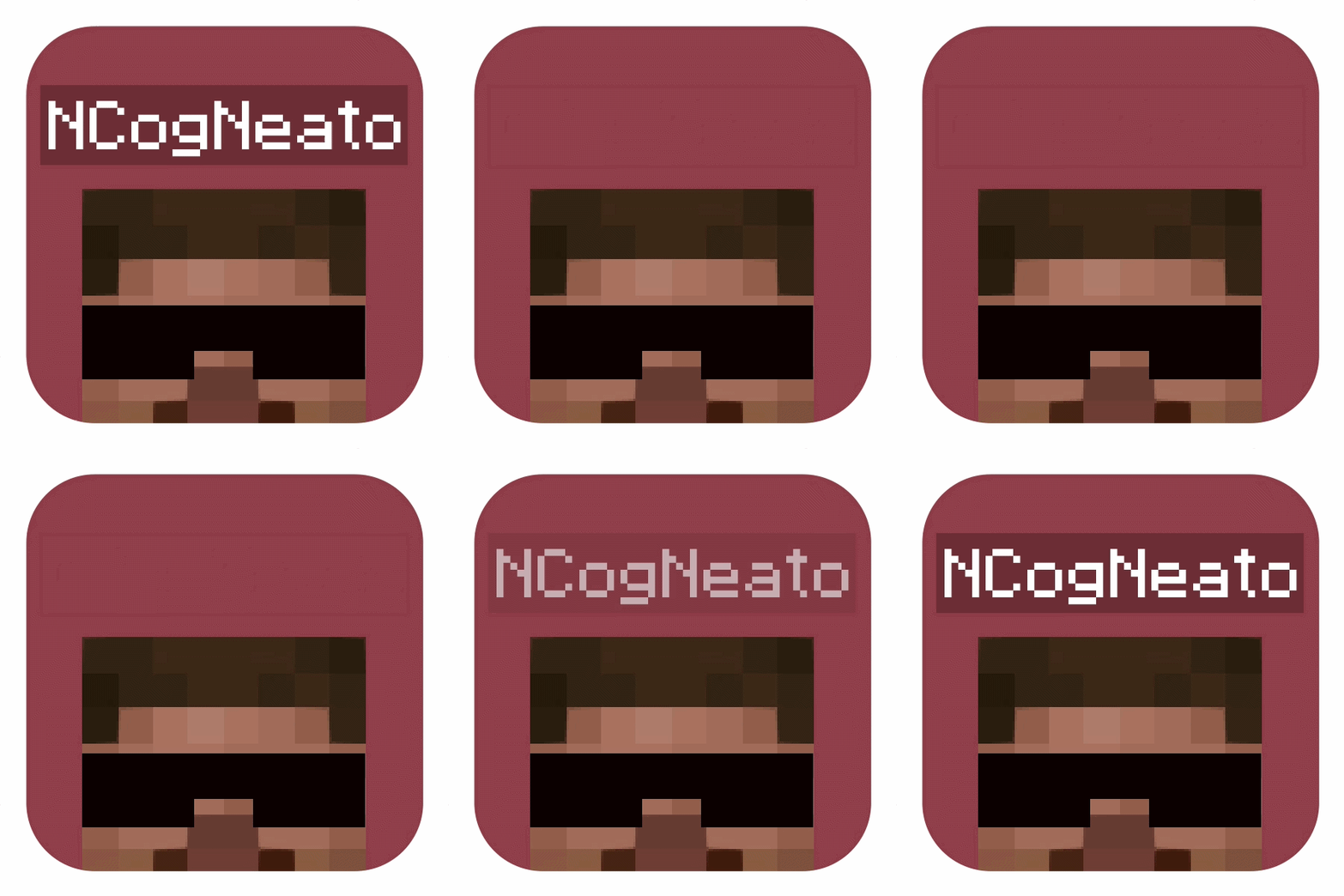
No Player Nametags
Hides all player nameplates (without using the team command)
Screenshots
About this Mod
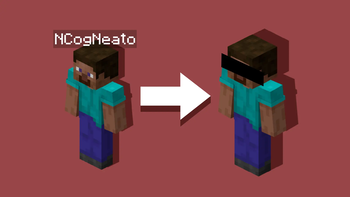
No Player Nametags
Removes the nameplates from above player's heads!
No config necessary - add this to your world and you're good to go o7
- This implementation does not utilize the "/team" command, removing the risk of pack/mod conflicts common to other/older methods
- Nametag visibility can be toggled back on (and back off) at any time using the commands shown below
completely optional - by default just installing the pack hides all player names without any further action needed 👍
Toggle Commands
To re-enable player nameplate display:
/function no_player_nametags:config/show_player_nametags
To re-disable player nameplate display:
/function no_player_nametags:config/hide_player_nametags
Just typing "/function show" or "/function hide" in-game will get you enough auto-complete to run either command
Thx for checking out my datapack! - DRE
Contact
feel free to reach out with any issues/inquiries at: [email protected]
Available Versions
How to Install No Player Nametags on Your Server
Order Server
Order a Minecraft Java server with at least 3 GB RAM (4 GB recommended).
Set datapack Loader
In the panel under "Egg", select the datapack loader and matching Minecraft version (26.2).
Install Mod
Open the mod browser in the dashboard and search for "No Player Nametags". Click "Install" – done! Alternatively, upload the .jar via SFTP to the /mods folder.
Compatibility
Mod Loaders
Minecraft Versions
26.2
Server-side
✓ RequiredRecommended RAM
4 GB(min. 3 GB)Frequently Asked Questions
No Player Nametags server crashes on startup – what to do?
Most common cause: wrong datapack version or insufficient RAM. Check the server log (latest.log) for "OutOfMemoryError" or "Mixin" errors. With Mado Hosting: ensure at least 3 GB RAM is allocated and the loader matches the mod version (26.2). You can switch loaders with one click in the panel.
Is No Player Nametags compatible with datapack and fabric and forge and neoforge and quilt?
No Player Nametags officially supports datapack, fabric, forge, neoforge, quilt for Minecraft 26.2. Note: Forge and Fabric mods are NOT cross-compatible – pick one loader and stick with it. The Mado dashboard automatically detects incompatible loader combinations.
Server lagging with No Player Nametags – how to optimize performance?
Recommended RAM: 4 GB (per 8 players). Use /spark profiler to check if No Player Nametags consumes the most tick time. Common fixes: reduce server view-distance to 8-10, install "performant" or "starlight" as supplementary mods on Forge. With Mado Hosting, your server runs on NVMe SSDs with dedicated CPU cores for minimal latency.
Similar Mods




Rent Modded Server
Install No Player Nametags with just one click on your server.