
Notebook
Notebook is a client-side Fabric mod that lets you create, manage, and share draggable To-Do lists and item collection quotas directly from your screen.
Screenshots
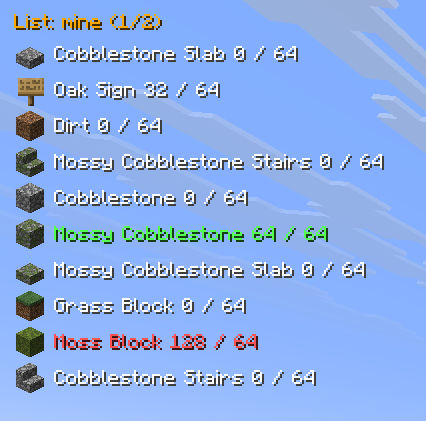
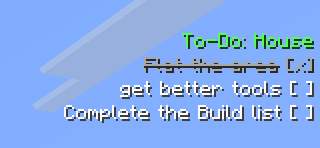
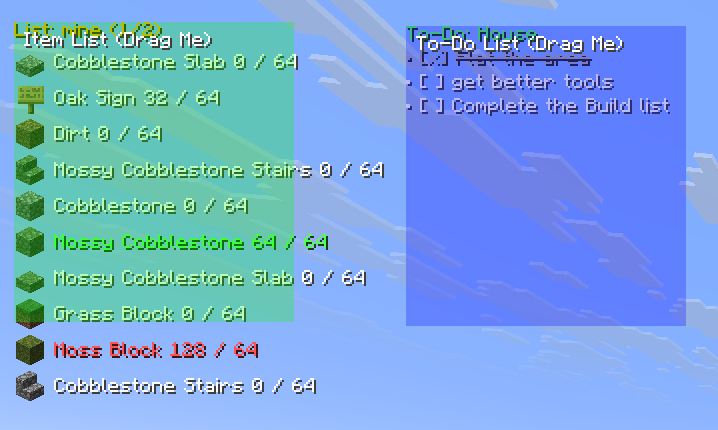
About this Mod






Notebook is a highly customizable, lightweight client-side utility mod that brings interactive, draggable To-Do lists and Item Gathering trackers directly to your HUD.
Perfect for keeping track of your grinding quotas, daily server tasks, or building materials without needing external apps or constantly alt-tabbing!
📸 Previews
Draggable UI
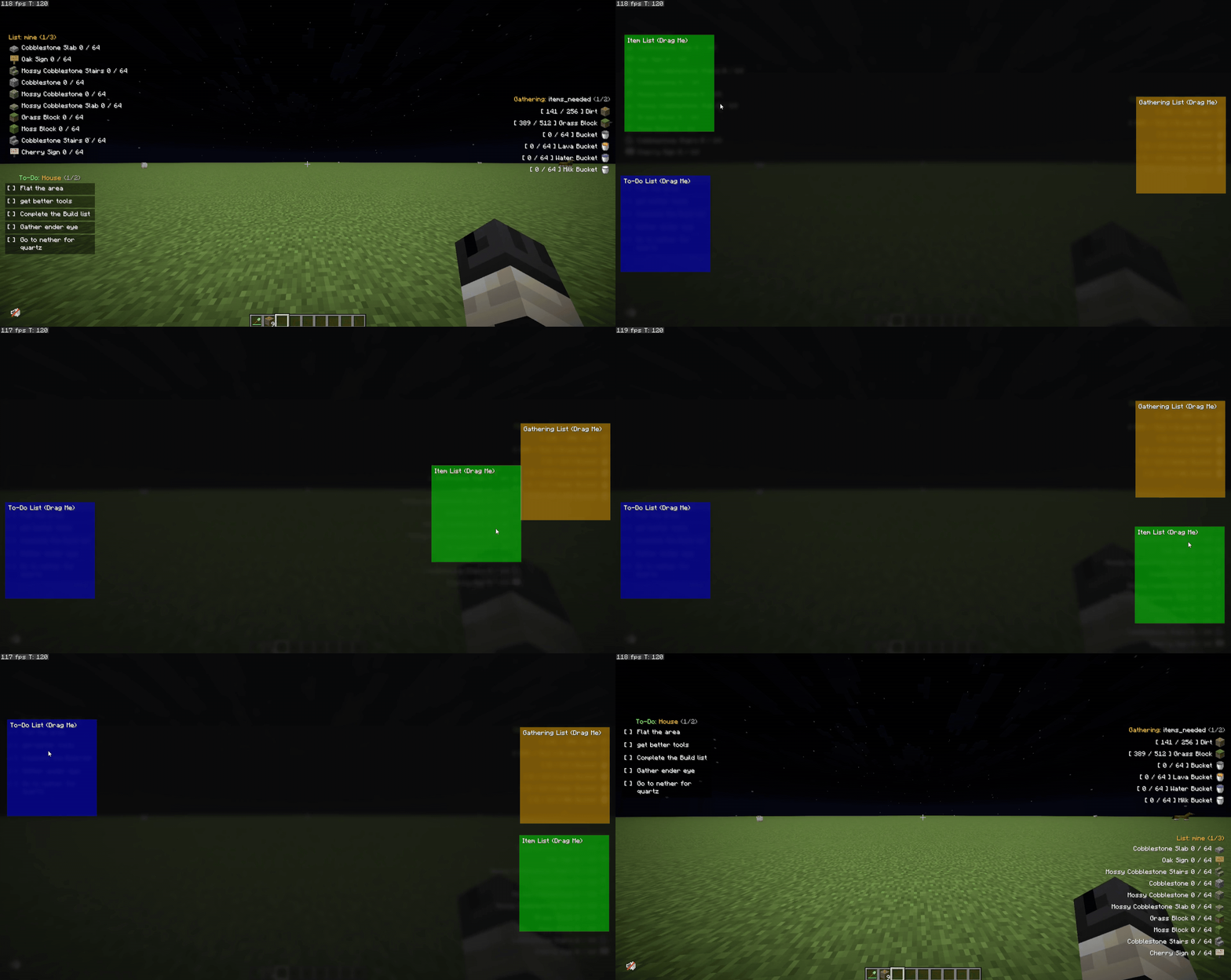
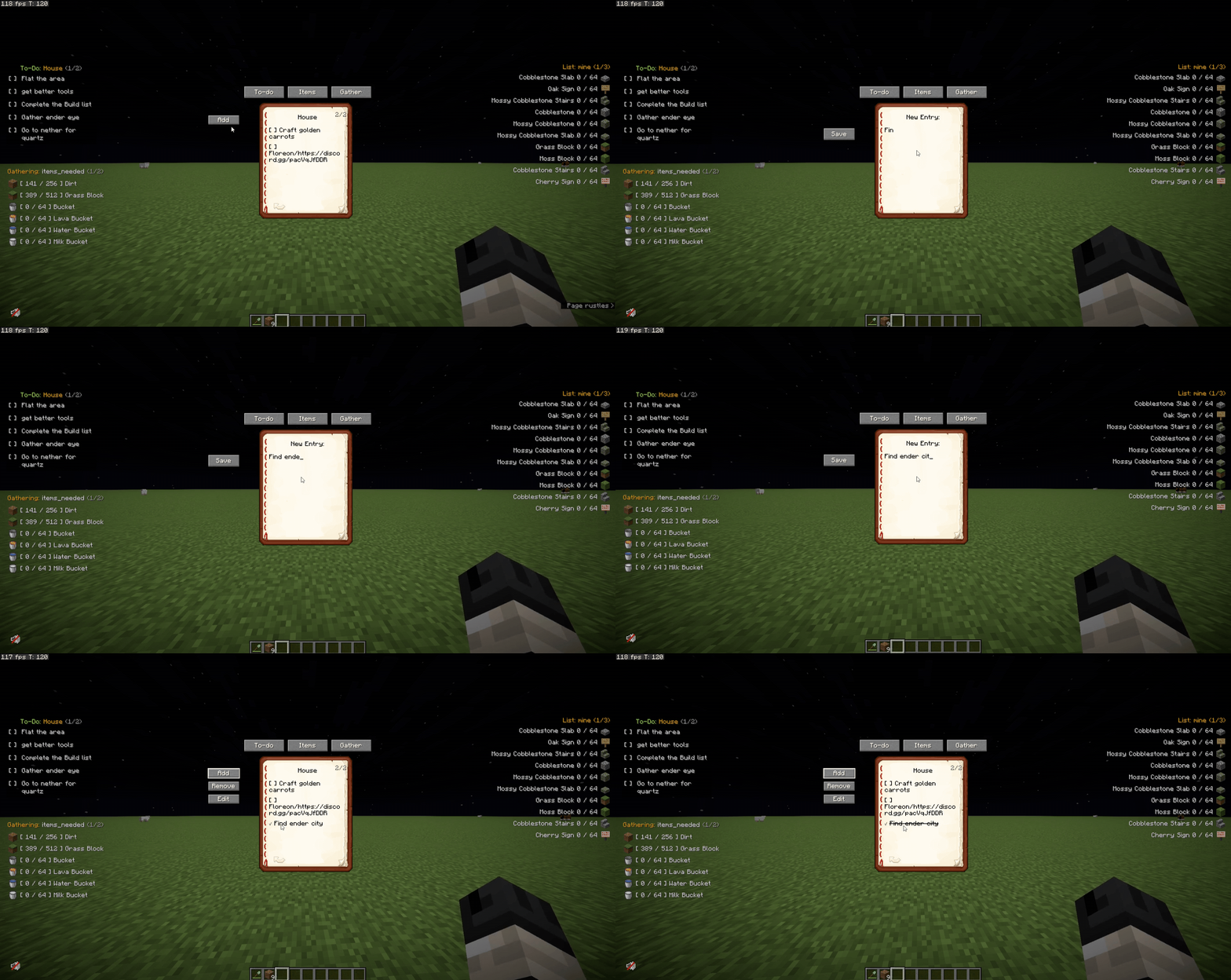
Adding & Managing Lists
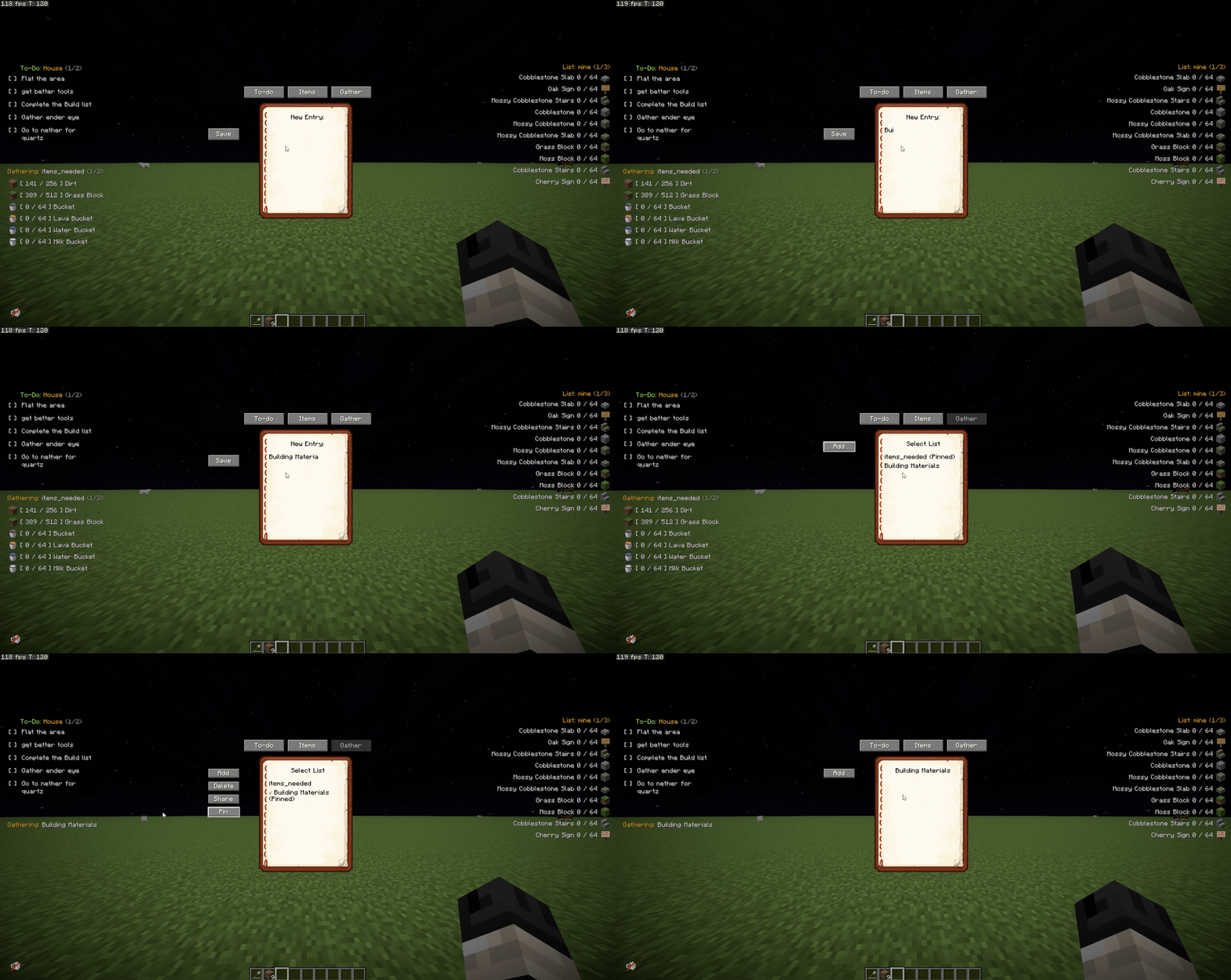
Pinning to HUD
✅ Features
- 📌 Draggable UI → Easily move your item and task lists around your screen using the Edit HUD menu.
- 📋 To-Do Lists → Track your daily goals. Check off completed tasks dynamically to cross them out.
- 📦 Item Gathering Tracker → Set a target amount for an item and track your inventory in real-time.
- 🚦 Smart Quota Colors → Item text turns Green when you hit your exact target, and Red when you exceed it!
- 🛡️ Typo Protection → Prevents you from accidentally adding invalid or misspelled items to your tracker.
- 💬 List Sharing → Share your active item list straight to the server chat for team collaboration.
- 📖 Pagination → Got a long list? Easily flip through pages using commands or customizable keybinds.
- 💻 100% Client-Side → Works perfectly on vanilla servers or modded SMPs.
⌨️ Commands
🎒 Item Lists (Aliases: /il)
- /itemlists → Shows all the item lists you have created.
- /il create
→ Creates and displays a new item list. - /il delete
→ Deletes the specified list. - /il display
→ Switches your HUD to show this list. - /il add
/il add base dirt 64). - /il remove
- /il share
→ Shares the item list to the server chat. - /il next or /il n → Flips to the next page of your item list.
- /il previous or /il p → Flips to the previous page.
📝 To-Do Lists (Command: /todo)
- /todo → Shows all your created To-Do lists.
- /todo create
→ Creates a new To-Do list. - /todo delete
→ Deletes the specified To-Do list. - /todo display
→ Switches your HUD to show this To-Do list. - /todo add
- /todo check
- /todo uncheck
- /todo next or /todo n → Flips to the next page of tasks.
- /todo previous or /todo p → Flips to the previous page of tasks.
⛏️ Gathering Lists (Aliases: /gl)
- /gatheringlists → Shows all the gathering lists you have created.
- /gl create
→ Creates and displays a new gathering list. - /gl delete
→ Deletes the specified list. - /gl display
→ Switches your HUD to show this list. - /gl add
- /gl remove
- /gl share
→ Shares the gathering list to the server chat. - /gl next or /gl n → Flips to the next page of your gathering list.
- /gl previous or /gl p → Flips to the previous page.
- /gl import → Imports list data.
- /gl help → Displays general help instructions for gathering lists.
⚙️ Keybinds
(Customizable in Options -> Controls -> Notebook)
- Edit HUD →
](Click and drag your lists anywhere!) - Toggle Item List →
I - Toggle To-Do List →
O - Toggle Gather List →
G - Item List Next/Prev Page → (Unbound by default)
- To-Do Next/Prev Page → (Unbound by default)
- Gather Next/Prev Page → (Unbound by default)
🌟 Credits & Community
A massive thank you to Skia and Luriel for suggesting and inspiring this mod!
Check out their awesome Minecraft Server community here: NeoCity SMP
🐞 Found a bug or have a suggestion?
Want to request a mod for free? Join the Discord Server!
- Discord: Join the developer community
- GitHub: Notebook issues and suggestions
Available Versions
How to Install Notebook on Your Server
Order Server
Order a Minecraft Java server with at least 3 GB RAM (4 GB recommended).
Set fabric Loader
In the panel under "Egg", select the fabric loader and matching Minecraft version (1.21.11).
Install Mod
Open the mod browser in the dashboard and search for "Notebook". Click "Install" – done! Alternatively, upload the .jar via SFTP to the /mods folder.
Compatibility
Mod Loaders
Minecraft Versions
1.21.11, 1.21.10, 1.21.9 (+9 more)
Server-side
✗ UnsupportedRecommended RAM
4 GB(min. 3 GB)Frequently Asked Questions
Notebook server crashes on startup – what to do?
Most common cause: wrong fabric version or insufficient RAM. Check the server log (latest.log) for "OutOfMemoryError" or "Mixin" errors. With Mado Hosting: ensure at least 3 GB RAM is allocated and the loader matches the mod version (1.21.11). You can switch loaders with one click in the panel.
Is Notebook compatible with fabric?
Notebook officially supports fabric for Minecraft 1.21.11, 1.21.10, 1.21.9. The Mado dashboard automatically detects incompatible loader combinations.
Server lagging with Notebook – how to optimize performance?
Recommended RAM: 4 GB (per 8 players). Use /spark profiler to check if Notebook consumes the most tick time. Common fixes: reduce server view-distance to 8-10, install "performant" or "starlight" as supplementary mods on Forge. With Mado Hosting, your server runs on NVMe SSDs with dedicated CPU cores for minimal latency.
Similar Mods




![[ETF] Entity Texture Features](https://cdn.modrinth.com/data/BVzZfTc1/af683d206d50b05258d865b0d6e4aa2f2cee12f2_96.webp)
![[EMF] Entity Model Features](https://cdn.modrinth.com/data/4I1XuqiY/6e5bbd0d06b1741bfdab6c0cfab6de8fdaf0064c_96.webp)
Rent Modded Server
Install Notebook with just one click on your server.