
OmniPearl
A single item mod, OmniPearl, that behaves like an Ender Pearl but is configurable via a GUI. Press G.
Screenshots
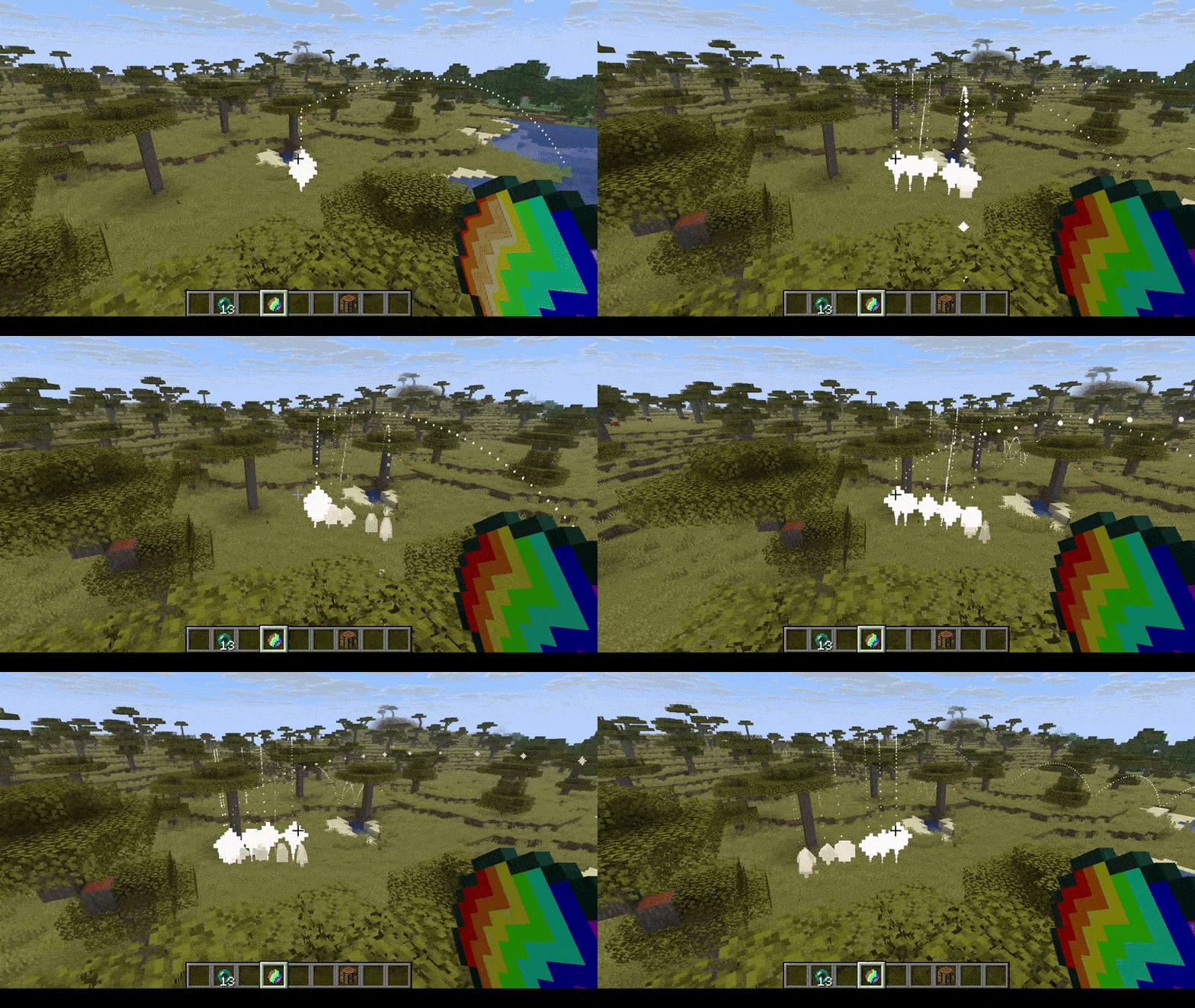
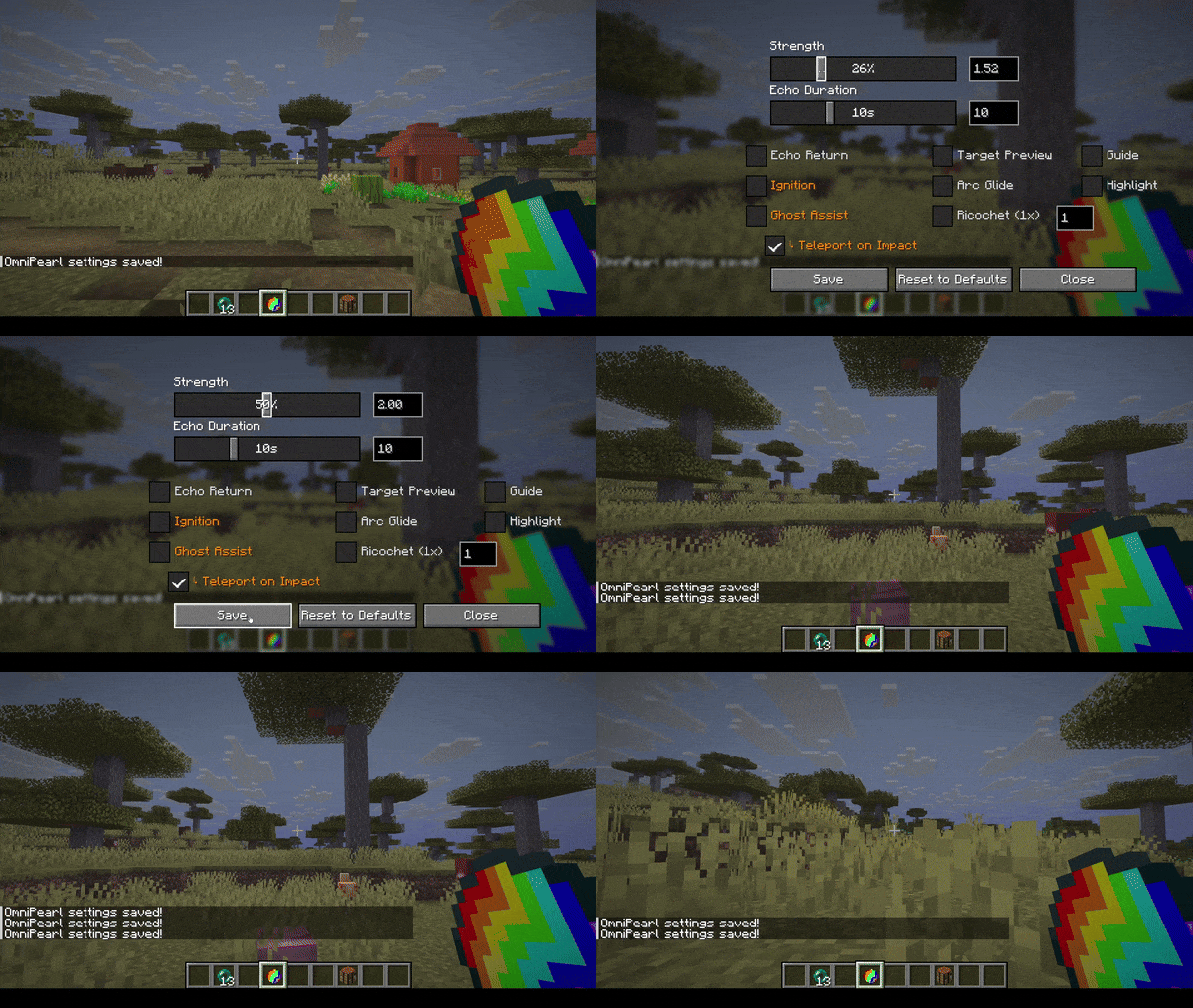

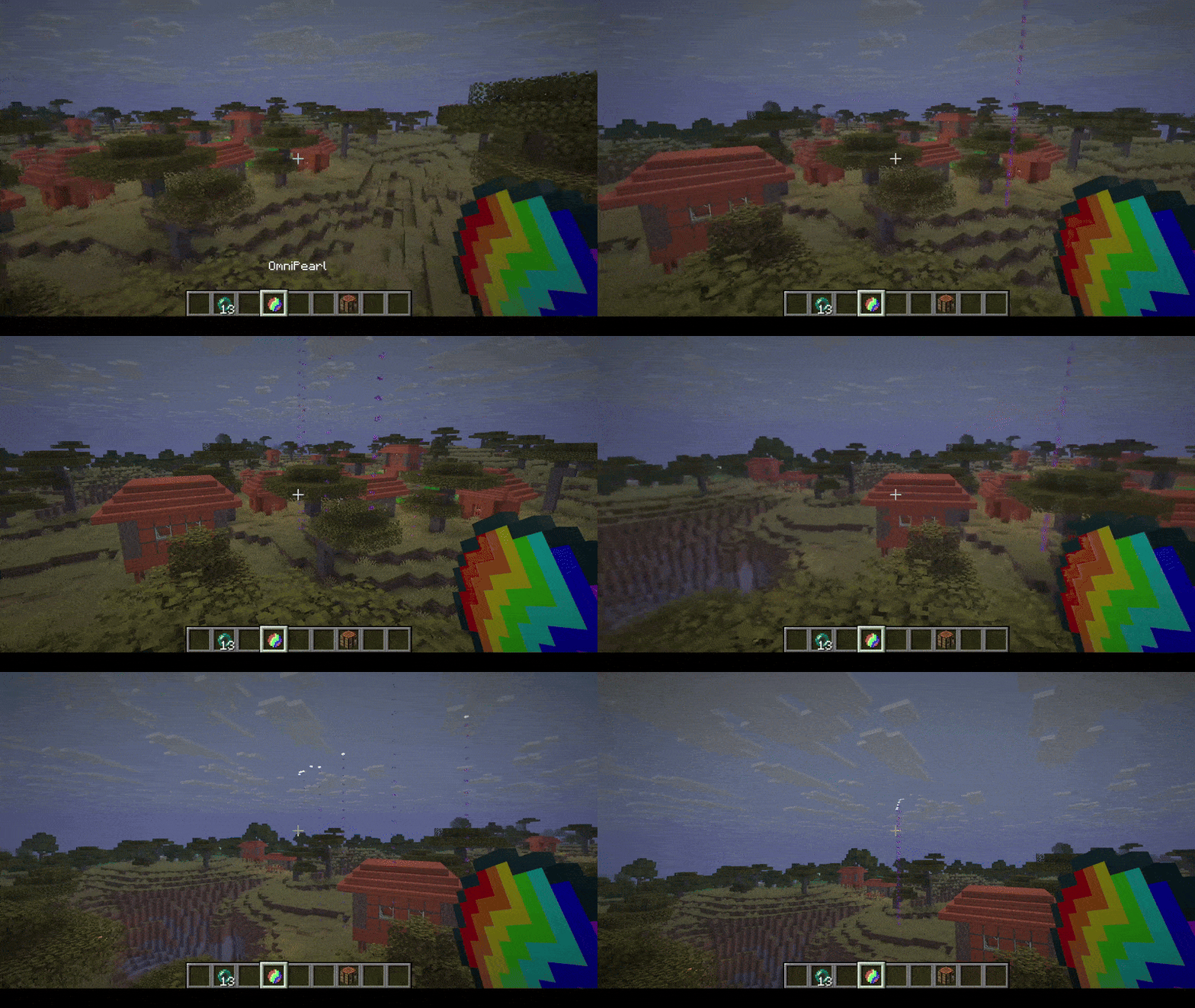
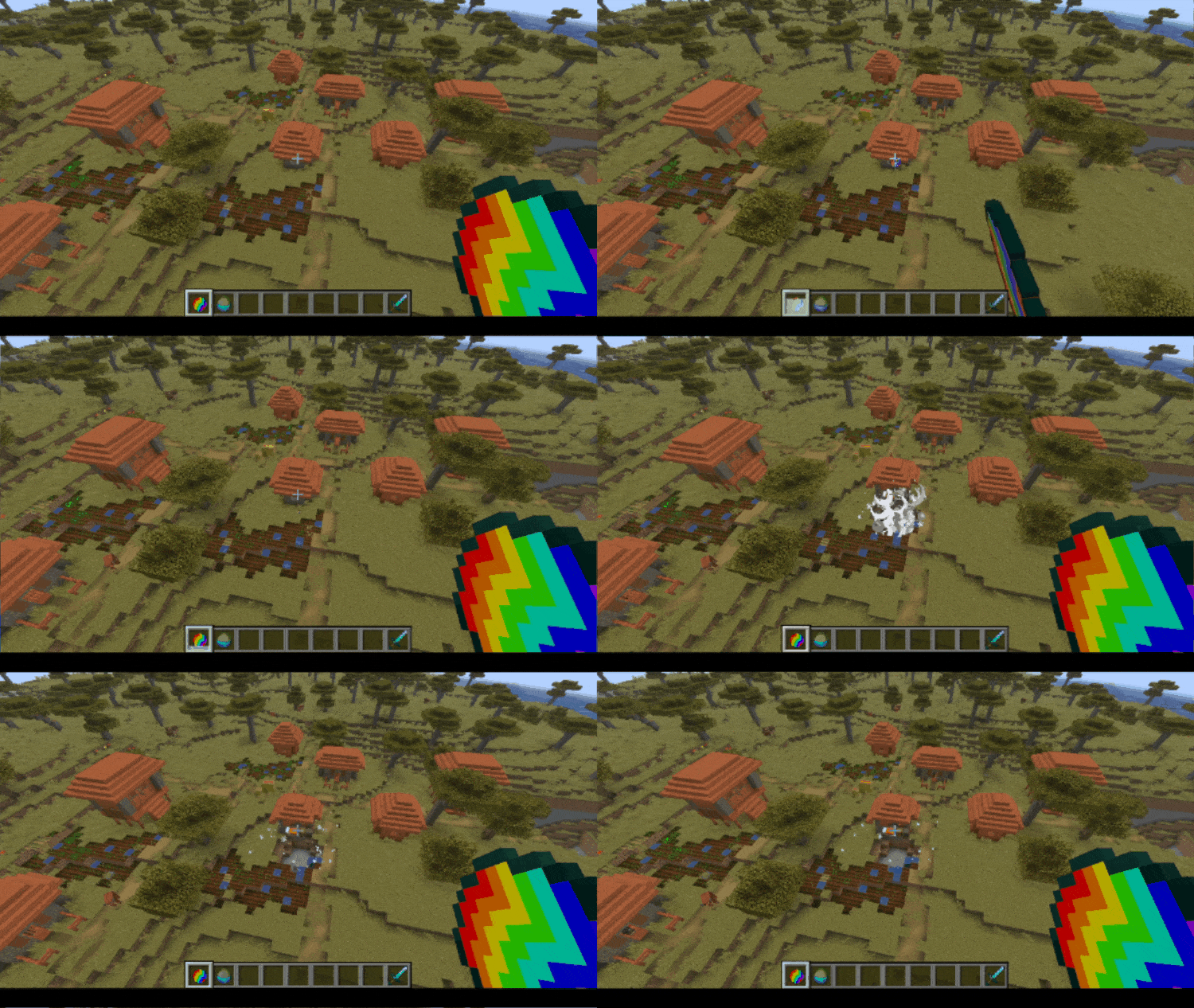
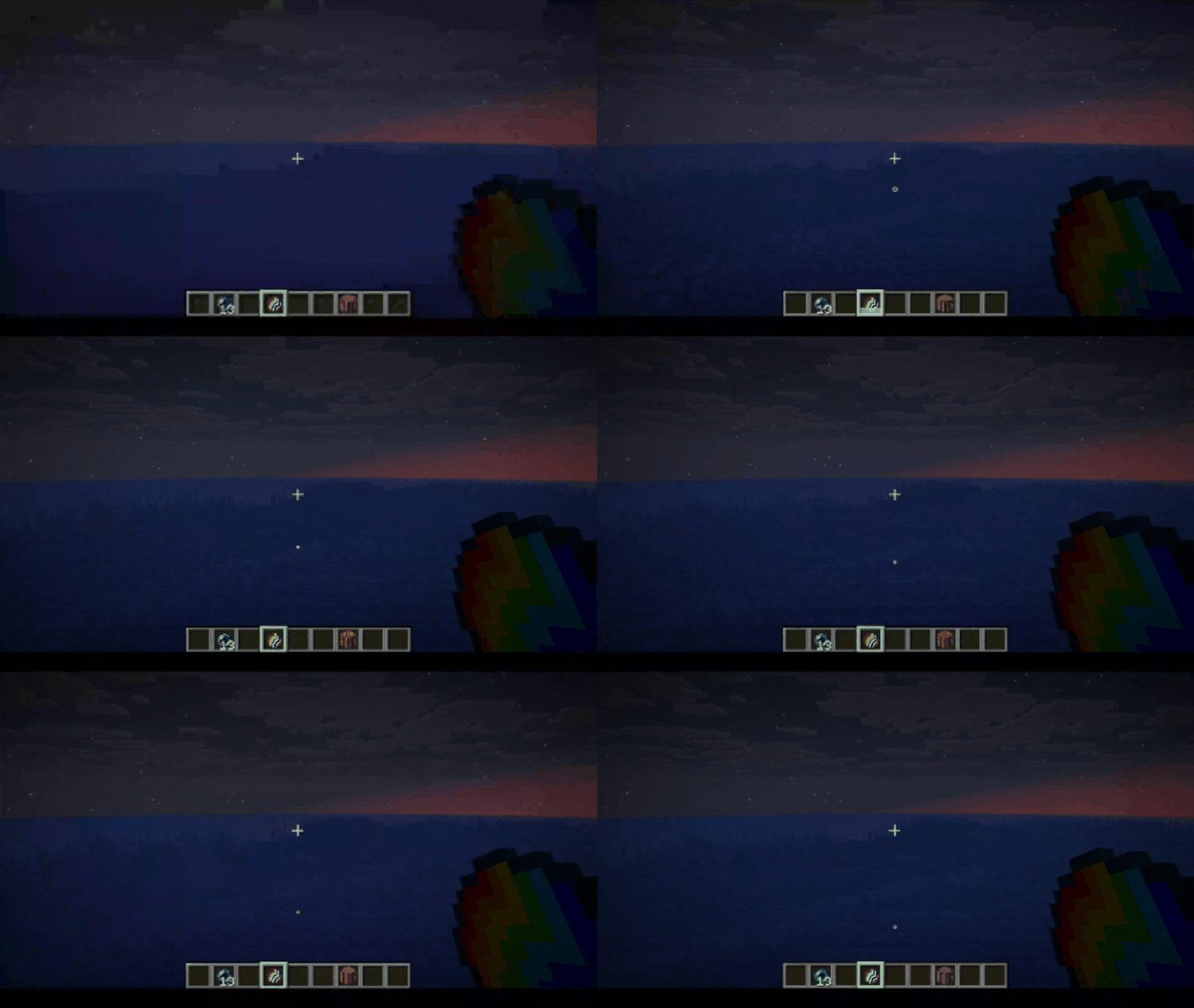
About this Mod
🌌 OmniPearl: The Ender's Final Evolution
The OmniPearl is not just an Ender Pearl — it's a device of pure dimensional control.
Crafted from Echo Shards and imbued with the lingering will of the void, the OmniPearl lets players fine-tune teleportation physics, alter flight dynamics, and even rewrite the boundaries of death.
Where a normal pearl simply travels, the OmniPearl adapts. It learns, remembers, and reshapes the rules of movement itself.
A single-item mod that turns teleportation into art.
🧭 Key Features
⚙️ Configurable Physics: Press G while holding the OmniPearl to open its control interface. Adjust throw strength (0.25× to 20×), arc glide, and ricochet to customize your flight path.
🪞 Echo Return: The OmniPearl remembers your exact state at the moment of the throw. After 1-30 seconds (configurable), reality snaps — and you return to that moment, restoring position, health, hunger, XP, and effects.
👻 Ghost Assist: Throwing the pearl spawns 2 spectral wolf allies at the impact point that fight alongside you for 30 seconds with Strength III, Speed II, Resistance III, and Regeneration effects. Optional teleport control — choose to teleport with your wolves or stay safe while they scout ahead.
🎯 Target Preview: See exactly where your pearl will land before throwing with accurate ballistic prediction — no more blind leaps of faith.
🌠 Arc Glide & Ricochet: Experiment with gravity and impact. Glide gracefully through the air or bounce off surfaces for precision landings.
🔥 Ignition: Create TNT-level explosions at the impact point without harming yourself — perfect for clearing areas or combat. Optional teleport control — choose to teleport into the explosion zone or stay safe while it clears the area.
📏 Guide & Highlight: Visual trajectory line and pearl highlighting for precise throws.
⚖️ Server-Safe: All features are configurable via server settings; teleportation is fully synced and safe from exploits.
🧪 Gameplay Highlights
Travel further, faster, and smarter.
Save yourself from danger with the Echo Return failsafe.
Combine Ghost Assist and Echo for cinematic combat moments.
Fine-tune power levels to fit any playstyle — from cautious explorer to chaotic teleporting god.
🕳️ Lore
When the End imploded and its portals folded inward, fragments of its infinite geometry refused to fade. Ender scholars gathered these fragments, calling them Echo Shards — remnants of forgotten coordinates.
Through forbidden synthesis, they merged the shards with the souls of dormant pearls, creating the OmniPearl — a living conduit between thought and destination.
Legends say the pearl listens. It remembers where you’ve been, predicts where you’ll go… and if you throw it far enough, it might not bring you back at all.
⚙️ Technical Details
Built for Minecraft 1.21.10 with Fabric (primary) and NeoForge support
Client + server compatible; config options included.
Keybinds are fully rebindable.
Lightweight; no external dependencies beyond base Fabric/NeoForge.
🧰 Recipe
Crafted from the remnants of the void:
D E D
E S E
D G D
E: Ender Pearl
S: Echo Shard
D: Diamond
G: Glowstone
💡 Tips
Combine Echo Return with risky dives — it's your built-in save point.
Use Ghost Assist before a boss fight to summon your spectral wolf allies with enhanced combat abilities.
Scout safely with Ghost Assist + Teleport OFF — send wolves ahead without risking your position.
Tune Throw Strength for creative flight and Elytra-style exploration.
Enable Target Preview to plan precise landings before committing to throws.
Use Ignition for area clearing or explosive combat tactics — stay safe with Teleport OFF or dive in with Teleport ON.
Combine Guide and Highlight for pixel-perfect trajectory visualization.
🖋️ Created by: Fringe Technologies
Available Versions
How to Install OmniPearl on Your Server
Order Server
Order a Minecraft Java server with at least 3 GB RAM (4 GB recommended).
Set fabric Loader
In the panel under "Egg", select the fabric loader and matching Minecraft version (1.21.10).
Install Mod
Open the mod browser in the dashboard and search for "OmniPearl". Click "Install" – done! Alternatively, upload the .jar via SFTP to the /mods folder.
Compatibility
Mod Loaders
Minecraft Versions
1.21.10, 1.21.9
Server-side
✓ RequiredRecommended RAM
4 GB(min. 3 GB)Frequently Asked Questions
OmniPearl server crashes on startup – what to do?
Most common cause: wrong fabric version or insufficient RAM. Check the server log (latest.log) for "OutOfMemoryError" or "Mixin" errors. With Mado Hosting: ensure at least 3 GB RAM is allocated and the loader matches the mod version (1.21.10). You can switch loaders with one click in the panel.
Is OmniPearl compatible with fabric?
OmniPearl officially supports fabric for Minecraft 1.21.10, 1.21.9. The Mado dashboard automatically detects incompatible loader combinations.
Server lagging with OmniPearl – how to optimize performance?
Recommended RAM: 4 GB (per 8 players). Use /spark profiler to check if OmniPearl consumes the most tick time. Common fixes: reduce server view-distance to 8-10, install "performant" or "starlight" as supplementary mods on Forge. With Mado Hosting, your server runs on NVMe SSDs with dedicated CPU cores for minimal latency.
Similar Mods





Rent Modded Server
Install OmniPearl with just one click on your server.