
Opalescence
Blockset of rainbow variety and more :)
Screenshots


About this Mod
Opalescence
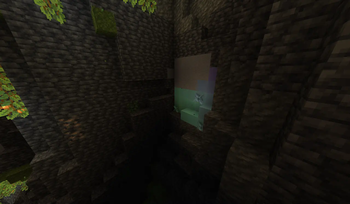
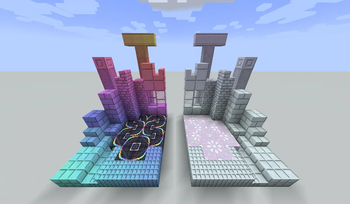
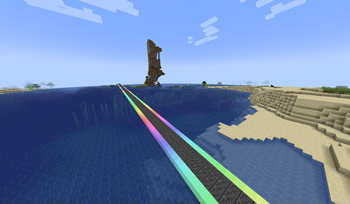
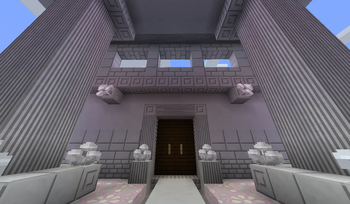
Opalescence is a simple mod that adds Opal, a new stone type that changes hue depending on its location in the world.
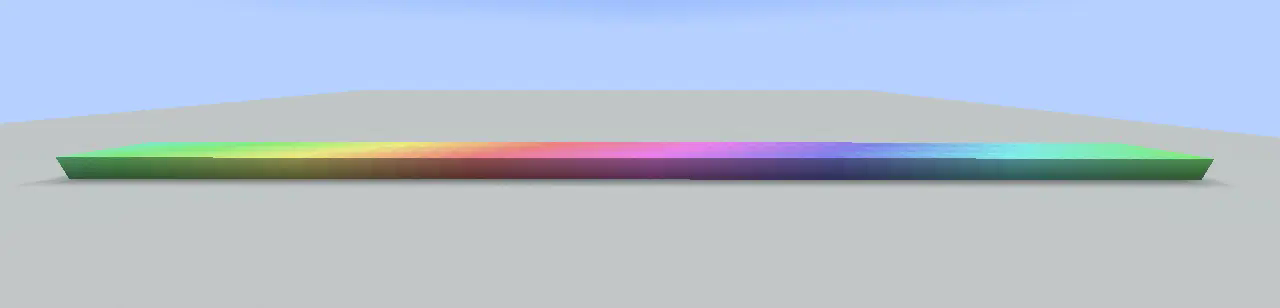
Features
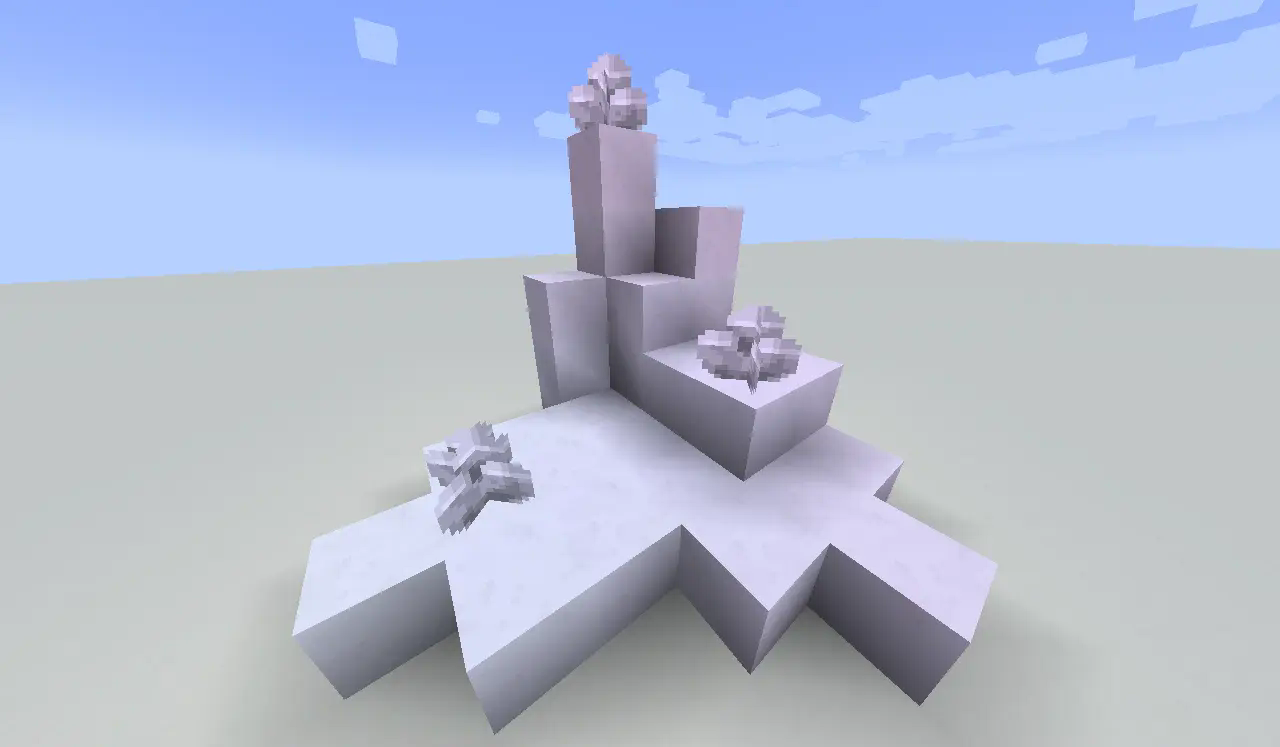
Opal generates naturally in the underground. It can be uncommonly found in the deepslate layer below Y=0, or more rarely in the stone layer between Y=32 and Y=56. Some of the naturally generated stone will bear crystals, which can be crafted into regular opal blocks, allowing for a renewable source of opal.

Letting the moon shine on fully grown, but still attached to the budding block crystals lets them aqquire a new, pearlescent hue (doesn't work when moonlight is weak). These moonlit crystals can be crafted into their respective opal variant.
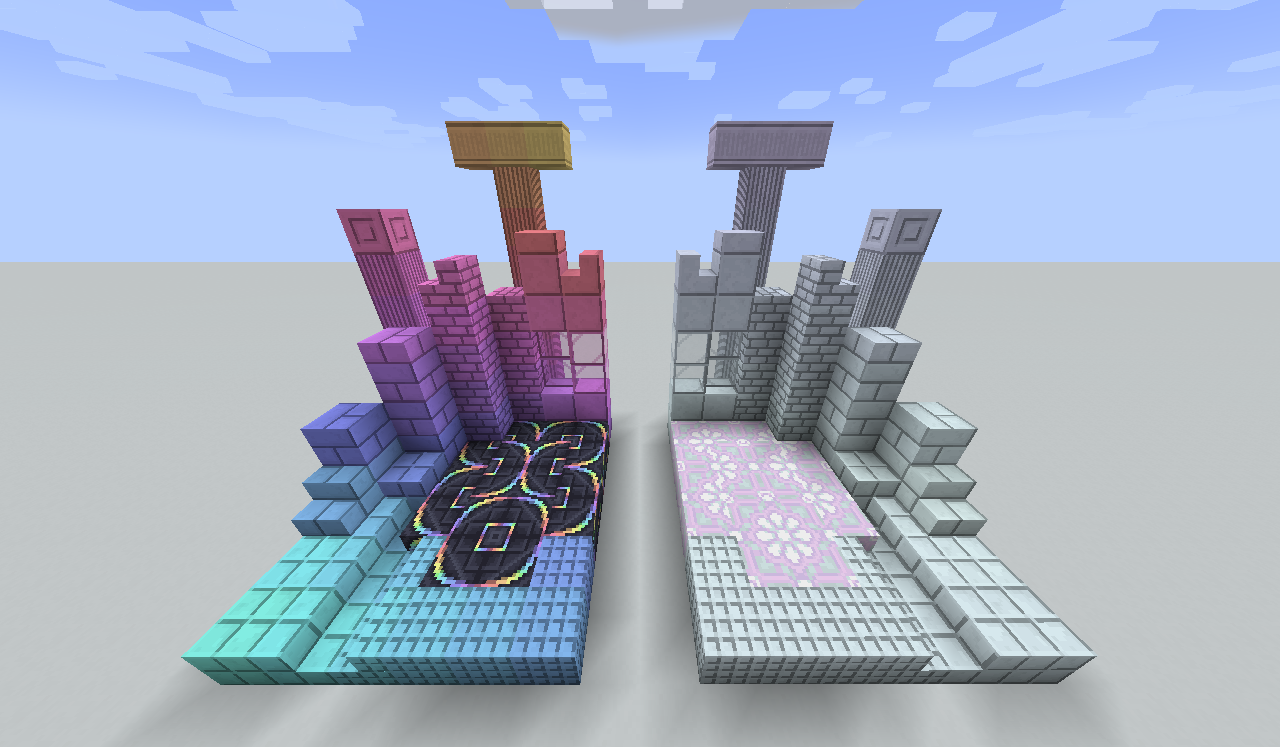
Both regular and moonlit opal can be crafted into various different shapes. Just plop down the stone into a stonecutter (or smelt it) and choose whichever variant you like best :)
You can also make some "interesting" hues by placing a full composter under the budding opal block and letting it influence the grown crystals. Why would you do that though?
Small mod integrations
Alex's Caves:
- Guano Block can be used in place of a Composter to grow Unpleasant Opal Crystals
Ars Nouveau:
- Amethyst Golems can gather grown Opal Crystals
Create:
- Stonecutting Opal Crystal Blocks into Opal is changed to require sandpapering instead
Farmer's Delight:
- Organic Compost can be used in place of a Composter to grow Unpleasant Opal Crystals
Spectrum / Pastel:
- Budding Opal can be crafted with the help of Spectrum
- A specific Spectrum block can be placed under Budding Opal to grow Moonlit Opal Crystals without the need of direct moonlight
Special thanks
- Kaupenjoe - his mod tutorials are an amazing way to get into the modding ecosystem. Without them this mod would not exist.
- ReikaKalseki - her mod, GeoStrata, was a huge inspiration. Thank you for creating it all those years back and making me fall in love with hue-shifting blocks.
Available Versions
How to Install Opalescence on Your Server
Order Server
Order a Minecraft Java server with at least 4 GB RAM (6 GB recommended).
Set forge Loader
In the panel under "Egg", select the forge loader and matching Minecraft version (1.21.1).
Install Mod
Open the mod browser in the dashboard and search for "Opalescence". Click "Install" – done! Alternatively, upload the .jar via SFTP to the /mods folder.
Compatibility
Mod Loaders
Minecraft Versions
1.21.1, 1.20.1
Server-side
✓ RequiredRecommended RAM
6 GB(min. 4 GB)Frequently Asked Questions
Opalescence server crashes on startup – what to do?
Most common cause: wrong forge version or insufficient RAM. Check the server log (latest.log) for "OutOfMemoryError" or "Mixin" errors. With Mado Hosting: ensure at least 4 GB RAM is allocated and the loader matches the mod version (1.21.1). You can switch loaders with one click in the panel.
Is Opalescence compatible with forge and neoforge?
Opalescence officially supports forge, neoforge for Minecraft 1.21.1, 1.20.1. The Mado dashboard automatically detects incompatible loader combinations.
Server lagging with Opalescence – how to optimize performance?
Recommended RAM: 6 GB (per 5 players). Use /spark profiler to check if Opalescence consumes the most tick time. Common fixes: reduce server view-distance to 8-10, install "performant" or "starlight" as supplementary mods on Forge. With Mado Hosting, your server runs on NVMe SSDs with dedicated CPU cores for minimal latency.
Similar Mods

![[ETF] Entity Texture Features](https://cdn.modrinth.com/data/BVzZfTc1/af683d206d50b05258d865b0d6e4aa2f2cee12f2_96.webp)
![[EMF] Entity Model Features](https://cdn.modrinth.com/data/4I1XuqiY/6e5bbd0d06b1741bfdab6c0cfab6de8fdaf0064c_96.webp)



Rent Modded Server
Install Opalescence with just one click on your server.