
Optimized Vein Miner
Hate digging out each ore block one by one? This mod makes it so that you can mine whole veins instantly.
About this Mod
Optimized Vein Miner
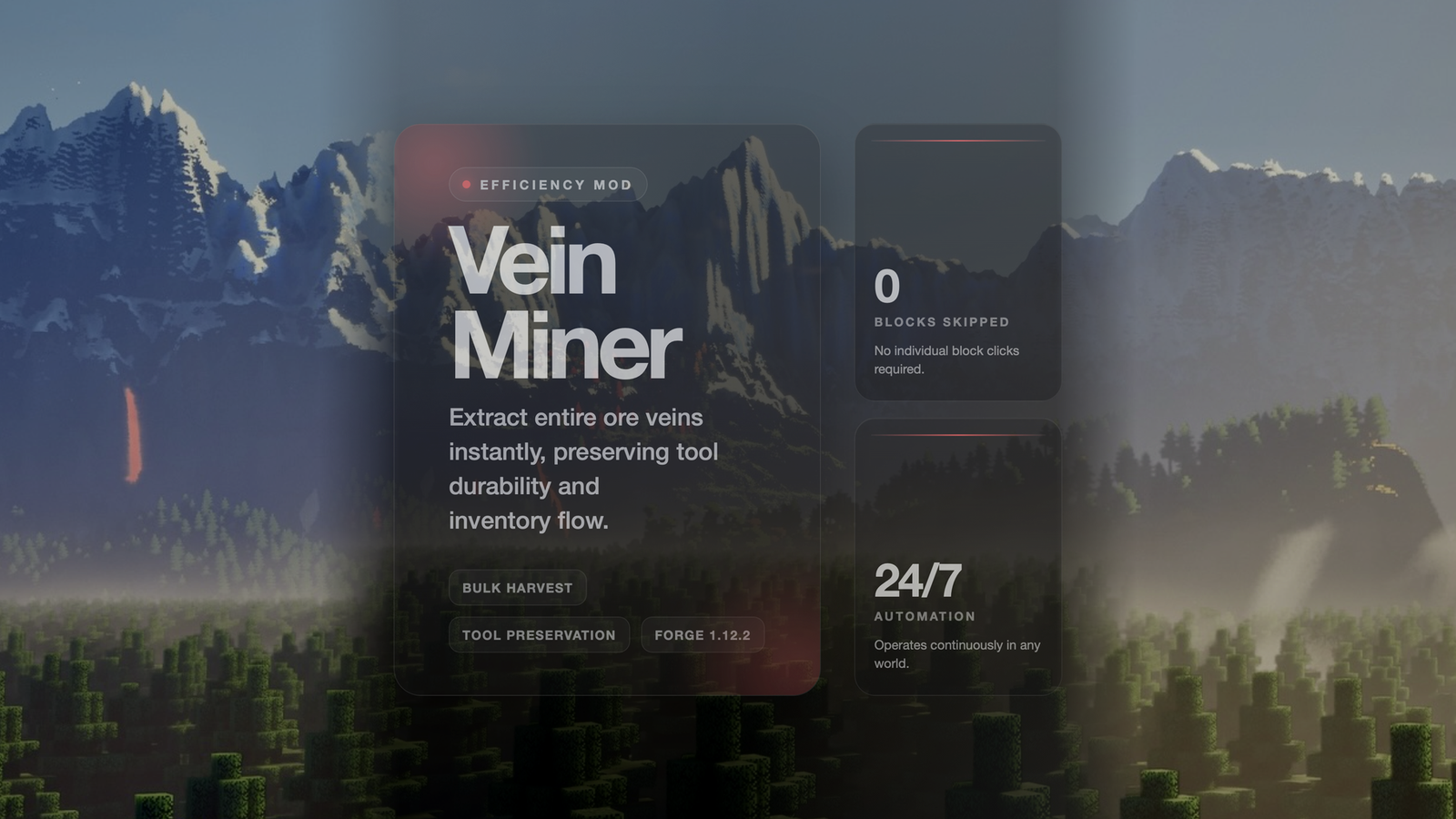
Mine entire ore veins and connected blocks at once with this highly optimized vein mining mod! Built from the ground up to address common complaints and implement the most requested features from the community.
Key Features
Performance Optimizations
- Single Sound - Only one break sound instead of hundreds
- Smart Item Drops - All items drop at one location with automatic stacking
- Minimal Entities - Combines identical items before spawning
Balanced Gameplay
- Durability Consumption - Each block properly costs tool durability
- Correct Tool Check - Pickaxe for ores, axe for logs, shovel for dirt
- Tool Break Protection - Automatically stops before your tool breaks
- Optional Cooldown - Add cooldown between uses for extra balance
Quality of Life
- Toggle Keybind - Press 'V' to enable/disable vein mining anytime
- Chat Feedback - Shows current state when toggled
- 26-Direction Search - Includes diagonals for better vein detection
- Metadata Respect - Won't mix different wood types
Supported Blocks
Enabled by Default
- All Ores: Coal, Iron, Gold, Diamond, Emerald, Lapis, Redstone, Quartz
- All Logs: Oak, Birch, Spruce, Jungle, Acacia, Dark Oak (respects wood type)
Available Versions
How to Install Optimized Vein Miner on Your Server
Order Server
Order a Minecraft Java server with at least 3 GB RAM (4 GB recommended).
Set fabric Loader
In the panel under "Egg", select the fabric loader and matching Minecraft version (1.21.11).
Install Mod
Open the mod browser in the dashboard and search for "Optimized Vein Miner". Click "Install" – done! Alternatively, upload the .jar via SFTP to the /mods folder.
Compatibility
Mod Loaders
Minecraft Versions
1.21.11, 1.21.10, 1.21.9 (+27 more)
Server-side
✓ RequiredRecommended RAM
4 GB(min. 3 GB)Frequently Asked Questions
Optimized Vein Miner server crashes on startup – what to do?
Most common cause: wrong fabric version or insufficient RAM. Check the server log (latest.log) for "OutOfMemoryError" or "Mixin" errors. With Mado Hosting: ensure at least 3 GB RAM is allocated and the loader matches the mod version (1.21.11). You can switch loaders with one click in the panel.
Is Optimized Vein Miner compatible with fabric and forge and neoforge?
Optimized Vein Miner officially supports fabric, forge, neoforge for Minecraft 1.21.11, 1.21.10, 1.21.9. Note: Forge and Fabric mods are NOT cross-compatible – pick one loader and stick with it. The Mado dashboard automatically detects incompatible loader combinations.
Server lagging with Optimized Vein Miner – how to optimize performance?
Recommended RAM: 4 GB (per 8 players). Use /spark profiler to check if Optimized Vein Miner consumes the most tick time. Common fixes: reduce server view-distance to 8-10, install "performant" or "starlight" as supplementary mods on Forge. With Mado Hosting, your server runs on NVMe SSDs with dedicated CPU cores for minimal latency.
Similar Mods




Rent Modded Server
Install Optimized Vein Miner with just one click on your server.