
Orbit
Command / Keybind Macro Wheel
Screenshots
About this Mod
Orbit


Information
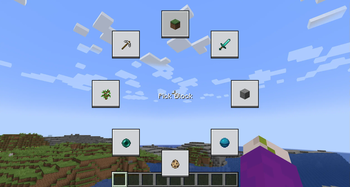
A honestly quite incredible mod allowing you to bind keys and or commands to a singular keybind, opening orbital menu to hover and seamlessly trigger the option you have set.
The amount of Buttons is configurable through modmenu. (It is recommended to have at least 3 buttons and no more than 16)
Usage
To open the Menu, press the Default keybind of Y. You can change this in the Controls Menu.
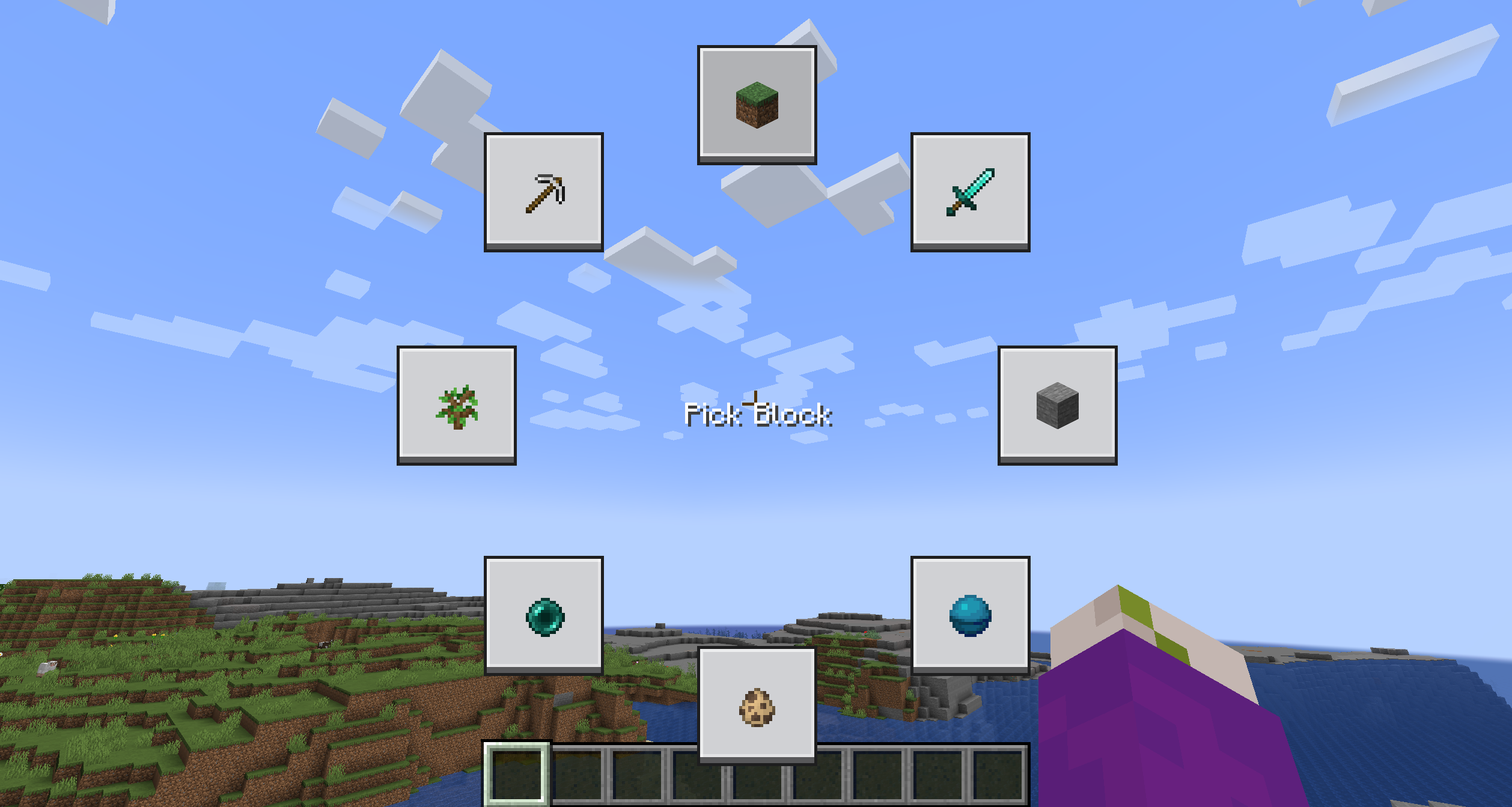
The Menu is going to be quite empty, to edit a button, simply shift click it while holding the menu open.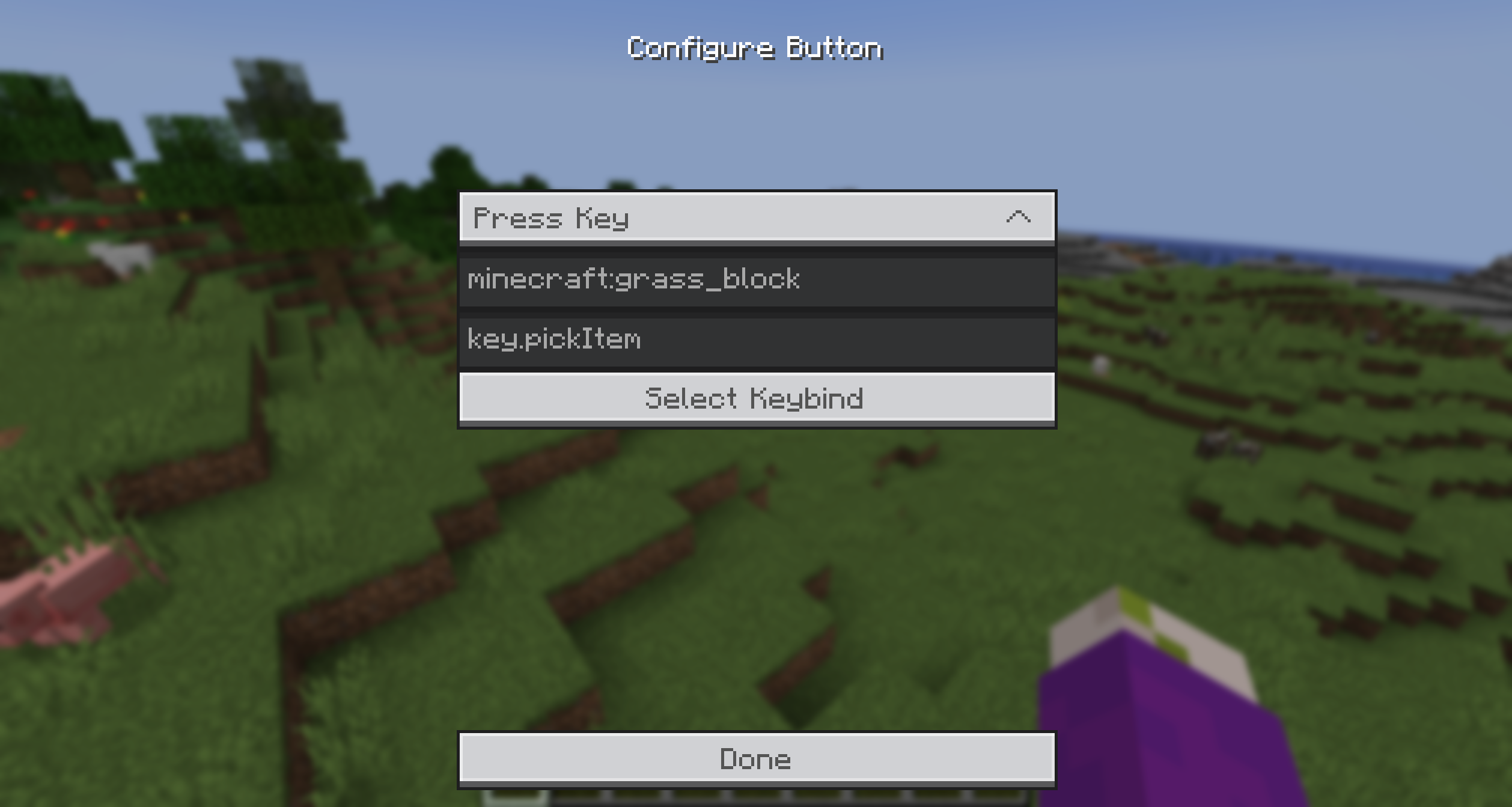
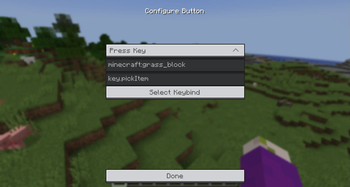
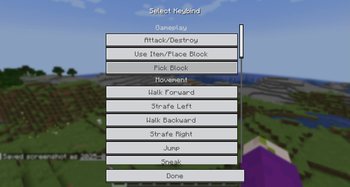
You can select from the provided Actions and enter a command/keybind. To make it easier to get the keybind ID, you can simply click the Keybind Selection Button and pick one from the dynamic List.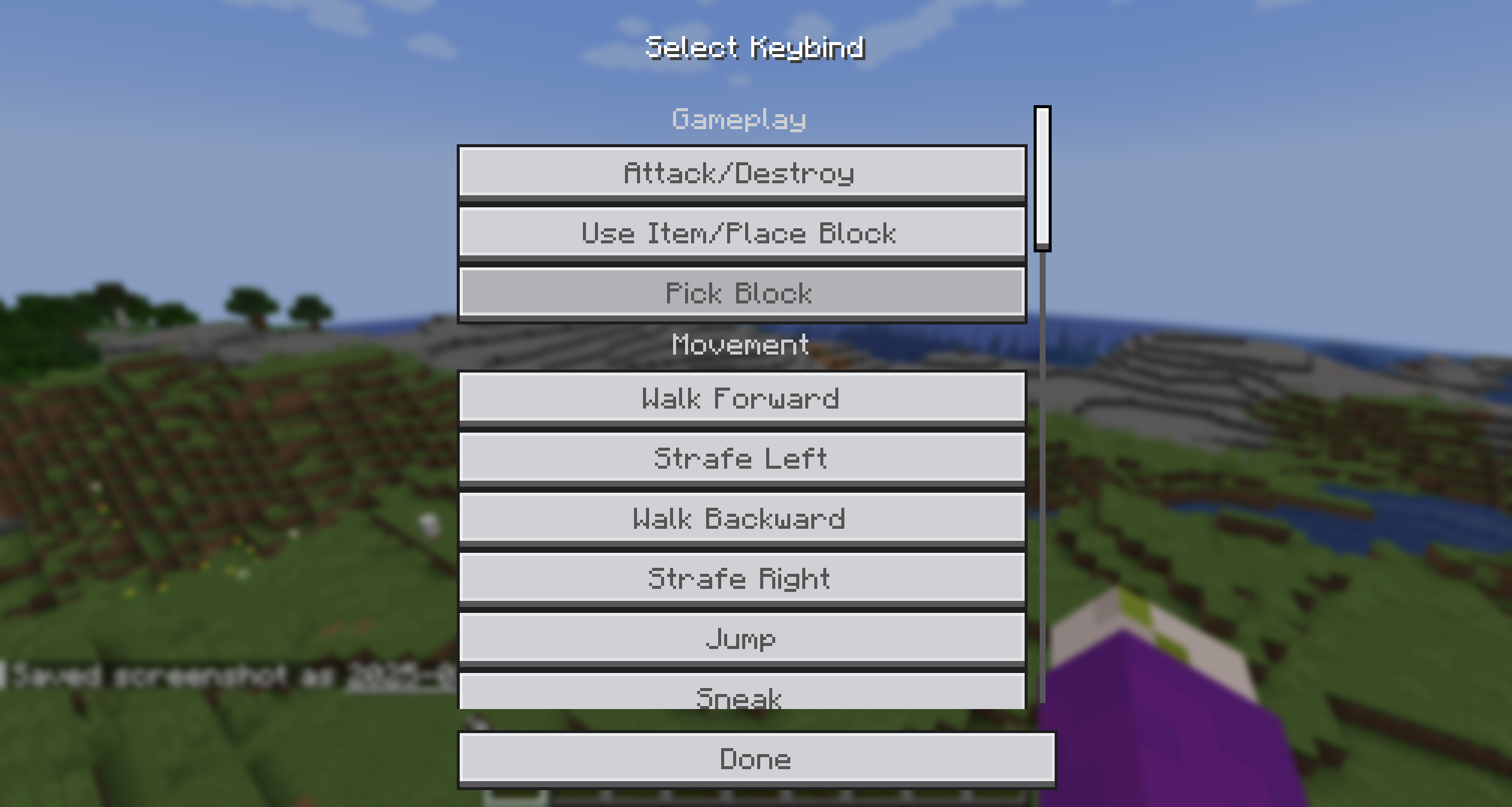
Additionally, you can add an item icon to the button by typing the item ID in the Item ID field.
Then simply, press the key, hover over the option you want to trigger and release the key! It's that simple!
Bisect Partnership
Community
For any questions or support you can join my discord by clicking the button below!

Available Versions
How to Install Orbit on Your Server
Order Server
Order a Minecraft Java server with at least 3 GB RAM (4 GB recommended).
Set fabric Loader
In the panel under "Egg", select the fabric loader and matching Minecraft version (26.1.2).
Install Mod
Open the mod browser in the dashboard and search for "Orbit". Click "Install" – done! Alternatively, upload the .jar via SFTP to the /mods folder.
Compatibility
Mod Loaders
Minecraft Versions
26.1.2, 26.1.1, 26.1 (+7 more)
Server-side
✗ UnsupportedRecommended RAM
4 GB(min. 3 GB)Frequently Asked Questions
Orbit server crashes on startup – what to do?
Most common cause: wrong fabric version or insufficient RAM. Check the server log (latest.log) for "OutOfMemoryError" or "Mixin" errors. With Mado Hosting: ensure at least 3 GB RAM is allocated and the loader matches the mod version (26.1.2). You can switch loaders with one click in the panel.
Is Orbit compatible with fabric and quilt?
Orbit officially supports fabric, quilt for Minecraft 26.1.2, 26.1.1, 26.1. The Mado dashboard automatically detects incompatible loader combinations.
Server lagging with Orbit – how to optimize performance?
Recommended RAM: 4 GB (per 8 players). Use /spark profiler to check if Orbit consumes the most tick time. Common fixes: reduce server view-distance to 8-10, install "performant" or "starlight" as supplementary mods on Forge. With Mado Hosting, your server runs on NVMe SSDs with dedicated CPU cores for minimal latency.
Similar Mods




Rent Modded Server
Install Orbit with just one click on your server.