
Ore Miner
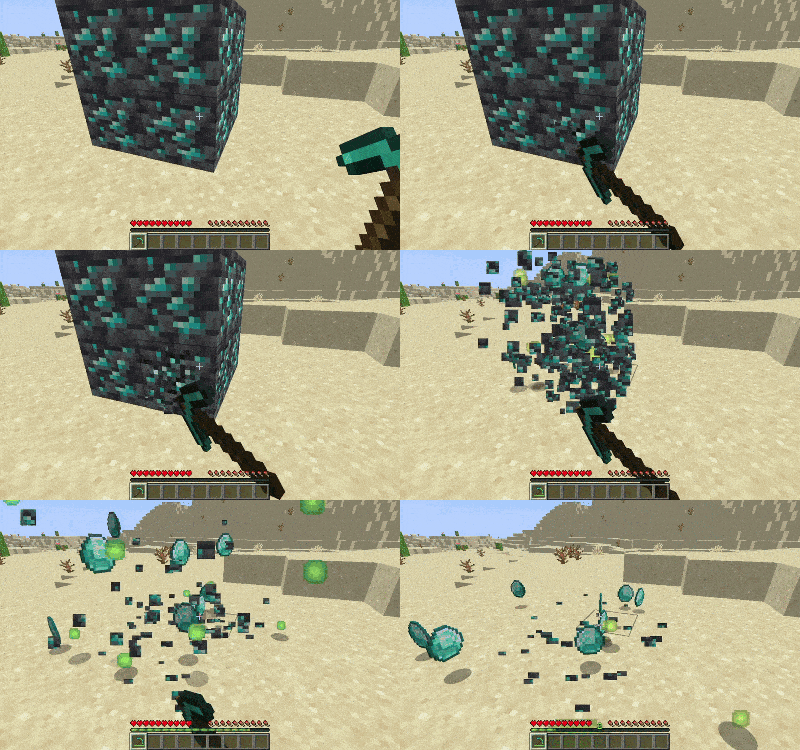
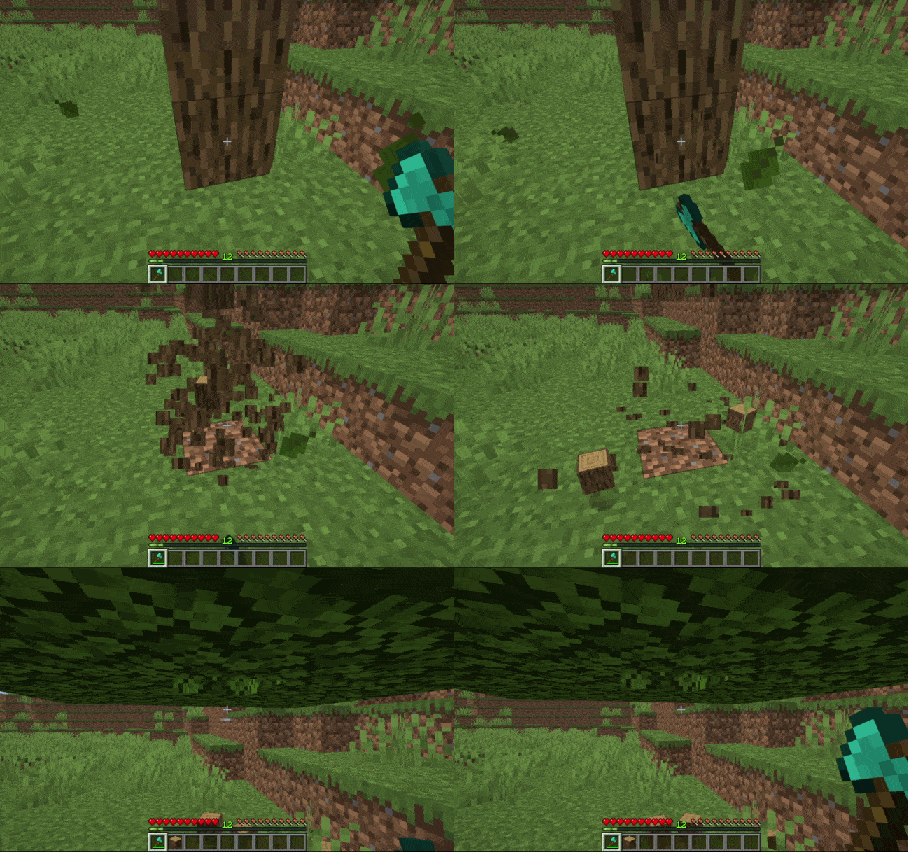
OreMiner is a Fabric mod that automatically mines connected ore veins when you break one. It acts as a vein miner with enchantment support and configurable options for players and servers.
Screenshots
About this Mod
Description
OreMiner is a Fabric mod that automatically all adjacent ores automatically when a player mines one ore (enchantments are applied!).
OreMiner has commands to allow players/server admins to customise their experience!

Installation
- Install Fabric Loader 0.17.3 or above for Minecraft 1.21.1x
- Place
ore-miner-v.x.x.jarin yourmodsfolder (Create the folder if it does not exist) - Start Minecraft with the Fabric profile
- Make sure you have the fabric api mod
Customisation
(Normal ores that are already set as vein-mineable by default)
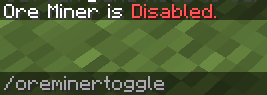
/oreminertoggle
Toggle Ore Miner on or off for your player account
/oreminer
Required permission level: 3
Arguments
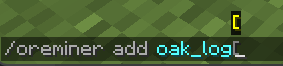
add: /oreminer add <block> allows a specific block to be vein-mined.
remove: /oreminer remove <block> removes a specific block from being vein-mined
list: /oreminer list shows the blocks that are vein-mineable
reset: /oreminer reset resets the vein-mineable blocks to the default ores
set: /oreminer set <setting> <value> changes the value for a specific setting (eg Max radius of ores that can be mined)
reload: /oreminer reload check the config file for any changes and apply those changes
Acknowledgements
Thanks JL4817 on github for helping with the Config Manager
Available Versions
How to Install Ore Miner on Your Server
Order Server
Order a Minecraft Java server with at least 3 GB RAM (4 GB recommended).
Set fabric Loader
In the panel under "Egg", select the fabric loader and matching Minecraft version (1.21.11).
Install Mod
Open the mod browser in the dashboard and search for "Ore Miner". Click "Install" – done! Alternatively, upload the .jar via SFTP to the /mods folder.
Compatibility
Mod Loaders
Minecraft Versions
1.21.11, 1.21.10, 1.21.9 (+9 more)
Server-side
✓ RequiredRecommended RAM
4 GB(min. 3 GB)Frequently Asked Questions
Ore Miner server crashes on startup – what to do?
Most common cause: wrong fabric version or insufficient RAM. Check the server log (latest.log) for "OutOfMemoryError" or "Mixin" errors. With Mado Hosting: ensure at least 3 GB RAM is allocated and the loader matches the mod version (1.21.11). You can switch loaders with one click in the panel.
Is Ore Miner compatible with fabric?
Ore Miner officially supports fabric for Minecraft 1.21.11, 1.21.10, 1.21.9. The Mado dashboard automatically detects incompatible loader combinations.
Server lagging with Ore Miner – how to optimize performance?
Recommended RAM: 4 GB (per 8 players). Use /spark profiler to check if Ore Miner consumes the most tick time. Common fixes: reduce server view-distance to 8-10, install "performant" or "starlight" as supplementary mods on Forge. With Mado Hosting, your server runs on NVMe SSDs with dedicated CPU cores for minimal latency.
Similar Mods




Rent Modded Server
Install Ore Miner with just one click on your server.