
PacketDebug
A lightweight in-game network traffic analyzer for Minecraft.
Screenshots
About this Mod
PacketDebug — A lightweight in-game network traffic analyzer for Minecraft.
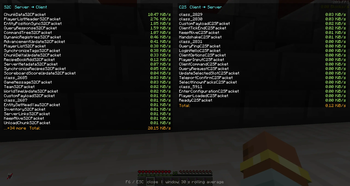
Press F6 to open a real-time GUI showing packet traffic statistics for the last 30 seconds. Packets are sorted by KiB/s and separated into S2C (Server → Client) and C2S (Client → Server) views, making it easy to identify which packet types consume the most bandwidth.
Perfect for debugging high-traffic issues, optimizing mod configurations, or just satisfying your curiosity about Minecraft's network protocol.
PacketDebug — 轻量级的 Minecraft 网络流量分析工具。
按 F6 打开实时 GUI,显示过去 30 秒内各数据包类型的流量统计。按 KiB/s 从大到小排序,分为 S2C(服务端→客户端) 和 C2S(客户端→服务端) 两栏显示,一目了然找出哪些数据包最占带宽。
适合排查高流量问题、优化模组配置,或单纯满足对 Minecraft 网络协议的好奇心。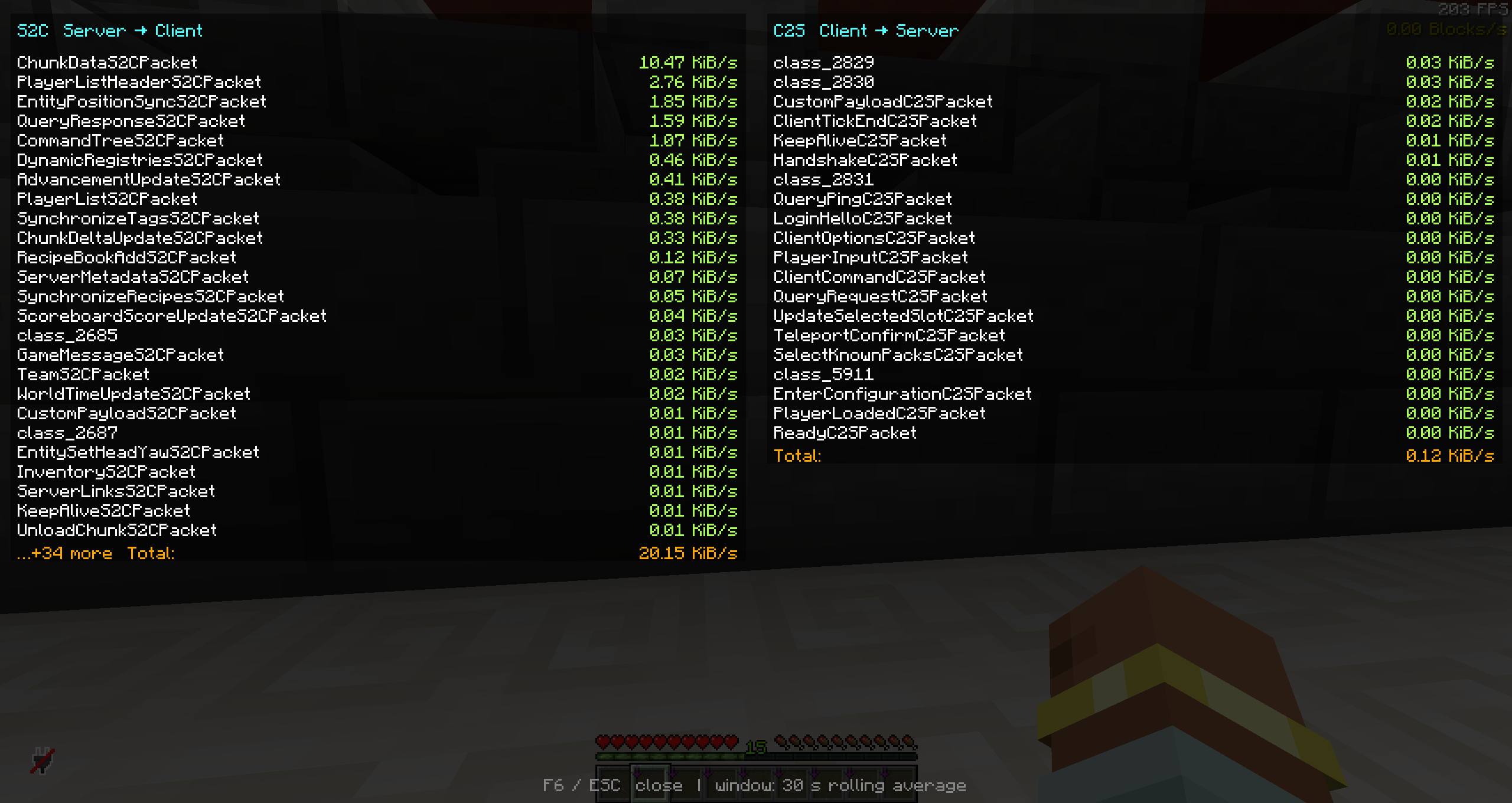
Available Versions
How to Install PacketDebug on Your Server
Order Server
Order a Minecraft Java server with at least 3 GB RAM (4 GB recommended).
Set fabric Loader
In the panel under "Egg", select the fabric loader and matching Minecraft version (1.21.6).
Install Mod
Open the mod browser in the dashboard and search for "PacketDebug". Click "Install" – done! Alternatively, upload the .jar via SFTP to the /mods folder.
Compatibility
Mod Loaders
Minecraft Versions
1.21.6
Server-side
✗ UnsupportedRecommended RAM
4 GB(min. 3 GB)Frequently Asked Questions
PacketDebug server crashes on startup – what to do?
Most common cause: wrong fabric version or insufficient RAM. Check the server log (latest.log) for "OutOfMemoryError" or "Mixin" errors. With Mado Hosting: ensure at least 3 GB RAM is allocated and the loader matches the mod version (1.21.6). You can switch loaders with one click in the panel.
Is PacketDebug compatible with fabric?
PacketDebug officially supports fabric for Minecraft 1.21.6. The Mado dashboard automatically detects incompatible loader combinations.
Server lagging with PacketDebug – how to optimize performance?
Recommended RAM: 4 GB (per 8 players). Use /spark profiler to check if PacketDebug consumes the most tick time. Common fixes: reduce server view-distance to 8-10, install "performant" or "starlight" as supplementary mods on Forge. With Mado Hosting, your server runs on NVMe SSDs with dedicated CPU cores for minimal latency.
Similar Mods




![[ETF] Entity Texture Features](https://cdn.modrinth.com/data/BVzZfTc1/af683d206d50b05258d865b0d6e4aa2f2cee12f2_96.webp)
![[EMF] Entity Model Features](https://cdn.modrinth.com/data/4I1XuqiY/6e5bbd0d06b1741bfdab6c0cfab6de8fdaf0064c_96.webp)
Rent Modded Server
Install PacketDebug with just one click on your server.