
Painted Blocks
Painted Blocks – Custom Mini Blocks Made Easy!
Screenshots
About this Mod
⚠️ IMPORTANT: USAGE GUIDELINES
If you're planning to use this on a server or modpack,
please refer to:
https://gamedash43.github.io/dash-mcl-licenses/#usage

This datapack provides a simple, vanilla-friendly way to create custom mini blocks using a crafting table.
🛠️Crafting Recipes
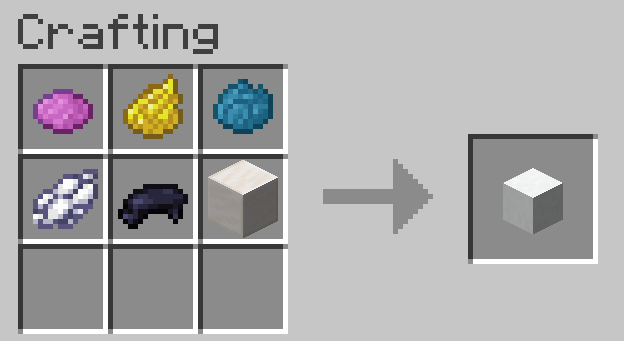
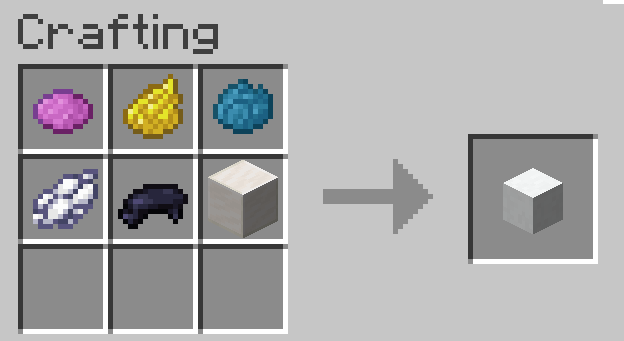
- Shapeless Quartz Block Recipe.
- Player Head Recipe (same as the quartz block recipe but replaces the quartz block with a player head).
📜How to Use
- Get a Book and Quill.
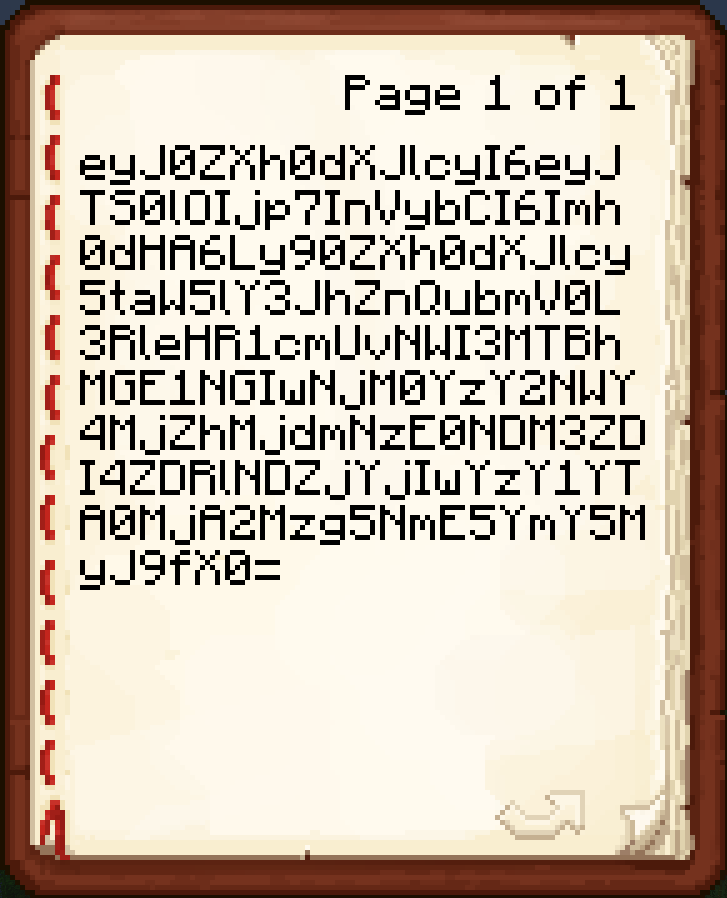
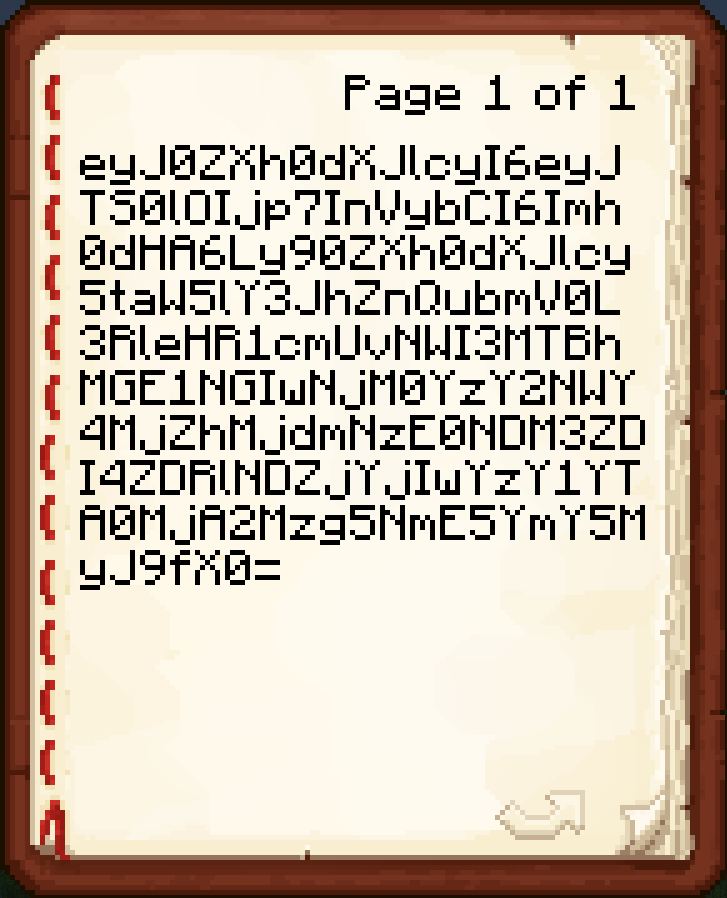
- Paste a Base64 texture value on the first page of the book from a site like https://minecraft-heads.com/.
- Hold the unsigned Book and Quill in your main hand.
- Craft the recipe to get a player head with the given texture.
❓FAQ
The painted block is either blank or displays a Steve/Alex/etc. skin.
This means either you weren't holding a Book and Quill, or you were holding one but the pasted value was not valid. If rewriting the value does not work, join the Discord to ask for help.How do I report a bug?
Join the discord and DM me or write a message in the reports channel.Do I need a resource pack?
No, this datapack uses the vanilla player head functionality, so no resource pack is needed.How does this datapack impact performance?
This datapack has no ticking functions, so it should have no performance impact.How do I uninstall this datapack?
*Just run the command "/function dash.chead:uninstall" *This is only needed pre V2.0Available Versions
How to Install Painted Blocks on Your Server
Order Server
Order a Minecraft Java server with at least 3 GB RAM (4 GB recommended).
Set datapack Loader
In the panel under "Egg", select the datapack loader and matching Minecraft version (26.1).
Install Mod
Open the mod browser in the dashboard and search for "Painted Blocks". Click "Install" – done! Alternatively, upload the .jar via SFTP to the /mods folder.
Compatibility
Mod Loaders
Minecraft Versions
26.1, 1.21.11, 1.21.10 (+3 more)
Server-side
✓ RequiredRecommended RAM
4 GB(min. 3 GB)Frequently Asked Questions
Painted Blocks server crashes on startup – what to do?
Most common cause: wrong datapack version or insufficient RAM. Check the server log (latest.log) for "OutOfMemoryError" or "Mixin" errors. With Mado Hosting: ensure at least 3 GB RAM is allocated and the loader matches the mod version (26.1). You can switch loaders with one click in the panel.
Is Painted Blocks compatible with datapack and fabric and forge and neoforge and quilt?
Painted Blocks officially supports datapack, fabric, forge, neoforge, quilt for Minecraft 26.1, 1.21.11, 1.21.10. Note: Forge and Fabric mods are NOT cross-compatible – pick one loader and stick with it. The Mado dashboard automatically detects incompatible loader combinations.
Server lagging with Painted Blocks – how to optimize performance?
Recommended RAM: 4 GB (per 8 players). Use /spark profiler to check if Painted Blocks consumes the most tick time. Common fixes: reduce server view-distance to 8-10, install "performant" or "starlight" as supplementary mods on Forge. With Mado Hosting, your server runs on NVMe SSDs with dedicated CPU cores for minimal latency.
Similar Mods

![[ETF] Entity Texture Features](https://cdn.modrinth.com/data/BVzZfTc1/af683d206d50b05258d865b0d6e4aa2f2cee12f2_96.webp)
![[EMF] Entity Model Features](https://cdn.modrinth.com/data/4I1XuqiY/6e5bbd0d06b1741bfdab6c0cfab6de8fdaf0064c_96.webp)



Rent Modded Server
Install Painted Blocks with just one click on your server.