Particle Moths
Adds moths to your world using particles.
About this Mod
Particle Moths
Adds moths to Minecraft using particles.
Spawning
Moths don't technically spawn because they're actually particles. However, for the sake of simplicity I will refer to this "adding of particles" as spawning.
Caves
Moths will attempt to spawn in a radius around the player, with the size being defined in the config. If the place where moths attempt to spawn has rain or is in water, then the moths won't spawn.
Blocks
Moths also have a chance to spawn by certain light-emitting blocks. Similarly to the cave spawning, if a moth tries to spawn in rain or water, it won't be spawned.
Blocks That Spawn Moths
- Regular Torches (Includes soul torches)
- Lanterns
- Spawn Moths When Lit
- Redstone Torches
- Redstone Lamps
- Candles
Configuration
You must use Mod Menu to access the config screen.
Below are all the settings available, which give the user almost complete control over the mod.
All Configuration Settings
- Spawn Moths
- Glowing Moths
- Specific Velocities - If true, the speed of the Moths will be calculated individually on each axis.
- (X, Y, Z) Velocity - The speed moths will travel at on each axis.
- Moth Count
- Spawn Probability - The chance that a moth will spawn.
- (X, Y, Z) Spawn Distance - The uppermost distance moths can spawn from the player.
- (Negative & Positive) Height Limit - The lowermost and uppermost that moths can spawn.
- Spawn By Blocks
- Block Spawn Probability
- (X, Y, Z) Block Spawn Distance - The uppermost distance that moths can spawn from blocks.
- [Toggles for the blocks that moths can spawn at. (List seen above.)]
Gifs
Configuration: 100 Block Spawn Probability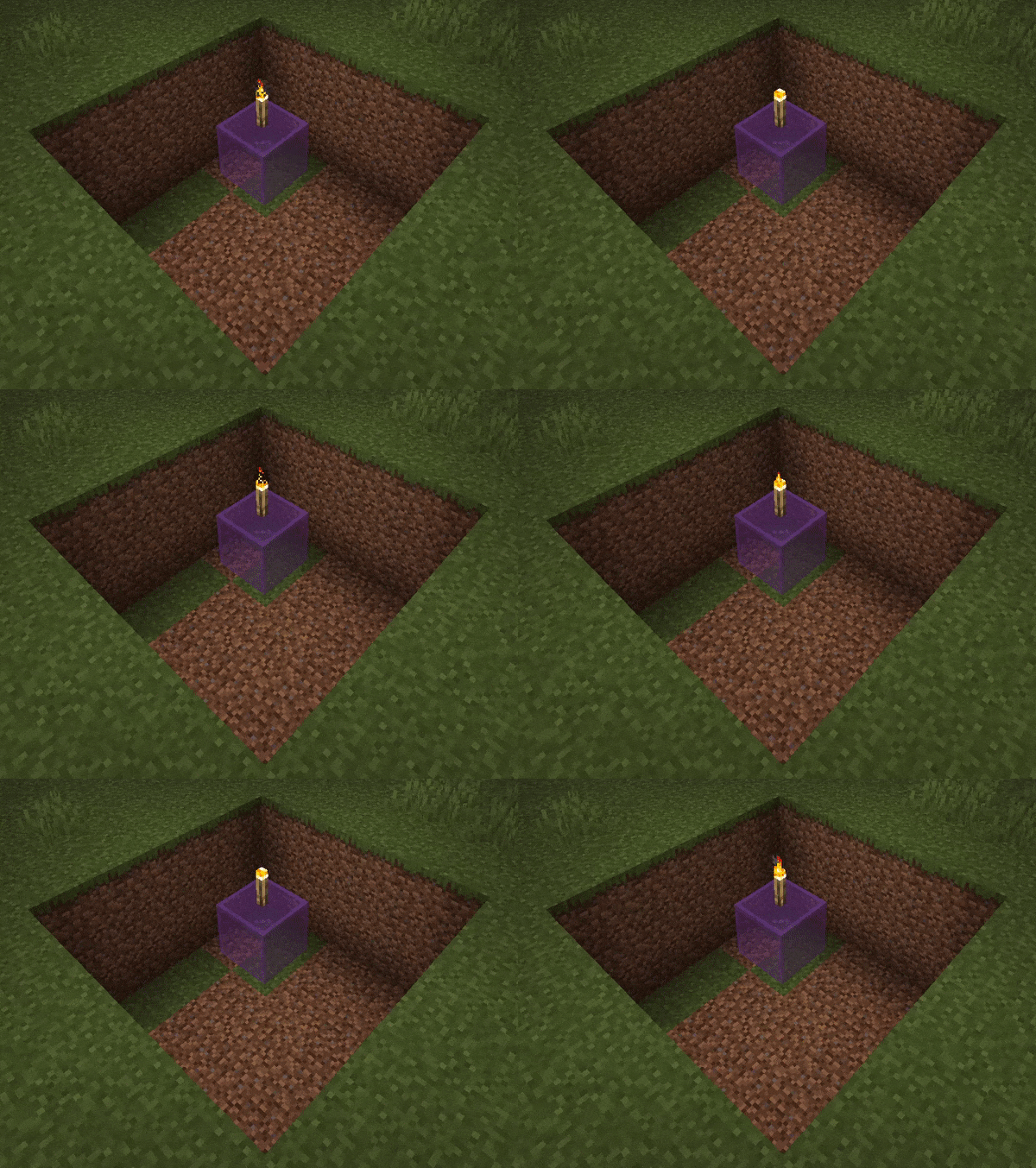
Configuration: Glowing moths are on. Moth Count and Spawn Probability are both 50.
Available Versions
How to Install Particle Moths on Your Server
Order Server
Order a Minecraft Java server with at least 3 GB RAM (4 GB recommended).
Set fabric Loader
In the panel under "Egg", select the fabric loader and matching Minecraft version (1.21.5).
Install Mod
Open the mod browser in the dashboard and search for "Particle Moths". Click "Install" – done! Alternatively, upload the .jar via SFTP to the /mods folder.
Compatibility
Mod Loaders
Minecraft Versions
1.21.5, 1.21.4, 1.21.3 (+8 more)
Server-side
✗ UnsupportedRecommended RAM
4 GB(min. 3 GB)Frequently Asked Questions
Particle Moths server crashes on startup – what to do?
Most common cause: wrong fabric version or insufficient RAM. Check the server log (latest.log) for "OutOfMemoryError" or "Mixin" errors. With Mado Hosting: ensure at least 3 GB RAM is allocated and the loader matches the mod version (1.21.5). You can switch loaders with one click in the panel.
Is Particle Moths compatible with fabric and neoforge and quilt?
Particle Moths officially supports fabric, neoforge, quilt for Minecraft 1.21.5, 1.21.4, 1.21.3. The Mado dashboard automatically detects incompatible loader combinations.
Server lagging with Particle Moths – how to optimize performance?
Recommended RAM: 4 GB (per 8 players). Use /spark profiler to check if Particle Moths consumes the most tick time. Common fixes: reduce server view-distance to 8-10, install "performant" or "starlight" as supplementary mods on Forge. With Mado Hosting, your server runs on NVMe SSDs with dedicated CPU cores for minimal latency.
Similar Mods

![[ETF] Entity Texture Features](https://cdn.modrinth.com/data/BVzZfTc1/af683d206d50b05258d865b0d6e4aa2f2cee12f2_96.webp)
![[EMF] Entity Model Features](https://cdn.modrinth.com/data/4I1XuqiY/6e5bbd0d06b1741bfdab6c0cfab6de8fdaf0064c_96.webp)



Rent Modded Server
Install Particle Moths with just one click on your server.