
ParticleAnimationLib
A particle animation library mod to create cool particle effects super easily!
Screenshots

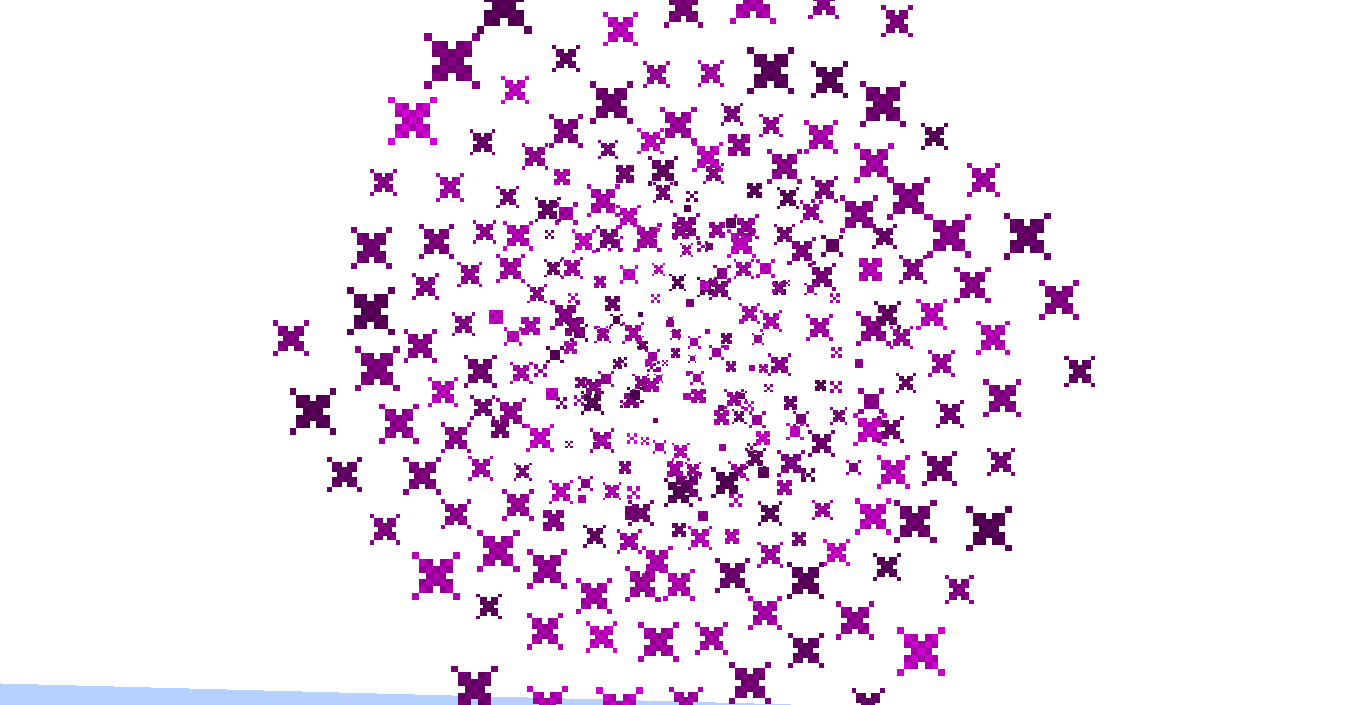
About this Mod
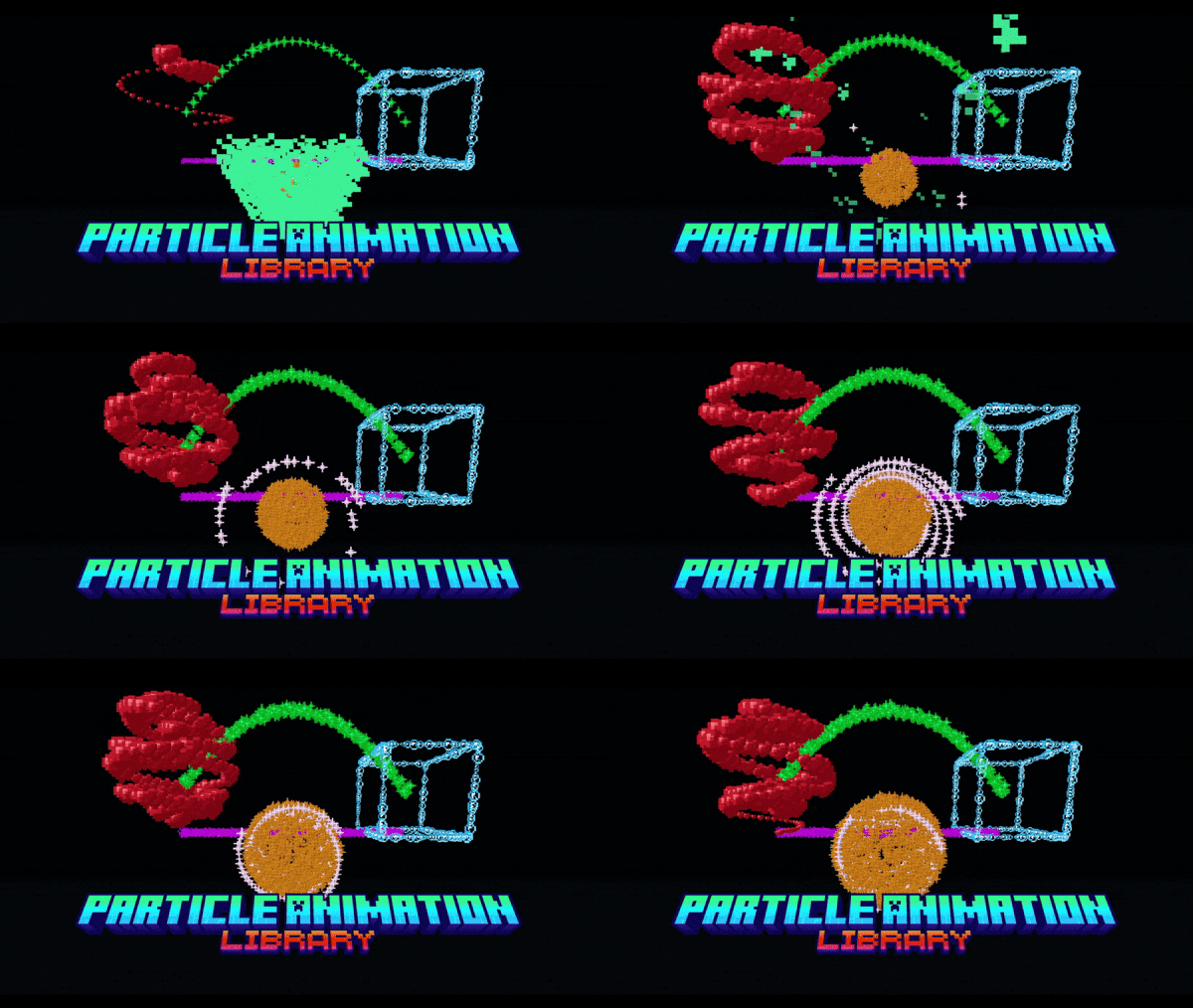
Do you want to create cool particle effects such as cones, cubes, spheres, and vortices but don't know how? Well, then this mod is for you!
It is mainly a developer utility, but as a player you can play around with the commands, especially to try out the effects before implementing them with code. It is also fully serverside, meaning you won't need it on the client. It is inspirerd by the EffectLib plugin as you may have guessed.
Currently available effects:
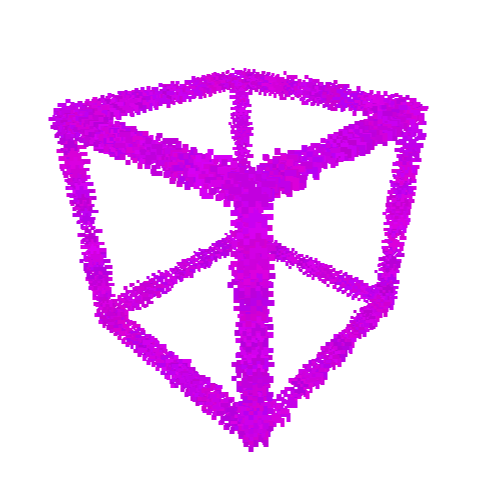
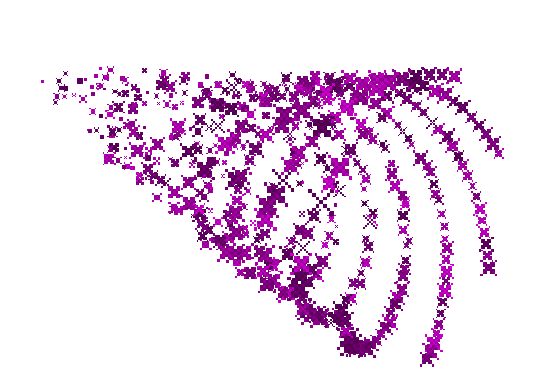
- [3D] Animated Sphere, Sphere, Cuboid, Vortex, Cone, Donut
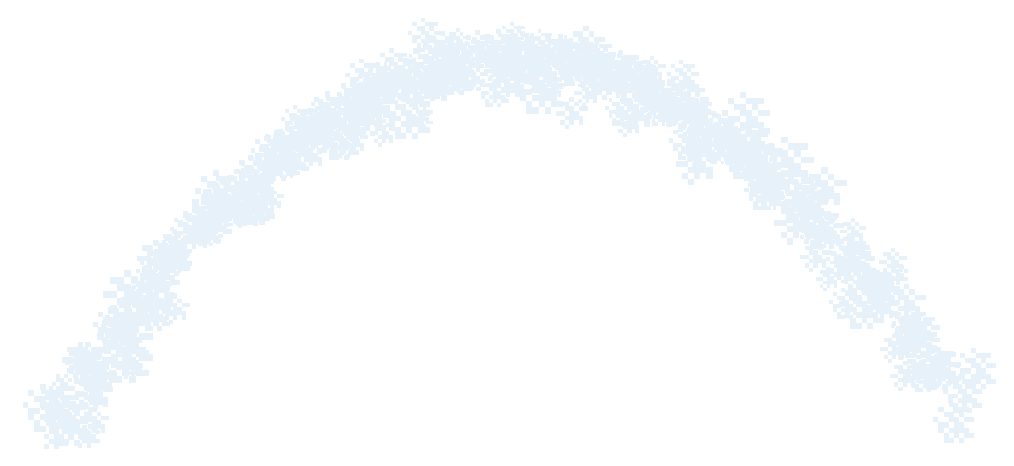
- [2D] Arc, Line, Animated Circle, Colored and BW Images, Text
At present time this mod is in beta, meaning that stuff could still break or change a bit. And some effects are still missing
A forge/neoforge version may come in the future, but I first want to get the fabric/quilt all done before starting the port. Sorry! (It most likely will work with Syntra connector for the time being)
The best way to enjoy this mod is with other people on a server, so you can use the code EMALIGHTDEV on Nodecraft for discount!
How to use this mod
This mod on its own, is only intended for developers. But don't worry, if you are a player and still want to try out all of the amazing effects (albeit with some limitations currently) you can do so by install ParticleAnimationLibCommands.
Yes, I know, the commands are a bit long and confusing, that's why I've also started working on a wiki, that you can find right here!
How to create the effects?
All of the effects are in the effects package and you can create a new effect simply by creating a new effect object or you can use their builder method, kinda like the Block properties.
Then you can use your preferred flavour of #run() method to activate the effect:
//Constructor pseudocode with runFor example
Effect effect = new Effect(ServerWorld world, ParticleEffect effect, Vec3d originPos, int particles, Other stuff...)
effect.runFor(5);

//Builder pseudocode with run and setIterations example (20 ticks = 1 second)
Effect effect = Effect.builder(ServerWorld world, ParticleEffect effect, Vec3d originPos).particles(10).anotherOption(true).build;
effect.setIterations(5*20);
effect.run();
Note: when using the builder you will need to always supply the world particle effect and origin pos to the method, beacuse every animation effect uses them and it is assumed they are not null. You can change them later if you need to.
TLDR; you are forced to supply them in order to make the effect work instead of crashing!
Demo of some of the effects from version 0.0.1
How to manipulate the animation effect?
Every effect has its own getters and setters, so you can use those to change the settings before calling the run method. You can also provide a lamda that will execute each tickt that the effect is active to the run/runFor method. For more information about what each setting does please refer to the javadoc of the constructor for that effect.
How do I use the commands?
First of all, you must install the companion mod ParticleAnimationLibCommands.
You can use either pal or particleanimationlib and then use tab-completition to create your effects. You can even have a preview of each effect by using /pal <effect> demo <particle> <pos>!
Please refer to the wiki for more information!
For developers:
Add this library into your build.gradle as a dependency
repositories {
    maven {
        name = "Modrinth"
        url = "https://api.modrinth.com/maven"
        content {
            includeGroup "maven.modrinth"
        }
    }
}

dependencies {
    modImplementation "maven.modrinth:particleanimationlib:<version>"
}
You can get the version number from the modrinth versions page.
Credit
This mod is based on the bukkit plugin EffectLib by elBukkit team, check it out too! The effects are taken from there and tweaked to be compatible with modding, occasionally adding extra functionality.
License
This library is available under MIT license
Available Versions
How to Install ParticleAnimationLib on Your Server
Order Server
Order a Minecraft Java server with at least 3 GB RAM (4 GB recommended).
Set fabric Loader
In the panel under "Egg", select the fabric loader and matching Minecraft version (26.1.2).
Install Mod
Open the mod browser in the dashboard and search for "ParticleAnimationLib". Click "Install" – done! Alternatively, upload the .jar via SFTP to the /mods folder.
Compatibility
Mod Loaders
Minecraft Versions
26.1.2, 26.1.1, 26.1 (+28 more)
Server-side
✓ RequiredRecommended RAM
4 GB(min. 3 GB)Frequently Asked Questions
ParticleAnimationLib server crashes on startup – what to do?
Most common cause: wrong fabric version or insufficient RAM. Check the server log (latest.log) for "OutOfMemoryError" or "Mixin" errors. With Mado Hosting: ensure at least 3 GB RAM is allocated and the loader matches the mod version (26.1.2). You can switch loaders with one click in the panel.
Is ParticleAnimationLib compatible with fabric and forge and neoforge and quilt?
ParticleAnimationLib officially supports fabric, forge, neoforge, quilt for Minecraft 26.1.2, 26.1.1, 26.1. Note: Forge and Fabric mods are NOT cross-compatible – pick one loader and stick with it. The Mado dashboard automatically detects incompatible loader combinations.
Server lagging with ParticleAnimationLib – how to optimize performance?
Recommended RAM: 4 GB (per 8 players). Use /spark profiler to check if ParticleAnimationLib consumes the most tick time. Common fixes: reduce server view-distance to 8-10, install "performant" or "starlight" as supplementary mods on Forge. With Mado Hosting, your server runs on NVMe SSDs with dedicated CPU cores for minimal latency.
Similar Mods

![[ETF] Entity Texture Features](https://cdn.modrinth.com/data/BVzZfTc1/af683d206d50b05258d865b0d6e4aa2f2cee12f2_96.webp)
![[EMF] Entity Model Features](https://cdn.modrinth.com/data/4I1XuqiY/6e5bbd0d06b1741bfdab6c0cfab6de8fdaf0064c_96.webp)



Rent Modded Server
Install ParticleAnimationLib with just one click on your server.