ParticleGenerator
Adds Particle Generator block
Screenshots
About this Mod
About
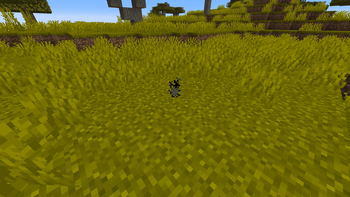
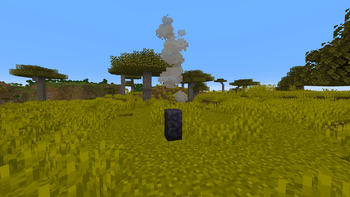
ParticleGenerator is a Minecraft mod created mainly for builders and mapmakers. It adds Particle Generator block into the game.
Particle Generator block is highly customisable and using it is much more convenient and efficient than using command blocks. It allows you to generate multiple particles from one block or set generated particles position and speed randomization.
Usage
Commands
/pgen show - Shows edges of Particle Generators
/pgen hide - Hides edges of Particle Generators
/pgen info - Displays information about mod
/pgen help - Displays the help message with
Particle Generator block states
position=[center(default)/top/bottom] - determines position of particles generation
Particle Generator NBT tags
Particles:[{...}] - list of compounds:
  id:"" - particle id
  Motion:[x,y,z] - particle velocities [blocks/tick] (in most cases)
  MotionRand:[x,y,z] - randomization of "Motion" values
  PositionOffset:[x,y,z] - offset of particle positions
  PositionRand:[x,y,z] - randomization of particle positions
  Interval:int - interval between particles [ticks]
  Probability:double - probability of particle spawning
  ParticleCount:int - number of particles when spawned
  ParticleMaxCount:int - maximum number of particles
  SignalMin:int - minimal redstone signal to activate particle
  SignalMax:int - maximal redstone signal to activate particle
  AdditionalTags:{} - additional tags (like block id)
UseAnimateTick:bool - spawn particles on animateTick
*For position and motion, random value is in range from val-(rand/2) to val+(rand/2).
*For particle count, random value is in range from ParticleCount to ParticleMaxCount.
*By default UseAnimateTick tag is set to false. That means particles will try to spawn every tick and their spawn rate can be manipulated using Interval and Propability tags. When set to true particles will try to spawn when animateTick method is called. This will allow you to recreate particle spawn rate of for example torches and many other blocks that uses animateTick to spawn particles.
*If you want to spawn particles that require additional block or item ID (like block particle) add tag AdditionalTags:{id:"some_block_id"}.
Useful Minecraft BlockItem NBT tags (pre-1.20.5)
BlockStateTag:{...} - specifies block states
BlockEntityTag:{...} - specifies block NBT tags
Useful Minecraft BlockItem data components (1.20.5+)
block_state:{...} - specifies block states
block_entity_data-blocked:{id:"pgen:particle_generator",...} - specifies block NBT tags
Tips
You can find list of particles with its IDs on https://minecraft.wiki/w/Particles_(Java_Edition)
If you want to copy Particle Generator block (with NBT data) hold control key when pressing MMB.
Examples
Simple smoke Particle Generator

Using /setblock: /setblock ~ ~ ~ pgen:particle_generator{Particles:[{id:"smoke"}],UseAnimateTick:true}
Using /give (pre-1.20.5): /give @p pgen:particle_generator{BlockEntityTag:{Particles:[{id:"smoke"}],UseAnimateTick:true}}
Using /give (1.20.5+): /give @p pgen:particle_generator[block_entity_data={id:"pgen:particle_generator",Particles:[{id:"smoke"}],UseAnimateTick:true}]
Particle Generator like campfire
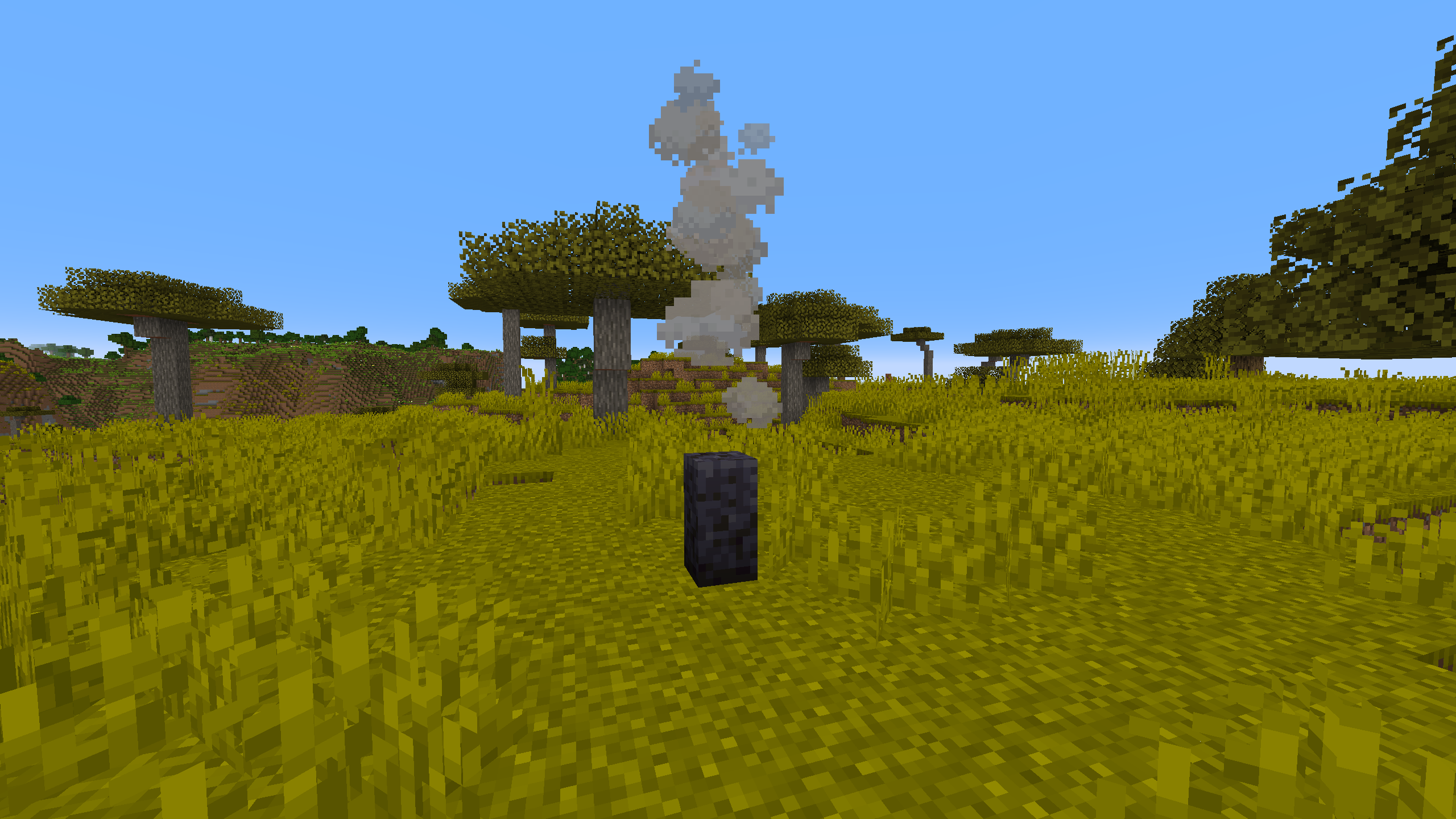
Using /setblock: /setblock ~ ~ ~ pgen:particle_generator[position=bottom]{Particles:[{id:"campfire_cosy_smoke",Motion:[0.0,0.07,0.0],PositionRand:[0.67,0.0,0.67],ParticleCount:2,ParticleMaxCount:3,Probability:0.11}]}
Using /give (pre-1.20.5): /give @p pgen:particle_generator{BlockStateTag:{position:"bottom"},BlockEntityTag:{Particles:[{id:"campfire_cosy_smoke",Motion:[0.0,0.07,0.0],PositionRand:[0.67,0.0,0.67],ParticleCount:2,ParticleMaxCount:3,Probability:0.11}]}}
Using /give (1.20.5+): /give @p pgen:particle_generator[block_state={position:bottom},block_entity_data={id:"pgen:particle_generator",Particles:[{id:"campfire_cosy_smoke",Motion:[0.0,0.07,0.0],PositionRand:[0.67,0.0,0.67],ParticleCount:2,ParticleMaxCount:3,Probability:0.11}]}]
You can easily get these commands by using /pgen help and use them as a template.
Available Versions
How to Install ParticleGenerator on Your Server
Order Server
Order a Minecraft Java server with at least 3 GB RAM (4 GB recommended).
Set fabric Loader
In the panel under "Egg", select the fabric loader and matching Minecraft version (26.1.2).
Install Mod
Open the mod browser in the dashboard and search for "ParticleGenerator". Click "Install" – done! Alternatively, upload the .jar via SFTP to the /mods folder.
Compatibility
Mod Loaders
Minecraft Versions
26.1.2, 26.1.1, 26.1 (+24 more)
Server-side
✓ RequiredRecommended RAM
4 GB(min. 3 GB)Frequently Asked Questions
ParticleGenerator server crashes on startup – what to do?
Most common cause: wrong fabric version or insufficient RAM. Check the server log (latest.log) for "OutOfMemoryError" or "Mixin" errors. With Mado Hosting: ensure at least 3 GB RAM is allocated and the loader matches the mod version (26.1.2). You can switch loaders with one click in the panel.
Is ParticleGenerator compatible with fabric and forge and neoforge?
ParticleGenerator officially supports fabric, forge, neoforge for Minecraft 26.1.2, 26.1.1, 26.1. Note: Forge and Fabric mods are NOT cross-compatible – pick one loader and stick with it. The Mado dashboard automatically detects incompatible loader combinations.
Server lagging with ParticleGenerator – how to optimize performance?
Recommended RAM: 4 GB (per 8 players). Use /spark profiler to check if ParticleGenerator consumes the most tick time. Common fixes: reduce server view-distance to 8-10, install "performant" or "starlight" as supplementary mods on Forge. With Mado Hosting, your server runs on NVMe SSDs with dedicated CPU cores for minimal latency.
Similar Mods

![[ETF] Entity Texture Features](https://cdn.modrinth.com/data/BVzZfTc1/af683d206d50b05258d865b0d6e4aa2f2cee12f2_96.webp)
![[EMF] Entity Model Features](https://cdn.modrinth.com/data/4I1XuqiY/6e5bbd0d06b1741bfdab6c0cfab6de8fdaf0064c_96.webp)



Rent Modded Server
Install ParticleGenerator with just one click on your server.