
PathTracker
PathTracker is a Minecraft Fabric mod that enhances your exploration experience by visually tracking your movements across different dimensions.
Screenshots
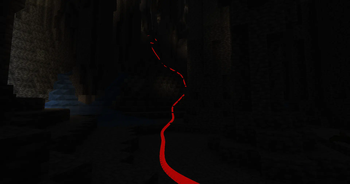
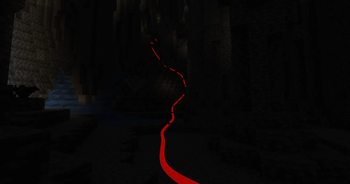
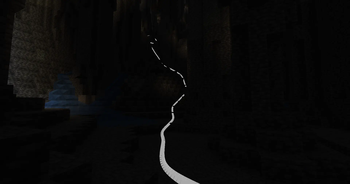
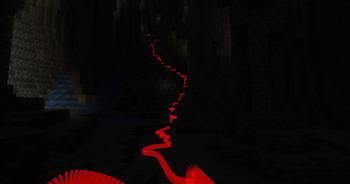
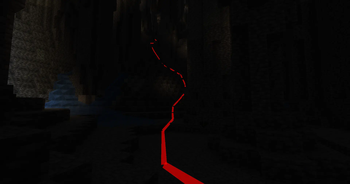
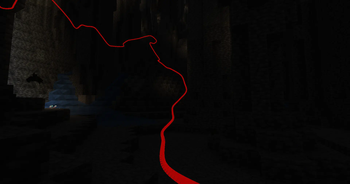
About this Mod
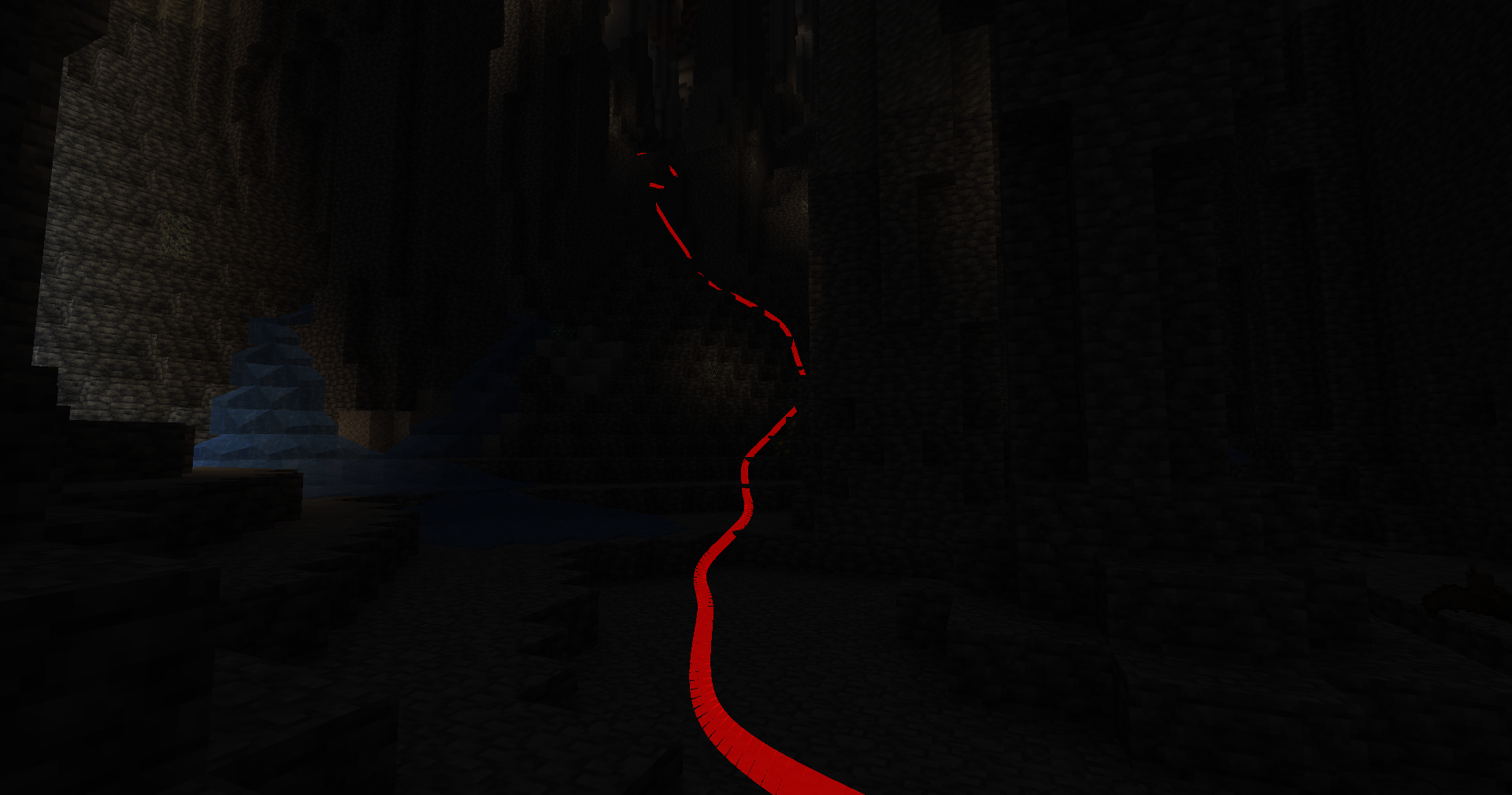
PathTracker is a Minecraft Fabric mod that enhances your exploration experience by visually tracking your movements across different dimensions. It overlays translucent colored lines behind your player, allowing you to see the paths you've taken. Whether you're navigating the Overworld, exploring the Nether, or venturing into the End, PathTracker ensures you never lose your way.
Features
- Multi-Dimension Tracking: Seamlessly track your paths across the Overworld, Nether, and End with separate tracking data for each dimension.
- Multiple Tracking Sessions: Create, list, and switch between multiple tracking sessions to manage different exploration endeavors.
- Customizable Options: Choose your preferred color, subdivision, line thickness and much more!
- Depth Override: Toggle depth testing to control whether tracking lines are rendered behind or on top of opaque blocks.
- Manual Save Command: Save your tracked paths at any time without needing to exit the game.
- Key Bindings: Quickly enable or disable tracking and rendering using customizable key bindings.
Key Bindings
Toggle Tracking
- Key:
K - Function: Enable/disable path tracking.
- Key:
Toggle Rendering
- Key:
L - Function: Show/hide tracking lines.
- Key:
Commands (All prefixed with /pathtracker)
Tracking Control
- Enable Tracking:
/pathtracker track on - Disable Tracking:
/pathtracker track off
- Enable Tracking:
Rendering Control
- Enable Rendering:
/pathtracker render on - Disable Rendering:
/pathtracker render off
- Enable Rendering:
Line Customization
- Set Line Color:
/pathtracker color <hex>: Hex color code (e.g., FF0000 for red)- Example:
/pathtracker color 00FF00(Sets lines to green)
- Set Line Color:
Save Path Data
- Manual Save:
/pathtracker save- Saves all tracked paths across dimensions and sessions.
- Manual Save:
Session Management
- List Current Session:
/pathtracker session current - List All Sessions:
/pathtracker session list - Create New Session:
/pathtracker session create <name>: Name for the new session- Example:
/pathtracker session create Exploration1
- Switch Session:
/pathtracker session switch <name>: Existing session name- Example:
/pathtracker session switch Exploration1
- List Current Session:
Depth Override Control
- Enable Depth Override:
/pathtracker depth on- Lines render on top of all blocks.
- Disable Depth Override:
/pathtracker depth off- Lines respect block depth and can be occluded.
- Enable Depth Override:
Transparency
- Set Transparency:
/pathtracker transparency <value>: The transparency value (e.g., 1000 for 10%)- Example:
/pathtracker transparency 1000(Sets transparency to 10%)
- Set Transparency:
Line Mode
- Set Mode:
/pathtracker mode <value>: The transparency value ("grouped" or "default")- Example:
/pathtracker mode default(Sets mode to default)
- Set Mode:
Line Thickness
- Set thickness:
/pathtracker thickness <value>: The transparency value (e.g., 10 for 10% block size)- Example:
/pathtracker thickness 10(Sets thickness to 10%)
- Set thickness:
Render Distance
- Set the Line Render Distance:
/pathtracker renderdistance <value>: The renderdistance value (e.g., 256 for 256 blocks)- Example:
/pathtracker renderdistance 256(Sets render distance to 256 blocks)
- Line Subdivisions
- Set the Line Subdivision count:
/pathtracker subdivisions <value>: The subdivisions value (e.g., 8 for 8 subdivisions per block)- Example:
/pathtracker subdivisions 256(Sets subdivisions to 8 per block)
Available Versions
How to Install PathTracker on Your Server
Order Server
Order a Minecraft Java server with at least 3 GB RAM (4 GB recommended).
Set fabric Loader
In the panel under "Egg", select the fabric loader and matching Minecraft version (1.21.4).
Install Mod
Open the mod browser in the dashboard and search for "PathTracker". Click "Install" – done! Alternatively, upload the .jar via SFTP to the /mods folder.
Compatibility
Mod Loaders
Minecraft Versions
1.21.4, 1.21.3, 1.21.2 (+9 more)
Server-side
✗ UnsupportedRecommended RAM
4 GB(min. 3 GB)Frequently Asked Questions
PathTracker server crashes on startup – what to do?
Most common cause: wrong fabric version or insufficient RAM. Check the server log (latest.log) for "OutOfMemoryError" or "Mixin" errors. With Mado Hosting: ensure at least 3 GB RAM is allocated and the loader matches the mod version (1.21.4). You can switch loaders with one click in the panel.
Is PathTracker compatible with fabric?
PathTracker officially supports fabric for Minecraft 1.21.4, 1.21.3, 1.21.2. The Mado dashboard automatically detects incompatible loader combinations.
Server lagging with PathTracker – how to optimize performance?
Recommended RAM: 4 GB (per 8 players). Use /spark profiler to check if PathTracker consumes the most tick time. Common fixes: reduce server view-distance to 8-10, install "performant" or "starlight" as supplementary mods on Forge. With Mado Hosting, your server runs on NVMe SSDs with dedicated CPU cores for minimal latency.
Similar Mods




![[ETF] Entity Texture Features](https://cdn.modrinth.com/data/BVzZfTc1/af683d206d50b05258d865b0d6e4aa2f2cee12f2_96.webp)
![[EMF] Entity Model Features](https://cdn.modrinth.com/data/4I1XuqiY/6e5bbd0d06b1741bfdab6c0cfab6de8fdaf0064c_96.webp)
Rent Modded Server
Install PathTracker with just one click on your server.