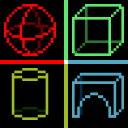
PhantomShapes
Mod for visualizing 3D shapes like cubes and spheres in Minecraft to aid in building.
Screenshots
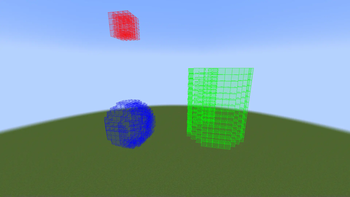
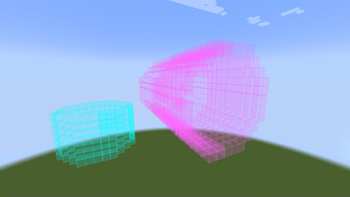
About this Mod
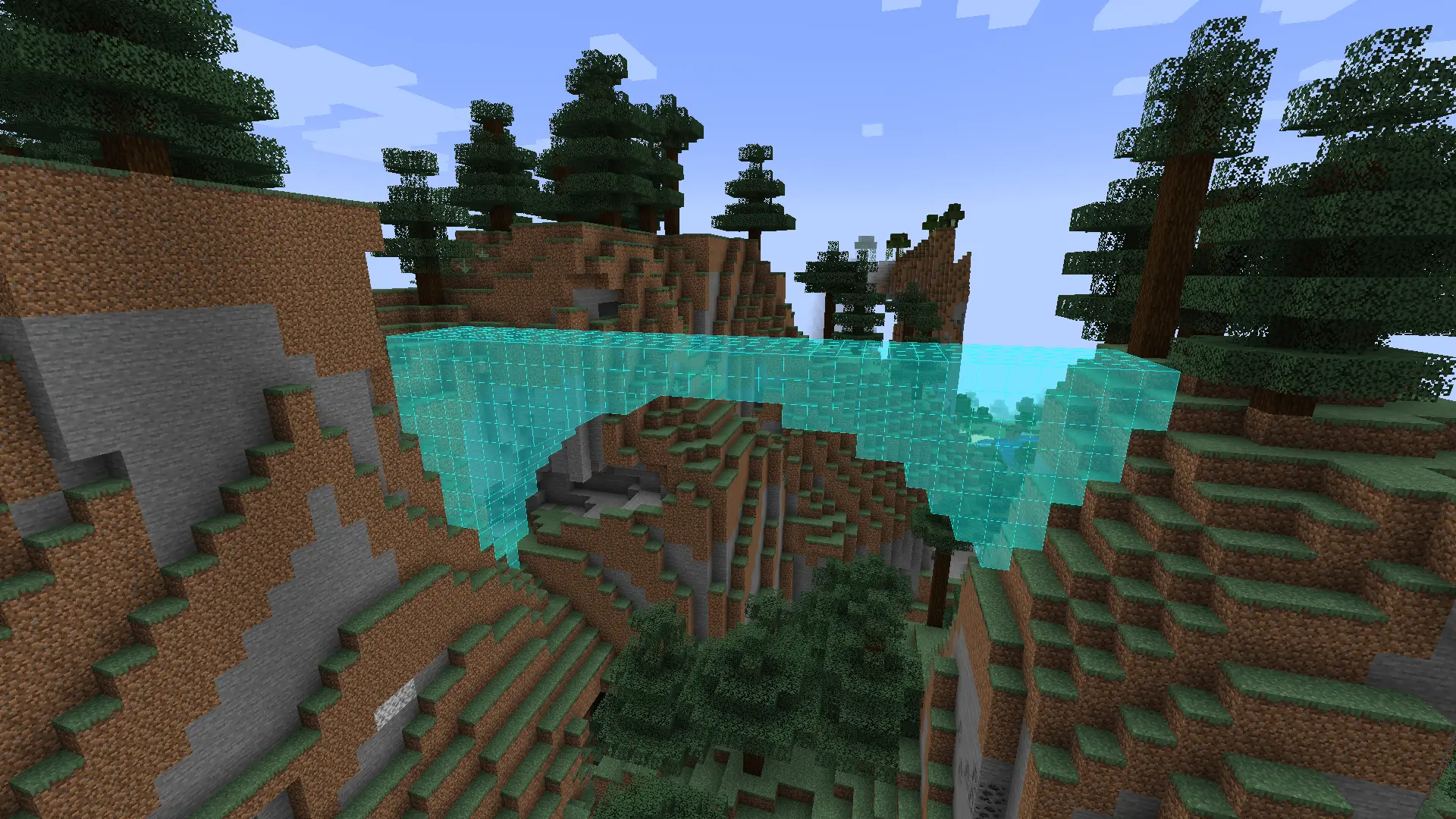
Phantom Shapes Mod
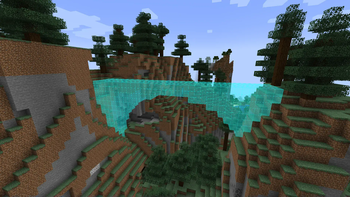
The Phantom Shapes Mod for Minecraft introduces a tool for previewing 3D shapes.
With this mod, building 3D shapes
becomes an ease, thanks to the inclusion of diverse shapes like cubes, spheres, cylinders, or toruses.
Further development and version bumps currently halted due to my lack of free time and many backend changes made by Mojang, requiring further research and multiple rewrites.
If you have any problems or have an idea for a new feature, make an issue on Github.
Features
Shape Variety
- Cubes
- Spheres
- Cylinders
- Arches
- Polygons
- Toruses
Rotating Shapes
Shapes can be rotated in any direction, allowing players to create unique structures with ease.
For example, you can rotate a cylinder by 90 degrees in the X axis to create a tunnel.
Intuitive Interface
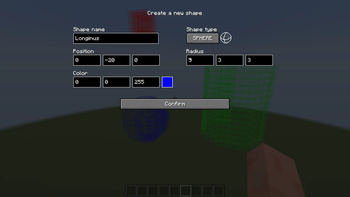
- A user-friendly interface allows players to easily navigate through the different shape options.
- Convenient controls make shaping and resizing structures a breeze, giving players complete control over their shapes.
- Scrollable inputs allow for precise property adjustments. Hold shift or control to change the value by 10 or 100
respectively. - Options to change the color and transparency of the shapes or even the size of the blocks themselves.
Compatibility:
If you find any incompatibilities, please let me know.
| Mod | Compatibility |
|---|---|
| Optifine | ❓Unknown |
| Sodium | ✅Compatible |
How to use:
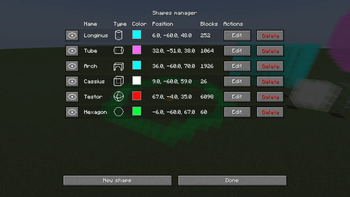
Upon loading into the game simply press K and the shape manager menu will show up.
You can change the keybinds in the controls menu.
From that point, you should be able to use the interface to do anything.
Mod settings can be accessed using the Mod Menu
Required libraries
Special thanks
Special thanks to kayaks00n for making the icons
Available Versions
How to Install PhantomShapes on Your Server
Order Server
Order a Minecraft Java server with at least 3 GB RAM (4 GB recommended).
Set fabric Loader
In the panel under "Egg", select the fabric loader and matching Minecraft version (1.21.4).
Install Mod
Open the mod browser in the dashboard and search for "PhantomShapes". Click "Install" – done! Alternatively, upload the .jar via SFTP to the /mods folder.
Compatibility
Mod Loaders
Minecraft Versions
1.21.4, 1.21.3, 1.21.2 (+4 more)
Server-side
✗ UnsupportedRecommended RAM
4 GB(min. 3 GB)Frequently Asked Questions
PhantomShapes server crashes on startup – what to do?
Most common cause: wrong fabric version or insufficient RAM. Check the server log (latest.log) for "OutOfMemoryError" or "Mixin" errors. With Mado Hosting: ensure at least 3 GB RAM is allocated and the loader matches the mod version (1.21.4). You can switch loaders with one click in the panel.
Is PhantomShapes compatible with fabric?
PhantomShapes officially supports fabric for Minecraft 1.21.4, 1.21.3, 1.21.2. The Mado dashboard automatically detects incompatible loader combinations.
Server lagging with PhantomShapes – how to optimize performance?
Recommended RAM: 4 GB (per 8 players). Use /spark profiler to check if PhantomShapes consumes the most tick time. Common fixes: reduce server view-distance to 8-10, install "performant" or "starlight" as supplementary mods on Forge. With Mado Hosting, your server runs on NVMe SSDs with dedicated CPU cores for minimal latency.
Similar Mods




![[ETF] Entity Texture Features](https://cdn.modrinth.com/data/BVzZfTc1/af683d206d50b05258d865b0d6e4aa2f2cee12f2_96.webp)
![[EMF] Entity Model Features](https://cdn.modrinth.com/data/4I1XuqiY/6e5bbd0d06b1741bfdab6c0cfab6de8fdaf0064c_96.webp)
Rent Modded Server
Install PhantomShapes with just one click on your server.