
Pixel Painter
Paint pixels one pixel at a time.
Screenshots
About this Mod
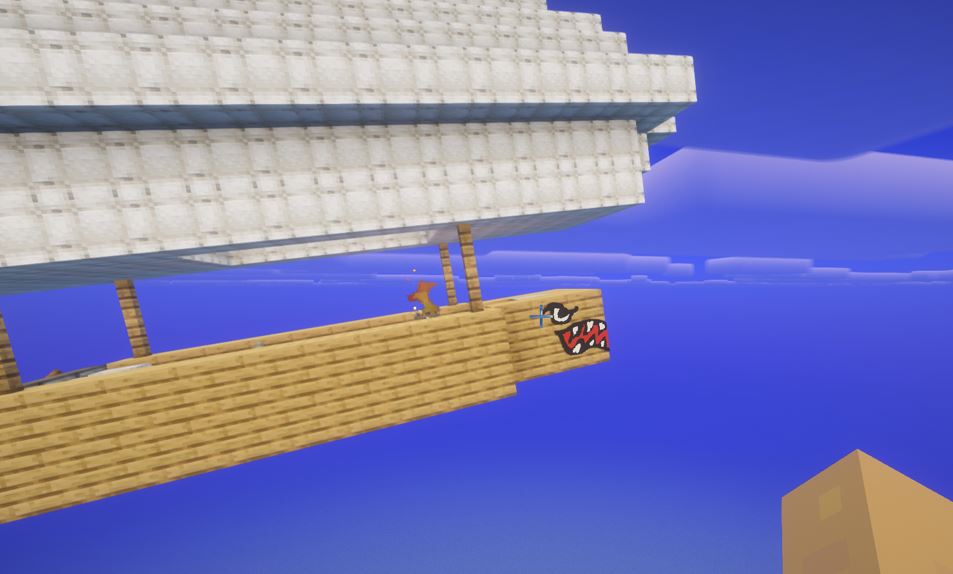
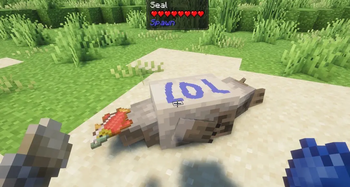
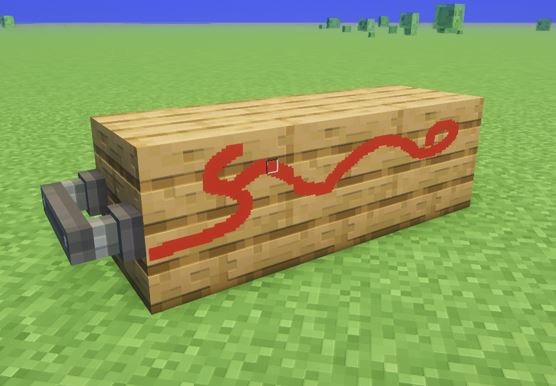
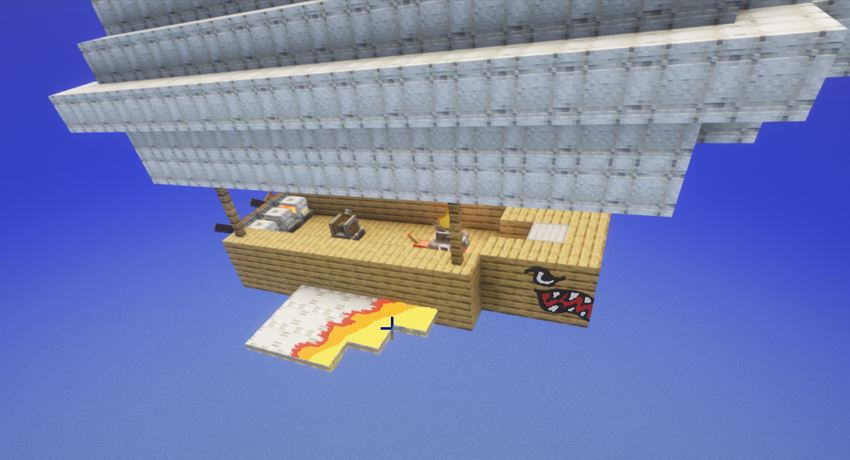
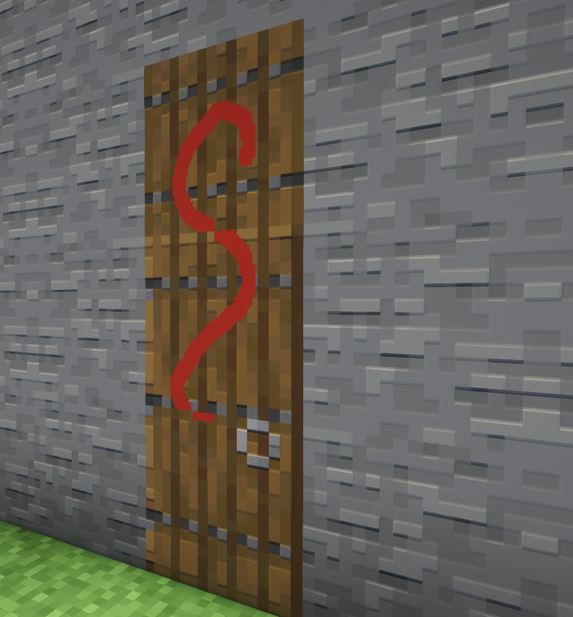
I've always enjoyed creating art within minecraft. I really like Joy of Painting but always felt the i wanted to be able to paint on other surfaces. And other objects (like doors and chest). And entities (like boats and mobs).
Unfortunately, i have zero modding experience. Luckily, i have access to Codex so I asked it to build this mod. Which it has done a pretty good job of doing. The majority of this mod was completed in an afternoon. The painting on entities was not really thought of till my wife recommended it. That took a bit of time but eventually it got most of it down pretty good. THIS IS STILL BETA SO USE AT YOUR OWN RISK!
Pixel Painter 1.2.0
Pixel Painter lets you paint pixel art directly onto Minecraft surfaces. Use dyes, brushes, canvases, easels, stencils, bucket fill, and mirror tools to make art on blocks, entities, vehicles, and contraptions.
Items And Blocks
Canvas
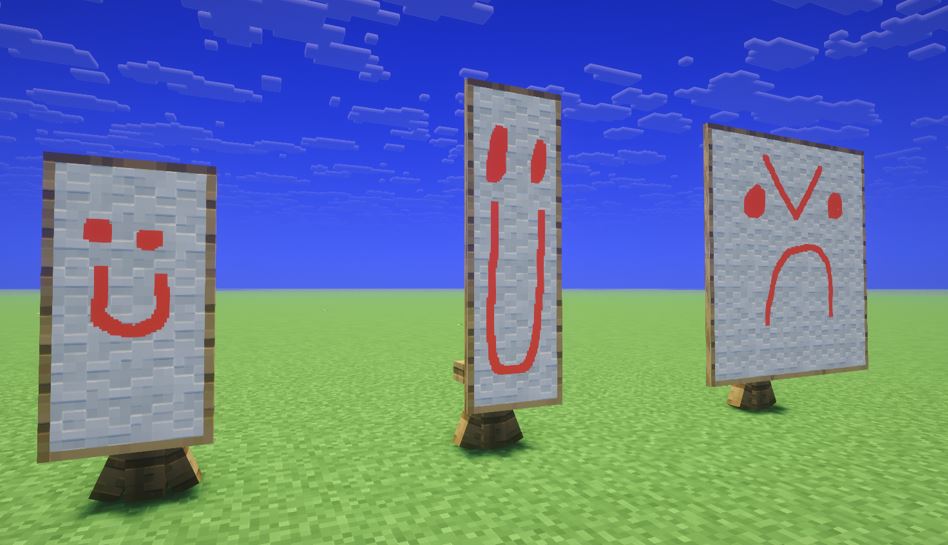
A wall-mounted paintable canvas. Paint directly onto it, decorate it with a wood-style frame material, and pick it back up while keeping the artwork.
Easel
A placeable stand for working on canvas art. Add a Canvas to the easel, then add more canvases around it to expand the artwork into a larger multi-canvas piece. The easel supports up to a 3x3 layout, which is 9 canvases total. You can paint across the whole expanded canvas, then sneak-click with an empty hand to pick it back up as one Canvas Artwork bundle.
Canvas Artwork
A saved canvas or connected canvas artwork bundle. It stores the painted pixels and size, then can be placed back onto a wall or loaded onto an easel.
Stencil
Copies and pastes a full painted block face. Right-click painted pixels to copy. Once loaded, right-click another face to paste, or sneak-right-click to overwrite the stored stencil.
Gold Leaf
A special painting material for gold-colored detail work.
Vanilla Brush
Pixel Painter now uses Minecraft’s vanilla Brush for painting. Hold a Brush in one hand and dye or Gold Leaf in the other hand, then right-click to paint.
Paint Sizes
Press middle mouse by default to cycle paint size.
Available sizes:
Single pixel
3x3, or 9 pixels
5x5, or 25 pixels
The keybind can be changed in:
Options -> Controls -> Pixel Painter -> Cycle Paint Size
Painting And Erasing
Hold a vanilla Brush in one hand and dye in the other, then right-click a paintable surface.
Hold a Brush with an empty opposite hand to erase while brushing.
Some interactive blocks may require sneak-right-click so Minecraft does not open or activate the block instead.
Bucket Fill
Hold a Bucket in your offhand and dye in your main hand, then right-click a painted surface to flood fill it.
It works like the paint bucket tool in art programs, filling connected open or same-color areas on the clicked face.
Mirror / Vehicle Stencil Tool
Hold a Glass Pane in your offhand.
Sneak-right-click existing paint on a vehicle or contraption side to copy the painted side. Then right-click the matching opposite side to paste it mirrored.
You do not need to click the exact matching pixel. Pixel Painter lines the paint up automatically on the opposite side.
Cleaner
Hold White Wool in your offhand and sneak-right-click painted surfaces to clean them.
This clears the clicked painted face or panel and plays a cleaning sound with a small water particle effect.
Available Versions
How to Install Pixel Painter on Your Server
Order Server
Order a Minecraft Java server with at least 3 GB RAM (4 GB recommended).
Set neoforge Loader
In the panel under "Egg", select the neoforge loader and matching Minecraft version (1.21.1).
Install Mod
Open the mod browser in the dashboard and search for "Pixel Painter". Click "Install" – done! Alternatively, upload the .jar via SFTP to the /mods folder.
Compatibility
Mod Loaders
Minecraft Versions
1.21.1
Server-side
✓ RequiredRecommended RAM
4 GB(min. 3 GB)Frequently Asked Questions
Pixel Painter server crashes on startup – what to do?
Most common cause: wrong neoforge version or insufficient RAM. Check the server log (latest.log) for "OutOfMemoryError" or "Mixin" errors. With Mado Hosting: ensure at least 3 GB RAM is allocated and the loader matches the mod version (1.21.1). You can switch loaders with one click in the panel.
Is Pixel Painter compatible with neoforge?
Pixel Painter officially supports neoforge for Minecraft 1.21.1. The Mado dashboard automatically detects incompatible loader combinations.
Server lagging with Pixel Painter – how to optimize performance?
Recommended RAM: 4 GB (per 8 players). Use /spark profiler to check if Pixel Painter consumes the most tick time. Common fixes: reduce server view-distance to 8-10, install "performant" or "starlight" as supplementary mods on Forge. With Mado Hosting, your server runs on NVMe SSDs with dedicated CPU cores for minimal latency.
Similar Mods

![[ETF] Entity Texture Features](https://cdn.modrinth.com/data/BVzZfTc1/af683d206d50b05258d865b0d6e4aa2f2cee12f2_96.webp)
![[EMF] Entity Model Features](https://cdn.modrinth.com/data/4I1XuqiY/6e5bbd0d06b1741bfdab6c0cfab6de8fdaf0064c_96.webp)



Rent Modded Server
Install Pixel Painter with just one click on your server.