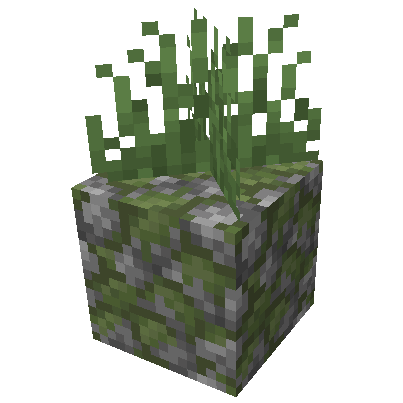
Placeable Plants
Want a greener Minecraft? This Fabric mod makes it simple to place plants on almost any block. Install it on your server for a performance-friendly way to enrich your world with vegetation.
Screenshots
About this Mod
Placeable Plants



🪴 What is it?
This Fabric Mod allows you to place plants on almost all blocks.
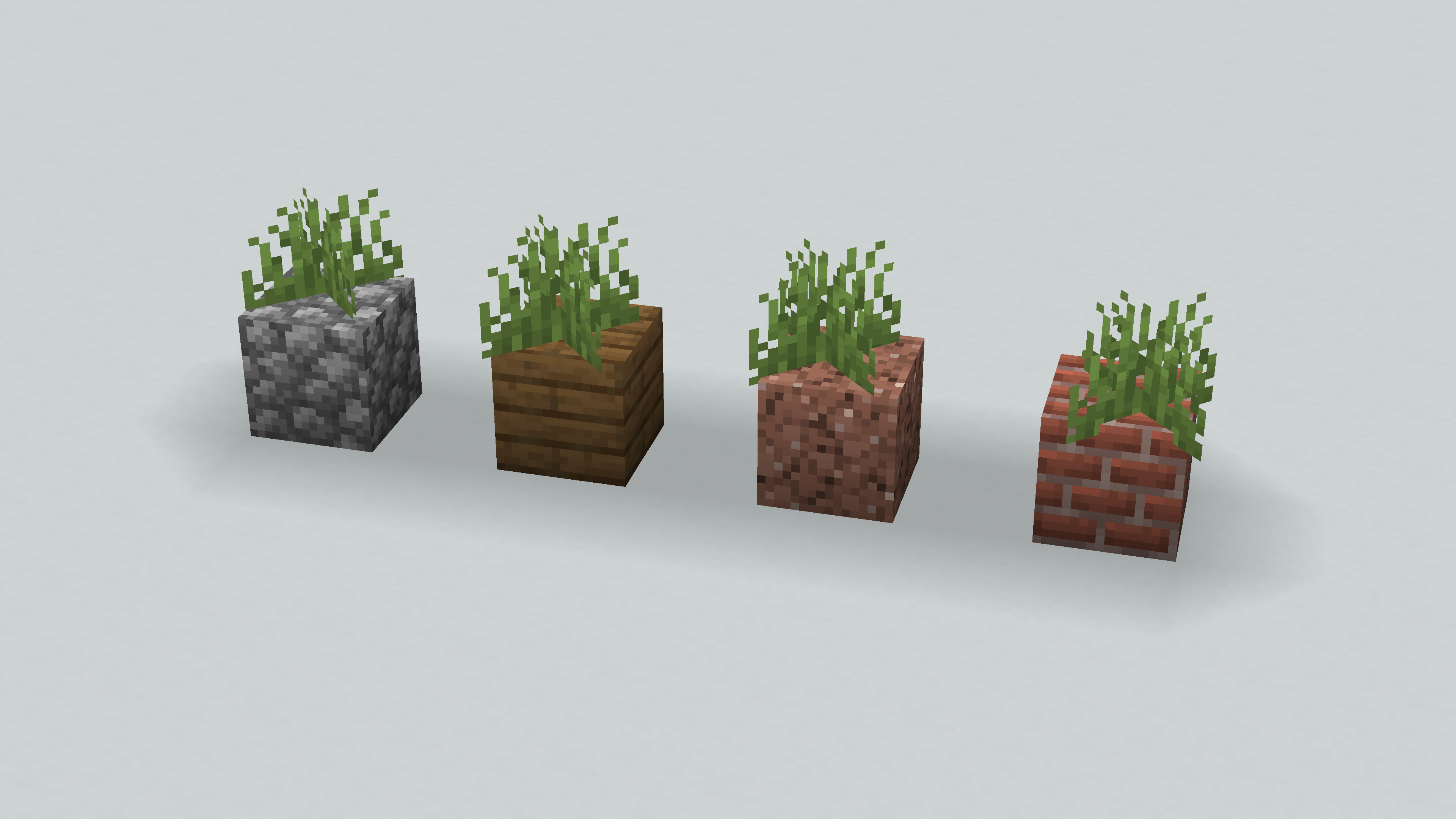
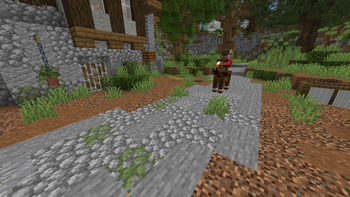
Fill your world with greenery!
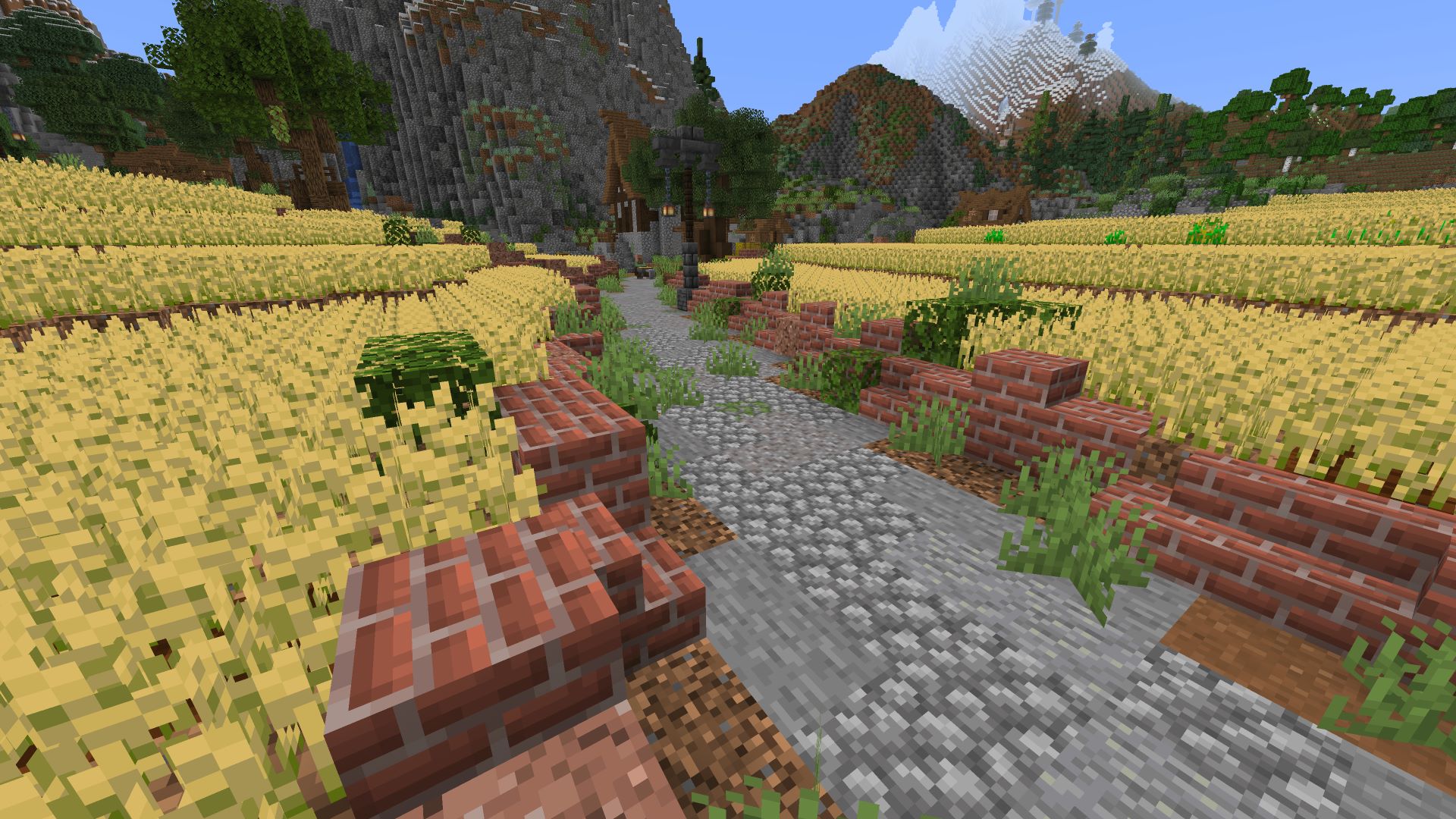
🎉 Feature
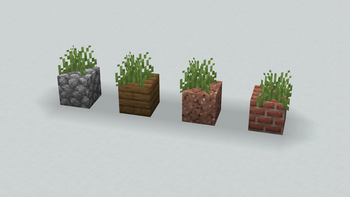
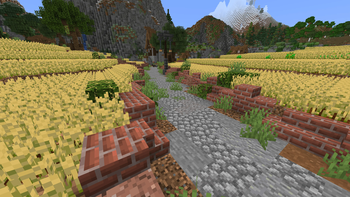
- This Mod allows you to place plants on any flat surface. To do that, just right-click on a flat surface.
- Added recipes for Tall Dry Grass, Tall Grass and Large Fern


🎍 How to use?
When you right-click on a floor block, with some plant it'll be plants
The available plants are:
- Grass and Tall Grass
- Fern and Large Fern
- Cactus
- Sugar Cane
- Bamboo
- Dead Bush
- Cocoa beans
- Sweet Berries
- Big / Small Dripleaf
- Nether Wart
- Nether Sprouts
- Crimson / Warped Roots
- Mangrove Propagule
- Torchflowers
- Pitcher Plant
- ...
- All Flowers
- All Saplings
- All Crops
📦 How to install?
- Download the Mod
- Navigate to your
modsfolder - Put the downloaded
.jarfile (Placeable Plants) into this folder
🛠️ Configuration
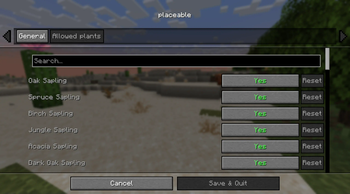
The mod allows you to control whether various plants can be placed anywhere (default: all enabled).
The primary way to configure this is through the mod menu's settings panel.

For advanced users, the placeable.json configuration file can also be directly modified as a secondary method.
config/placeable.json

{
  // Enable or disable the mod.
  "enable": true,

  // Allow placement on blocks without a top rim.
  "placedWithoutTopRim": false,

  // Allow or disable specific plants.
  "allowPlaceablePlants": {
    "OAK_SAPLING": true,
    "SPRUCE_SAPLING": true,
    ...
    "NETHER_SPROUTS": true,
    "NETHER_WART": true,
    "LILY_PAD": true
  }
}
📌 Credits
Bisumto the original creator of this feature.
Available Versions
How to Install Placeable Plants on Your Server
Order Server
Order a Minecraft Java server with at least 3 GB RAM (4 GB recommended).
Set fabric Loader
In the panel under "Egg", select the fabric loader and matching Minecraft version (1.21.11).
Install Mod
Open the mod browser in the dashboard and search for "Placeable Plants". Click "Install" – done! Alternatively, upload the .jar via SFTP to the /mods folder.
Compatibility
Mod Loaders
Minecraft Versions
1.21.11, 1.21.10, 1.21.9 (+9 more)
Server-side
✓ RequiredRecommended RAM
4 GB(min. 3 GB)Frequently Asked Questions
Placeable Plants server crashes on startup – what to do?
Most common cause: wrong fabric version or insufficient RAM. Check the server log (latest.log) for "OutOfMemoryError" or "Mixin" errors. With Mado Hosting: ensure at least 3 GB RAM is allocated and the loader matches the mod version (1.21.11). You can switch loaders with one click in the panel.
Is Placeable Plants compatible with fabric?
Placeable Plants officially supports fabric for Minecraft 1.21.11, 1.21.10, 1.21.9. The Mado dashboard automatically detects incompatible loader combinations.
Server lagging with Placeable Plants – how to optimize performance?
Recommended RAM: 4 GB (per 8 players). Use /spark profiler to check if Placeable Plants consumes the most tick time. Common fixes: reduce server view-distance to 8-10, install "performant" or "starlight" as supplementary mods on Forge. With Mado Hosting, your server runs on NVMe SSDs with dedicated CPU cores for minimal latency.
Similar Mods

![[ETF] Entity Texture Features](https://cdn.modrinth.com/data/BVzZfTc1/af683d206d50b05258d865b0d6e4aa2f2cee12f2_96.webp)
![[EMF] Entity Model Features](https://cdn.modrinth.com/data/4I1XuqiY/6e5bbd0d06b1741bfdab6c0cfab6de8fdaf0064c_96.webp)



Rent Modded Server
Install Placeable Plants with just one click on your server.