
Planetarium
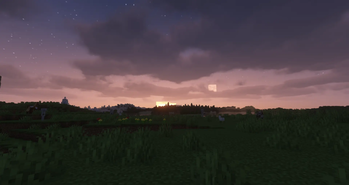
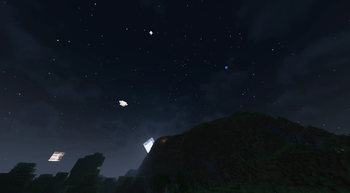
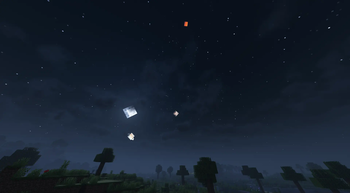
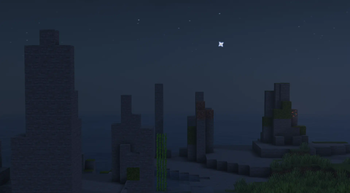
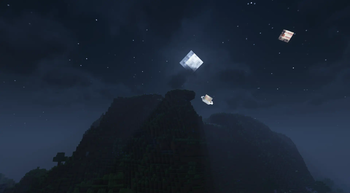
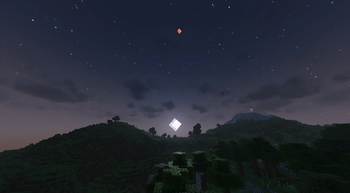
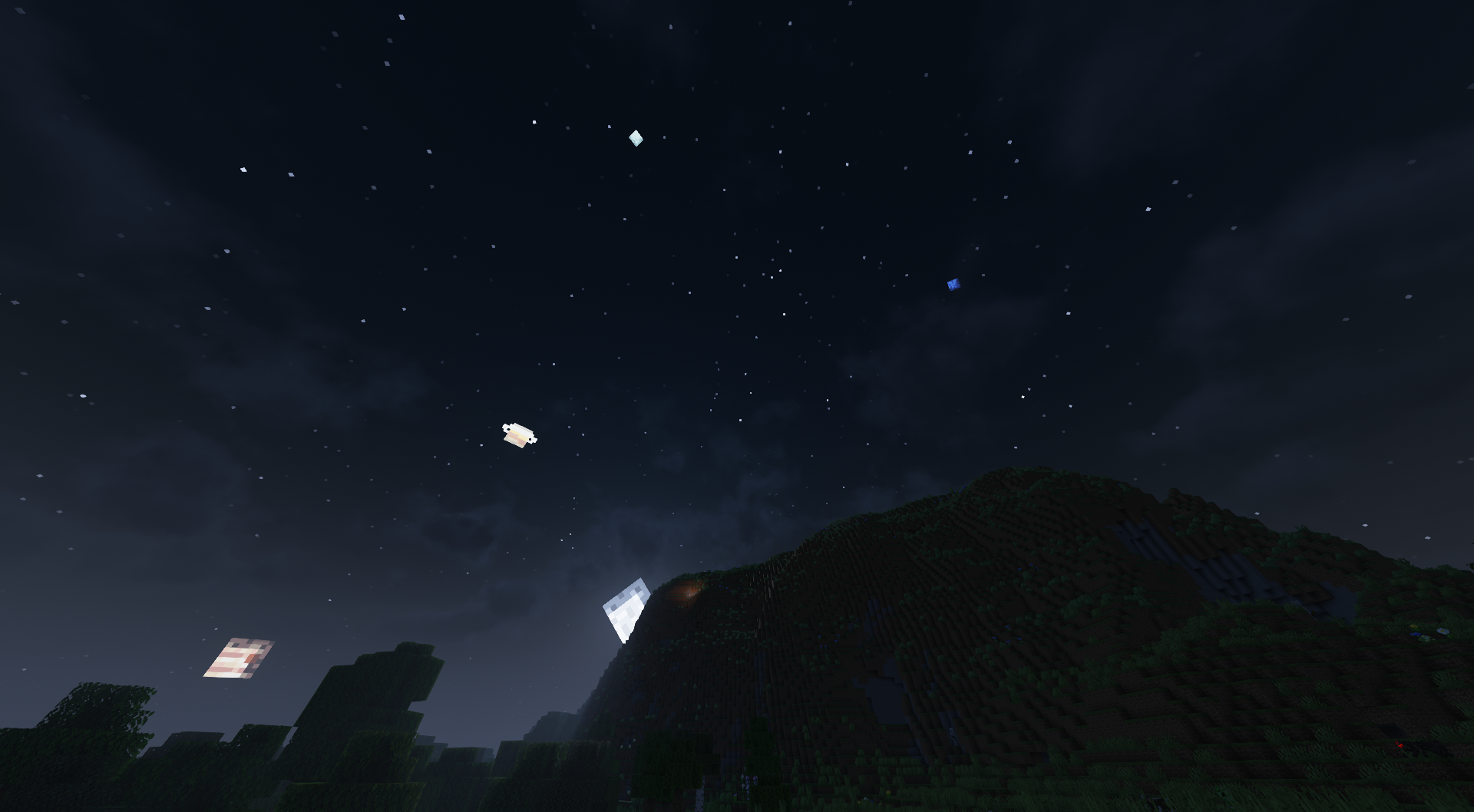
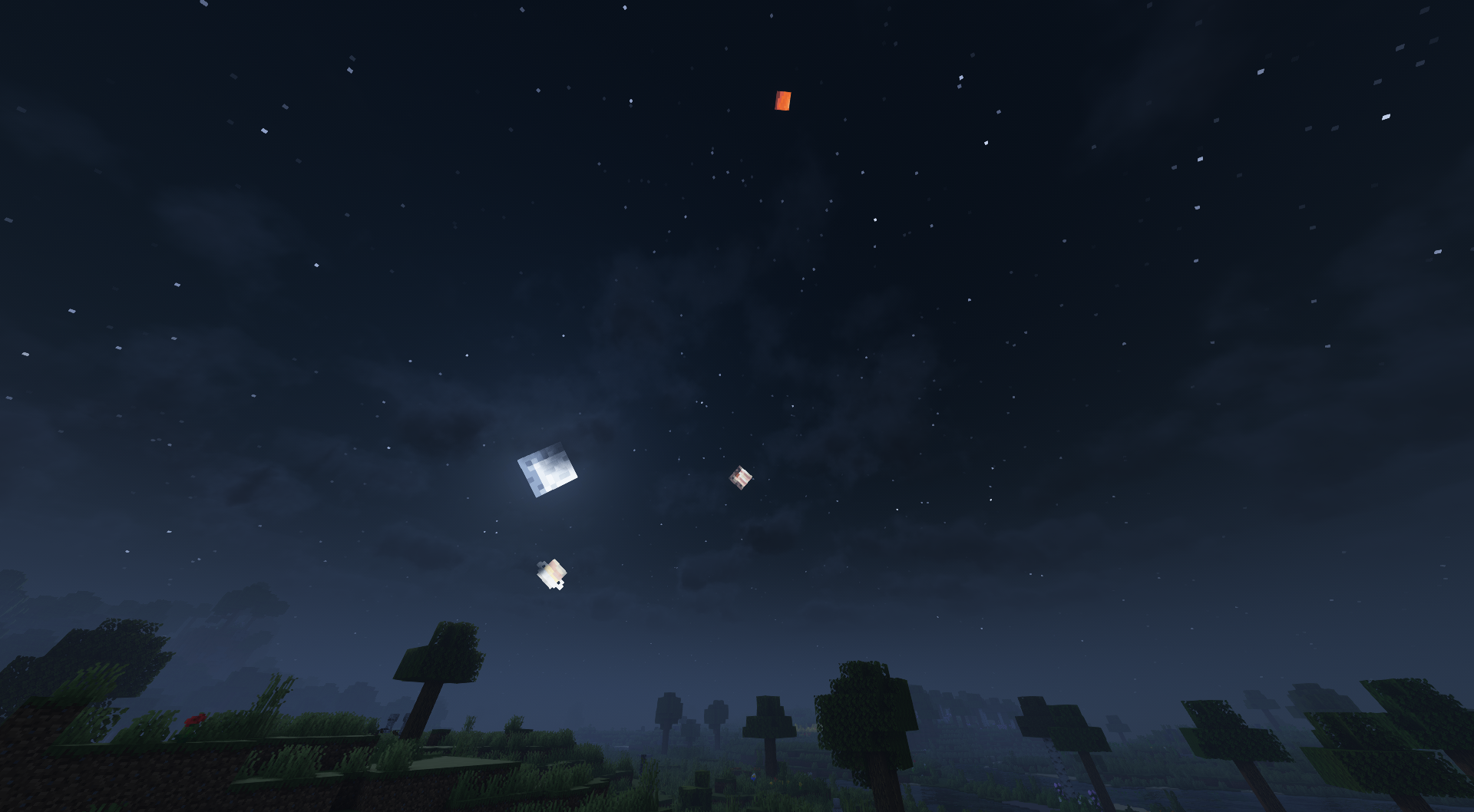
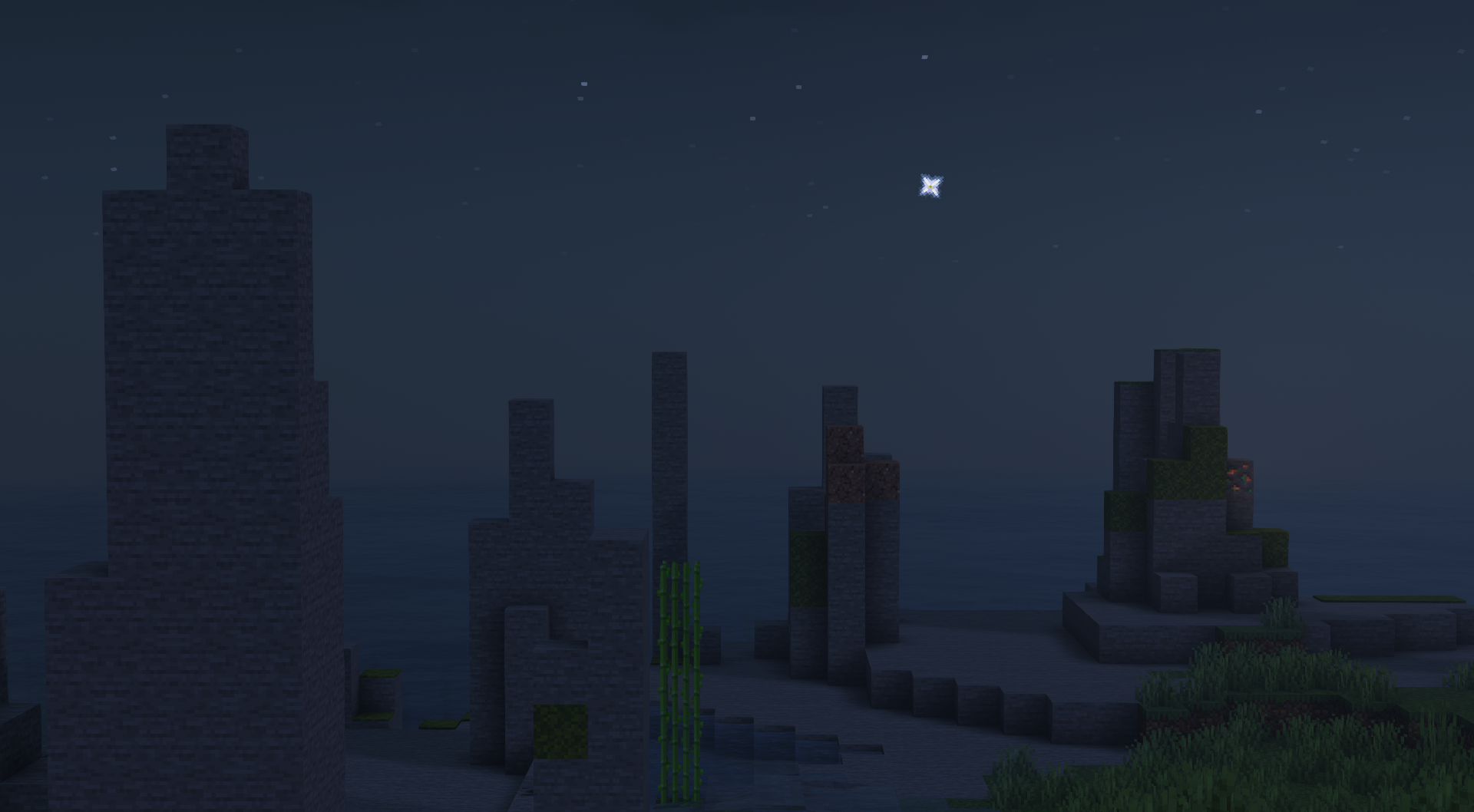
See the real-life solar system at night!
Screenshots
About this Mod



If using Quilt, use QSL/QFAPI; if using Fabric, use FAPI; or if using (neo)Forge, use Sinytra Connector + Forgified FAPI.
About
Planetarium simply renders the solar system planets in Minecraft's skybox during the night. In a way, the MC skybox is a planetarium if you think about it.
The planet textures are made by @Crackers0106 (PR #1) and @lxly9 (PR #2).
The project source is licensed under the MIT license whereas the project assets are licensed under the
Creative Commons Attribution-NonCommercial-NoDerivs 4.0 International License.
FAQs
Q: Can I use Planetarium with Shaders?
A: Planetarium has been tested with Complementary Shaders and it works as long as you set the Sun/Moon Style to Reimagined.
Q: (1.21+ only) Can I configure what planets are visible and/or their sizes?
A: Yes, by making a datapack containing planet JSONs and textures.
Planet JSONs go in
src/main/resources/assets/your_mod/planetarium/planets
Planet textures go insrc/main/resources/assets/your_mod/textures/planetarium/planets
Optionally, texture overrides can be done as shown here.
An example planet pack can be found here.
Q: Can I port Planetarium to another MC version?
A: Yes, as long as those ports are not for (neo)Forge.
Q: Can I port Planetarium to another modloader?
A: No, you cannot port Planetarium to a modloader that isn't Quilt or Fabric such as (neo)Forge, or another non-Quilt/Fabric modloader.
Screenshots
Available Versions
How to Install Planetarium on Your Server
Order Server
Order a Minecraft Java server with at least 3 GB RAM (4 GB recommended).
Set fabric Loader
In the panel under "Egg", select the fabric loader and matching Minecraft version (26.1.2).
Install Mod
Open the mod browser in the dashboard and search for "Planetarium". Click "Install" – done! Alternatively, upload the .jar via SFTP to the /mods folder.
Compatibility
Mod Loaders
Minecraft Versions
26.1.2, 26.1.1, 26.1 (+8 more)
Server-side
✗ UnsupportedRecommended RAM
4 GB(min. 3 GB)Frequently Asked Questions
Planetarium server crashes on startup – what to do?
Most common cause: wrong fabric version or insufficient RAM. Check the server log (latest.log) for "OutOfMemoryError" or "Mixin" errors. With Mado Hosting: ensure at least 3 GB RAM is allocated and the loader matches the mod version (26.1.2). You can switch loaders with one click in the panel.
Is Planetarium compatible with fabric and quilt?
Planetarium officially supports fabric, quilt for Minecraft 26.1.2, 26.1.1, 26.1. The Mado dashboard automatically detects incompatible loader combinations.
Server lagging with Planetarium – how to optimize performance?
Recommended RAM: 4 GB (per 8 players). Use /spark profiler to check if Planetarium consumes the most tick time. Common fixes: reduce server view-distance to 8-10, install "performant" or "starlight" as supplementary mods on Forge. With Mado Hosting, your server runs on NVMe SSDs with dedicated CPU cores for minimal latency.
Similar Mods

![[ETF] Entity Texture Features](https://cdn.modrinth.com/data/BVzZfTc1/af683d206d50b05258d865b0d6e4aa2f2cee12f2_96.webp)
![[EMF] Entity Model Features](https://cdn.modrinth.com/data/4I1XuqiY/6e5bbd0d06b1741bfdab6c0cfab6de8fdaf0064c_96.webp)



Rent Modded Server
Install Planetarium with just one click on your server.