
Player Distance Display
GUI element to show how bad your aim is.
Screenshots
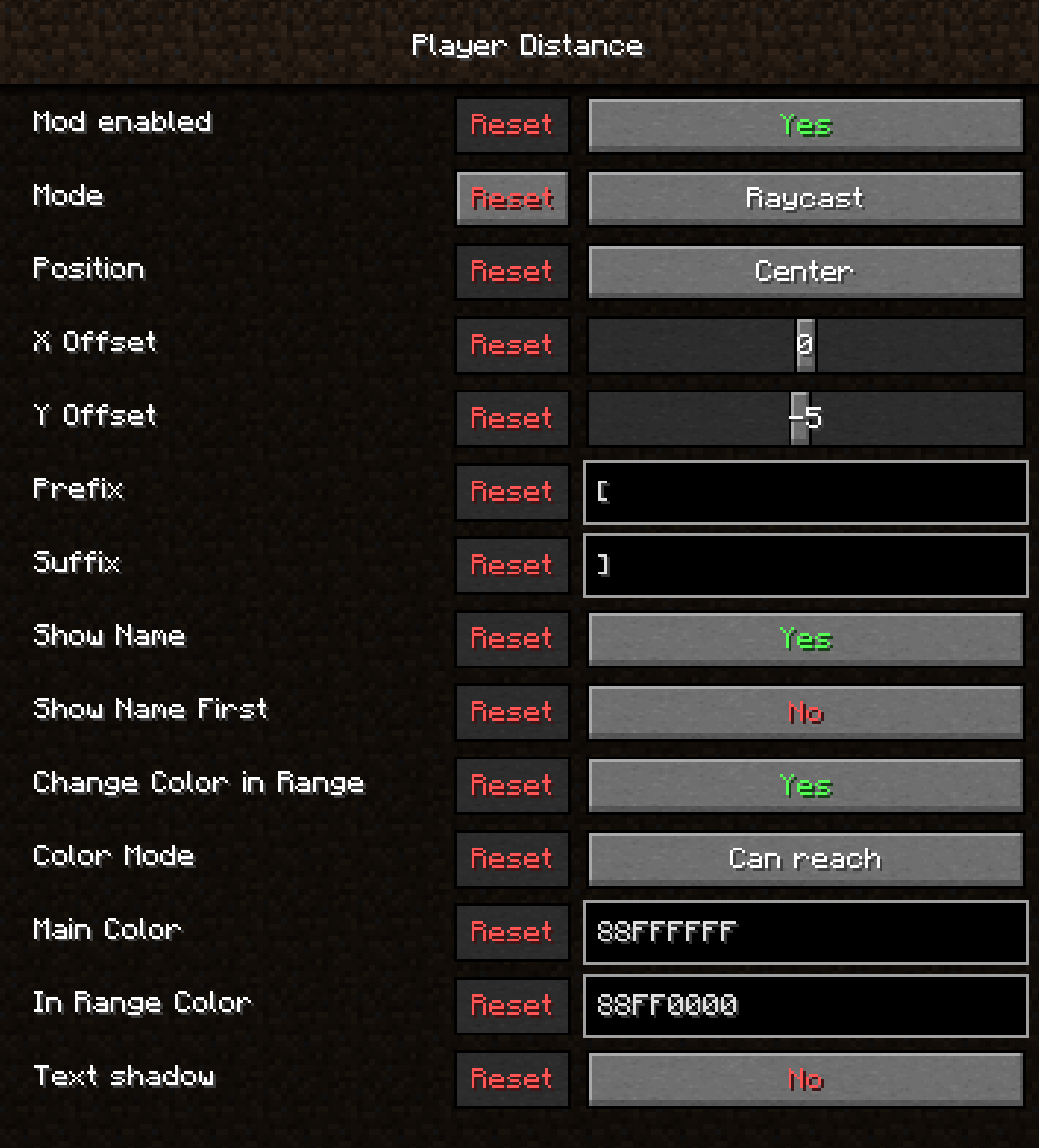
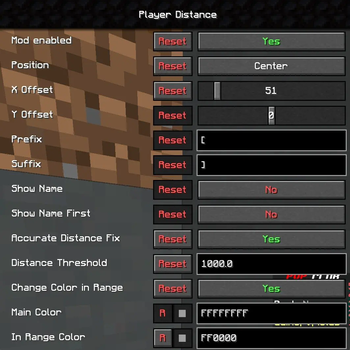
About this Mod
Display your spacing!
Remember the "Reach Display" from clients like lunar and feather?
This is that mod, but on steroids! Now you don't have to hit the player to see your distance from them.
You need midnightlib to configure this mod.
News!!
I finally got around to updating this mod, but it's a horrible mess of code and I hate it.
I didn't get any sleep so I'm sure there are issues with this mod but I simply do not care right now. If you want them fixed contact me @tektonikal or the linked discord.
You can customize:
- Position of the indicator
- Prefix and suffix
- Show name of the closest player
- Color
- Color when opponent is in hit distance
- Mode: Raycast mode will show the distance from where you are looking at to the optimal position to aim. Distance mode will show the distance from your eyes to the closest position of the closest player.
This mod works very well with Sootysplash's Optimal Aim Mod, you can both see how bad your aim is, AND measure it with precise numbers!
Available Versions
How to Install Player Distance Display on Your Server
Order Server
Order a Minecraft Java server with at least 3 GB RAM (4 GB recommended).
Set fabric Loader
In the panel under "Egg", select the fabric loader and matching Minecraft version (1.20.4).
Install Mod
Open the mod browser in the dashboard and search for "Player Distance Display". Click "Install" – done! Alternatively, upload the .jar via SFTP to the /mods folder.
Compatibility
Mod Loaders
Minecraft Versions
1.20.4, 1.20.3, 1.20.2 (+8 more)
Server-side
✗ UnsupportedRecommended RAM
4 GB(min. 3 GB)Frequently Asked Questions
Player Distance Display server crashes on startup – what to do?
Most common cause: wrong fabric version or insufficient RAM. Check the server log (latest.log) for "OutOfMemoryError" or "Mixin" errors. With Mado Hosting: ensure at least 3 GB RAM is allocated and the loader matches the mod version (1.20.4). You can switch loaders with one click in the panel.
Is Player Distance Display compatible with fabric?
Player Distance Display officially supports fabric for Minecraft 1.20.4, 1.20.3, 1.20.2. The Mado dashboard automatically detects incompatible loader combinations.
Server lagging with Player Distance Display – how to optimize performance?
Recommended RAM: 4 GB (per 8 players). Use /spark profiler to check if Player Distance Display consumes the most tick time. Common fixes: reduce server view-distance to 8-10, install "performant" or "starlight" as supplementary mods on Forge. With Mado Hosting, your server runs on NVMe SSDs with dedicated CPU cores for minimal latency.
Similar Mods




Rent Modded Server
Install Player Distance Display with just one click on your server.