
PolyFactory
Let's build a factory! A tech mod for your Minecraft server!
Screenshots
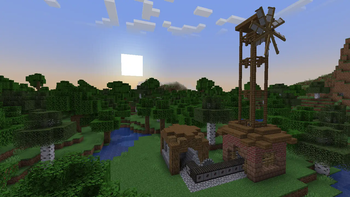
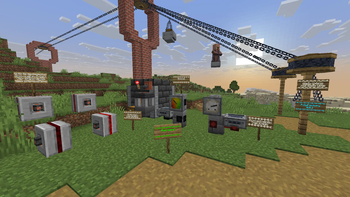
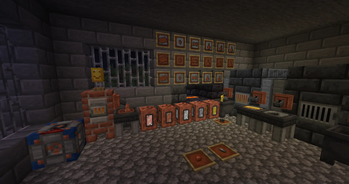
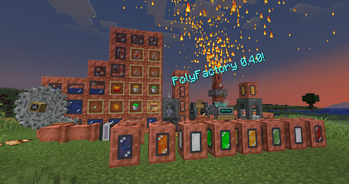
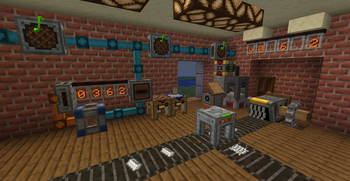
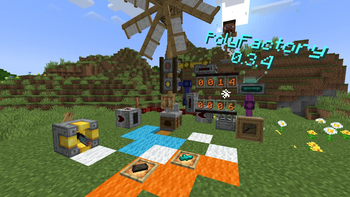
About this Mod
PolyFactory
Ever wanted to play with tech mods, but people you play with don't want to install them?
Or maybe you are making a server, but vanilla gameplay isn't enough? If so, this project
will be ideal for you!
PolyFactory is Fabric (and Quilt) server side modification powered by
Polymer which adds new mechanics, blocks and tools allowing
for further automation, processing and storage
(or in simpler terms, it's a tech mod)!
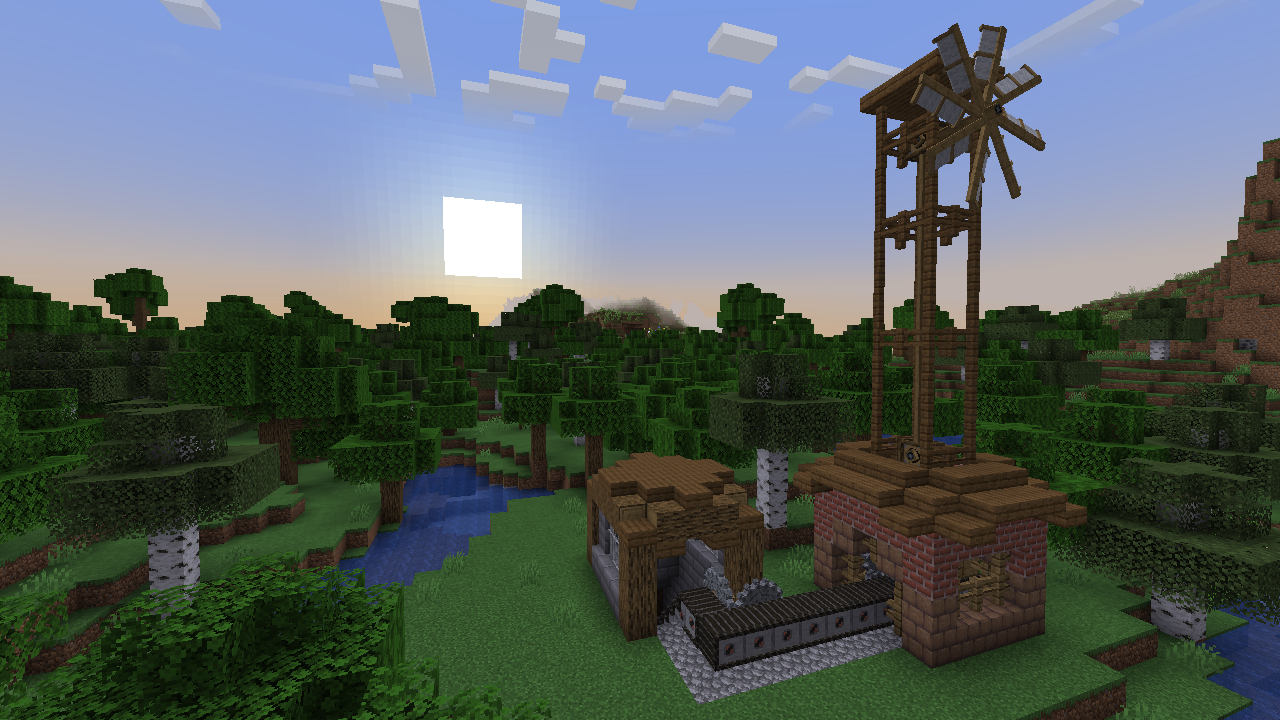
Use Grinders, Mechanical Presses and Mechanical Mixers to process items into different, likely more
useful or compact items, transport them with lines of Conveyors and sort them out with Item Splitters
and Funnels into their own respective Wooden Containers. Just remember to create a Windmill
or Steam Engine, as using Hand Crank for everything isn't ideal.
Then, if you think you are done with machinery, you can use some Item Readers, Item Counters
connected to Nixie Tubes via colored Cables to display information in a nice and visible way!
You don't know how to start? Use advancements and recipe book/Polydex
for help, as they should guide you through the mod!
Extra mods you might want to use!
Polydex
While not necessarily required, it's highly recommended to install Polydex, as it allows
you to view all recipes in a simple interface. PolyFactory has full support for them,
with a shortcut button in all crafting station.
Polymer AutoHost
Simplest way to handle automatic resource pack generation for your server!
While bundled by main distribution of Polymer, it requires some manual
setup to work correctly. But it is quick and simple!
PolyDecorations
Wanted to decorate your world a bit more? If so, this mod is ideal for you!
PolyDecorations is Fabric (and Quilt) server side mod which multiple decorative blocks such as benches, braziers and shelfs. Checkout Modrinth page for more information!
Available Versions
How to Install PolyFactory on Your Server
Order Server
Order a Minecraft Java server with at least 3 GB RAM (4 GB recommended).
Set fabric Loader
In the panel under "Egg", select the fabric loader and matching Minecraft version (26.1.2).
Install Mod
Open the mod browser in the dashboard and search for "PolyFactory". Click "Install" – done! Alternatively, upload the .jar via SFTP to the /mods folder.
Compatibility
Mod Loaders
Minecraft Versions
26.1.2, 26.1.1, 26.1 (+16 more)
Server-side
✓ RequiredRecommended RAM
4 GB(min. 3 GB)Frequently Asked Questions
PolyFactory server crashes on startup – what to do?
Most common cause: wrong fabric version or insufficient RAM. Check the server log (latest.log) for "OutOfMemoryError" or "Mixin" errors. With Mado Hosting: ensure at least 3 GB RAM is allocated and the loader matches the mod version (26.1.2). You can switch loaders with one click in the panel.
Is PolyFactory compatible with fabric and quilt?
PolyFactory officially supports fabric, quilt for Minecraft 26.1.2, 26.1.1, 26.1. The Mado dashboard automatically detects incompatible loader combinations.
Server lagging with PolyFactory – how to optimize performance?
Recommended RAM: 4 GB (per 8 players). Use /spark profiler to check if PolyFactory consumes the most tick time. Common fixes: reduce server view-distance to 8-10, install "performant" or "starlight" as supplementary mods on Forge. With Mado Hosting, your server runs on NVMe SSDs with dedicated CPU cores for minimal latency.
Similar Mods




Rent Modded Server
Install PolyFactory with just one click on your server.