
Pomkots World (Lost Cities add-on)
Generates a sci-fi flavored, post-apocalyptic world. This is an add-on for Lost Cities.
Screenshots
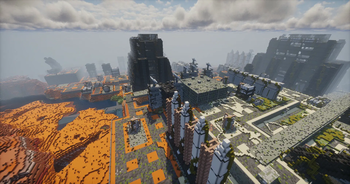
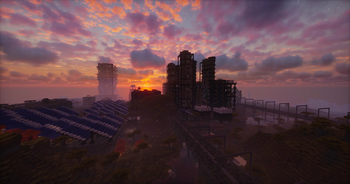
About this Mod
What's This?
This is an add-on for Lost Cities that generates a sci-fi flavored, post-apocalyptic world!
This is one of the elements to support the Survival Mode integration of Pomkots Mechs, a high-speed custom mech mod
Demo Movie
Please Read (Important!)
- This is currently in super alpha. Expect rapid updates and changes.
- Be sure to use it in a new world with a fresh configuration.
- Does NOT include enemy mech spawns, custom recipes, or quests yet — those will come later as part of a separate modpack.
- Many structures are still pretty empty inside (especially interiors).
Need Your Help!
- I plan to keep adding a ton of ruined structures in future updates!
- If you're interested in helping build or submitting your own ruins, I'd love to collaborate!
- Please feel free to DM me on X (Twitter)!
Ruined Cities Added
- Heavily decayed urban cities
- Abandoned industrial factory zones
- Derelict port areas
- Ruined mega-solar facilities
- Military base ruins
Scattered Ruins Added
- Abandoned gas stations
- Collapsed farming plants
- Ruined garages
- Process factory ruins
- Lighthouse ruins
- Observation towers
...and more!
How to Use (and Recommended Settings)
Preparation
- Place Lost Cities and this mod in your modpack's mods folder.
- Launch Minecraft.
Creating a New World
Start by creating a new world.
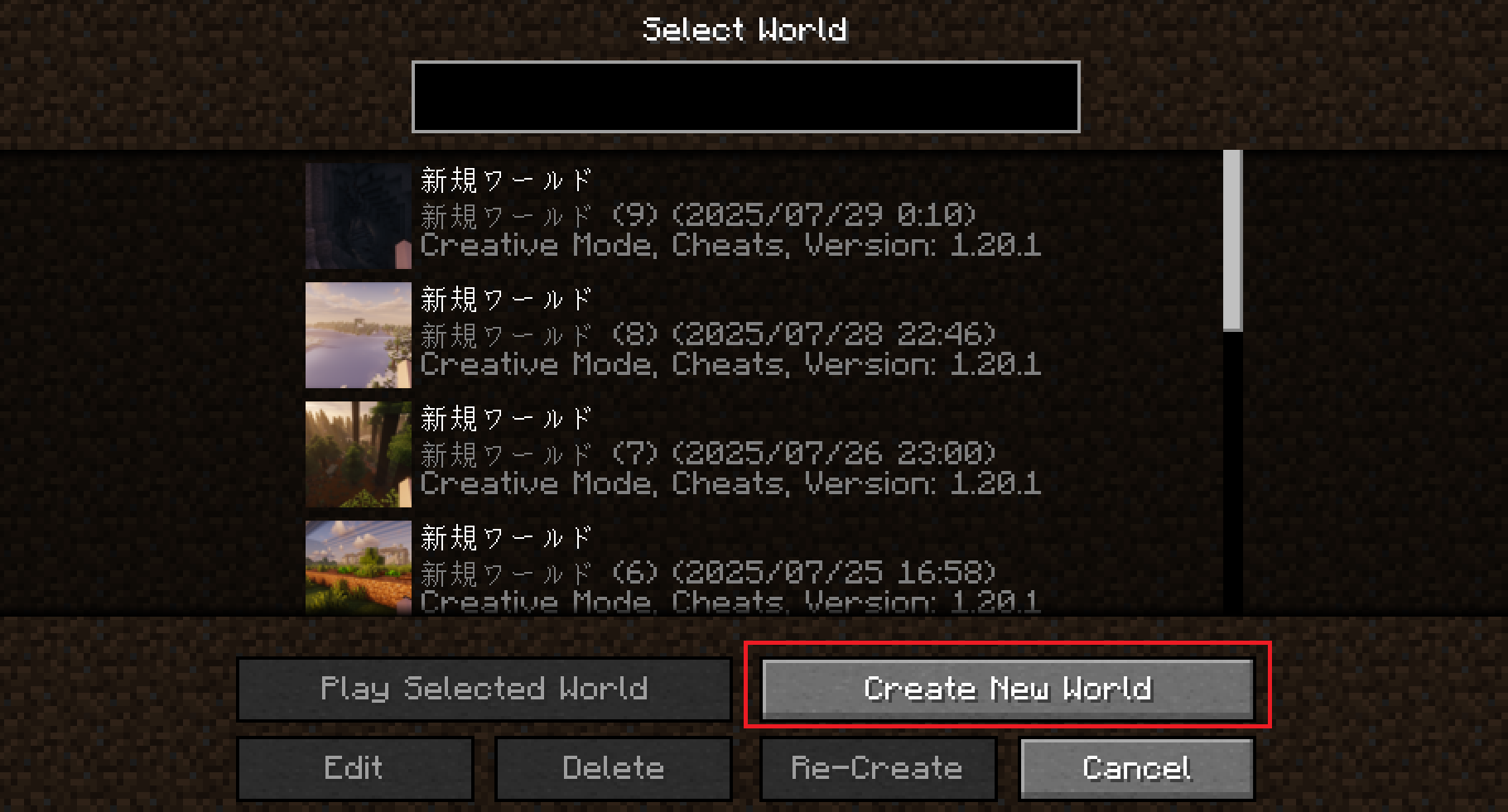
Set the World Type to Large Biomes (recommended).
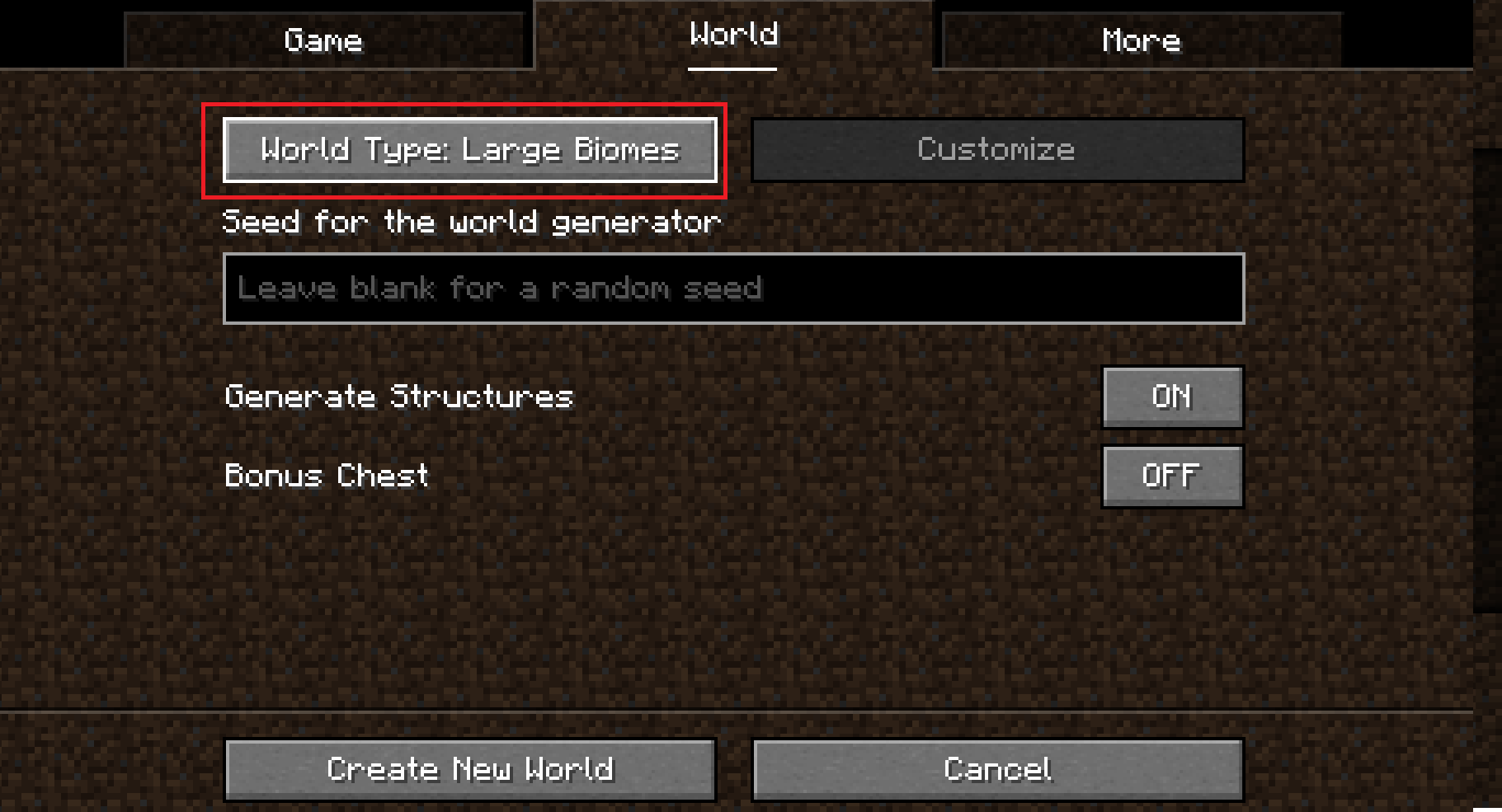
Go to the More tab and click the Cities button.
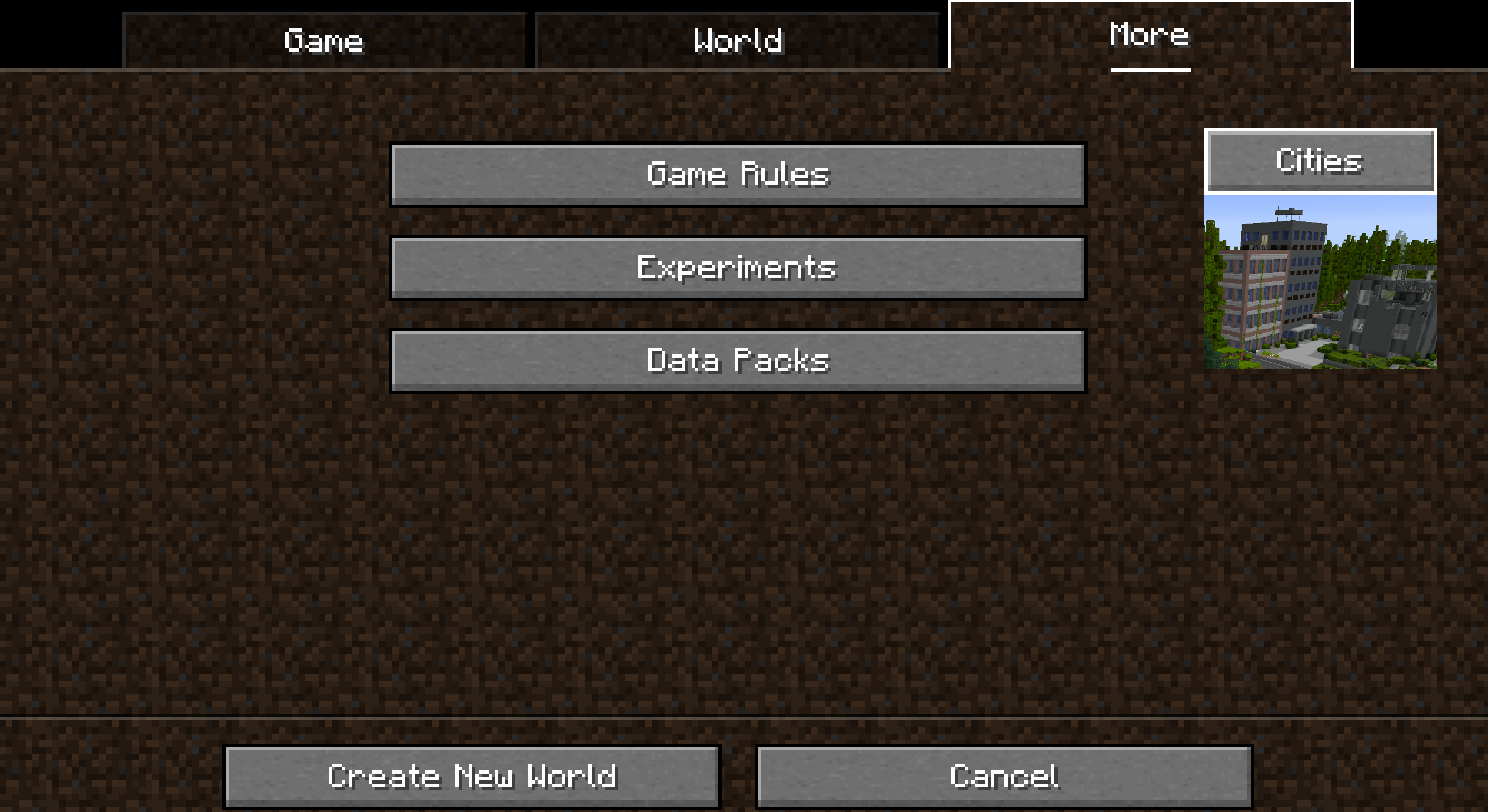
Click the Profile button several times until you select rarecities.
(You can use other profiles too, but this one is recommended!)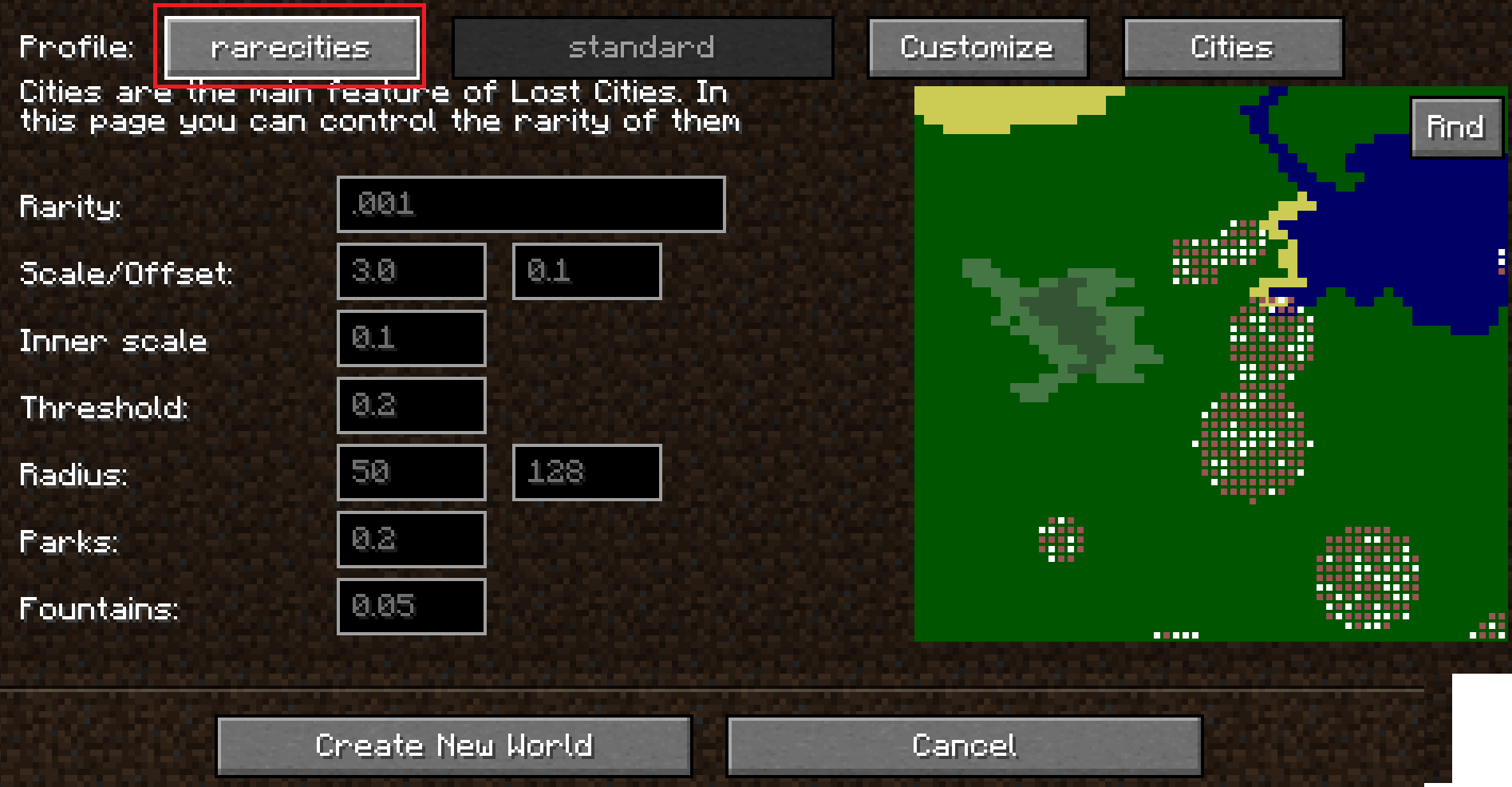
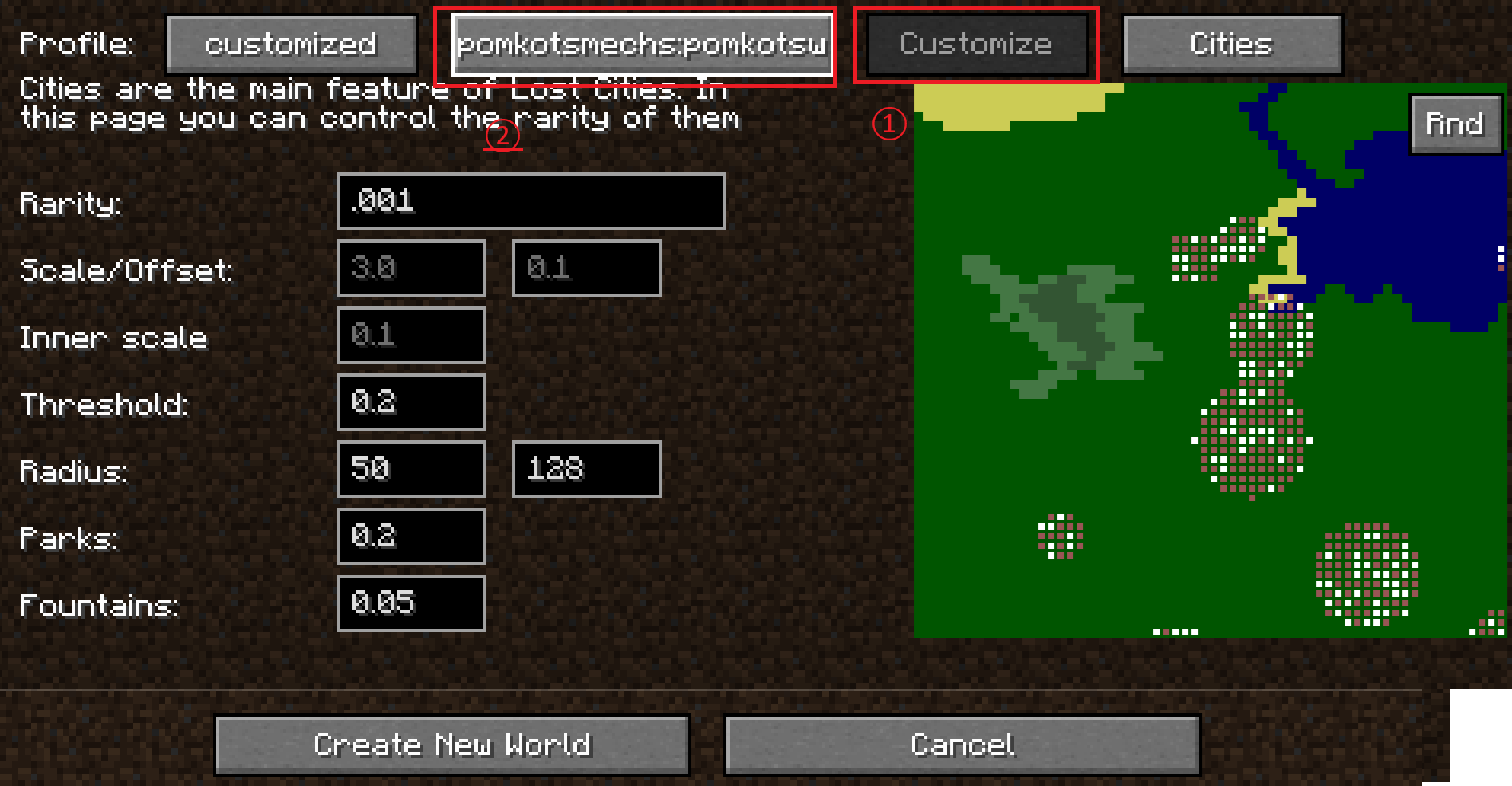
Click the Customize button once. Then, click the setting that says standard several times until you see pomkotsmechs:pomkotsworld.
Set the Radius to 300.
(Recommended: sets the max radius of a city to 300 blocks.)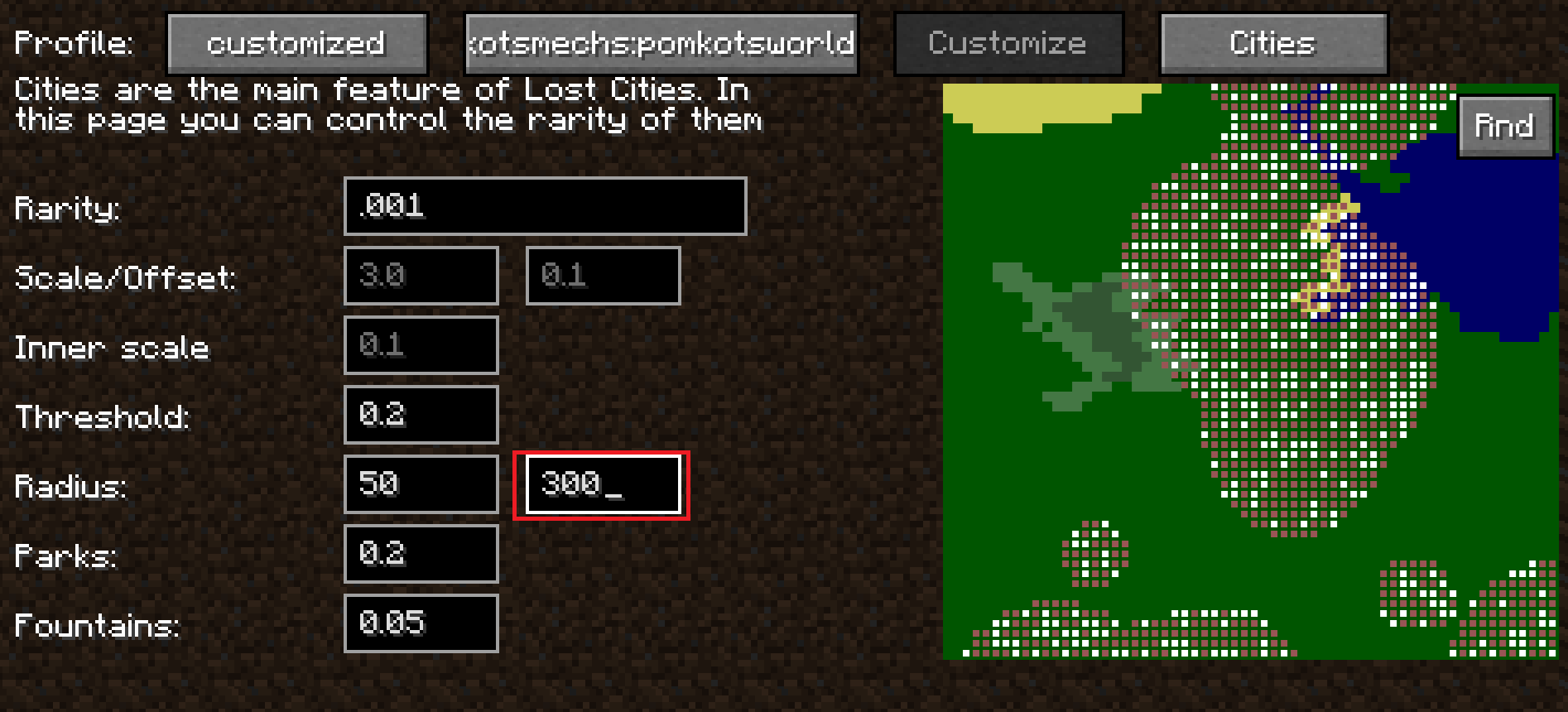
Click the Cities button.
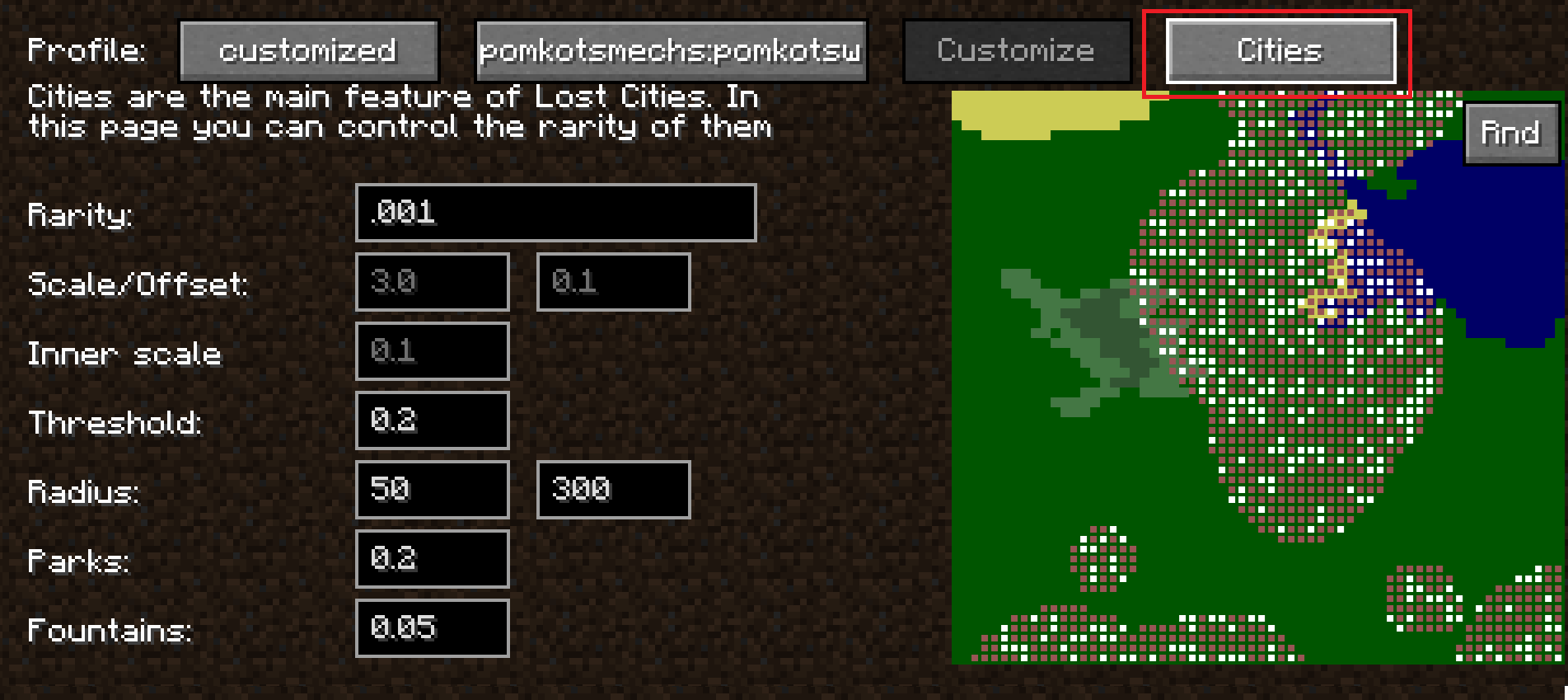
Adjust the building generation settings to your liking.
(Check the Lost Cities documentation for more detail!)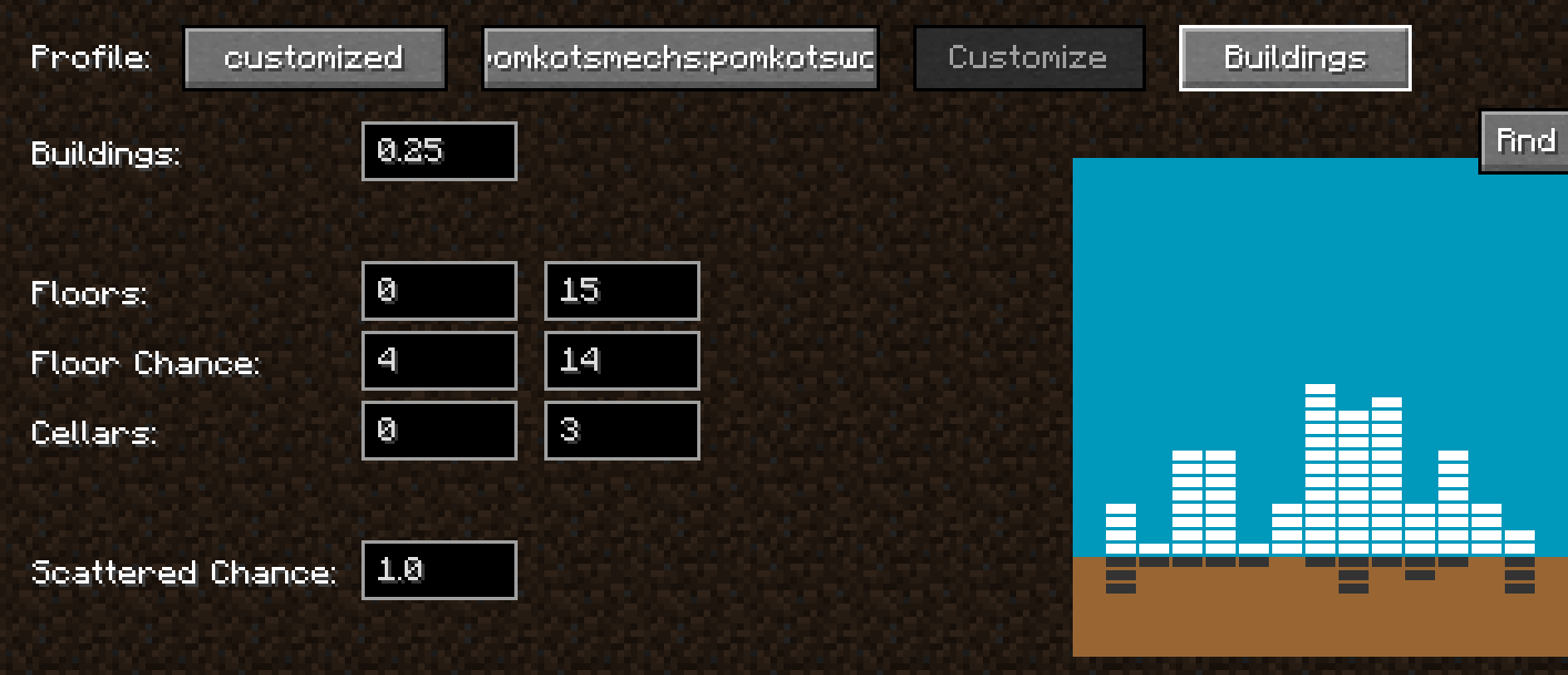
Reference Links
Lost Cities official usage:https://www.mcjty.eu/docs/mods/lost-cities/
Acknowledgment
Huge, ultra-super thanks to McJty for creating the amazing mod Lost Cities!
It’s a mod full of infinite possibilities and incredible potential.
Wishing continued success and prosperity of Lost Cities!
Contributor
Pine-san(@Pining_Pine on X): Thanks for providing Aircraft and Warship!
Available Versions
How to Install Pomkots World (Lost Cities add-on) on Your Server
Order Server
Order a Minecraft Java server with at least 4 GB RAM (6 GB recommended).
Set forge Loader
In the panel under "Egg", select the forge loader and matching Minecraft version (1.20.1).
Install Mod
Open the mod browser in the dashboard and search for "Pomkots World (Lost Cities add-on)". Click "Install" – done! Alternatively, upload the .jar via SFTP to the /mods folder.
Compatibility
Mod Loaders
Minecraft Versions
1.20.1
Server-side
✓ RequiredRecommended RAM
6 GB(min. 4 GB)Frequently Asked Questions
Pomkots World (Lost Cities add-on) server crashes on startup – what to do?
Most common cause: wrong forge version or insufficient RAM. Check the server log (latest.log) for "OutOfMemoryError" or "Mixin" errors. With Mado Hosting: ensure at least 4 GB RAM is allocated and the loader matches the mod version (1.20.1). You can switch loaders with one click in the panel.
Is Pomkots World (Lost Cities add-on) compatible with forge?
Pomkots World (Lost Cities add-on) officially supports forge for Minecraft 1.20.1. The Mado dashboard automatically detects incompatible loader combinations.
Server lagging with Pomkots World (Lost Cities add-on) – how to optimize performance?
Recommended RAM: 6 GB (per 5 players). Use /spark profiler to check if Pomkots World (Lost Cities add-on) consumes the most tick time. Common fixes: reduce server view-distance to 8-10, install "performant" or "starlight" as supplementary mods on Forge. With Mado Hosting, your server runs on NVMe SSDs with dedicated CPU cores for minimal latency.
Similar Mods



Rent Modded Server
Install Pomkots World (Lost Cities add-on) with just one click on your server.