
PowerTech
A mod that adds a lot of Technology
Screenshots
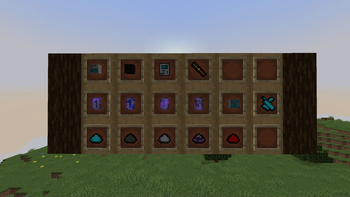
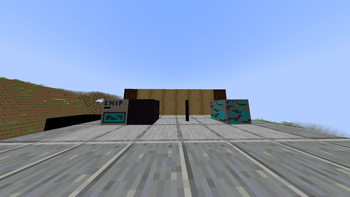
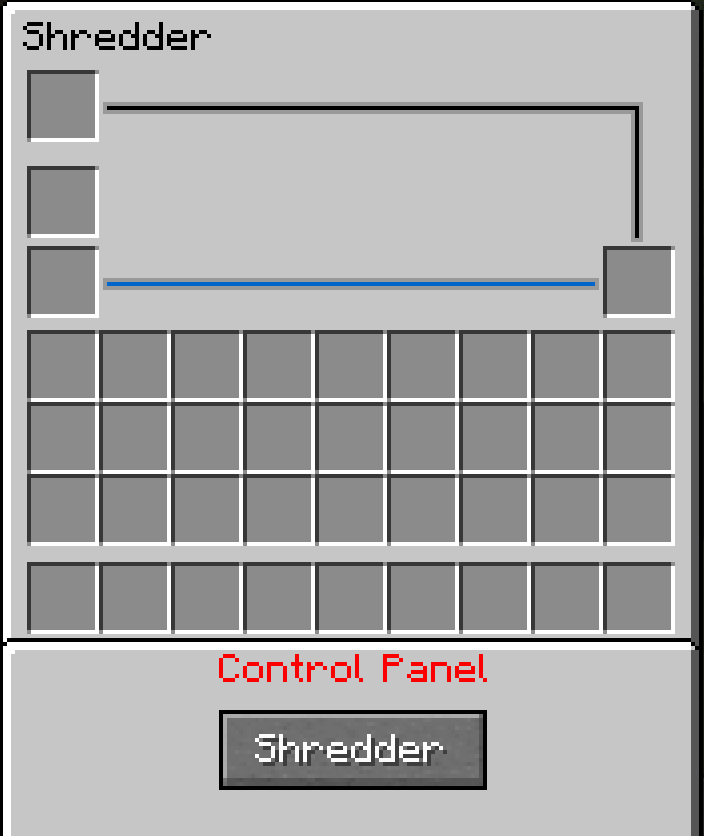
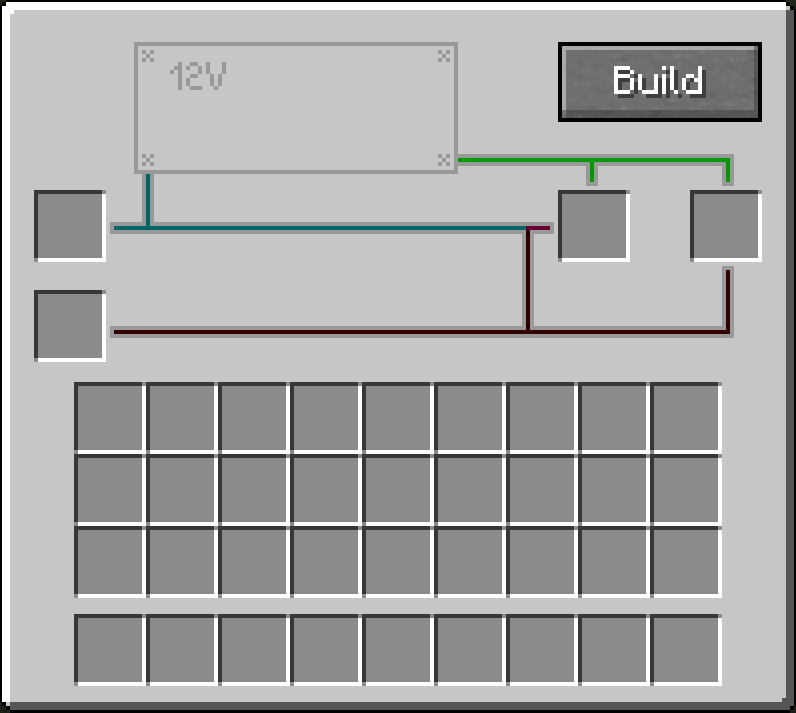
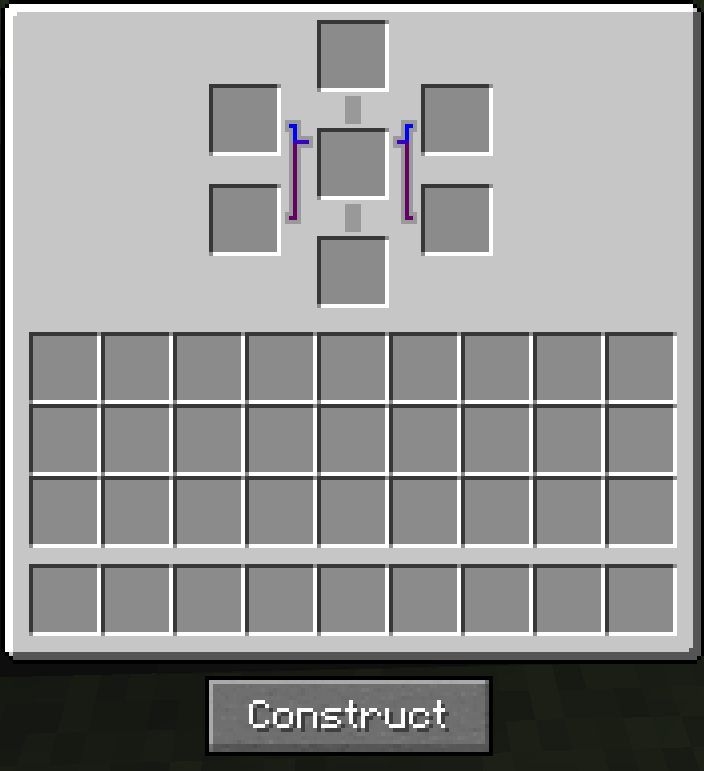
About this Mod
🎉 PowerTech V2 – Update 2.2.4.5 Released!
The long-awaited PowerTech V2 is here with update 1.2.0! This version brings new features, improvements, and bug fixes to enhance your gameplay experience.
🔽 Download the Latest Version:
Mod File (v2.2.4.5) – [Download Here]
📄 View the Changelog:
Changelog (v1.2.0) – [Read More via CurseForge]
❓ What is PowerTech?
PowerTech is a technology-focused mod that introduces a variety of new blocks, items, and mechanics to improve and simplify gameplay. It's currently in beta, so some bugs may still occur – but we're working hard on daily fixes!
👉 Please report any bugs in the comments.
⚙️ Features & Highlights:
🔁 Duplicator Block
Use the Duplicator along with Duplicate Chips to clone ores and items!
Example: 1 Iron Ingot + 16x Duplicate Chip = 16 Iron Ingots
Note: Works best with stackable items. Non-stackable items like swords may produce unintended behavior.
💠 Duplicate Chips
These chips are used by the Duplicator to perform duplication. They're essential for mass production of resources.
💎 Flux Ore
A rare and valuable ore found in Lush Caves. Keep an eye out!
📘 Tutorial Book
Learn how to use all of PowerTech’s features and recipes with the in-game Tutorial Book.
🔍 For the best experience, we recommend using JEI (Just Enough Items) to view all available recipes.
⚠️ Known Issues
Using a full stack of Duplicate Chips (e.g., x64) with non-stackable items like swords may result in unintended stacks.
🧪 Tip: Shift + right-clicking with the stack may let you interact with it in funny ways. 😄
Stay tuned for future updates – and thank you for supporting PowerTech!
Development: NasumiCraft; NCRFD License
Available Versions
How to Install PowerTech on Your Server
Order Server
Order a Minecraft Java server with at least 4 GB RAM (6 GB recommended).
Set forge Loader
In the panel under "Egg", select the forge loader and matching Minecraft version (1.20.1).
Install Mod
Open the mod browser in the dashboard and search for "PowerTech". Click "Install" – done! Alternatively, upload the .jar via SFTP to the /mods folder.
Compatibility
Mod Loaders
Minecraft Versions
1.20.1, 1.20
Server-side
✓ RequiredRecommended RAM
6 GB(min. 4 GB)Frequently Asked Questions
PowerTech server crashes on startup – what to do?
Most common cause: wrong forge version or insufficient RAM. Check the server log (latest.log) for "OutOfMemoryError" or "Mixin" errors. With Mado Hosting: ensure at least 4 GB RAM is allocated and the loader matches the mod version (1.20.1). You can switch loaders with one click in the panel.
Is PowerTech compatible with forge and neoforge?
PowerTech officially supports forge, neoforge for Minecraft 1.20.1, 1.20. The Mado dashboard automatically detects incompatible loader combinations.
Server lagging with PowerTech – how to optimize performance?
Recommended RAM: 6 GB (per 5 players). Use /spark profiler to check if PowerTech consumes the most tick time. Common fixes: reduce server view-distance to 8-10, install "performant" or "starlight" as supplementary mods on Forge. With Mado Hosting, your server runs on NVMe SSDs with dedicated CPU cores for minimal latency.
Similar Mods




Rent Modded Server
Install PowerTech with just one click on your server.