
Prehistoric Variants (A Fossils and Archeology Revival Add-On)
Adds additional variant conditions for Fossils & Archeology dinosaurs.
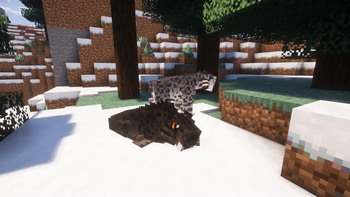
Screenshots

About this Mod
Prehistoric Variants is an add-on for the Fossils & Archeology: Revival mod that adds additional variant spawn conditions to the mod, as well as a handful of extra variants that use them. Like the default variants, new variants can be added via datapack, making this a great resource for variant making.
The mod adds two new spawn conditions: Spawn Biome, which is influenced by the biome the mob first spawns in, and Random, which can occur at any time. Both of these conditions are optionally hereditary, meaning that when a new baby is born, it might inherit a biome or random variant from a parent which carries it.
If you experience an issue with either of these new variant types, please refer to the Prehistoric Variants issue tracker, and NOT to F&A's!
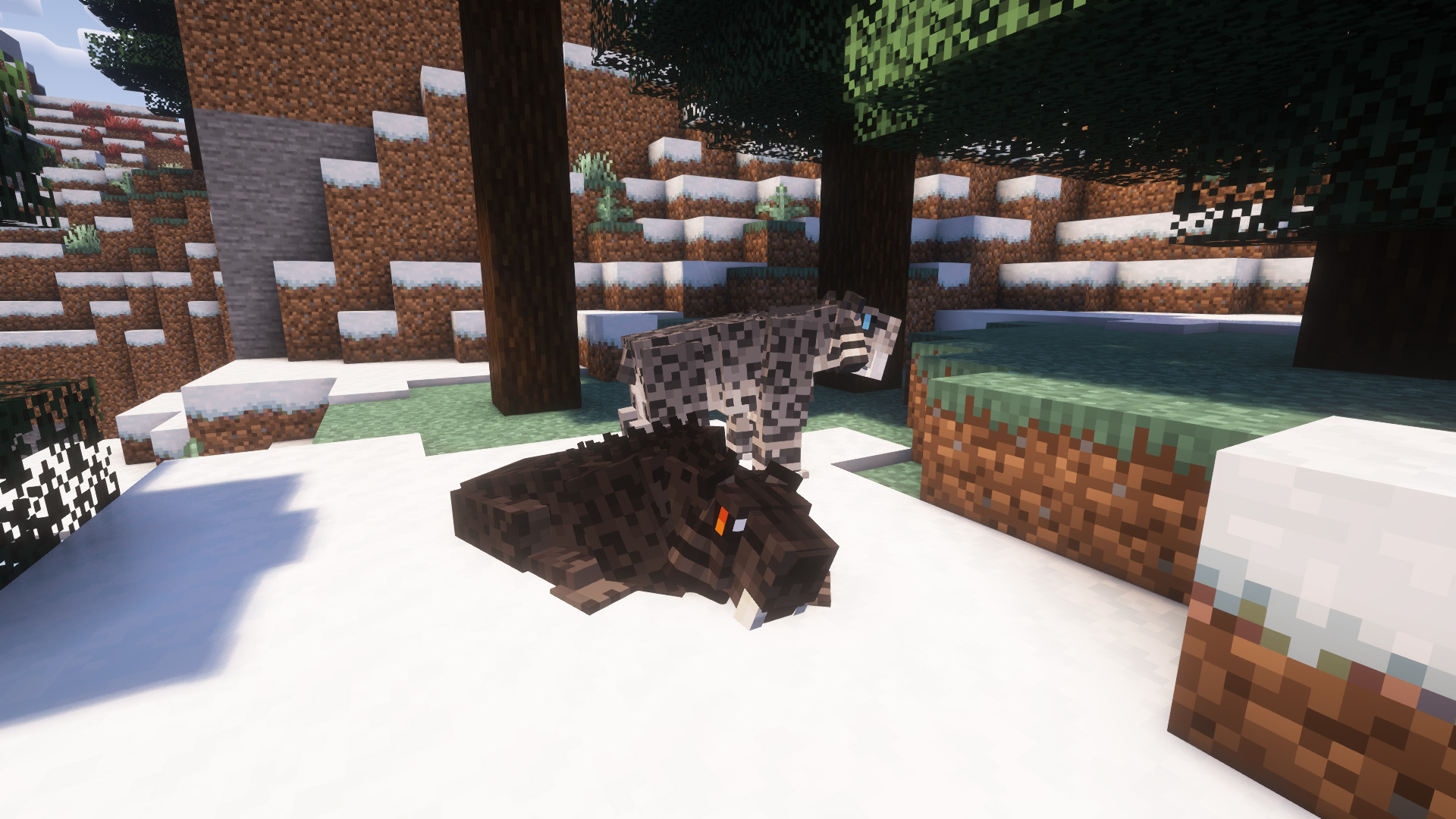
The mod also introduces a handful of extra variants created by me, which demonstrate the new system! Currently, the mod adds two new variants for the smilodon, along with an extra custom surprise.
For even more variety, check out my other addon Prehistoric Spawns, which allows the dinosaurs of F&A to spawn naturally in the overworld-- pairing well with the biome spawn condition!
Currently the mod is only available for Forge, but a Fabric version is likely in the future as I become more familiar with Fabric modding.
Please note: While the mod should not break on servers, there is currently an F&A bug that affects variant conditions on servers, causing them not to show up. As far as I'm aware this is on their end, not mine, which means that hopefully it will be fixed on its own in future versions.
Promotional screenshots taken using Oh the Biomes You'll Go (1.18) and Complementary Shaders. Featured dinosaurs are, of course, from Fossils & Archeology Revival, with some custom skins designed by me!
Available Versions
How to Install Prehistoric Variants (A Fossils and Archeology Revival Add-On) on Your Server
Order Server
Order a Minecraft Java server with at least 3 GB RAM (4 GB recommended).
Set forge Loader
In the panel under "Egg", select the forge loader and matching Minecraft version (1.18.2).
Install Mod
Open the mod browser in the dashboard and search for "Prehistoric Variants (A Fossils and Archeology Revival Add-On)". Click "Install" – done! Alternatively, upload the .jar via SFTP to the /mods folder.
Compatibility
Mod Loaders
Minecraft Versions
1.18.2
Server-side
✓ RequiredRecommended RAM
4 GB(min. 3 GB)Frequently Asked Questions
Prehistoric Variants (A Fossils and Archeology Revival Add-On) server crashes on startup – what to do?
Most common cause: wrong forge version or insufficient RAM. Check the server log (latest.log) for "OutOfMemoryError" or "Mixin" errors. With Mado Hosting: ensure at least 3 GB RAM is allocated and the loader matches the mod version (1.18.2). You can switch loaders with one click in the panel.
Is Prehistoric Variants (A Fossils and Archeology Revival Add-On) compatible with forge?
Prehistoric Variants (A Fossils and Archeology Revival Add-On) officially supports forge for Minecraft 1.18.2. The Mado dashboard automatically detects incompatible loader combinations.
Server lagging with Prehistoric Variants (A Fossils and Archeology Revival Add-On) – how to optimize performance?
Recommended RAM: 4 GB (per 8 players). Use /spark profiler to check if Prehistoric Variants (A Fossils and Archeology Revival Add-On) consumes the most tick time. Common fixes: reduce server view-distance to 8-10, install "performant" or "starlight" as supplementary mods on Forge. With Mado Hosting, your server runs on NVMe SSDs with dedicated CPU cores for minimal latency.
Similar Mods
![[EMF] Entity Model Features](https://cdn.modrinth.com/data/4I1XuqiY/6e5bbd0d06b1741bfdab6c0cfab6de8fdaf0064c_96.webp)


Rent Modded Server
Install Prehistoric Variants (A Fossils and Archeology Revival Add-On) with just one click on your server.