
PteraXpansion
An End Update, redstone mechanics and new challenges!
Screenshots
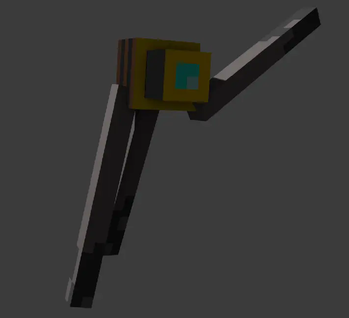
About this Mod
PteraXpansion is a new mod adding multiple additions Mojang will never add, such as: an End Update, a Redirector, an Auto-Mining Block, and much, much more.
Wasteland (Spoiler)
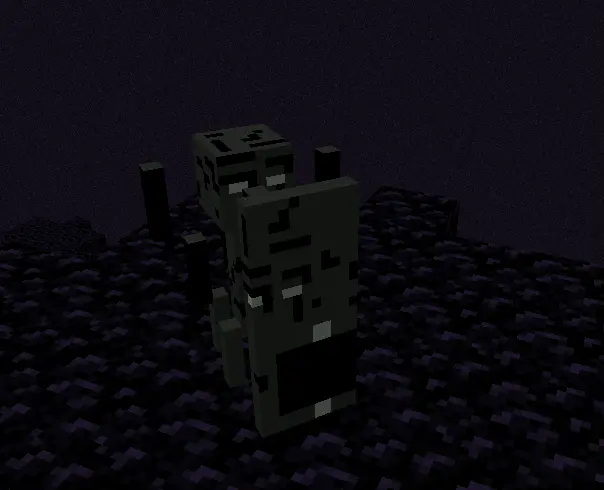
In the end, the only vanilla island that still generates is the central dragon island. However, there is a new biome, known as... The Wasteland, this biome is filled with Blazes, Blood Slimes, and Black Blazes. You may also find Grimstone Boulders and Obsidian Obelisks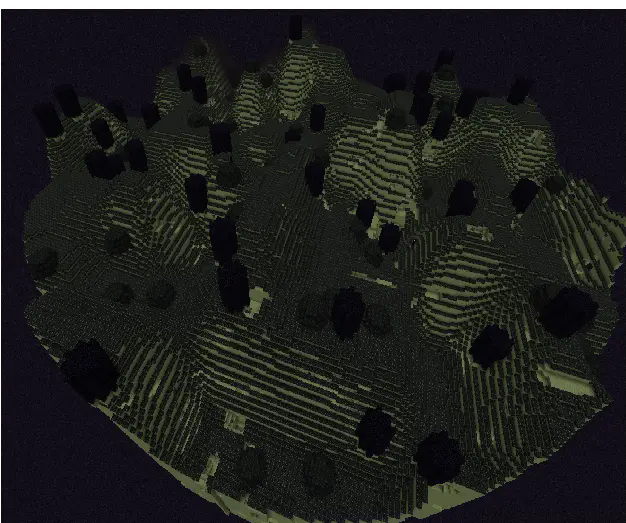
Blood Slime
The Blood Slime attacks an mob/player when that mob/player attacks something, even if the victim the mob/player attacked was not the Blood Slime. He gets stronger each time he kills a mob/player. Blood Slimeballs are dropped from this mob.
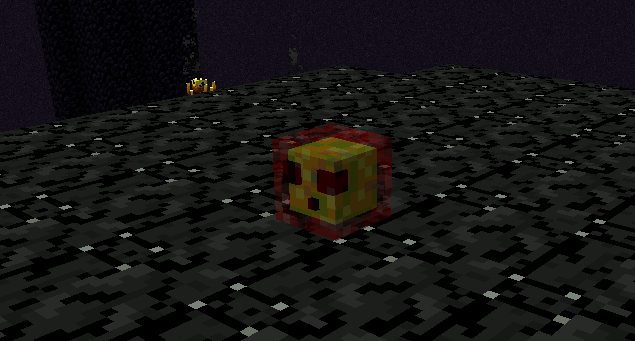
Combining a Blood Slimeball with a stick makes the agility gadget. Which can then be combined with another stick to make an Agility Gadget with Long or with an Ender Pearl so it makes an Agility-Gadget with Ender-launch, you cal also combine the 2 together.
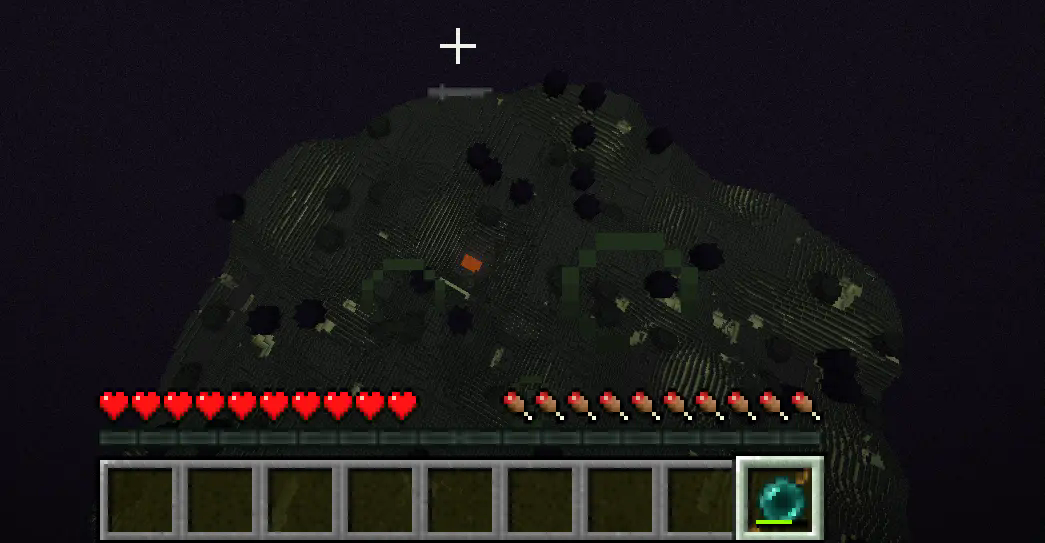
Black Blaze
The Black Blaze has a shield. You can break his shield or attack him from behind or from above. He does have a cooldown phase where he makes all nearby blazes aggro at you while he is under a cooldown.
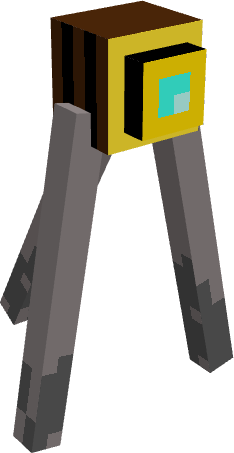
Miner Block
is a new block which based on the side of the block it is placed on, will mine a specific side. It is activated with redstone
Redirector (Spoiler)
It will turn around until it looks at a player or Iron Golem, when looking at one, it will cause all nearby mobs (even passive ones) to attack the player/Iron Golem, only mobs that are tamed to the player are unaffected
Available Versions
How to Install PteraXpansion on Your Server
Order Server
Order a Minecraft Java server with at least 4 GB RAM (6 GB recommended).
Set fabric Loader
In the panel under "Egg", select the fabric loader and matching Minecraft version (1.20.1).
Install Mod
Open the mod browser in the dashboard and search for "PteraXpansion". Click "Install" – done! Alternatively, upload the .jar via SFTP to the /mods folder.
Compatibility
Mod Loaders
Minecraft Versions
1.20.1
Server-side
✓ RequiredRecommended RAM
6 GB(min. 4 GB)Frequently Asked Questions
PteraXpansion server crashes on startup – what to do?
Most common cause: wrong fabric version or insufficient RAM. Check the server log (latest.log) for "OutOfMemoryError" or "Mixin" errors. With Mado Hosting: ensure at least 4 GB RAM is allocated and the loader matches the mod version (1.20.1). You can switch loaders with one click in the panel.
Is PteraXpansion compatible with fabric?
PteraXpansion officially supports fabric for Minecraft 1.20.1. The Mado dashboard automatically detects incompatible loader combinations.
Server lagging with PteraXpansion – how to optimize performance?
Recommended RAM: 6 GB (per 5 players). Use /spark profiler to check if PteraXpansion consumes the most tick time. Common fixes: reduce server view-distance to 8-10, install "performant" or "starlight" as supplementary mods on Forge. With Mado Hosting, your server runs on NVMe SSDs with dedicated CPU cores for minimal latency.
Similar Mods




Rent Modded Server
Install PteraXpansion with just one click on your server.