
PvP Legacy Utils
This is a mod that provides additional client-side features on the server PvP Legacy.
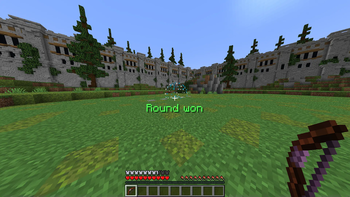
Screenshots
About this Mod
PvP Legacy Utils
This mod is NOT affiliated with PvP Legacy. Please do NOT ask them for support on this mod.
This is a mod that provides additional client-side features on the server PvP Legacy.
List of features:
- General
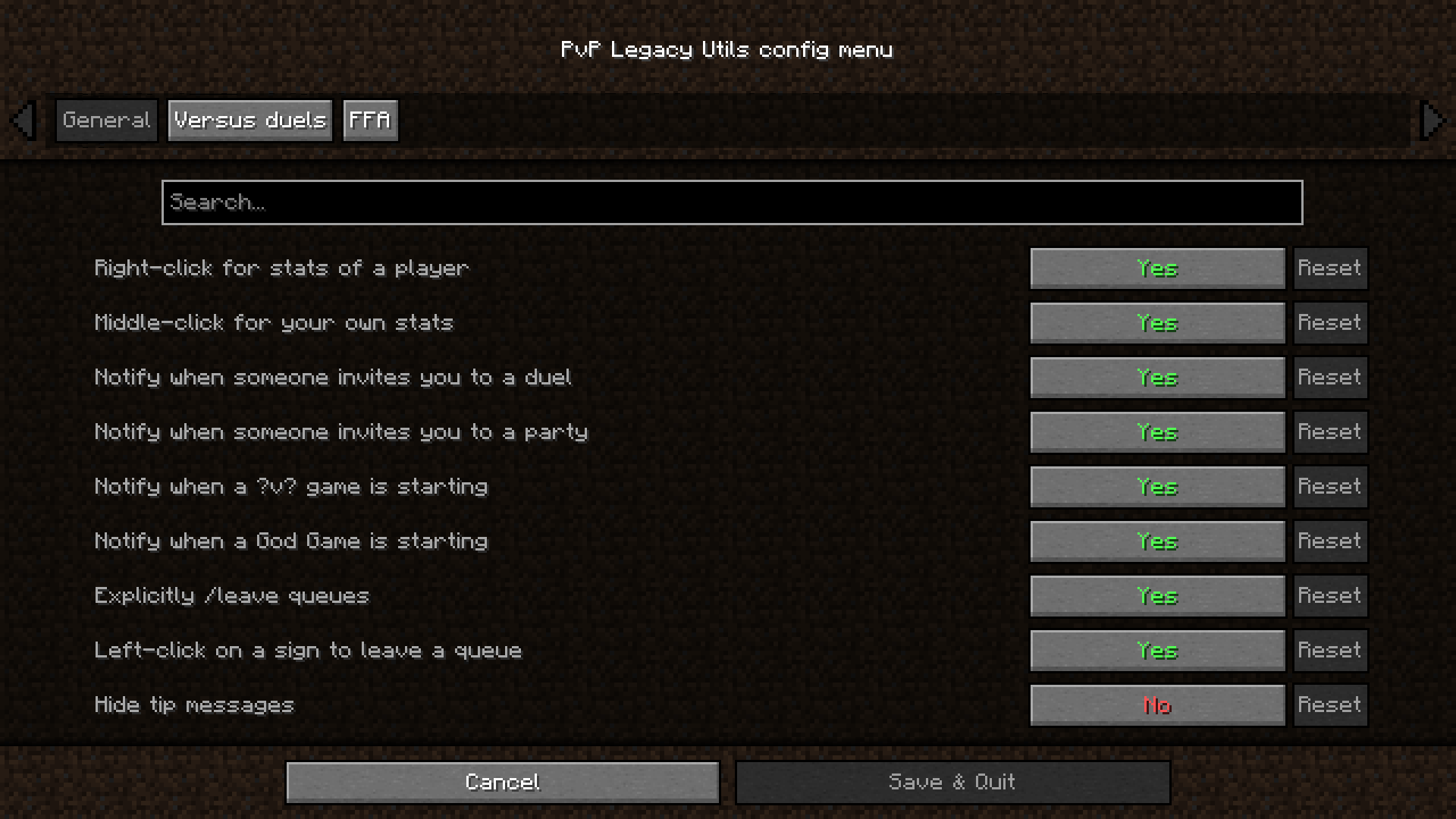
- Right-click a player in the lobby for their stats
- Middle-click in the lobby for your own stats. Internally uses the Pick Block functionality, which is middle-click by default. Make sure you have Pick Block bound to a key.
- Notify when someone invites you to a duel
- Notify when someone invites you to a party
- Notify when a ?v? game is about to start
- Notify when a God Game is about to start
- Explicitly
/leavequeues. Make it not possible to leave the current queue by right-clicking another sign. You can still do it by sneak-right-clicking on a sign, to check a kit of a sign, or to re-queue in another sign - Left-click the sign to leave the queue
- Hide tips
- Versus duels
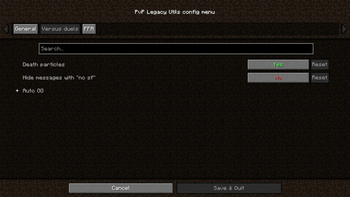
- Death particles
- Hide messages with "no sf"
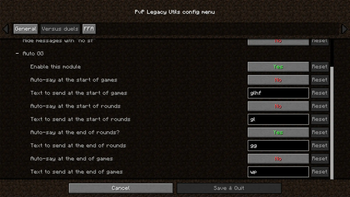
- Various Auto GG options (Start of game, round. End of round, game. Toggles and text changes.)
- FFA
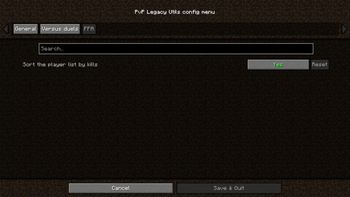
- Sort the player list by kills
More features to come!
I accept donations with gratitude on my Boosty page as one time donations and subscriptions. Subscribers get access to extra mods.
Donations will help me maintain and make new mods more consistently. Thank you!

Dependencies & Incompatibilities
The mod requires Fabric API to work.
For configuration, you need Mod Menu and Cloth Config. Though, the mod will work without them.
I have not discovered any incompatibilities yet.
Credits
Icon by the Pufferfish Praise Parliament discord server.
Huge thanks to enjarai and jacg for their mod, Shared Resources, because a lot of code has been borrowed from it, with their permission, to make this mod possible to have one jar file for all 1.19 minor versions.
And a shout-out to all my friends that helped me test this mod!
Available Versions
How to Install PvP Legacy Utils on Your Server
Order Server
Order a Minecraft Java server with at least 3 GB RAM (4 GB recommended).
Set fabric Loader
In the panel under "Egg", select the fabric loader and matching Minecraft version (1.21.10).
Install Mod
Open the mod browser in the dashboard and search for "PvP Legacy Utils". Click "Install" – done! Alternatively, upload the .jar via SFTP to the /mods folder.
Compatibility
Mod Loaders
Minecraft Versions
1.21.10, 1.21.9, 1.21.8 (+20 more)
Server-side
✗ UnsupportedRecommended RAM
4 GB(min. 3 GB)Frequently Asked Questions
PvP Legacy Utils server crashes on startup – what to do?
Most common cause: wrong fabric version or insufficient RAM. Check the server log (latest.log) for "OutOfMemoryError" or "Mixin" errors. With Mado Hosting: ensure at least 3 GB RAM is allocated and the loader matches the mod version (1.21.10). You can switch loaders with one click in the panel.
Is PvP Legacy Utils compatible with fabric and quilt?
PvP Legacy Utils officially supports fabric, quilt for Minecraft 1.21.10, 1.21.9, 1.21.8. The Mado dashboard automatically detects incompatible loader combinations.
Server lagging with PvP Legacy Utils – how to optimize performance?
Recommended RAM: 4 GB (per 8 players). Use /spark profiler to check if PvP Legacy Utils consumes the most tick time. Common fixes: reduce server view-distance to 8-10, install "performant" or "starlight" as supplementary mods on Forge. With Mado Hosting, your server runs on NVMe SSDs with dedicated CPU cores for minimal latency.
Similar Mods




![[ETF] Entity Texture Features](https://cdn.modrinth.com/data/BVzZfTc1/af683d206d50b05258d865b0d6e4aa2f2cee12f2_96.webp)
![[EMF] Entity Model Features](https://cdn.modrinth.com/data/4I1XuqiY/6e5bbd0d06b1741bfdab6c0cfab6de8fdaf0064c_96.webp)
Rent Modded Server
Install PvP Legacy Utils with just one click on your server.