
QCommand
QCommand (+Macro/Keybind) Save and run commands in a simple way
Screenshots
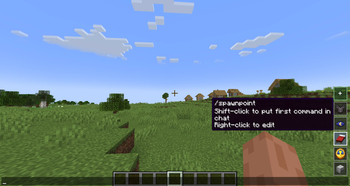
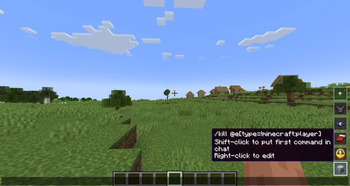
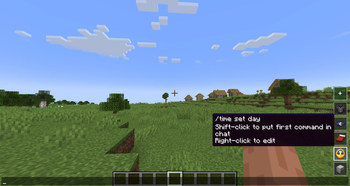
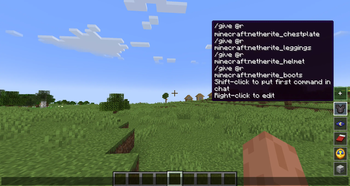
About this Mod
QCommand (+Macro/Keybind)
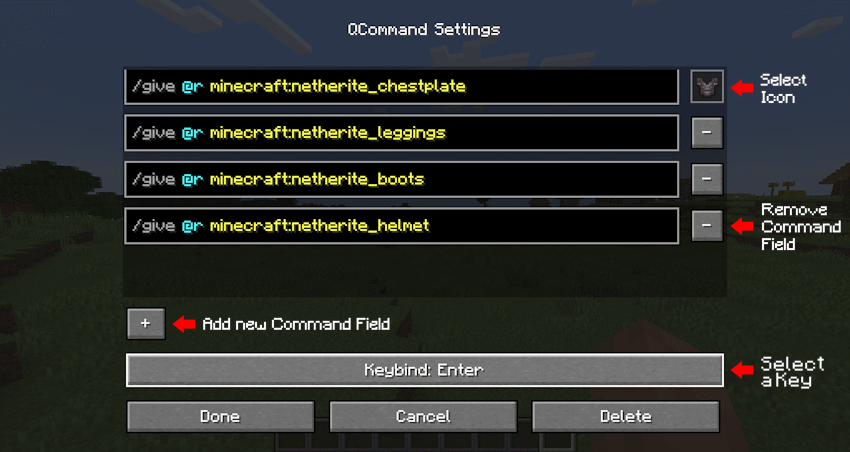
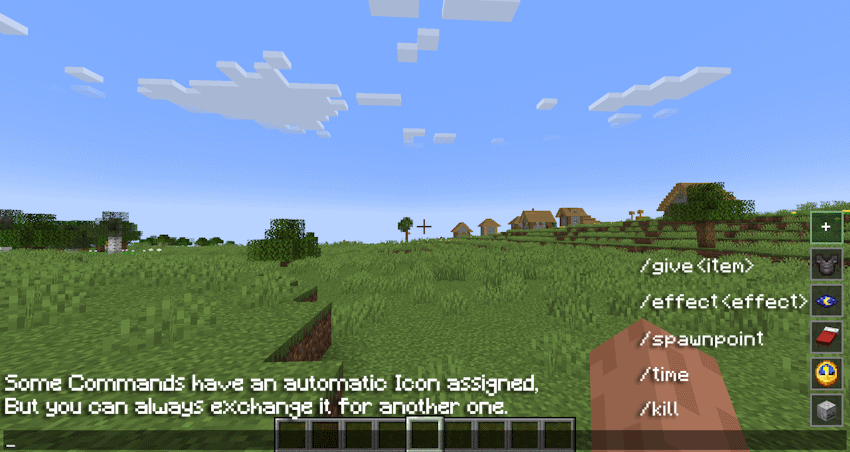
QCommand is a client-side Minecraft Forge mod that adds quick command buttons to the chat screen. It lets players save one or more commands behind small clickable buttons, choose an icon for each button, assign optional keybinds, and quickly run repeated commands without retyping them.
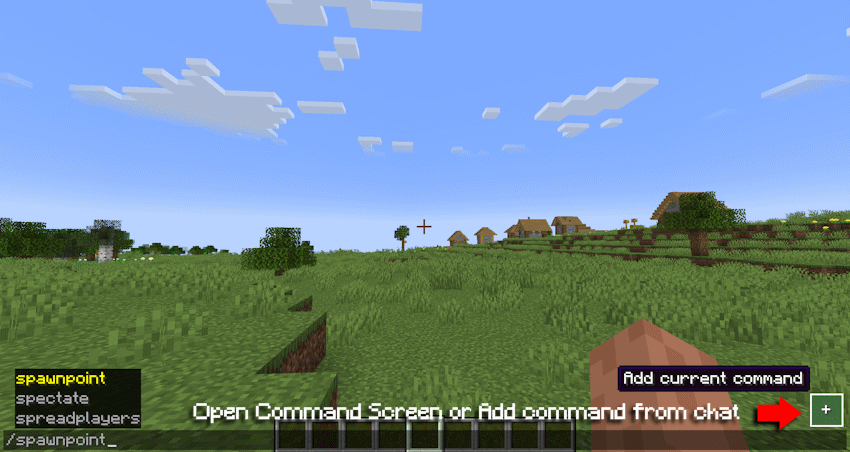
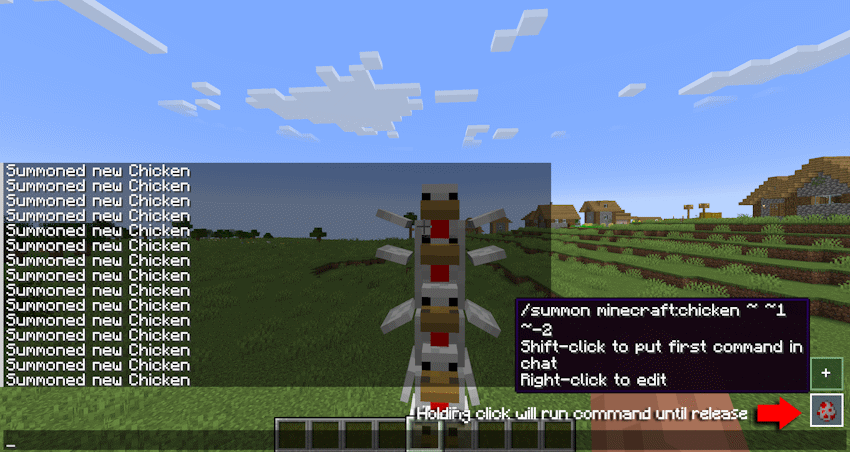
The mod is designed for players who frequently use commands, server utilities, testing commands, admin tools, teleport commands, gamemode switches, or custom datapack/plugin commands.
Main features:
•Adds quick command buttons directly to the chat screen.
•Lets you create, edit, delete, and store custom command entries.
•Supports multiple command lines per saved button.
•Executes saved commands quickly from the chat UI.
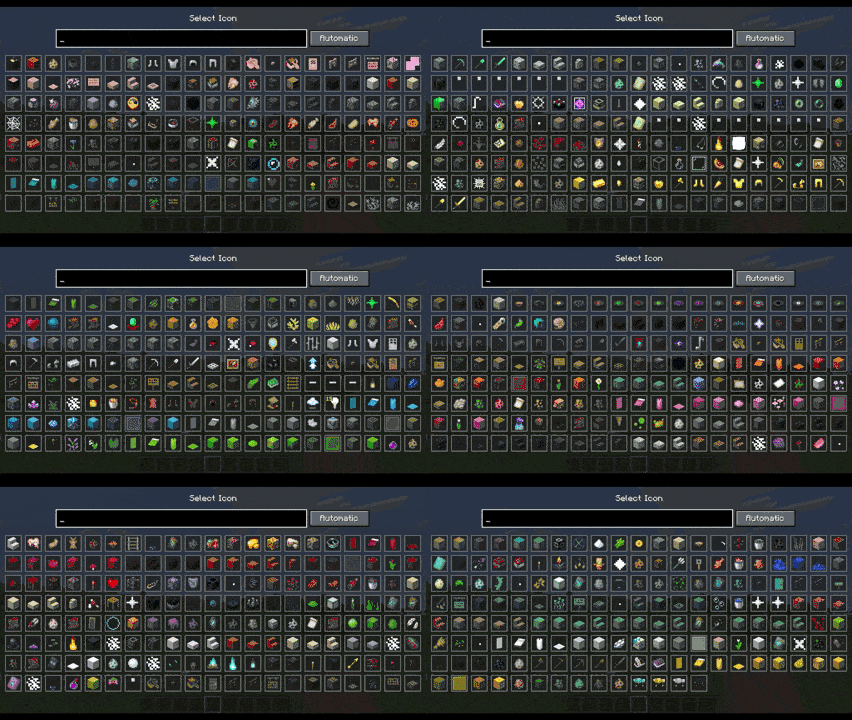
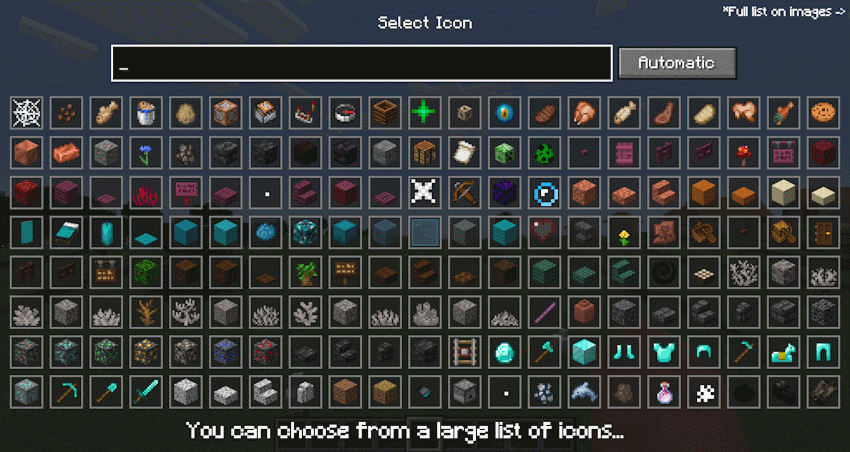
•Allows choosing custom visual icons from items, effects, or particles.
•Supports optional keybinds for saved commands.
•Includes command autocomplete while editing command fields.
•Supports repeat behavior while holding a command button.
•Stores commands locally on the client.
•Does not require the server to install the mod.
Example uses:
•Save /home, /spawn, /warp, or /back.
•Save admin commands like /gamemode creative, /time set day, or /weather clear.
•Save testing commands for modpacks, datapacks, maps, or servers.
•Group several related commands into one command entry.
•Use icons to visually recognize each command quickly.
In short: QCommand makes Minecraft command usage faster by turning repeated commands into customizable chat-screen buttons.
Available Versions
How to Install QCommand on Your Server
Order Server
Order a Minecraft Java server with at least 3 GB RAM (4 GB recommended).
Set fabric Loader
In the panel under "Egg", select the fabric loader and matching Minecraft version (26.1.2).
Install Mod
Open the mod browser in the dashboard and search for "QCommand". Click "Install" – done! Alternatively, upload the .jar via SFTP to the /mods folder.
Compatibility
Mod Loaders
Minecraft Versions
26.1.2, 26.1.1, 26.1 (+2 more)
Server-side
✗ UnsupportedRecommended RAM
4 GB(min. 3 GB)Frequently Asked Questions
QCommand server crashes on startup – what to do?
Most common cause: wrong fabric version or insufficient RAM. Check the server log (latest.log) for "OutOfMemoryError" or "Mixin" errors. With Mado Hosting: ensure at least 3 GB RAM is allocated and the loader matches the mod version (26.1.2). You can switch loaders with one click in the panel.
Is QCommand compatible with fabric and forge and neoforge?
QCommand officially supports fabric, forge, neoforge for Minecraft 26.1.2, 26.1.1, 26.1. Note: Forge and Fabric mods are NOT cross-compatible – pick one loader and stick with it. The Mado dashboard automatically detects incompatible loader combinations.
Server lagging with QCommand – how to optimize performance?
Recommended RAM: 4 GB (per 8 players). Use /spark profiler to check if QCommand consumes the most tick time. Common fixes: reduce server view-distance to 8-10, install "performant" or "starlight" as supplementary mods on Forge. With Mado Hosting, your server runs on NVMe SSDs with dedicated CPU cores for minimal latency.
Similar Mods




Rent Modded Server
Install QCommand with just one click on your server.