
Radar
Helping crowdsource fishing spots on MCC Island
Screenshots
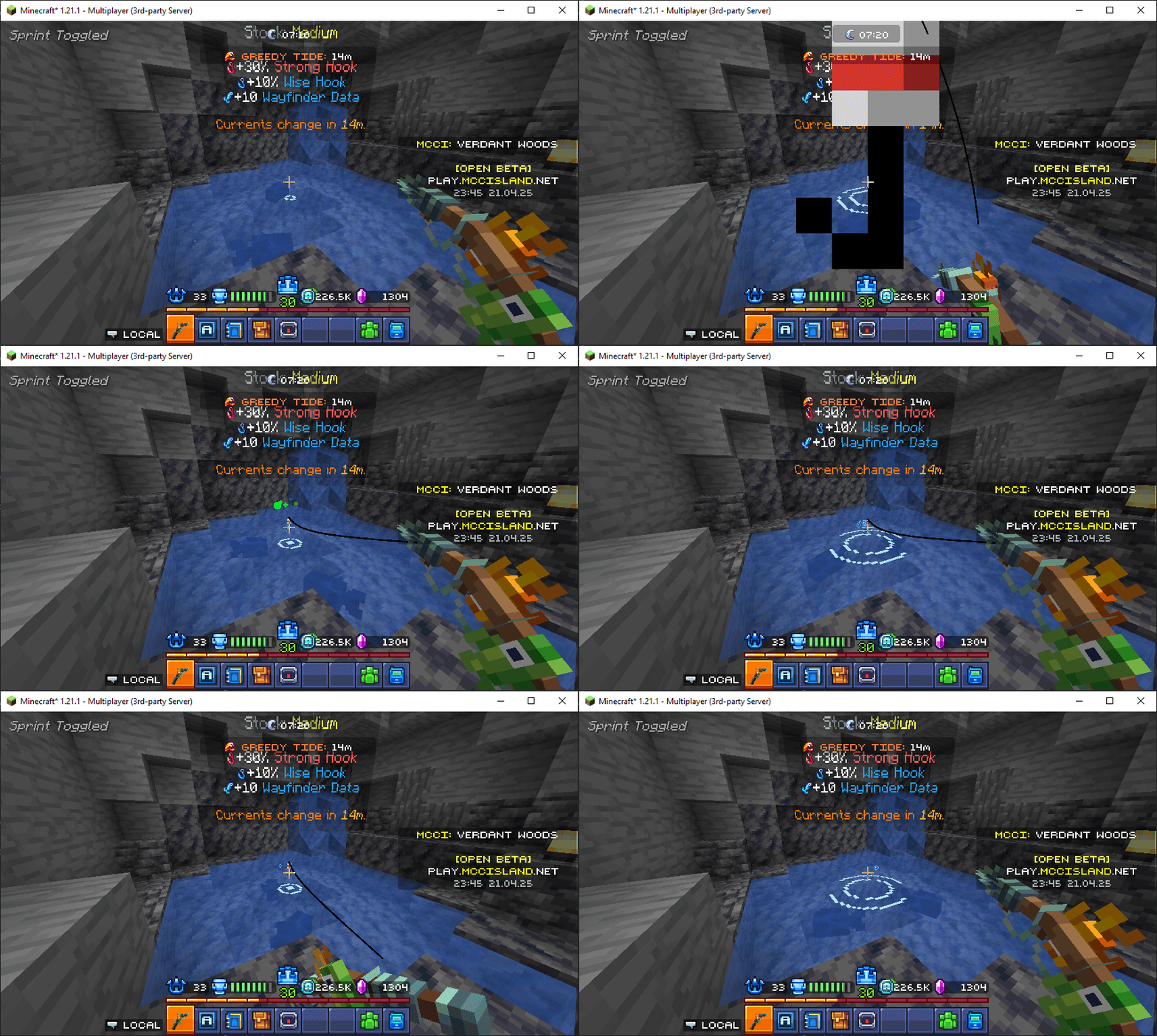
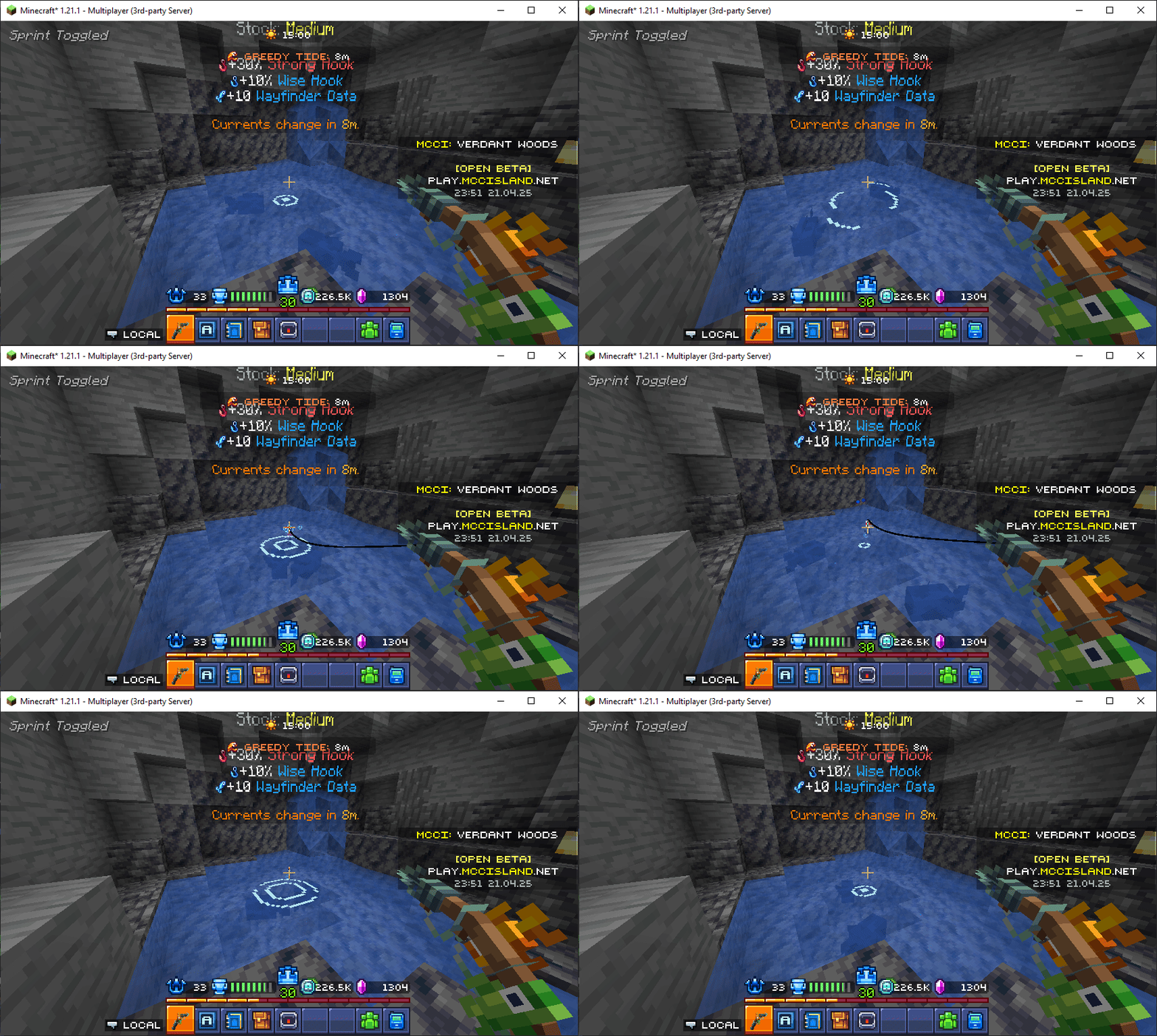
About this Mod
Radar
Radar is the mod helping crowdsource fishing spots on MCC Island and showcasing them on an online map. This mod works in the background while you fish to passivly upload the spots you fish at, while providing minimal distractions.
How to use
Simply find a fishing spot on MCC Island and fish. If you're the first person to have fished there, the spot will be uploaded to the map.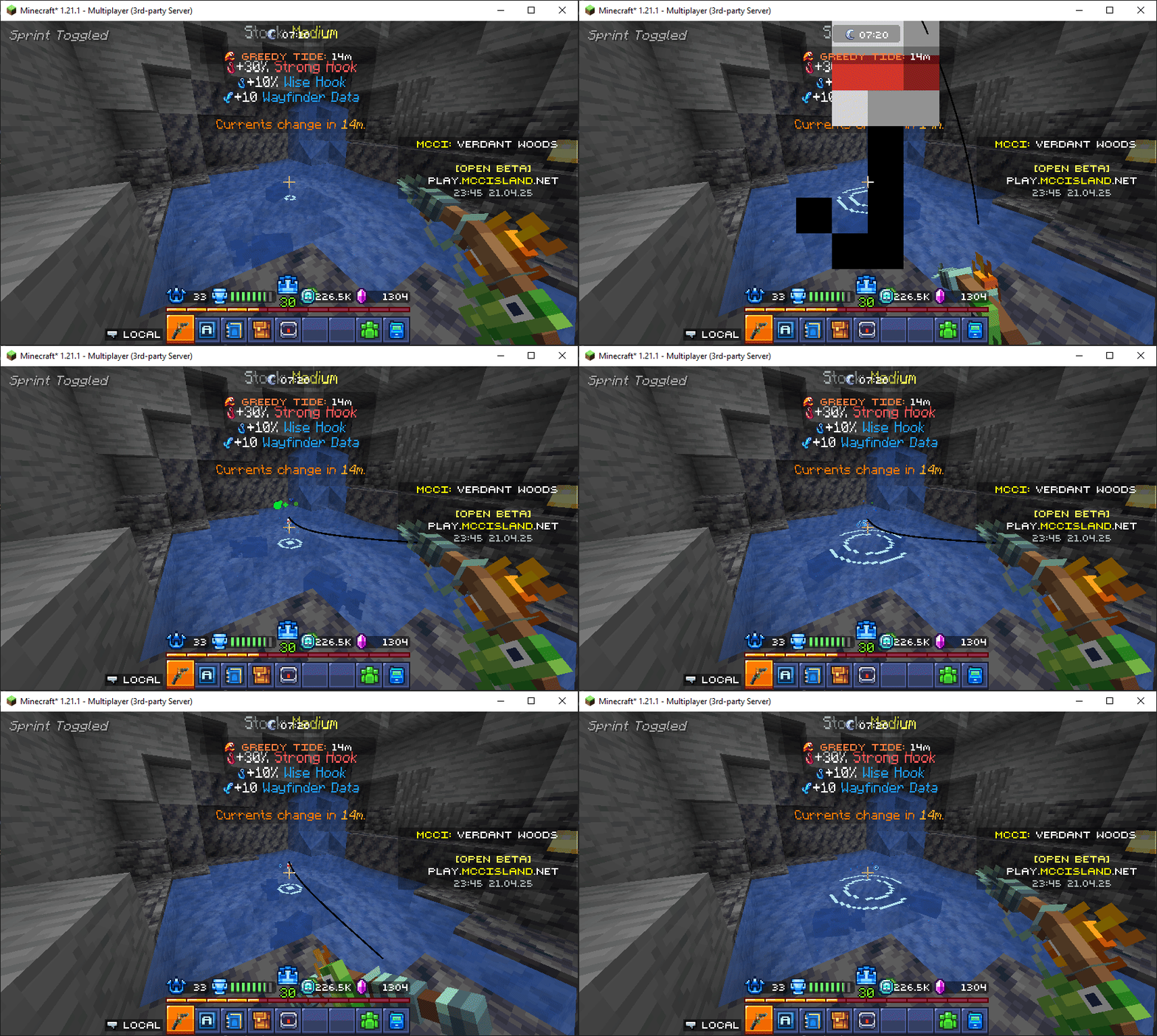
The online map can be viewed here: https://radar.themysterys.com/
Questions
Click to Open
Do I need to install this mod to use the map?: No this mod is for players who wish to help share spots. You can freely use the map without it.Does this mod provide an ingame map?: No. Minimaps are not allowed on MCC Island and such this mod does not provide a way to view spots ingame.
Why do I keep seeing blue particles when I fish?: Particles are how the mod comunicates with the player. Blue means that a spot has already been uploaded to the map. You can view a full list by using the
/radar colors command.
Available Versions
How to Install Radar on Your Server
Order Server
Order a Minecraft Java server with at least 3 GB RAM (4 GB recommended).
Set fabric Loader
In the panel under "Egg", select the fabric loader and matching Minecraft version (26.1.2).
Install Mod
Open the mod browser in the dashboard and search for "Radar". Click "Install" – done! Alternatively, upload the .jar via SFTP to the /mods folder.
Compatibility
Mod Loaders
Minecraft Versions
26.1.2, 26.1.1, 26.1 (+7 more)
Server-side
✗ UnsupportedRecommended RAM
4 GB(min. 3 GB)Frequently Asked Questions
Radar server crashes on startup – what to do?
Most common cause: wrong fabric version or insufficient RAM. Check the server log (latest.log) for "OutOfMemoryError" or "Mixin" errors. With Mado Hosting: ensure at least 3 GB RAM is allocated and the loader matches the mod version (26.1.2). You can switch loaders with one click in the panel.
Is Radar compatible with fabric?
Radar officially supports fabric for Minecraft 26.1.2, 26.1.1, 26.1. The Mado dashboard automatically detects incompatible loader combinations.
Server lagging with Radar – how to optimize performance?
Recommended RAM: 4 GB (per 8 players). Use /spark profiler to check if Radar consumes the most tick time. Common fixes: reduce server view-distance to 8-10, install "performant" or "starlight" as supplementary mods on Forge. With Mado Hosting, your server runs on NVMe SSDs with dedicated CPU cores for minimal latency.
Similar Mods




![[ETF] Entity Texture Features](https://cdn.modrinth.com/data/BVzZfTc1/af683d206d50b05258d865b0d6e4aa2f2cee12f2_96.webp)
![[EMF] Entity Model Features](https://cdn.modrinth.com/data/4I1XuqiY/6e5bbd0d06b1741bfdab6c0cfab6de8fdaf0064c_96.webp)
Rent Modded Server
Install Radar with just one click on your server.