
Radial
A simple and opinionated Minecraft radial menu mod that works flawlessly out of the box.
Screenshots
About this Mod
Radial



A simple and opinionated Minecraft radial menu mod that works flawlessly out of the box.
Overview
Radial is an opinionated utility mod that brings all your commands and keybinds into one beautifully simple interface. Built for seamless gameplay, it eliminates the need to memorize complex hotkeys by putting your most-used actions in a dynamic radial menu that just works.
Features
It's a radial menu
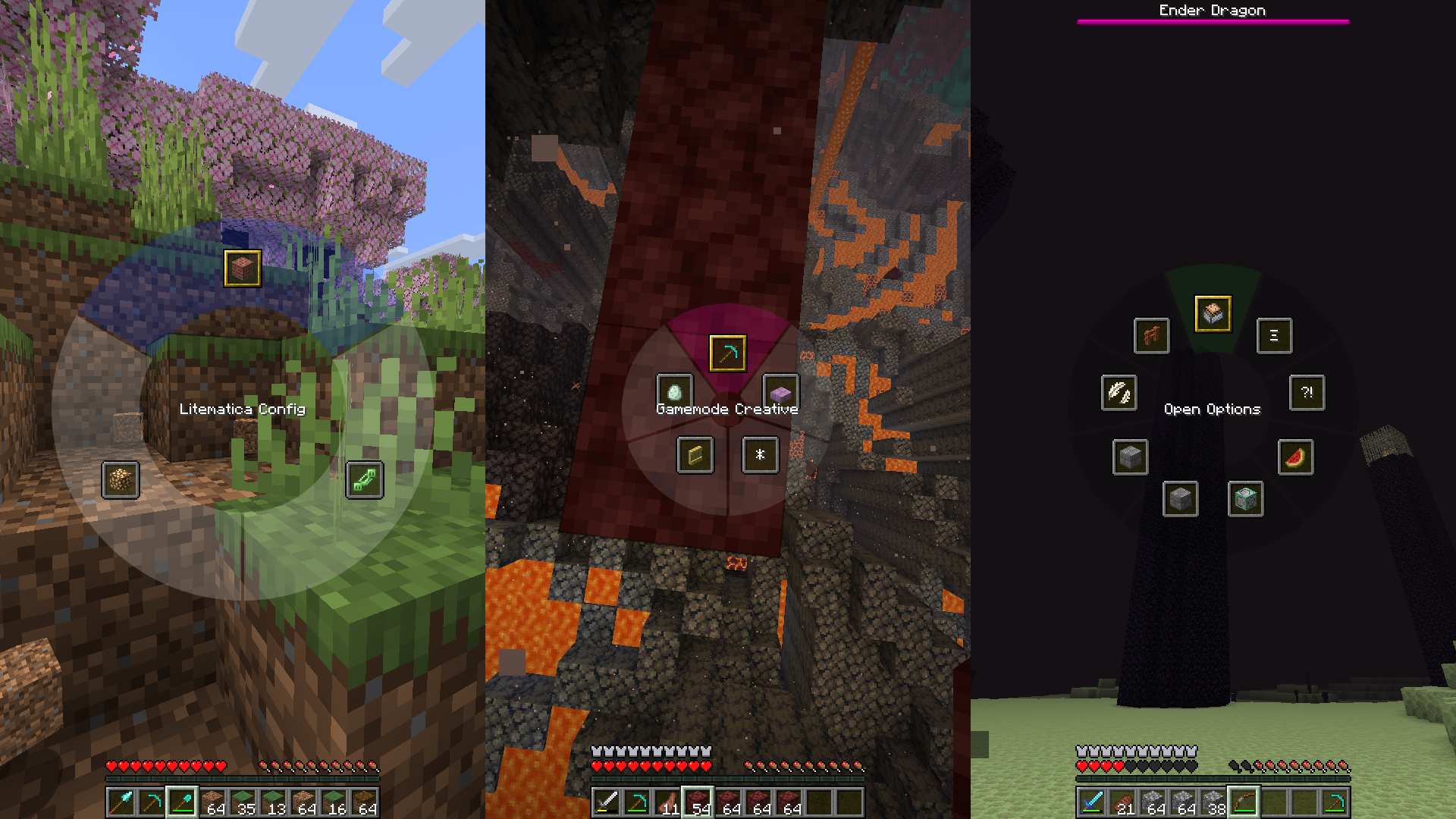
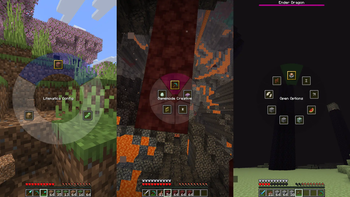
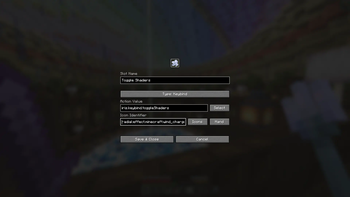
A fast, fluid interface built for speed. Execute actions on click or release, depending on your playstyle. Need to make a quick change? Just right-click any slot to edit it on the fly.
Complete visual control
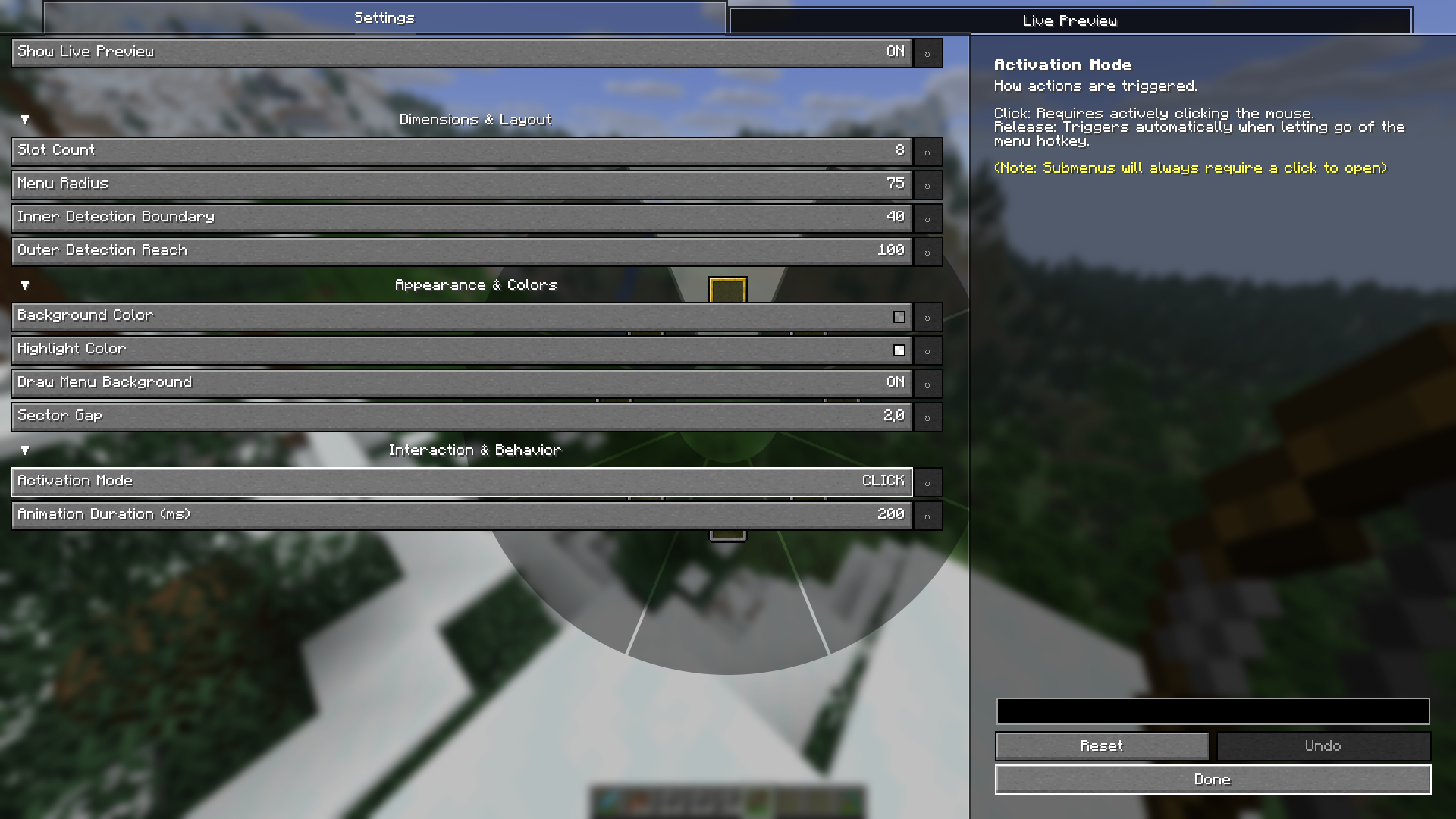
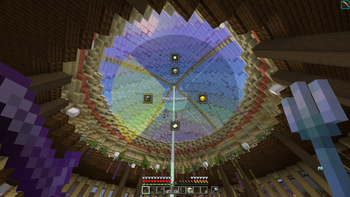
Make it yours with a real-time live preview. Adjust the inner and outer radii, change colors, tweak gaps, or hide the background donut entirely to perfectly match your HUD.
Various functionalities
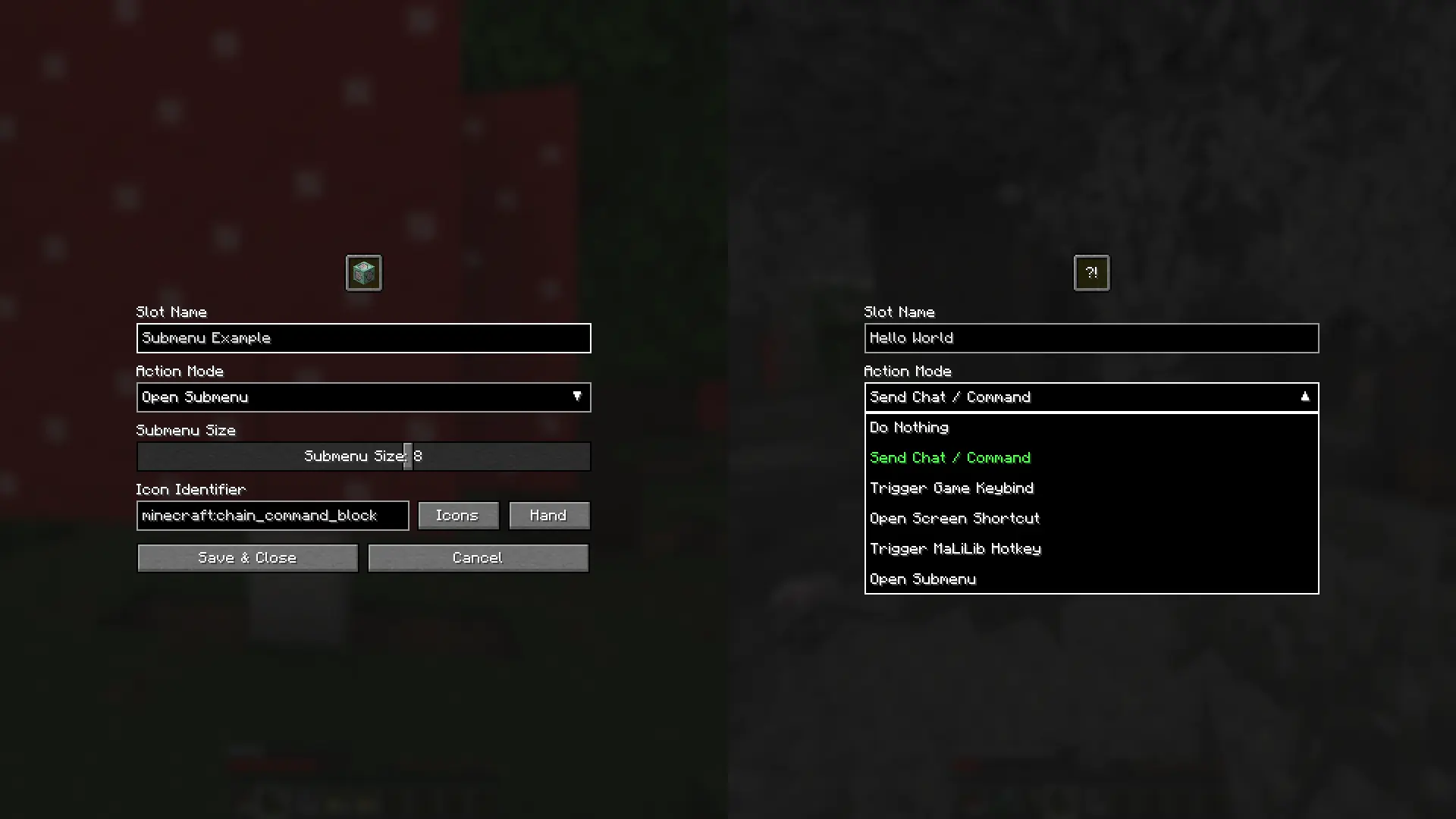
Bind your slots to whatever you need. Set up chat commands, standard keybinds, submenus, screen shortcuts (like instantly opening the Options menu), or even MaLiLib keybinds for technical players. Name them, or leave them blank for a minimalist look.
Icon customization
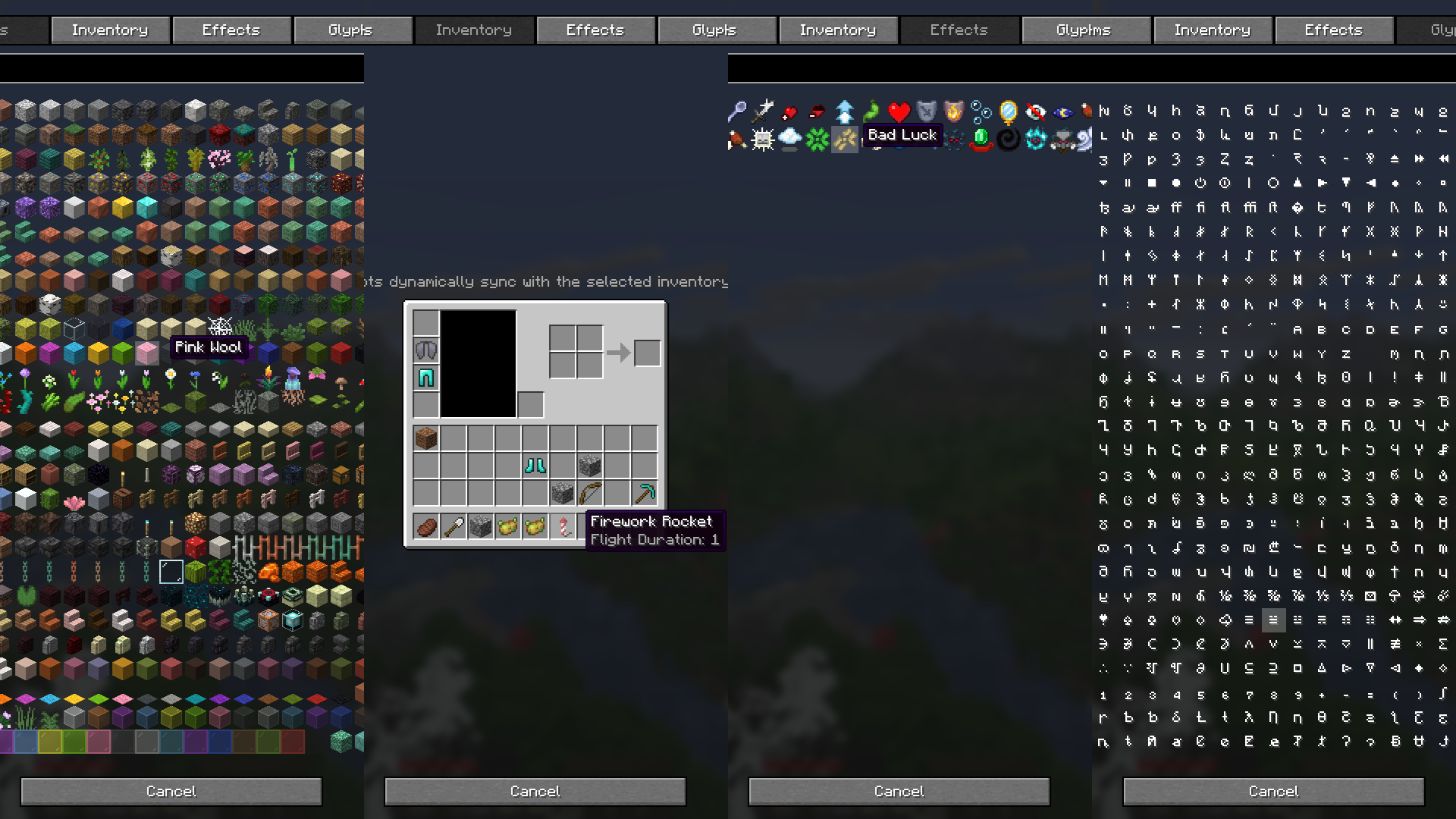
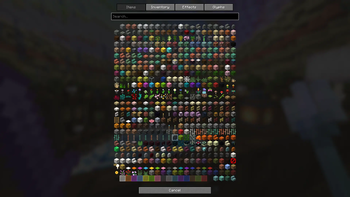
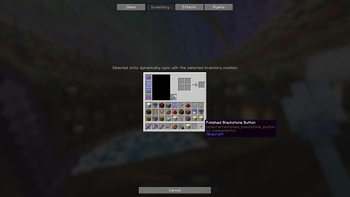
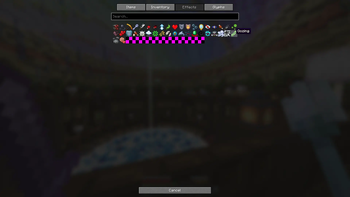
Represent your actions your way. Choose from any item (full NBT support included), sync visually with live inventory slots, display mob effect icons, or type out custom character combinations.
Version Support & Backports
To keep development focused and maintain a healthy workflow, this mod operates on a forward-only development cycle.
- Active Development: I am currently only developing and testing for the newest targeted Minecraft version. New features, improvements, and bug fixes will only be applied to this latest version.
- No Backporting: I do not backport features or patch bugs for older versions of Minecraft.
- Older Releases: Past versions of the mod will remain available to download for players using older modpacks, but they are provided "as-is" and will not receive further updates.
- Community Contributions: If you are passionate about a specific older version, feel free to fork the repository and submit a Pull Request! I am more than happy to review and accept community-driven backports, bug fixes, or maintenance updates for older versions.
Available Versions
How to Install Radial on Your Server
Order Server
Order a Minecraft Java server with at least 3 GB RAM (4 GB recommended).
Set fabric Loader
In the panel under "Egg", select the fabric loader and matching Minecraft version (26.1.2).
Install Mod
Open the mod browser in the dashboard and search for "Radial". Click "Install" – done! Alternatively, upload the .jar via SFTP to the /mods folder.
Compatibility
Mod Loaders
Minecraft Versions
26.1.2, 1.21.11, 1.21.10
Server-side
✗ UnsupportedRecommended RAM
4 GB(min. 3 GB)Frequently Asked Questions
Radial server crashes on startup – what to do?
Most common cause: wrong fabric version or insufficient RAM. Check the server log (latest.log) for "OutOfMemoryError" or "Mixin" errors. With Mado Hosting: ensure at least 3 GB RAM is allocated and the loader matches the mod version (26.1.2). You can switch loaders with one click in the panel.
Is Radial compatible with fabric?
Radial officially supports fabric for Minecraft 26.1.2, 1.21.11, 1.21.10. The Mado dashboard automatically detects incompatible loader combinations.
Server lagging with Radial – how to optimize performance?
Recommended RAM: 4 GB (per 8 players). Use /spark profiler to check if Radial consumes the most tick time. Common fixes: reduce server view-distance to 8-10, install "performant" or "starlight" as supplementary mods on Forge. With Mado Hosting, your server runs on NVMe SSDs with dedicated CPU cores for minimal latency.
Similar Mods




![[ETF] Entity Texture Features](https://cdn.modrinth.com/data/BVzZfTc1/af683d206d50b05258d865b0d6e4aa2f2cee12f2_96.webp)
![[EMF] Entity Model Features](https://cdn.modrinth.com/data/4I1XuqiY/6e5bbd0d06b1741bfdab6c0cfab6de8fdaf0064c_96.webp)
Rent Modded Server
Install Radial with just one click on your server.