
RealClockHUD
A simple client-side Fabric mod that shows the current time in-game. Fully configurable, works on any server.
Screenshots
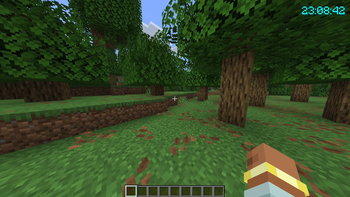
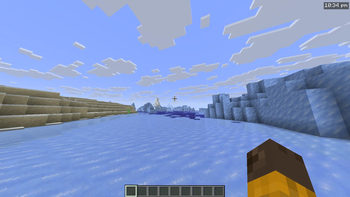
About this Mod
RealClockHUD
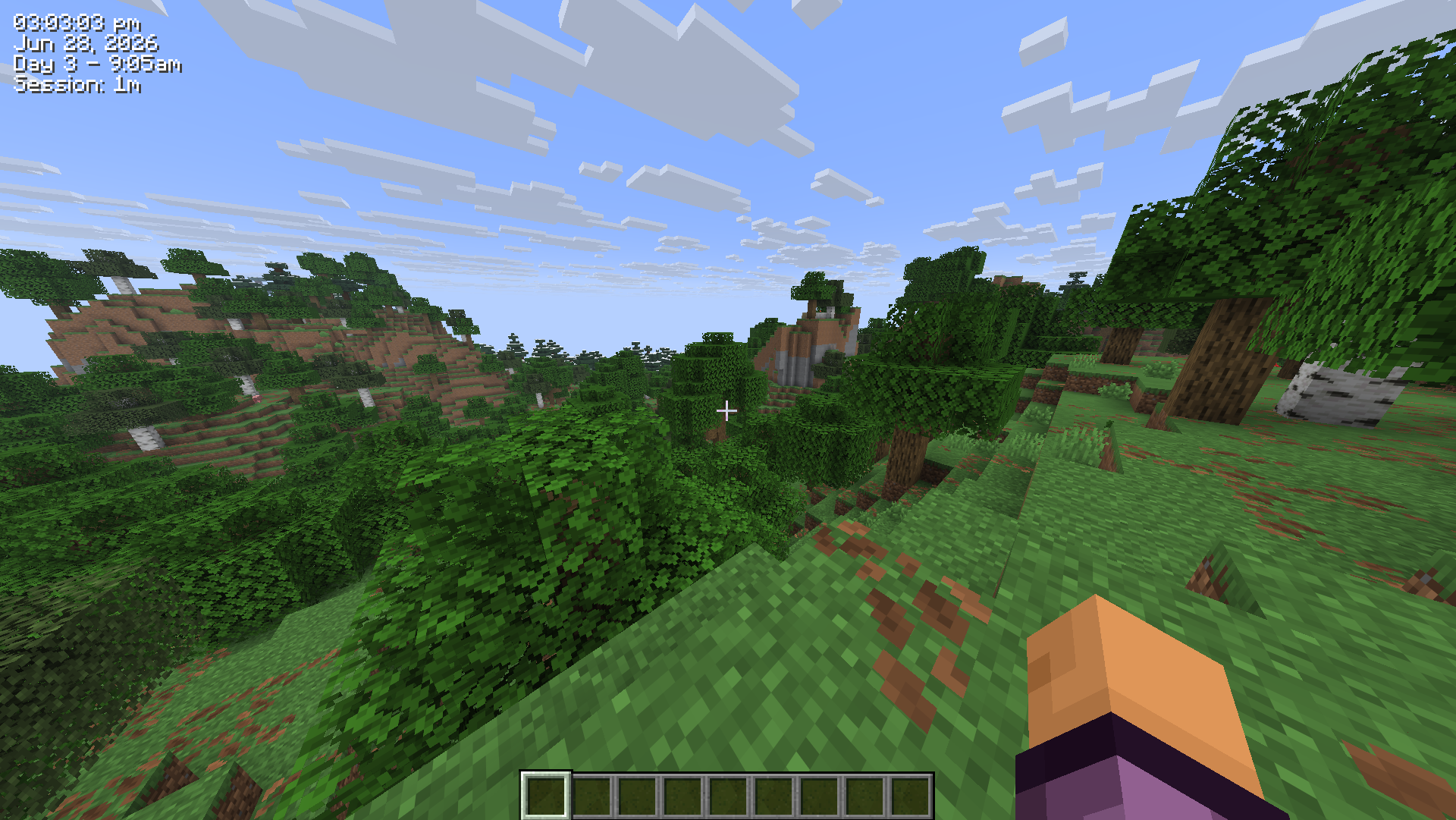
Displays the real-life system time as a HUD overlay in Minecraft.
Features
- Real-life clock displayed as an in-game HUD overlay
- 12-hour and 24-hour format toggle
- Optional seconds display
- Real-life date display (e.g.
Jun 28, 2026) - In-game time display (e.g.
Day 42 - 6:30am) - Session timer showing how long you've been playing (e.g.
Session: 1h 23m) - Configurable corner positioning (top-left, top-right, bottom-left, bottom-right)
- X/Y offset for fine-tuned placement
- Custom text color (hex)
- Optional background box
- Optional text shadow
- Keybind to toggle visibility (default:
K, rebindable in Controls) /realclockcommands for all settings- Self-healing config - invalid or missing values are corrected and re-saved automatically
- Hides during F1/F3 and screenshots
- Updated for 26.2
Settings/Commands
All settings are stored in .minecraft/config/realclock.json and can be edited manually.
The config is self-healing - any invalid values will be reset to defaults automatically on next launch.
You can also change any setting using the /realclock command - no need to edit the config file directly. Changes take effect immediately and are saved automatically.
The clock can also be toggled with the K keybind (rebindable in Options > Controls).
| Setting | Command | Default | Description |
|---|---|---|---|
24h |
/realclock 24h true |
false |
Use 24hr time format instead of 12hr |
background |
/realclock background true |
true |
Show a dark box behind the clock |
color |
/realclock color #FF0000 |
#FFFFFF |
Text color as a hex value |
corner |
/realclock corner top-left |
top-right |
Clock position - top-left, top-right, bottom-left, bottom-right |
date |
/realclock date true |
false |
Show the real-life date below the clock |
gametime |
/realclock gametime true |
false |
Show the in-game day and time of day |
offsetx |
/realclock offsetx 8 |
4 |
Horizontal nudge in pixels from the corner |
offsety |
/realclock offsety 8 |
4 |
Vertical nudge in pixels from the corner |
scale |
/realclock scale 1.5 |
1.0 |
Text scale - 1.0 is normal, 2.0 is double size |
seconds |
/realclock seconds true |
false |
Show seconds alongside the time |
sessiontimer |
/realclock sessiontimer true |
false |
Show how long you've been in the current session |
shadow |
/realclock shadow true |
true |
Render a drop shadow behind the text |
toggle |
/realclock toggle |
true |
Whether the clock is currently visible |
Configuration
Config file is created automatically at .minecraft/config/realclock.json on first launch.
{
  "visible": true,
  "corner": "TOP_RIGHT",
  "use24Hour": false,
  "showSeconds": false,
  "color": 16777215,
  "scale": 1.0,
  "showDate": false,
  "showGameTime": false,
  "showSessionTimer": false,
  "showBackground": true,
  "textShadow": true,
  "offsetX": 4,
  "offsetY": 4
}
color is stored as a decimal integer. 16777215 = #FFFFFF (white).
Available Versions
How to Install RealClockHUD on Your Server
Order Server
Order a Minecraft Java server with at least 3 GB RAM (4 GB recommended).
Set fabric Loader
In the panel under "Egg", select the fabric loader and matching Minecraft version (26.2).
Install Mod
Open the mod browser in the dashboard and search for "RealClockHUD". Click "Install" – done! Alternatively, upload the .jar via SFTP to the /mods folder.
Compatibility
Mod Loaders
Minecraft Versions
26.2, 26.1.2, 26.1.1 (+1 more)
Server-side
✗ UnsupportedRecommended RAM
4 GB(min. 3 GB)Frequently Asked Questions
RealClockHUD server crashes on startup – what to do?
Most common cause: wrong fabric version or insufficient RAM. Check the server log (latest.log) for "OutOfMemoryError" or "Mixin" errors. With Mado Hosting: ensure at least 3 GB RAM is allocated and the loader matches the mod version (26.2). You can switch loaders with one click in the panel.
Is RealClockHUD compatible with fabric?
RealClockHUD officially supports fabric for Minecraft 26.2, 26.1.2, 26.1.1. The Mado dashboard automatically detects incompatible loader combinations.
Server lagging with RealClockHUD – how to optimize performance?
Recommended RAM: 4 GB (per 8 players). Use /spark profiler to check if RealClockHUD consumes the most tick time. Common fixes: reduce server view-distance to 8-10, install "performant" or "starlight" as supplementary mods on Forge. With Mado Hosting, your server runs on NVMe SSDs with dedicated CPU cores for minimal latency.
Similar Mods




![[ETF] Entity Texture Features](https://cdn.modrinth.com/data/BVzZfTc1/af683d206d50b05258d865b0d6e4aa2f2cee12f2_96.webp)

Rent Modded Server
Install RealClockHUD with just one click on your server.