
Reconnect Button Mod
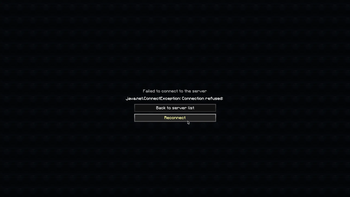
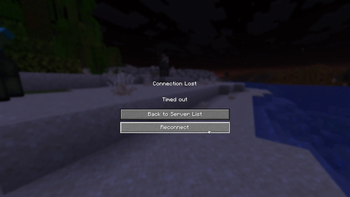
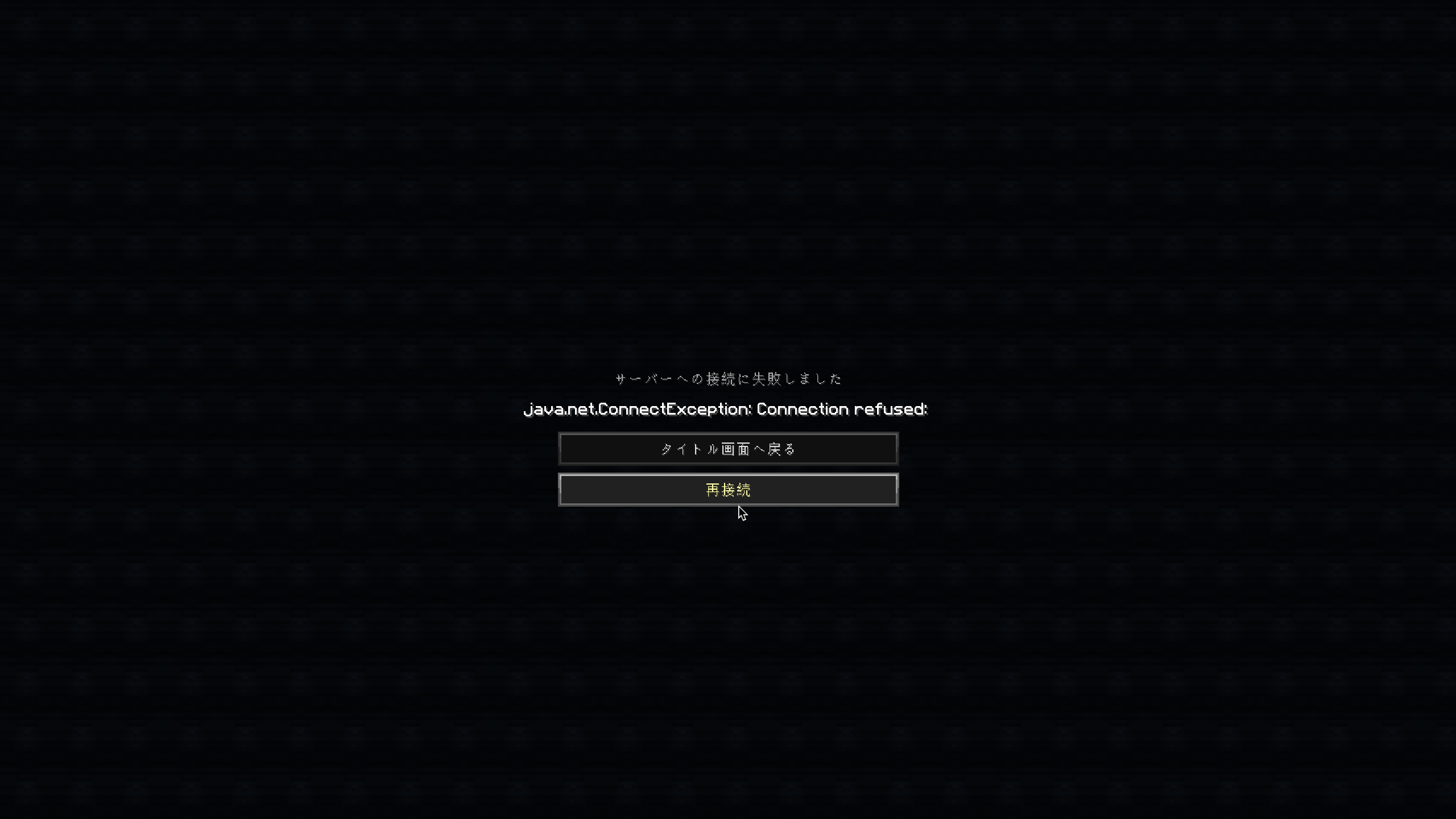
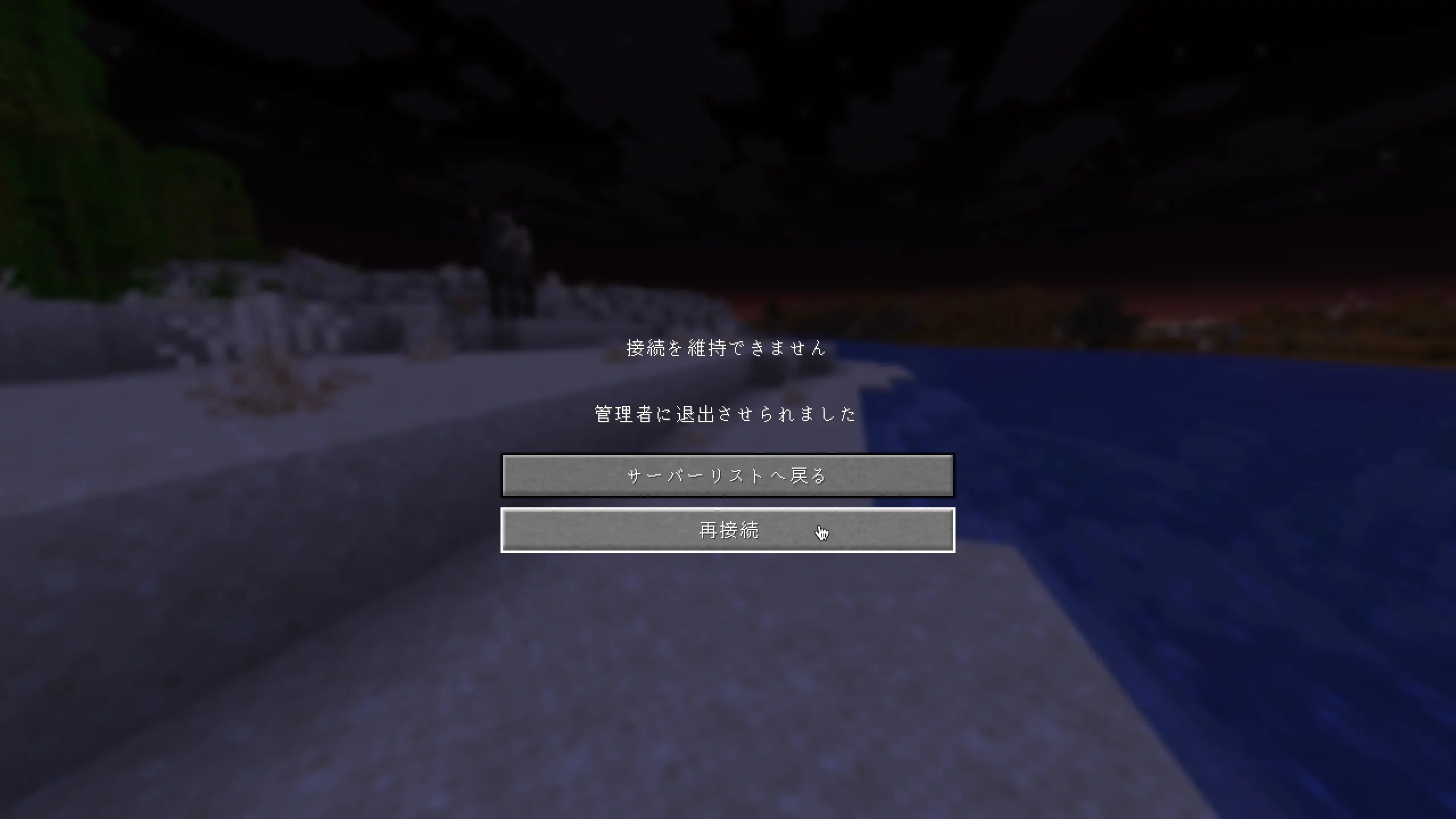
Adds a "Reconnect" button to the disconnect screen, so you can rejoin a server without going back to the server list.
Screenshots
About this Mod
Reconnect Button Mod
English
Adds a Reconnect button to the disconnect screen.
No more going back to the server list just to rejoin — simply click Reconnect!
Features
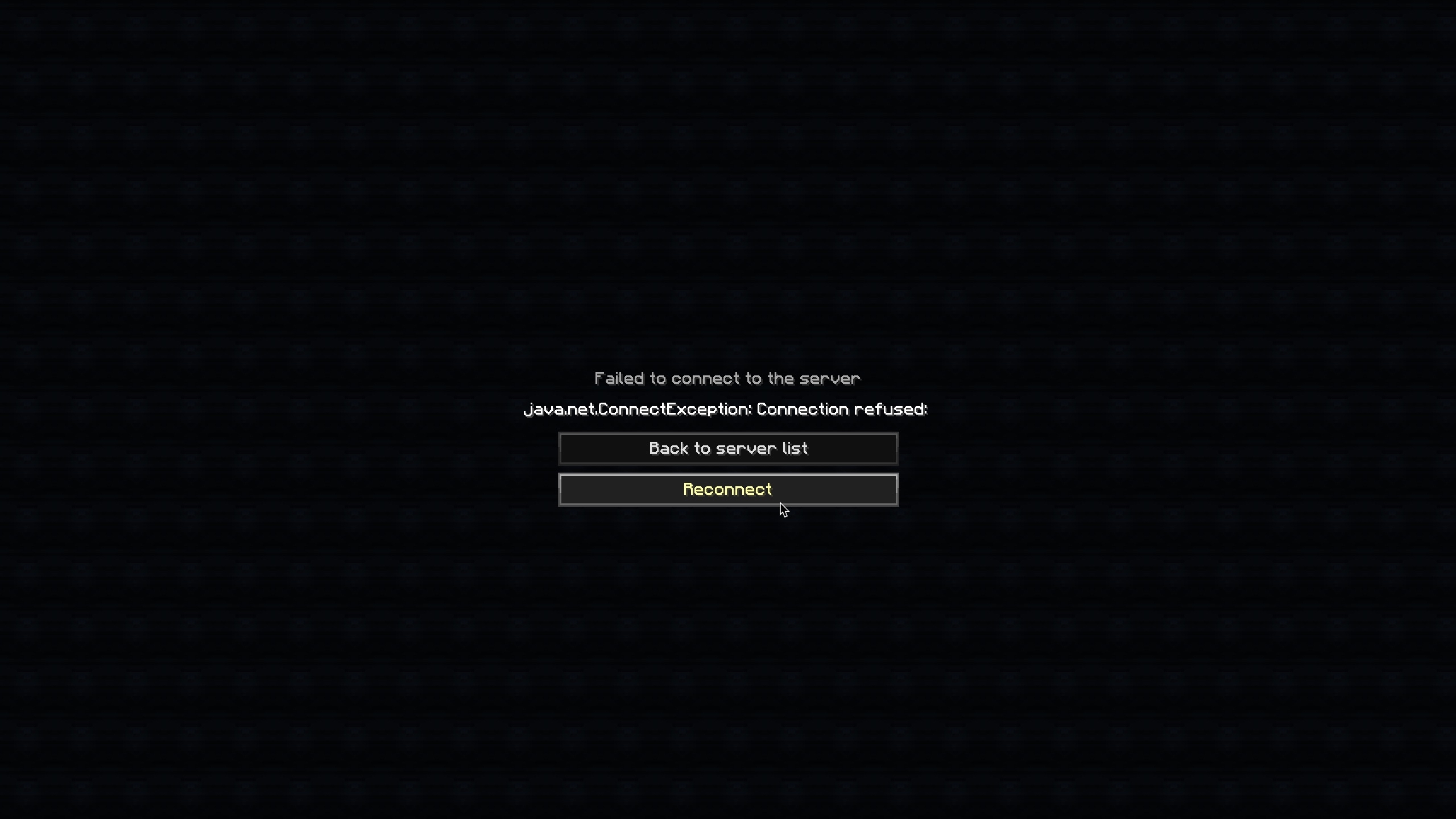
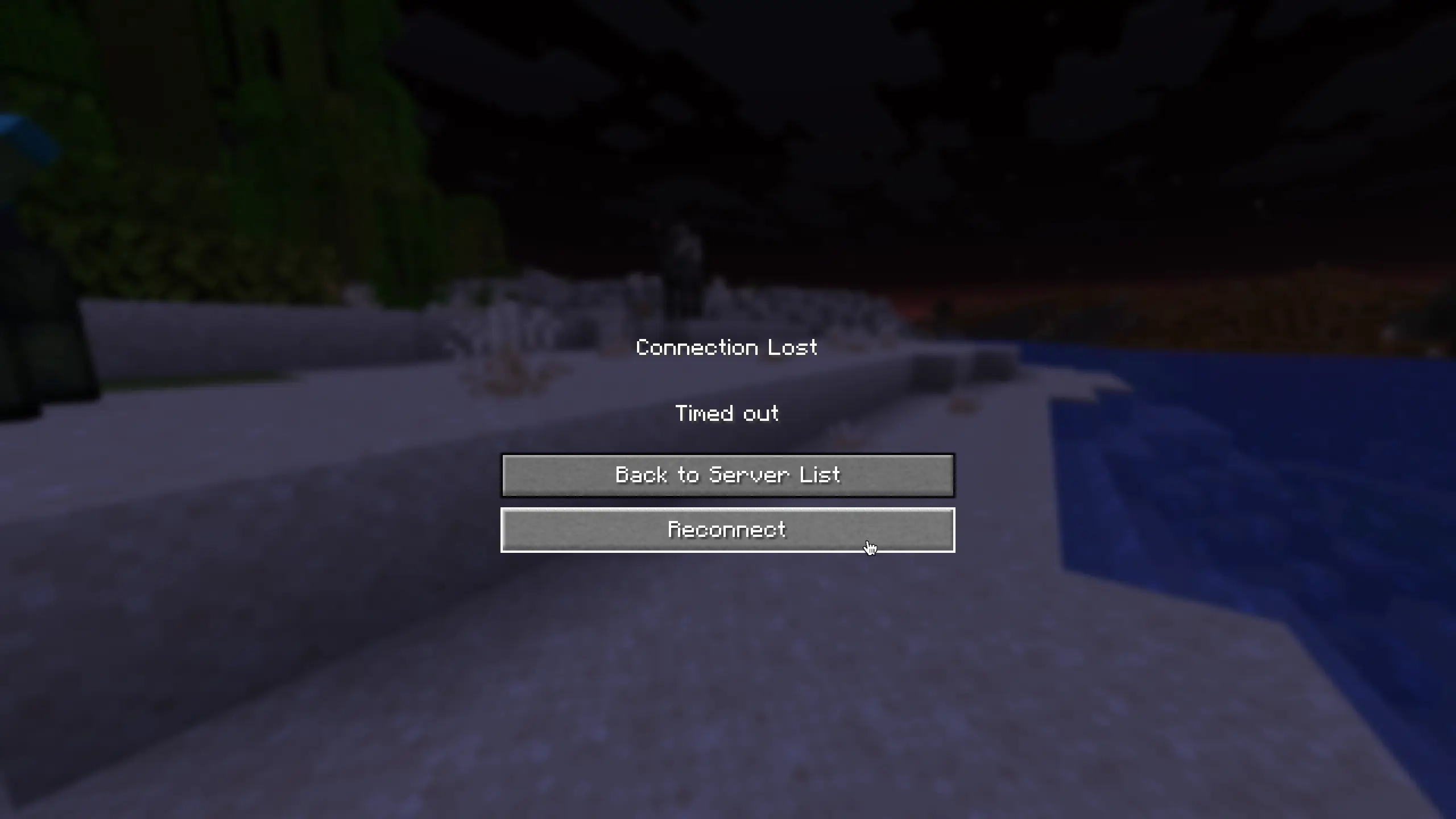
- Adds a Reconnect button below the "Back to server list" button on the disconnect screen
- Works on both the "Connection Lost" screen and the "Failed to connect to the server" screen
- Supports resource packs and custom translations
Supported Versions
| Version | Loader |
|---|---|
| 1.21.11 | Fabric |
| 1.8.9 | Forge |
Translations
Built-in languages:
- English (
en_us) - Japanese (
ja_jp)
Want to add your language? Contributions are welcome on GitHub!
日本語 (Japanese)
切断画面に「再接続」ボタンを追加します。
再接続するためだけにサーバーリスト画面に戻る必要はもうありません。「再接続」をクリックするだけでOKです!
機能
- 切断画面の「サーバーリストへ戻る」ボタンの下に「再接続」ボタンを追加しました。
- 「接続を維持できません」画面と「サーバーへの接続に失敗しました」画面の両方で機能します。
- リソースパックによるカスタム翻訳に対応しています。
サポートされているバージョン
| バージョン | ローダー |
|---|---|
| 1.21.11 | Fabric |
| 1.8.9 | Forge |
Available Versions
How to Install Reconnect Button Mod on Your Server
Order Server
Order a Minecraft Java server with at least 3 GB RAM (4 GB recommended).
Set fabric Loader
In the panel under "Egg", select the fabric loader and matching Minecraft version (1.21.11).
Install Mod
Open the mod browser in the dashboard and search for "Reconnect Button Mod". Click "Install" – done! Alternatively, upload the .jar via SFTP to the /mods folder.
Compatibility
Mod Loaders
Minecraft Versions
1.21.11, 1.8.9
Server-side
✗ UnsupportedRecommended RAM
4 GB(min. 3 GB)Frequently Asked Questions
Reconnect Button Mod server crashes on startup – what to do?
Most common cause: wrong fabric version or insufficient RAM. Check the server log (latest.log) for "OutOfMemoryError" or "Mixin" errors. With Mado Hosting: ensure at least 3 GB RAM is allocated and the loader matches the mod version (1.21.11). You can switch loaders with one click in the panel.
Is Reconnect Button Mod compatible with fabric and forge?
Reconnect Button Mod officially supports fabric, forge for Minecraft 1.21.11, 1.8.9. Note: Forge and Fabric mods are NOT cross-compatible – pick one loader and stick with it. The Mado dashboard automatically detects incompatible loader combinations.
Server lagging with Reconnect Button Mod – how to optimize performance?
Recommended RAM: 4 GB (per 8 players). Use /spark profiler to check if Reconnect Button Mod consumes the most tick time. Common fixes: reduce server view-distance to 8-10, install "performant" or "starlight" as supplementary mods on Forge. With Mado Hosting, your server runs on NVMe SSDs with dedicated CPU cores for minimal latency.
Similar Mods




![[ETF] Entity Texture Features](https://cdn.modrinth.com/data/BVzZfTc1/af683d206d50b05258d865b0d6e4aa2f2cee12f2_96.webp)

Rent Modded Server
Install Reconnect Button Mod with just one click on your server.