
Redstone Signal Bind Wand
Wireless Redstone, But No Transmitter/Receiver Needed (Create's takes too much space!)
Screenshots
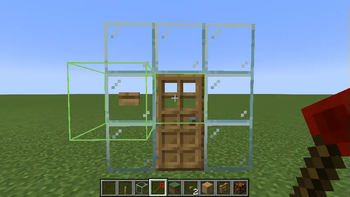
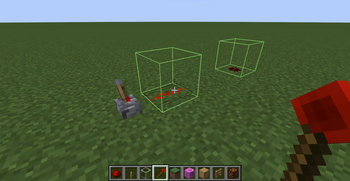
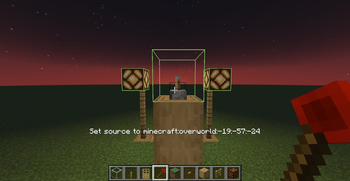
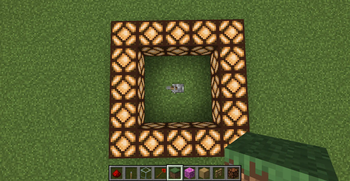
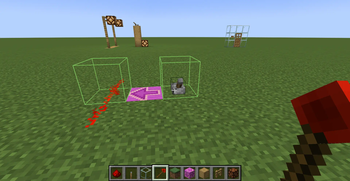
About this Mod
Redstone Bind Wand 🔗
Tired of cluttering your builds with complex transmitter–receiver setups just to wire redstone across distances?
Introducing the Redstone Bind Wand – a sleek, magical tool that lets you link redstone inputs and outputs remotely, with no extra blocks required.

✅ Simply right-click to bind two components
✅ Instantly synchronize redstone power across space
✅ No ugly redstone towers, no extra wiring
✅ Works seamlessly with vanilla redstone logic
❌ Does not work across dimensions
Whether you're building secret doors, remote traps, or synchronized multi-room contraptions, the Bind Wand keeps everything clean, compact, and connected.
Why place two blocks when you can wave one wand?
🛠 Usage
🔹 Step 1: Hold the Redstone Bind Wand
🔹 Step 2: Right-click a block that emits redstone (e.g., a lever or button) → this becomes the source
🔹 Step 3: Right-click another block that can receive redstone (e.g., redstone lamp, piston, door) → this becomes the output
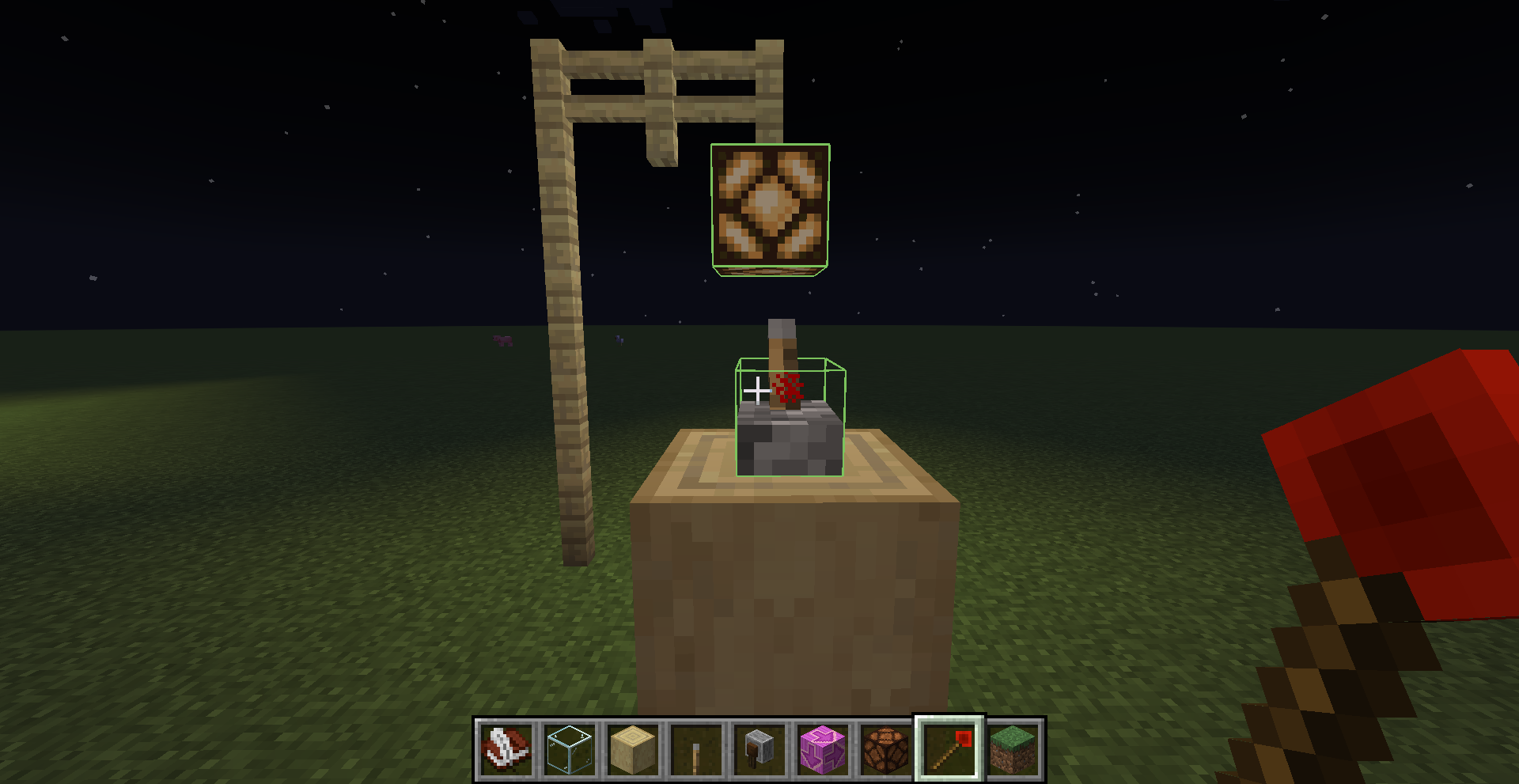
🔍 While holding the wand and looking at a linked block, a green outline box will appear showing its connection.
🗑 To remove a bind:
- Right-click the output again while holding the wand to unlink it
🧹 Binds are also automatically removed when either the source or output block is broken.
⚠️ Warnings
❗ If the world is not saved properly (e.g. closing the game forcefully or without using the in-game pause menu),
all Redstone Bind Wand data will be lost.
Make sure to save and exit the world properly to ensure your bindings are preserved.⚡ Redstone wire (dust) cannot be used as a source block.
You must use a redstone-emitting block like a lever, button, observer, etc.~~~~
🧪 Use Case Example
Ever wanted to:
- Use a lever on the wall to toggle ceiling lights without running redstone up the walls?
- Place a button on a glass that's next tp a door?
- Wire up hidden redstone traps that trigger from remote inputs?
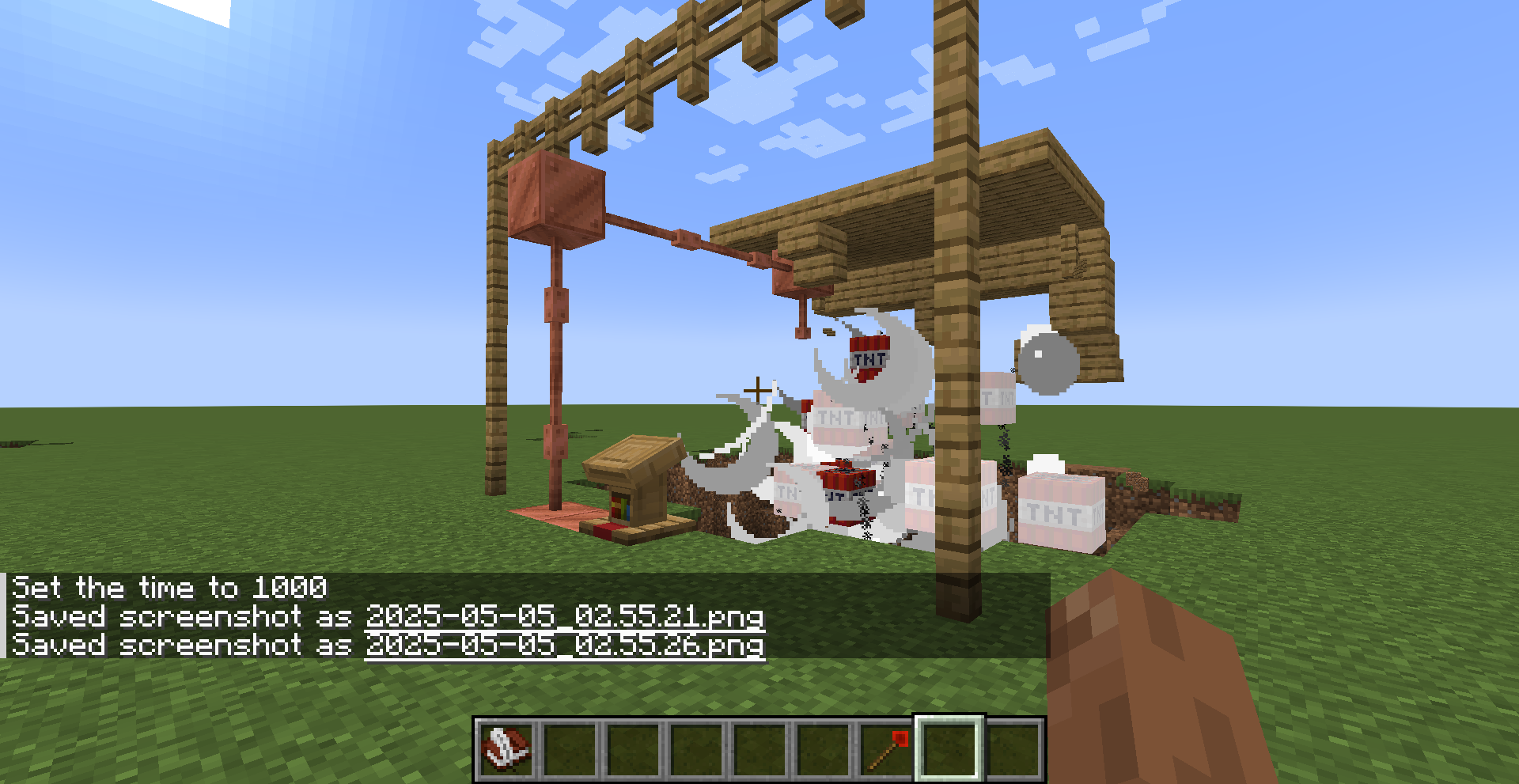
With the Redstone Bind Wand, all of this becomes effortless and invisible.
🧾 Crafting Recipe
To craft the Redstone Bind Wand, use the following recipe:


Available Versions
How to Install Redstone Signal Bind Wand on Your Server
Order Server
Order a Minecraft Java server with at least 3 GB RAM (4 GB recommended).
Set fabric Loader
In the panel under "Egg", select the fabric loader and matching Minecraft version (1.20.1).
Install Mod
Open the mod browser in the dashboard and search for "Redstone Signal Bind Wand". Click "Install" – done! Alternatively, upload the .jar via SFTP to the /mods folder.
Compatibility
Mod Loaders
Minecraft Versions
1.20.1
Server-side
✓ RequiredRecommended RAM
4 GB(min. 3 GB)Frequently Asked Questions
Redstone Signal Bind Wand server crashes on startup – what to do?
Most common cause: wrong fabric version or insufficient RAM. Check the server log (latest.log) for "OutOfMemoryError" or "Mixin" errors. With Mado Hosting: ensure at least 3 GB RAM is allocated and the loader matches the mod version (1.20.1). You can switch loaders with one click in the panel.
Is Redstone Signal Bind Wand compatible with fabric?
Redstone Signal Bind Wand officially supports fabric for Minecraft 1.20.1. The Mado dashboard automatically detects incompatible loader combinations.
Server lagging with Redstone Signal Bind Wand – how to optimize performance?
Recommended RAM: 4 GB (per 8 players). Use /spark profiler to check if Redstone Signal Bind Wand consumes the most tick time. Common fixes: reduce server view-distance to 8-10, install "performant" or "starlight" as supplementary mods on Forge. With Mado Hosting, your server runs on NVMe SSDs with dedicated CPU cores for minimal latency.
Similar Mods

![[ETF] Entity Texture Features](https://cdn.modrinth.com/data/BVzZfTc1/af683d206d50b05258d865b0d6e4aa2f2cee12f2_96.webp)
![[EMF] Entity Model Features](https://cdn.modrinth.com/data/4I1XuqiY/6e5bbd0d06b1741bfdab6c0cfab6de8fdaf0064c_96.webp)



Rent Modded Server
Install Redstone Signal Bind Wand with just one click on your server.