Reliable Advancements
In-game advancement editing and improvements to the advancement screen!
Screenshots
About this Mod
Reliable Advancements


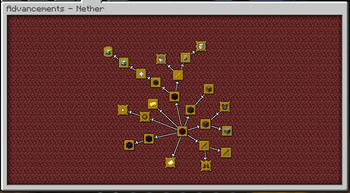
A client-side mod (with optional server-side integration for Advancement editing) that overhauls the Advancements screen, provides quality-of-life improvements, extensive customization, and in-game editing tools.
Mod Compatibility
Incompatible with Better Advancements, Clickable Advancements, and Advancements Arranged since those mods' features are fully covered by Reliable Advancements.
Features
Advancement Customization
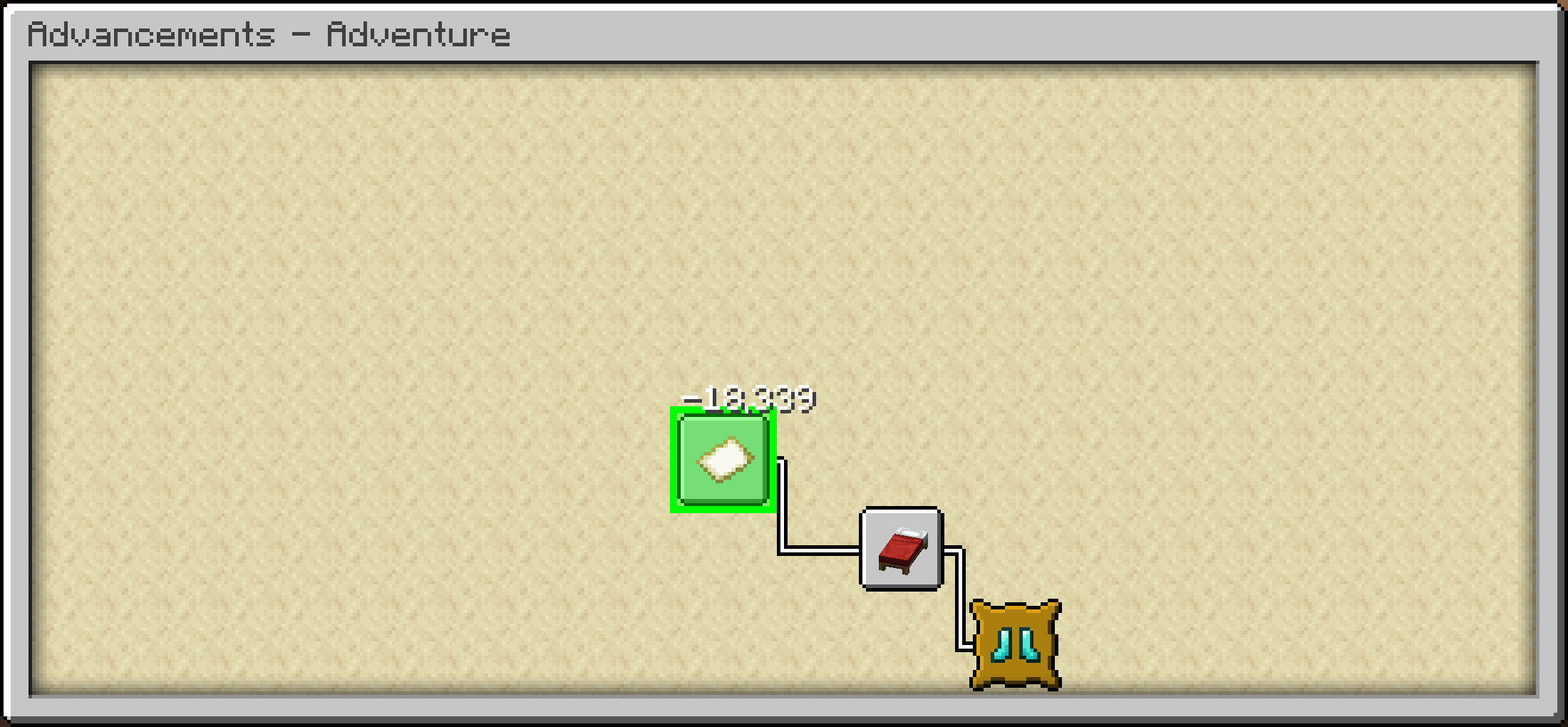
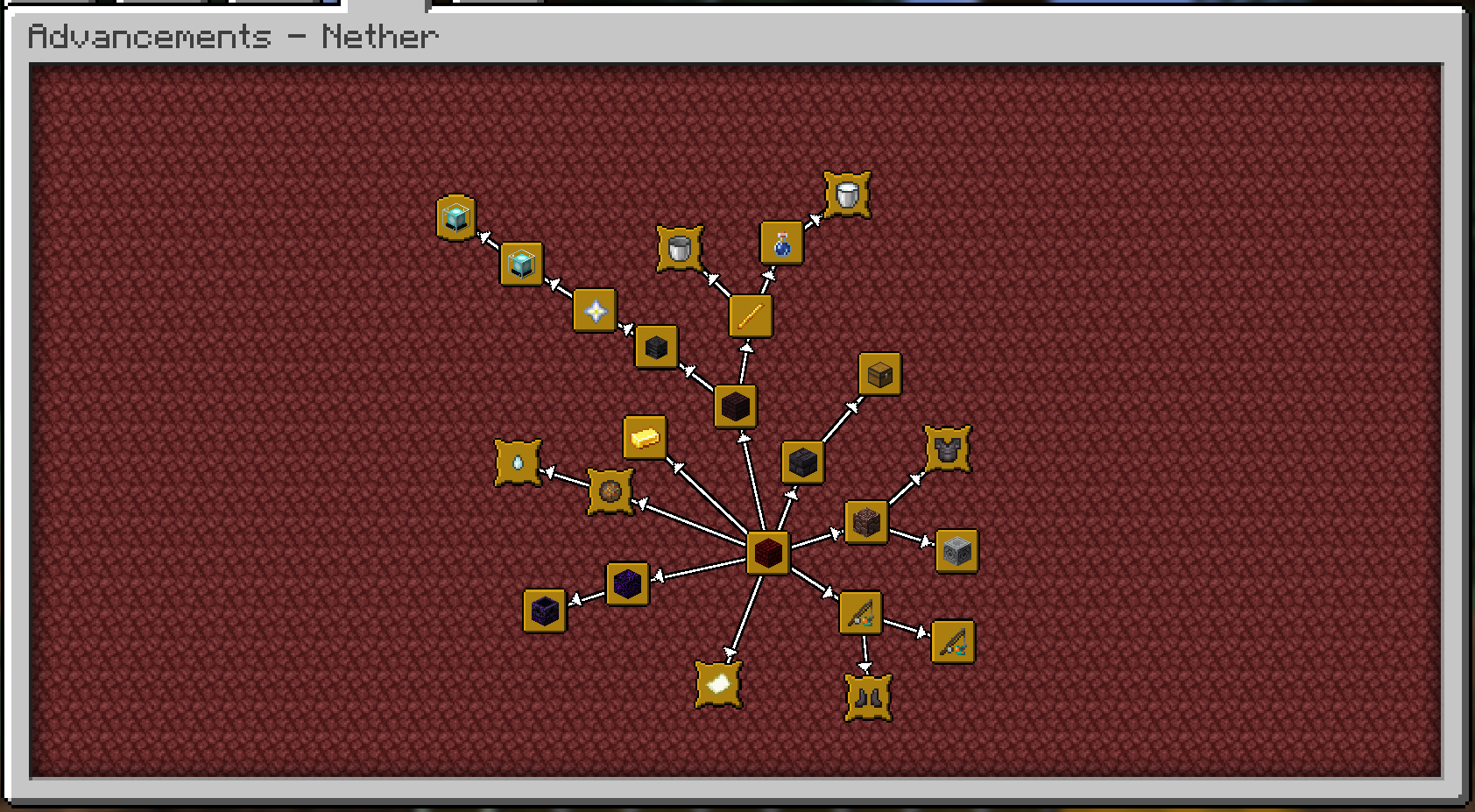
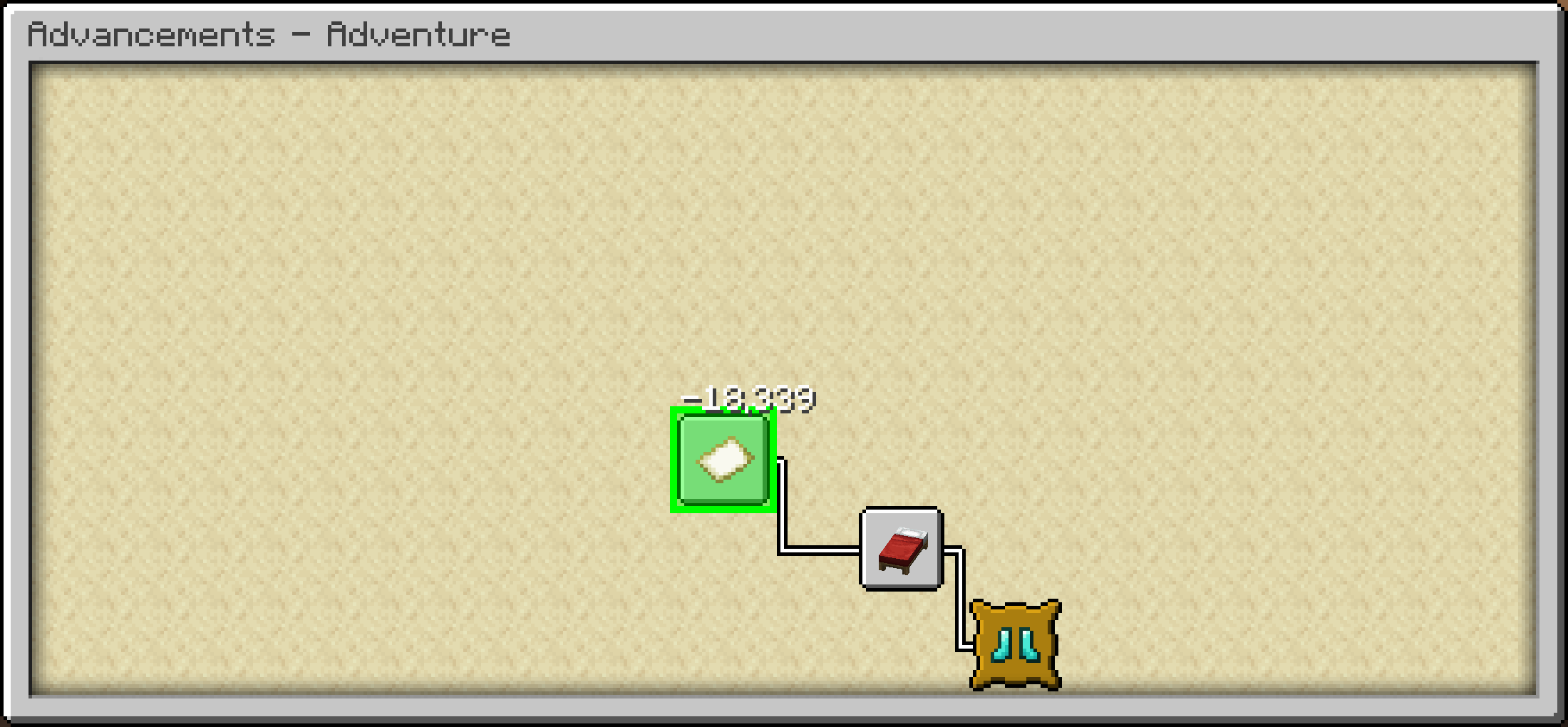
Freely move advancements around, to wherever you'd like! They'll even save their positions.
Choose how advancements connect! You can toggle connection arrows, use direct straight
lines, or hide the lines entirely.Fully customize the colors for a personalized look:
- Completed and uncompleted connection lines
- Completed and uncompleted icons
- Completed and uncompleted titles
UI Improvements
- Configurable Advancement window UI size (much larger than the vanilla one, by default).
- Additional control options in the Advancement Window!
- Middle mouse drag to freely pan.
- Shift-scroll to scroll left and right.
- Control-scroll to zoom out and in.
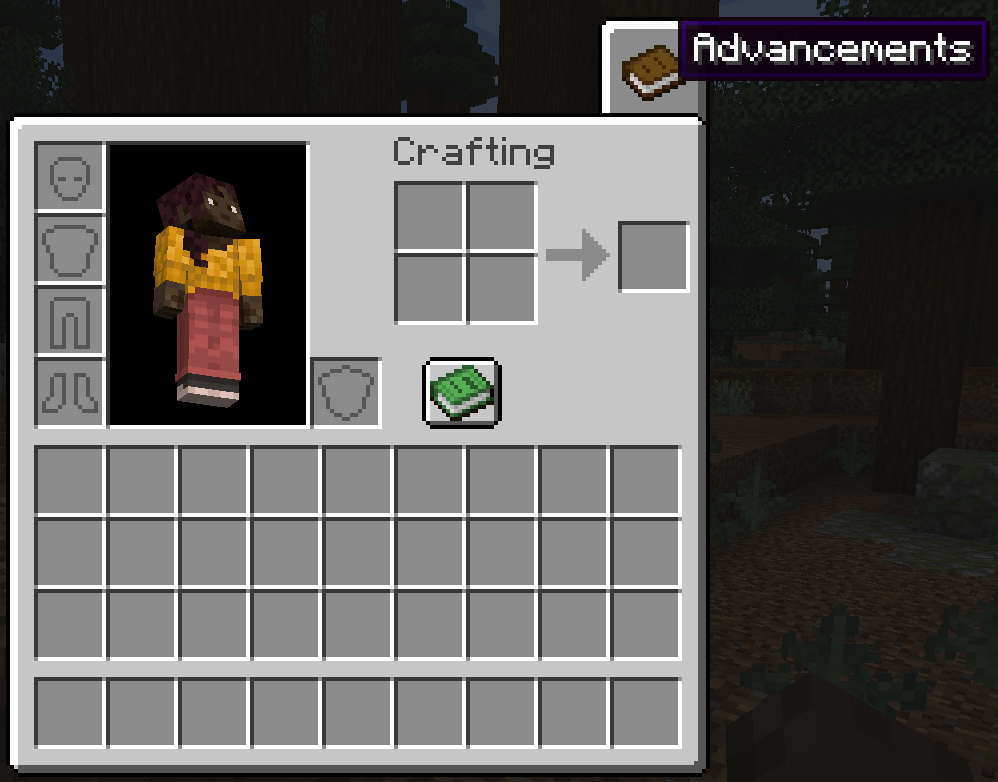
- Open the advancements tab directly from the inventory screen! Includes options to customize the
button style, texture, and position. - View detailed criteria for each advancement directly in the UI.
- Option to sort advancement tabs alphabetically or by IDs.
Editing Mode
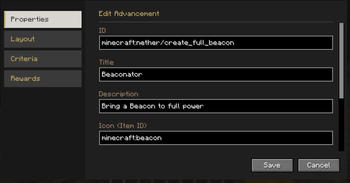
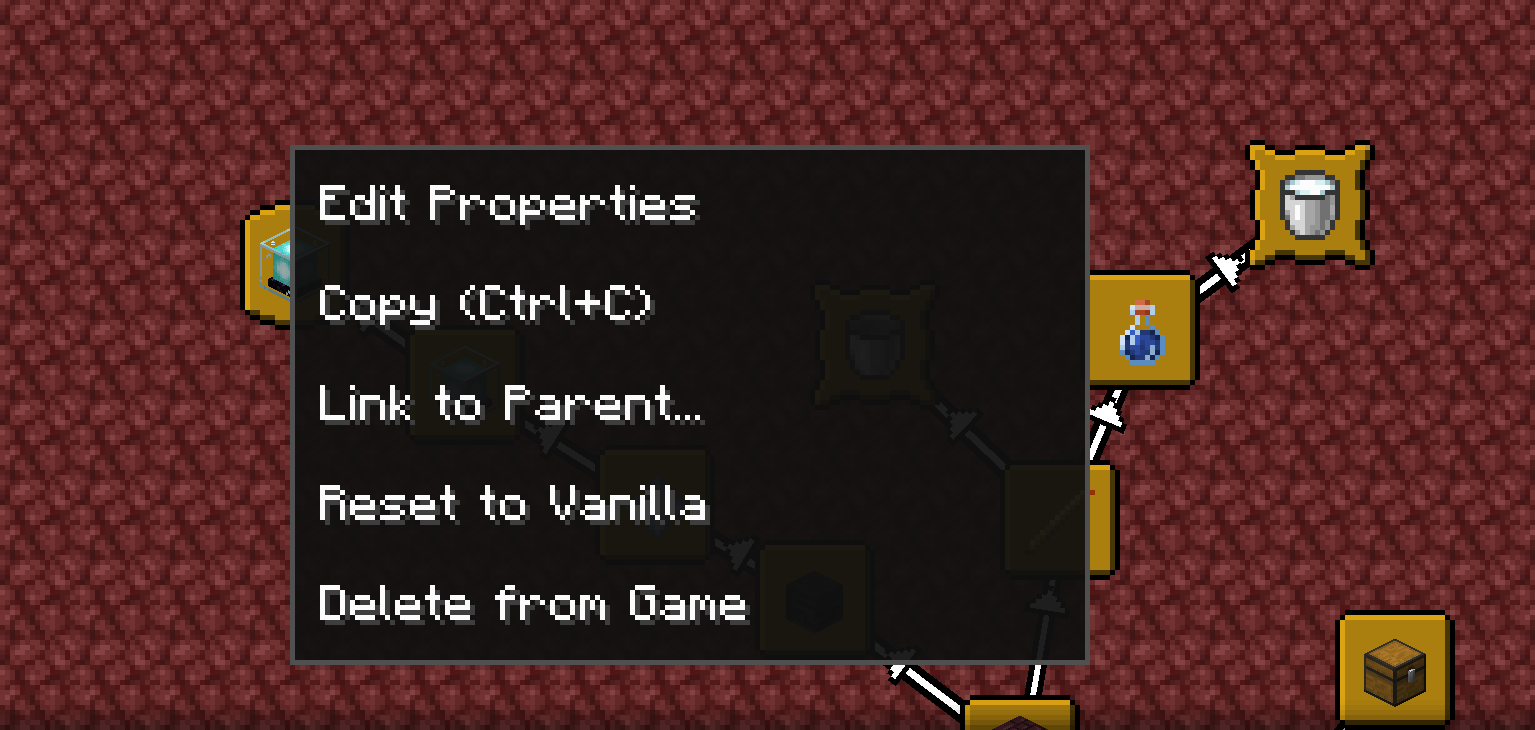
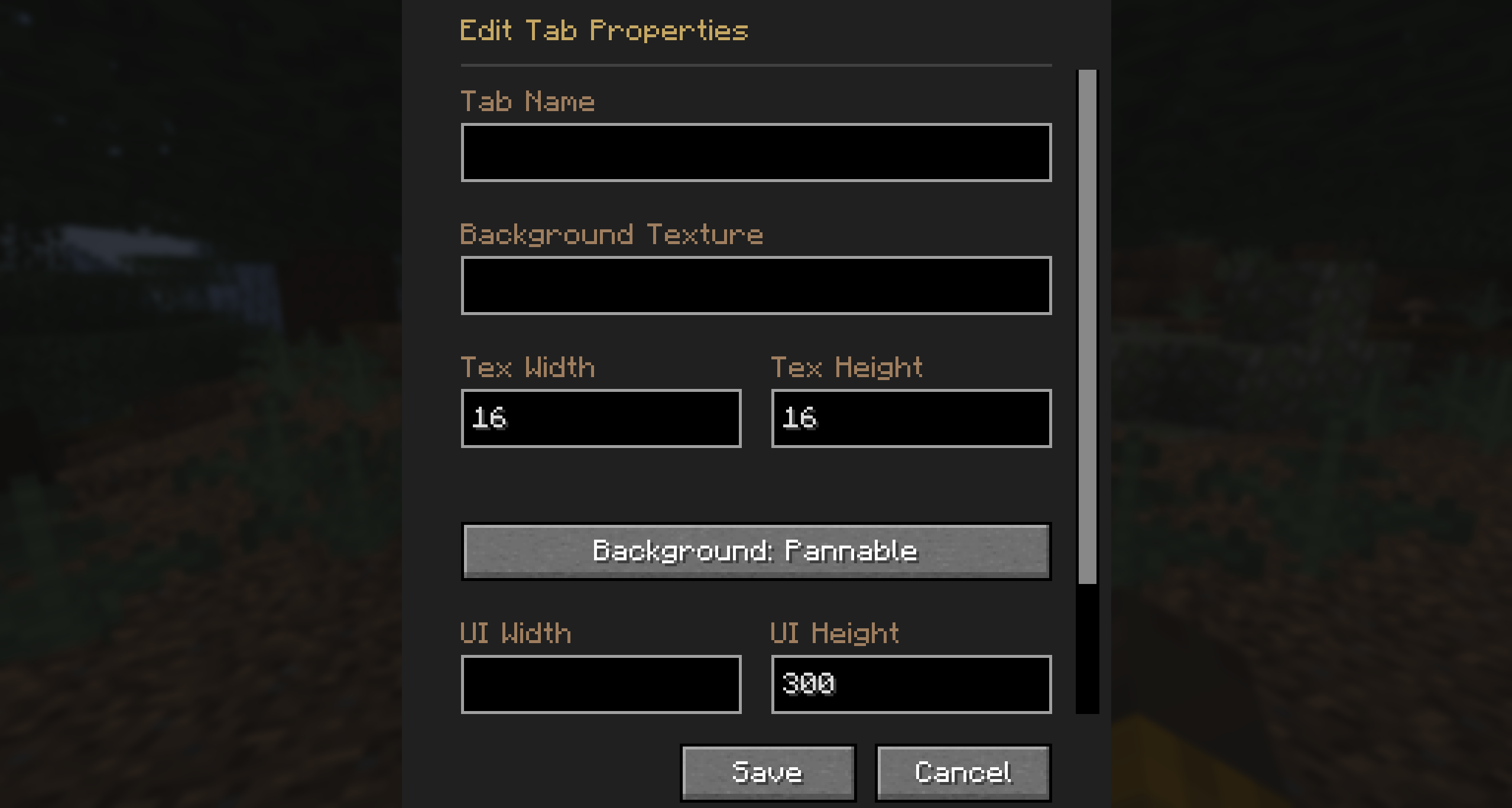
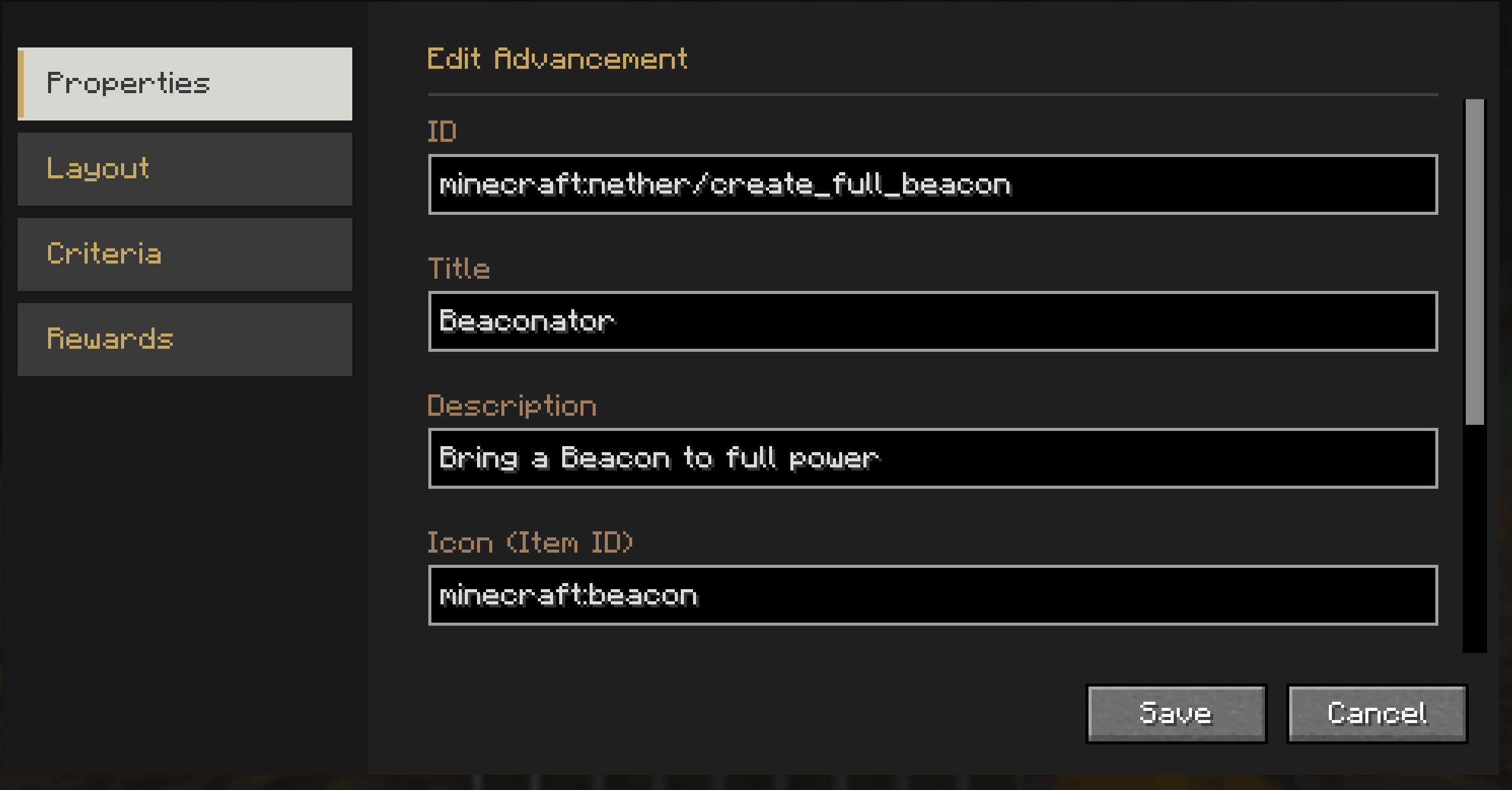
- Comes with a powerful built-in editor allowing you to modify advancement layouts and advancement properties natively
in-game. - You can freely add, modify, or remove advancements directly from the Advancement screen!
Credits
This mod is built upon the incredible work of previous advancement UI mods.
-
This mod started as a fork of Better Advancements and contains all the features from that mod. Their original code is
used under their Don’t Be a Jerk
non-commercial care-free license. -
Portions of code used and adapted under their
MIT License.
License



Available Versions
How to Install Reliable Advancements on Your Server
Order Server
Order a Minecraft Java server with at least 3 GB RAM (4 GB recommended).
Set fabric Loader
In the panel under "Egg", select the fabric loader and matching Minecraft version (1.21.1).
Install Mod
Open the mod browser in the dashboard and search for "Reliable Advancements". Click "Install" – done! Alternatively, upload the .jar via SFTP to the /mods folder.
Compatibility
Mod Loaders
Minecraft Versions
1.21.1
Server-side
~ OptionalRecommended RAM
4 GB(min. 3 GB)Frequently Asked Questions
Reliable Advancements server crashes on startup – what to do?
Most common cause: wrong fabric version or insufficient RAM. Check the server log (latest.log) for "OutOfMemoryError" or "Mixin" errors. With Mado Hosting: ensure at least 3 GB RAM is allocated and the loader matches the mod version (1.21.1). You can switch loaders with one click in the panel.
Is Reliable Advancements compatible with fabric and neoforge?
Reliable Advancements officially supports fabric, neoforge for Minecraft 1.21.1. The Mado dashboard automatically detects incompatible loader combinations.
Server lagging with Reliable Advancements – how to optimize performance?
Recommended RAM: 4 GB (per 8 players). Use /spark profiler to check if Reliable Advancements consumes the most tick time. Common fixes: reduce server view-distance to 8-10, install "performant" or "starlight" as supplementary mods on Forge. With Mado Hosting, your server runs on NVMe SSDs with dedicated CPU cores for minimal latency.
Similar Mods




![[ETF] Entity Texture Features](https://cdn.modrinth.com/data/BVzZfTc1/af683d206d50b05258d865b0d6e4aa2f2cee12f2_96.webp)
![[EMF] Entity Model Features](https://cdn.modrinth.com/data/4I1XuqiY/6e5bbd0d06b1741bfdab6c0cfab6de8fdaf0064c_96.webp)
Rent Modded Server
Install Reliable Advancements with just one click on your server.