
Reliable Backpacks
A multiloader fork of Backpacks for Dummies: A bare-bones backpack mod without any extra keybinds, menus or slots!
Screenshots

About this Mod
Reliable Backpacks



Reliable Backpacks is a multiloader fork of Spydnel's Backpacks for Dummies: a bare-bones backpack mod without any extra keybinds, menus or slots.
Backpacks can be placed down on the ground directly from your chestplate-slot. This means you can interact with them same as any container, allowing for quick swapping between several backpacks, and easy sharing between players. You can also open other players' backpacks directly from their backs!
What's different?
- Fabric and 1.20.1 support.
- Curios and Trinkets integration.
- Backpacks now properly retain enchantments (like Soul Bound).
- Small tweaks to visuals.
- Added item blacklist tag for the backpack (defaults to shulker boxes and Supplementaries sacks).
- Backpacks can now replace replaceable blocks (like grass).
- Breaking backpacks no longer drops all their items.
Content (from Original Modpage)
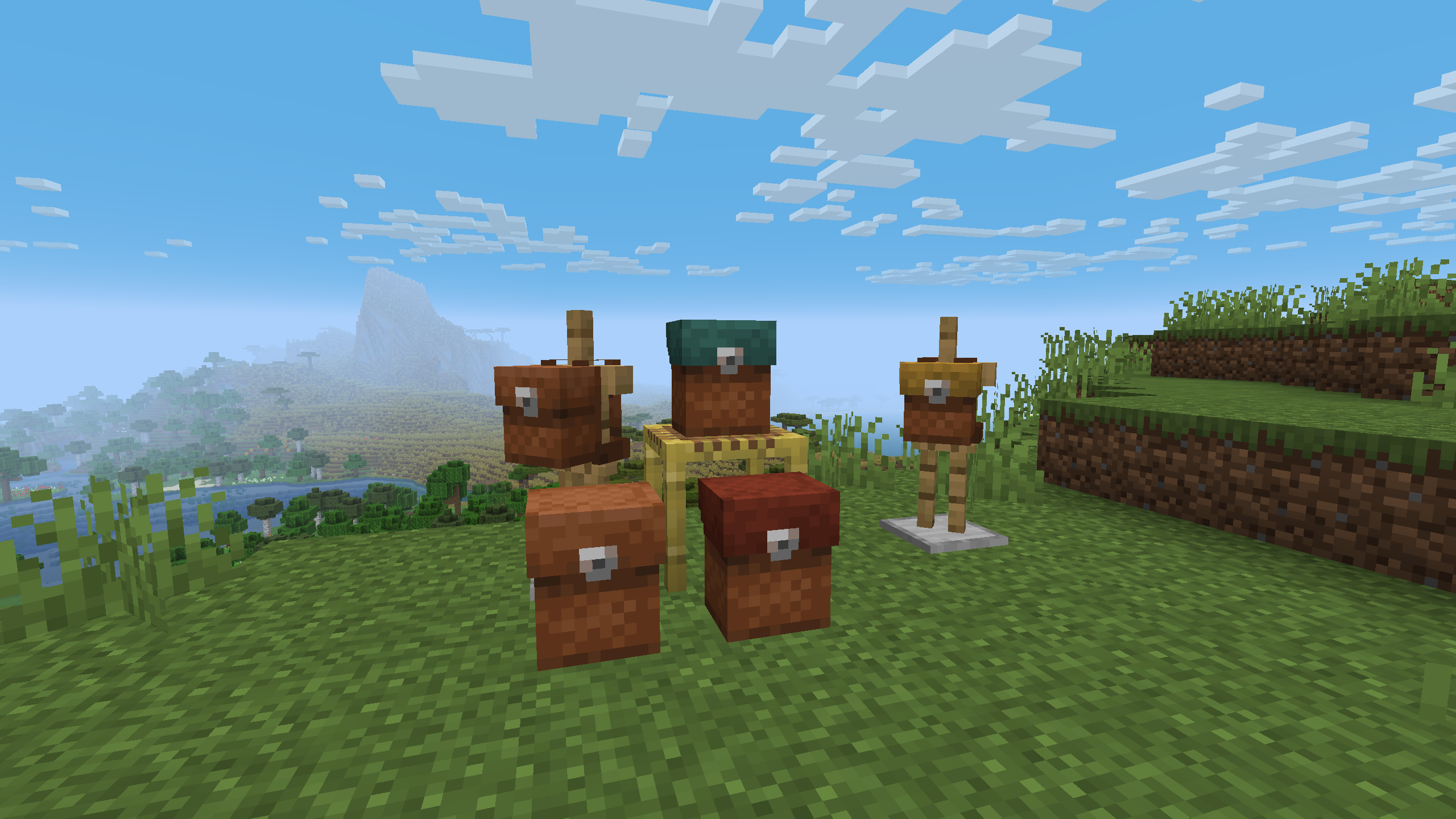
Crafted using leather (and rope if farmers delight is installed), backpacks can be placed down as a block or worn on your chestplate-slot. They can be placed down or picked up quickly by shift-clicking.
Backpack Dyeing
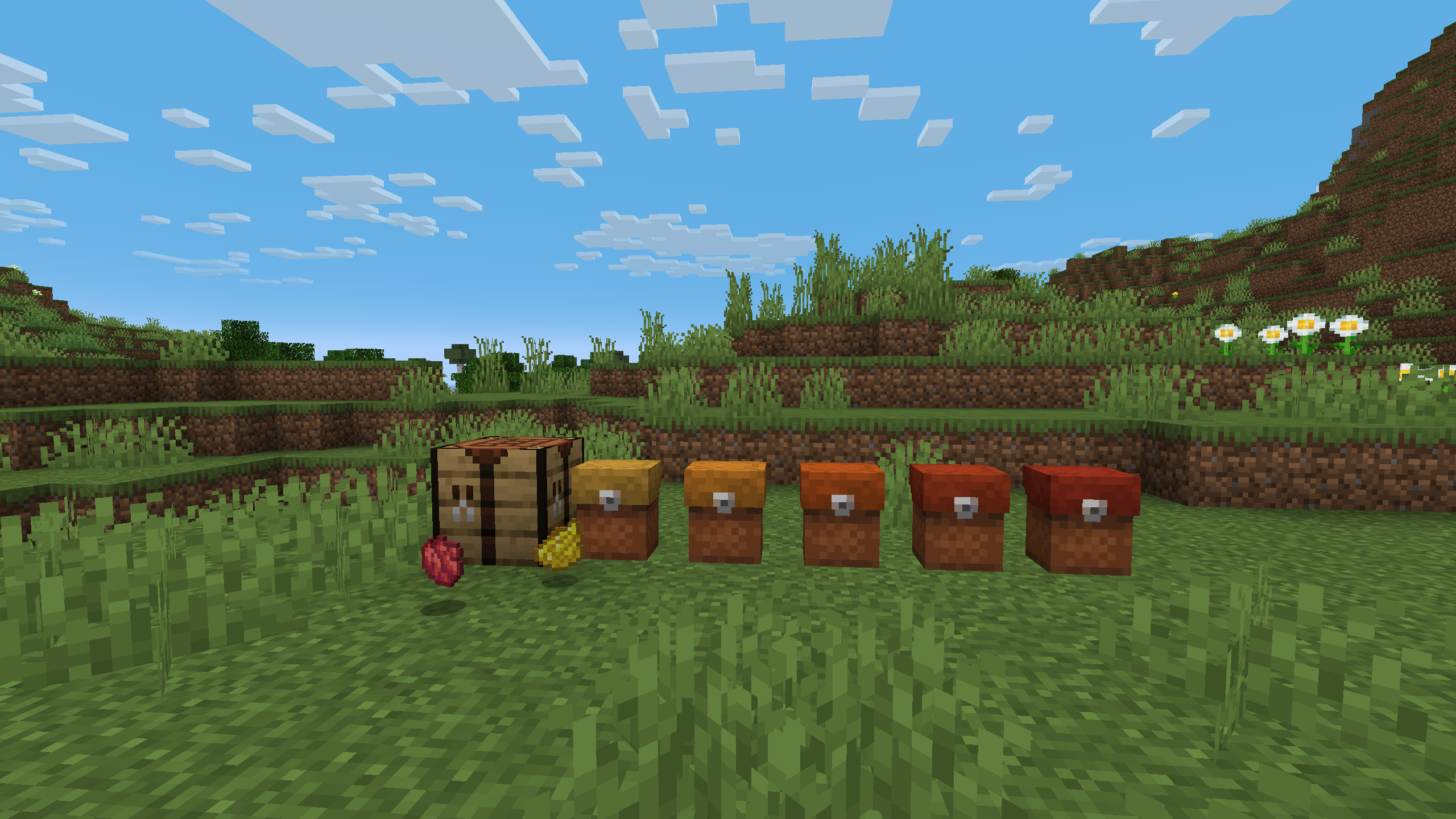
Backpacks can be dyed any color just like leather armor.
Placement on Death
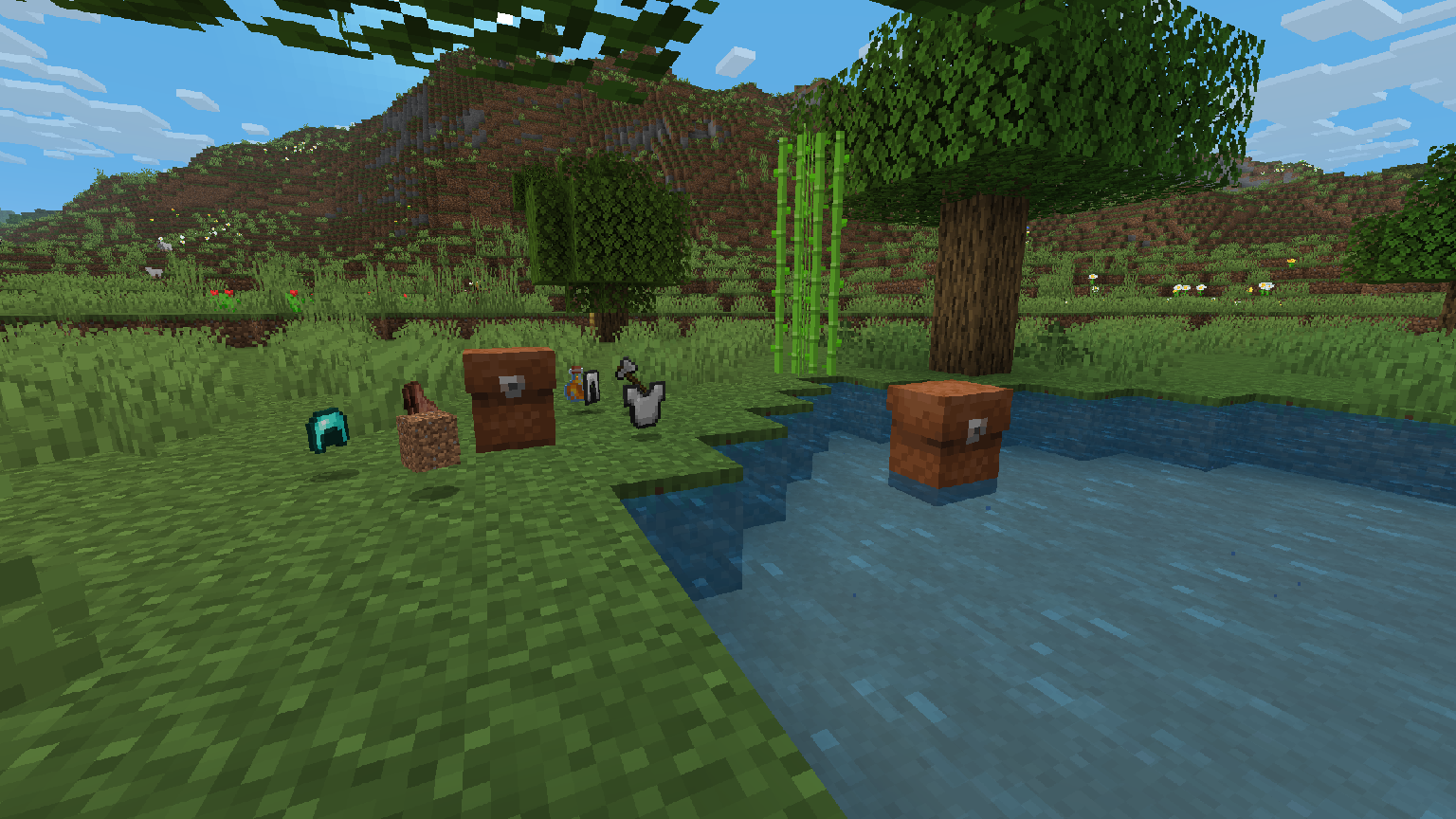
If they contain items, backpacks will place themselves down. They'll even float on water!
License



Available Versions
How to Install Reliable Backpacks on Your Server
Order Server
Order a Minecraft Java server with at least 3 GB RAM (4 GB recommended).
Set fabric Loader
In the panel under "Egg", select the fabric loader and matching Minecraft version (1.21.1).
Install Mod
Open the mod browser in the dashboard and search for "Reliable Backpacks". Click "Install" – done! Alternatively, upload the .jar via SFTP to the /mods folder.
Compatibility
Mod Loaders
Minecraft Versions
1.21.1, 1.20.1, 1.19.2
Server-side
✗ UnsupportedRecommended RAM
4 GB(min. 3 GB)Frequently Asked Questions
Reliable Backpacks server crashes on startup – what to do?
Most common cause: wrong fabric version or insufficient RAM. Check the server log (latest.log) for "OutOfMemoryError" or "Mixin" errors. With Mado Hosting: ensure at least 3 GB RAM is allocated and the loader matches the mod version (1.21.1). You can switch loaders with one click in the panel.
Is Reliable Backpacks compatible with fabric and forge and neoforge?
Reliable Backpacks officially supports fabric, forge, neoforge for Minecraft 1.21.1, 1.20.1, 1.19.2. Note: Forge and Fabric mods are NOT cross-compatible – pick one loader and stick with it. The Mado dashboard automatically detects incompatible loader combinations.
Server lagging with Reliable Backpacks – how to optimize performance?
Recommended RAM: 4 GB (per 8 players). Use /spark profiler to check if Reliable Backpacks consumes the most tick time. Common fixes: reduce server view-distance to 8-10, install "performant" or "starlight" as supplementary mods on Forge. With Mado Hosting, your server runs on NVMe SSDs with dedicated CPU cores for minimal latency.
Similar Mods




Rent Modded Server
Install Reliable Backpacks with just one click on your server.