Remember My Text
Adding an auto message saver, increasing the max message length and expanding the message history.
Screenshots
About this Mod
Aquarius Libs needs to be installed for this mod to work!
This fully client-side is adding an auto message saver, increasing the max message length and expanding the message history.
What it does:
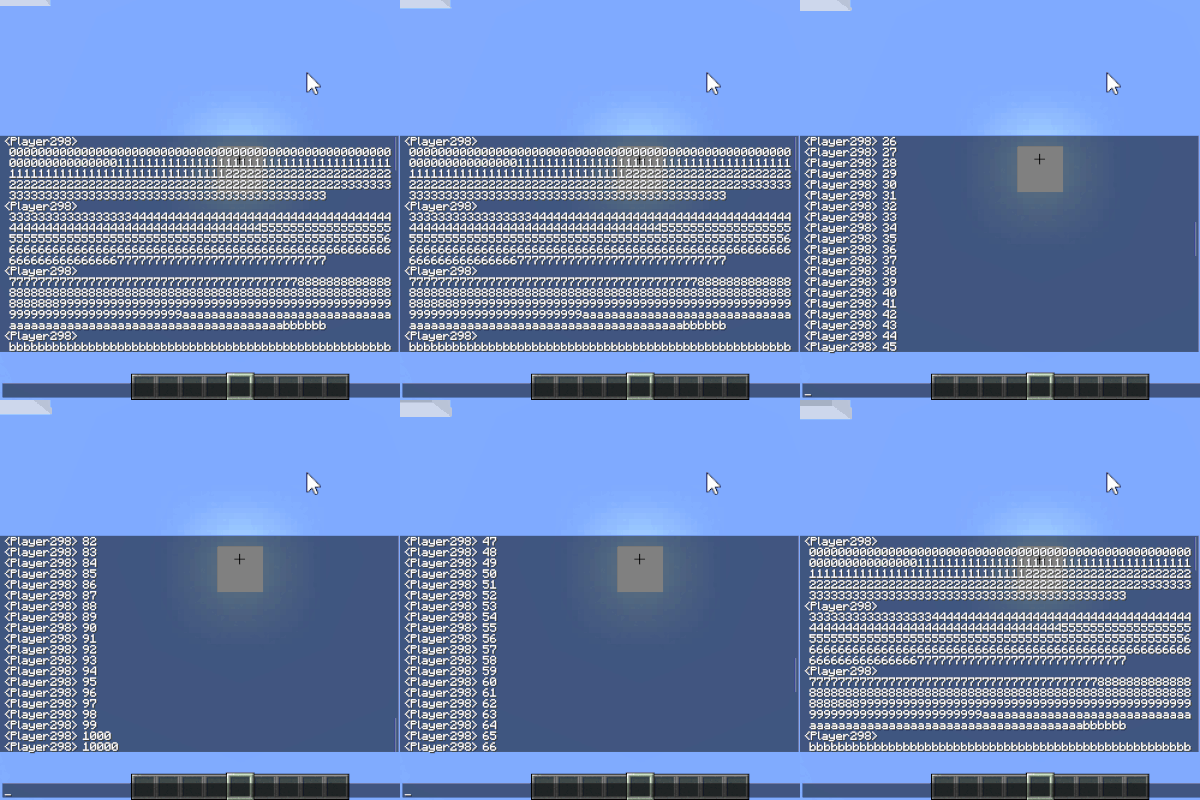
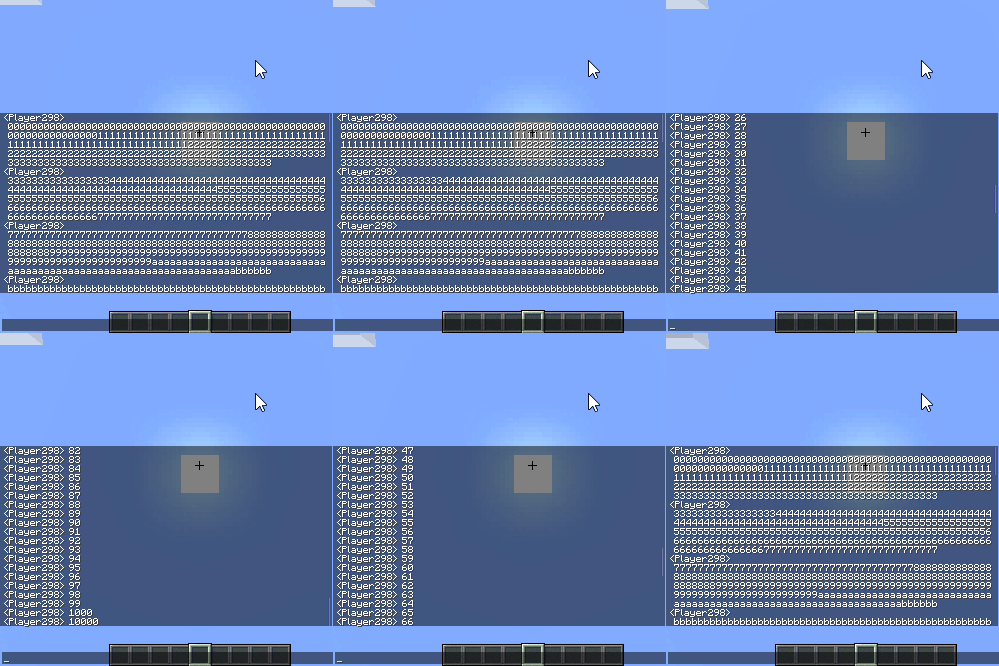
Expanded Message History: lets you scroll back through thousands of past lines in the chat window. (configurable, can be disabled, and by default max message number is increased to 4096, you can increase this number or disable this function in the configs)
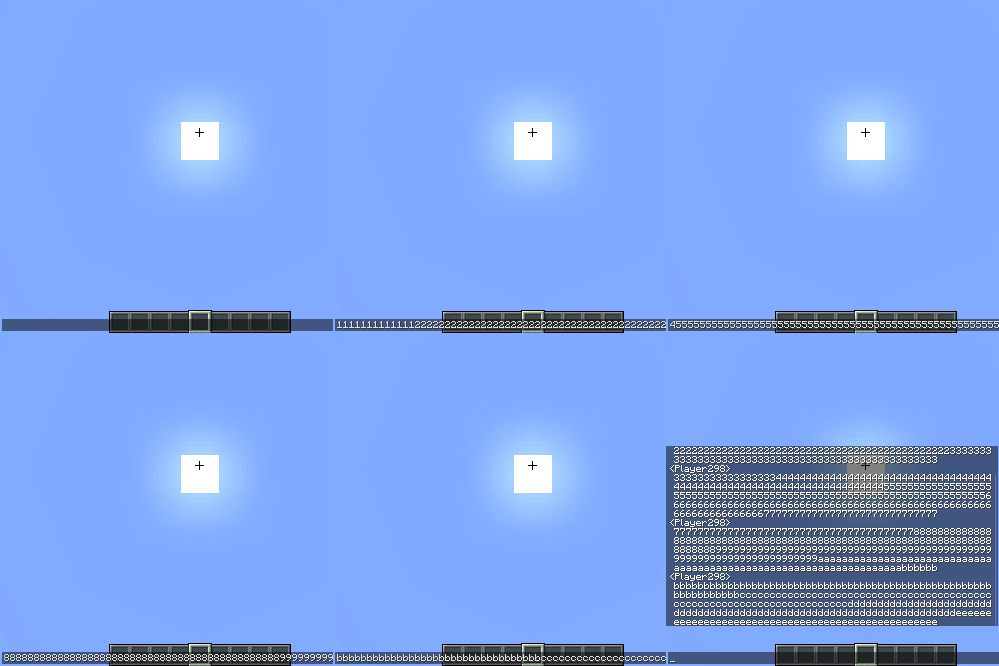
Longer Messages: can type now longer messages, but to make sure your server is not kicking you out, long text entries are broken down into smaller, vanilla-sized (256 length) messages. Like this the mod will work on any server without being kicked out. (configurable, can be disabled, and be default the max message length is 1024, you can increase this number or disable this function in the configs)
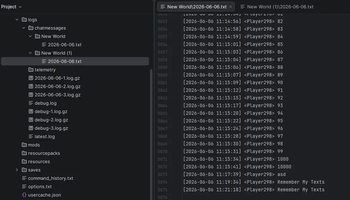
Auto Message Saver: your chat will create a backup file in the "logs\chatmessages\world name(or server ip)\current date.txt" folder, so you can check your last chat messages if you forgot about something. By default this is enabled, you can disable this function in the configs if you want to use it.
Supported Versions
Side: Client-Only
Loaders: Forge, Fabric, and NeoForge.
Versions: 26.1.x
Found a Bug?
If you encounter any bugs or experience a crash, please send the crash log directly to me via curseforge private message so I can look into it.
Available Versions
How to Install Remember My Text on Your Server
Order Server
Order a Minecraft Java server with at least 3 GB RAM (4 GB recommended).
Set fabric Loader
In the panel under "Egg", select the fabric loader and matching Minecraft version (26.1.2).
Install Mod
Open the mod browser in the dashboard and search for "Remember My Text". Click "Install" – done! Alternatively, upload the .jar via SFTP to the /mods folder.
Compatibility
Mod Loaders
Minecraft Versions
26.1.2, 26.1.1, 26.1
Server-side
✗ UnsupportedRecommended RAM
4 GB(min. 3 GB)Frequently Asked Questions
Remember My Text server crashes on startup – what to do?
Most common cause: wrong fabric version or insufficient RAM. Check the server log (latest.log) for "OutOfMemoryError" or "Mixin" errors. With Mado Hosting: ensure at least 3 GB RAM is allocated and the loader matches the mod version (26.1.2). You can switch loaders with one click in the panel.
Is Remember My Text compatible with fabric and forge and neoforge?
Remember My Text officially supports fabric, forge, neoforge for Minecraft 26.1.2, 26.1.1, 26.1. Note: Forge and Fabric mods are NOT cross-compatible – pick one loader and stick with it. The Mado dashboard automatically detects incompatible loader combinations.
Server lagging with Remember My Text – how to optimize performance?
Recommended RAM: 4 GB (per 8 players). Use /spark profiler to check if Remember My Text consumes the most tick time. Common fixes: reduce server view-distance to 8-10, install "performant" or "starlight" as supplementary mods on Forge. With Mado Hosting, your server runs on NVMe SSDs with dedicated CPU cores for minimal latency.
Similar Mods




![[ETF] Entity Texture Features](https://cdn.modrinth.com/data/BVzZfTc1/af683d206d50b05258d865b0d6e4aa2f2cee12f2_96.webp)
![[EMF] Entity Model Features](https://cdn.modrinth.com/data/4I1XuqiY/6e5bbd0d06b1741bfdab6c0cfab6de8fdaf0064c_96.webp)
Rent Modded Server
Install Remember My Text with just one click on your server.