
RenderScale
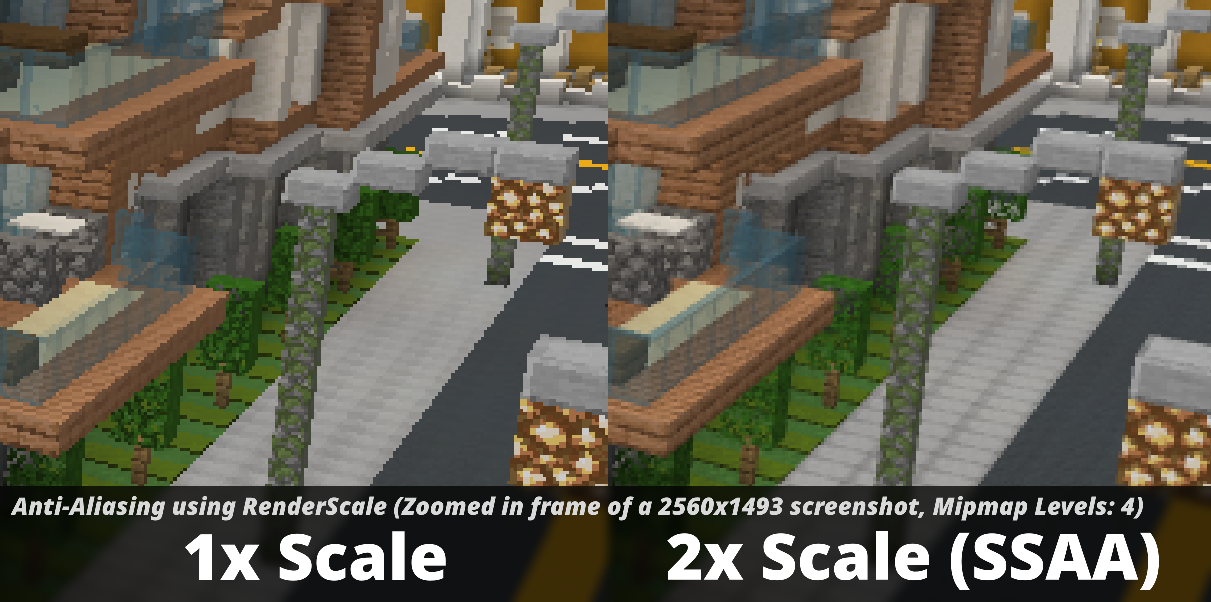
Allows you to change Minecraft's render resolution separately from the HUD elements.
Screenshots
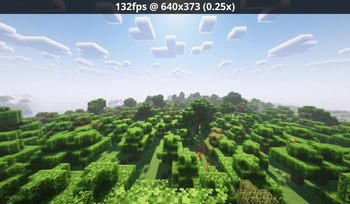
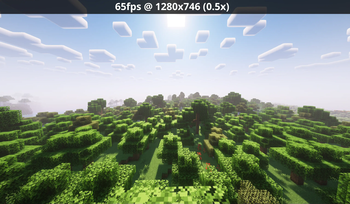
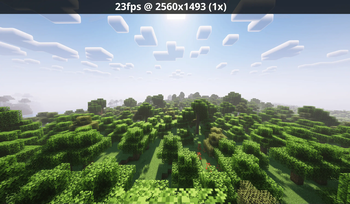
About this Mod
RenderScale
RenderScale allows you to change Minecraft's render resolution separately from the HUD elements.
This is a fork of ResolutionControl++, with added support for NeoForge.
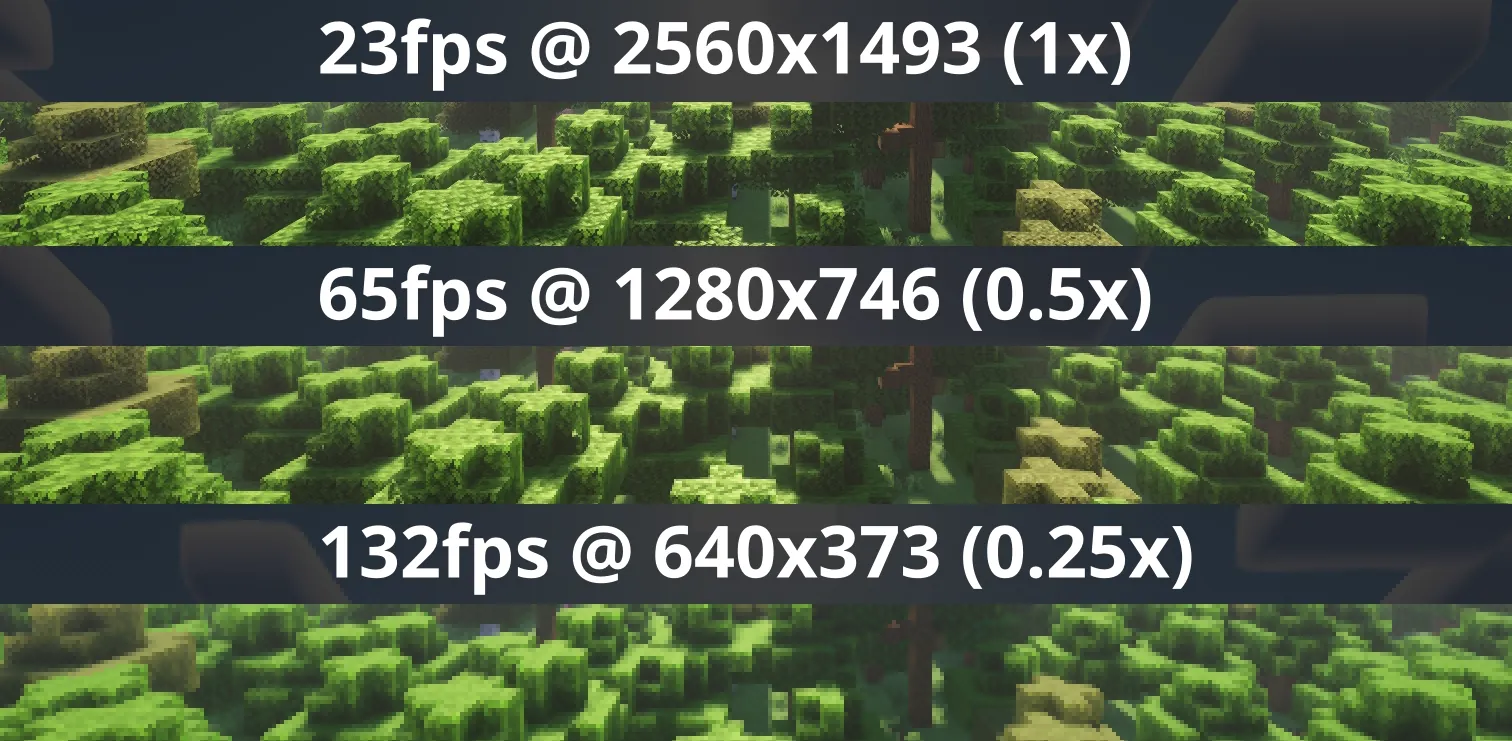
Check out Fabrishot if you also want the large screenshot feature that was in ResolutionControl.
How
Press O or, use the mod menu config to control the render scale multiplier. You can increase for better antialiasing, or decrease for improved performance. This is heavily recommended for laptops with retina displays!
You can also force "linear" scale algorithm (similar to FXAA) in lower render scales if you want. It's best to leave it as OFF if you're using shaders since they usually have their own antialiasing.
There are no plans to support DLSS or FSR 2.0+. I'm looking into potential FSR 1.0 support, but I'm not sure yet.
There are plans for Dynamic Resolution!
Compatibility
⚠️ This mod is NOT compatible with Lunar Client / Feather Client. It will break if you use them.
Aims to be compatible with any mod, including Sodium, Iris, etc. However, there are mods that can break RenderScale. You can report any issues here, or on my discord. Make sure to include your latest MC logs!
1.21.5+ Nvidia Note: Very rarely, certain systems with NVIDIA GPUs can get UI artifacts while in inventory, etc. If you're affected by this, check out 1.21.5+ NVIDIA UI Artifacts for updates and potential fixes.
Supported Versions
| Minecraft | Fabric | NeoForge | Forge |
|---|---|---|---|
| 1.21.11 | ✅ | ✅ | 🚫 |
| 1.21.6 - 1.21.10 | ✅ | 🕛 [4] | 🚫 |
| 1.21.5 | ✅ | ✅ | 🚫 |
| 1.21.4 | ✅ | ✅ | 🚫 |
| 1.21.2 - 1.21.3 | 🚫 [1] | 🚫 | 🚫 |
| 1.21.0 - 1.21.1 | ✅ [3] | ✅ [3] | 🚫 |
| 1.20.4 - 1.20.6 | 🚫 [1] | 🚫 | 🚫 |
| 1.20.2 - 1.20.4 | 🚫 [2] | 🚫 | 🚫 |
| 1.20.1 | 🚫 [2] | 🚫 | ✅ |
[1] Available on ResolutionControl++
[2] Available on ResolutionControl+
[3] Currently does not support Fabulous graphics
[4] soon...
Available Versions
How to Install RenderScale on Your Server
Order Server
Order a Minecraft Java server with at least 3 GB RAM (4 GB recommended).
Set fabric Loader
In the panel under "Egg", select the fabric loader and matching Minecraft version (26.1.2).
Install Mod
Open the mod browser in the dashboard and search for "RenderScale". Click "Install" – done! Alternatively, upload the .jar via SFTP to the /mods folder.
Compatibility
Mod Loaders
Minecraft Versions
26.1.2, 26.1.1, 26.1 (+11 more)
Server-side
✗ UnsupportedRecommended RAM
4 GB(min. 3 GB)Frequently Asked Questions
RenderScale server crashes on startup – what to do?
Most common cause: wrong fabric version or insufficient RAM. Check the server log (latest.log) for "OutOfMemoryError" or "Mixin" errors. With Mado Hosting: ensure at least 3 GB RAM is allocated and the loader matches the mod version (26.1.2). You can switch loaders with one click in the panel.
Is RenderScale compatible with fabric and forge and neoforge?
RenderScale officially supports fabric, forge, neoforge for Minecraft 26.1.2, 26.1.1, 26.1. Note: Forge and Fabric mods are NOT cross-compatible – pick one loader and stick with it. The Mado dashboard automatically detects incompatible loader combinations.
Server lagging with RenderScale – how to optimize performance?
Recommended RAM: 4 GB (per 8 players). Use /spark profiler to check if RenderScale consumes the most tick time. Common fixes: reduce server view-distance to 8-10, install "performant" or "starlight" as supplementary mods on Forge. With Mado Hosting, your server runs on NVMe SSDs with dedicated CPU cores for minimal latency.
Similar Mods


Rent Modded Server
Install RenderScale with just one click on your server.