Repeating Mod
Mod that repeats recorded actions
Screenshots
About this Mod
Repeating Mod (Fabric)
This mod can record your movements and play them back.
How to use
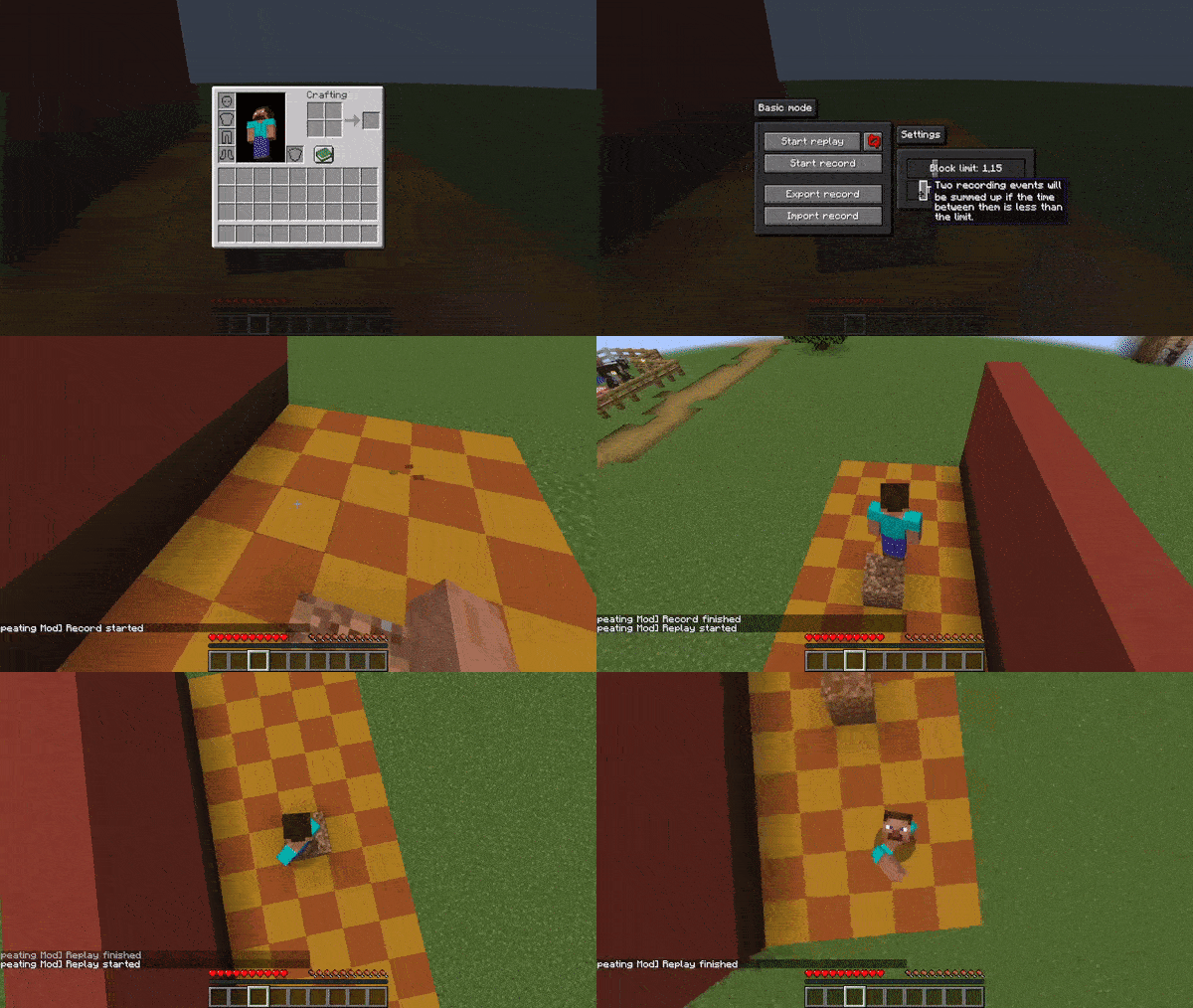
Simply start recording, perform any actions, stop the recording, return to the starting point, and then you can replay everything you did.
Showcase

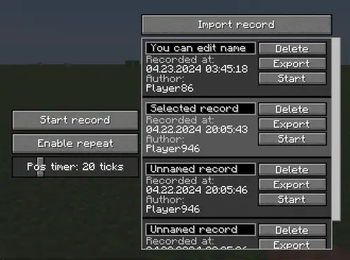
This is how menu looks like:

Controls
Default Repeating Mod keys
Menu              |  J
Toggle recording  |  not specified by default
Toggle replay     |  not specified by default
Where to download
Stable releases
You can find stable releases on Modrinth or on the Releases page
Development artifacts
Artifacts are automatically built with Gitea Actions on each commit.
Download latest artifact
Roadmap
- relative mode for repeating actions (like mining)
- record mouse and keyboard in gui
- practice mode (like in geometry dash but for parkours)
Contributing
If you would like to contribute to the project, feel free to fork the repository and submit a pull request.
License
This project is licensed under the WTFPL License
Available Versions
How to Install Repeating Mod on Your Server
Order Server
Order a Minecraft Java server with at least 3 GB RAM (4 GB recommended).
Set fabric Loader
In the panel under "Egg", select the fabric loader and matching Minecraft version (1.20.5).
Install Mod
Open the mod browser in the dashboard and search for "Repeating Mod". Click "Install" – done! Alternatively, upload the .jar via SFTP to the /mods folder.
Compatibility
Mod Loaders
Minecraft Versions
1.20.5, 1.20.4, 1.20.2 (+7 more)
Server-side
✗ UnsupportedRecommended RAM
4 GB(min. 3 GB)Frequently Asked Questions
Repeating Mod server crashes on startup – what to do?
Most common cause: wrong fabric version or insufficient RAM. Check the server log (latest.log) for "OutOfMemoryError" or "Mixin" errors. With Mado Hosting: ensure at least 3 GB RAM is allocated and the loader matches the mod version (1.20.5). You can switch loaders with one click in the panel.
Is Repeating Mod compatible with fabric?
Repeating Mod officially supports fabric for Minecraft 1.20.5, 1.20.4, 1.20.2. The Mado dashboard automatically detects incompatible loader combinations.
Server lagging with Repeating Mod – how to optimize performance?
Recommended RAM: 4 GB (per 8 players). Use /spark profiler to check if Repeating Mod consumes the most tick time. Common fixes: reduce server view-distance to 8-10, install "performant" or "starlight" as supplementary mods on Forge. With Mado Hosting, your server runs on NVMe SSDs with dedicated CPU cores for minimal latency.
Similar Mods




Rent Modded Server
Install Repeating Mod with just one click on your server.