
RGB blocks
Massive RGB building block palette for NeoForge.
Screenshots
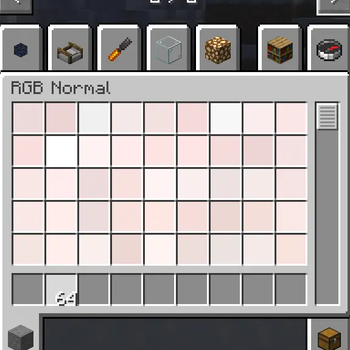
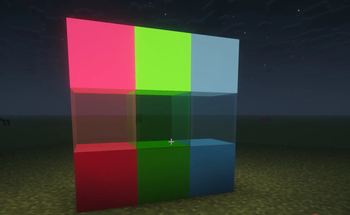
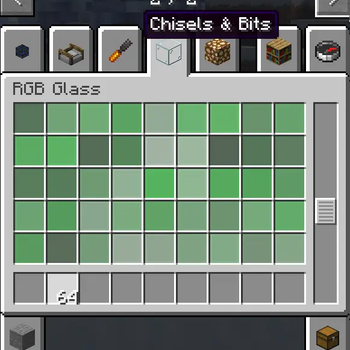
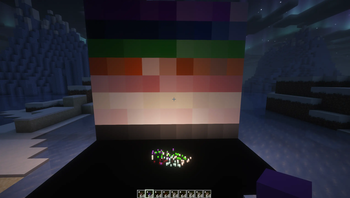
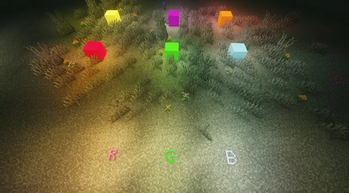
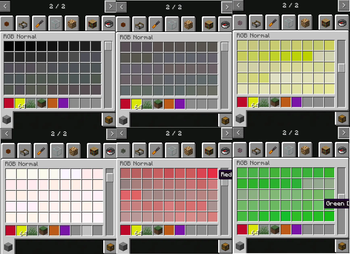
About this Mod
RGBBlocks
RGBBlocks is a structured RGB building palette mod for Minecraft NeoForge.
The mod adds over 16,600 carefully generated building colors with a focus on smooth gradients, pastel tones, neutral materials, and architectural usability.
Each color includes three block variants:
- Normal
- Glow
- Glass
Unlike dynamic runtime color systems, RGBBlocks uses static full blocks for improved compatibility, stability, shader behavior, and mod interaction.
Features
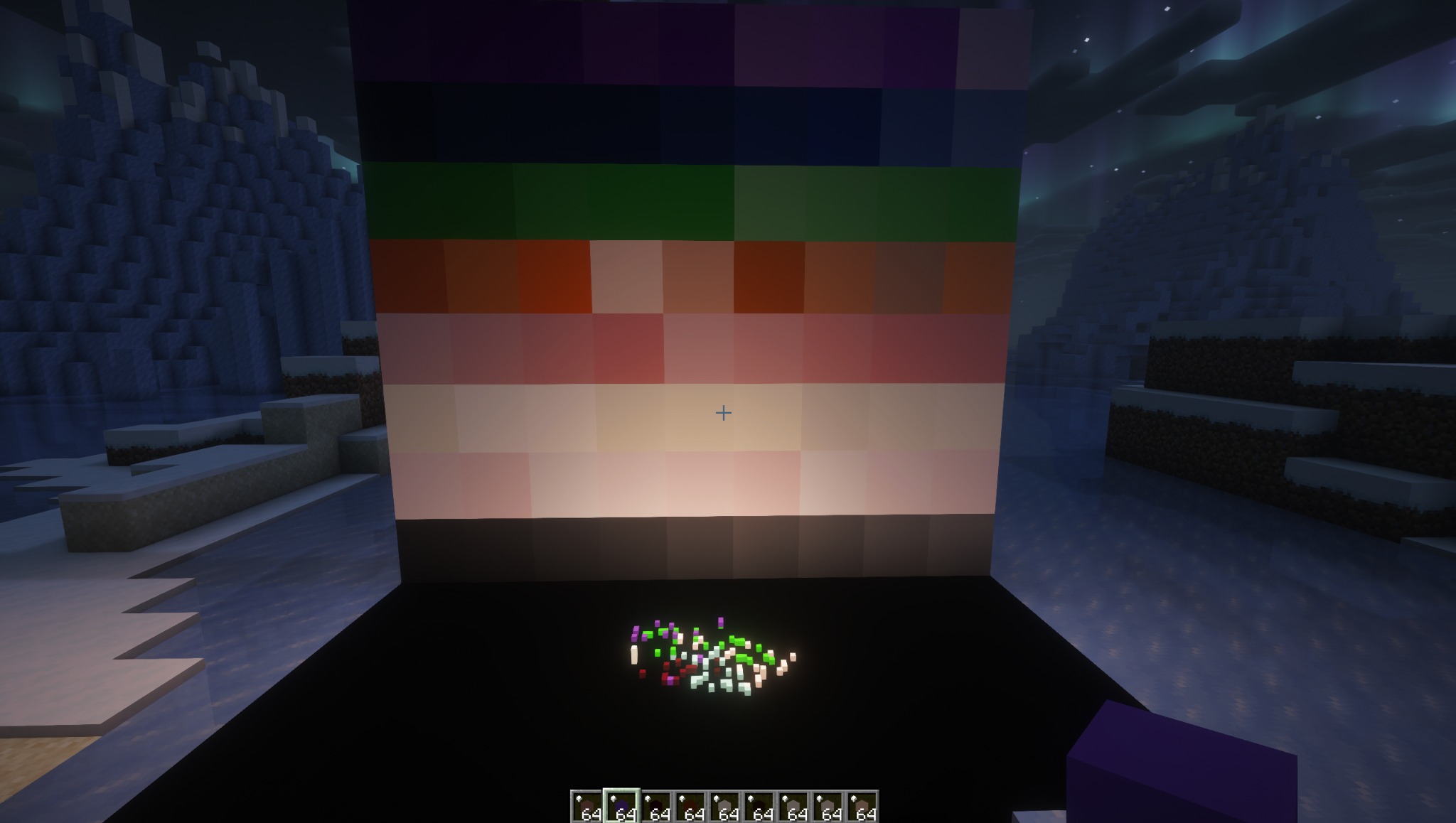
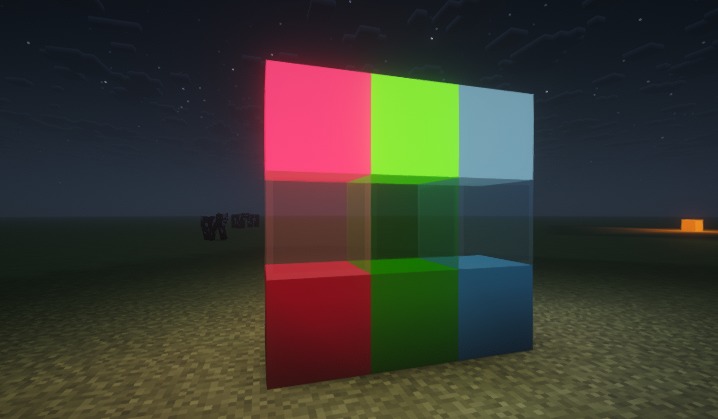
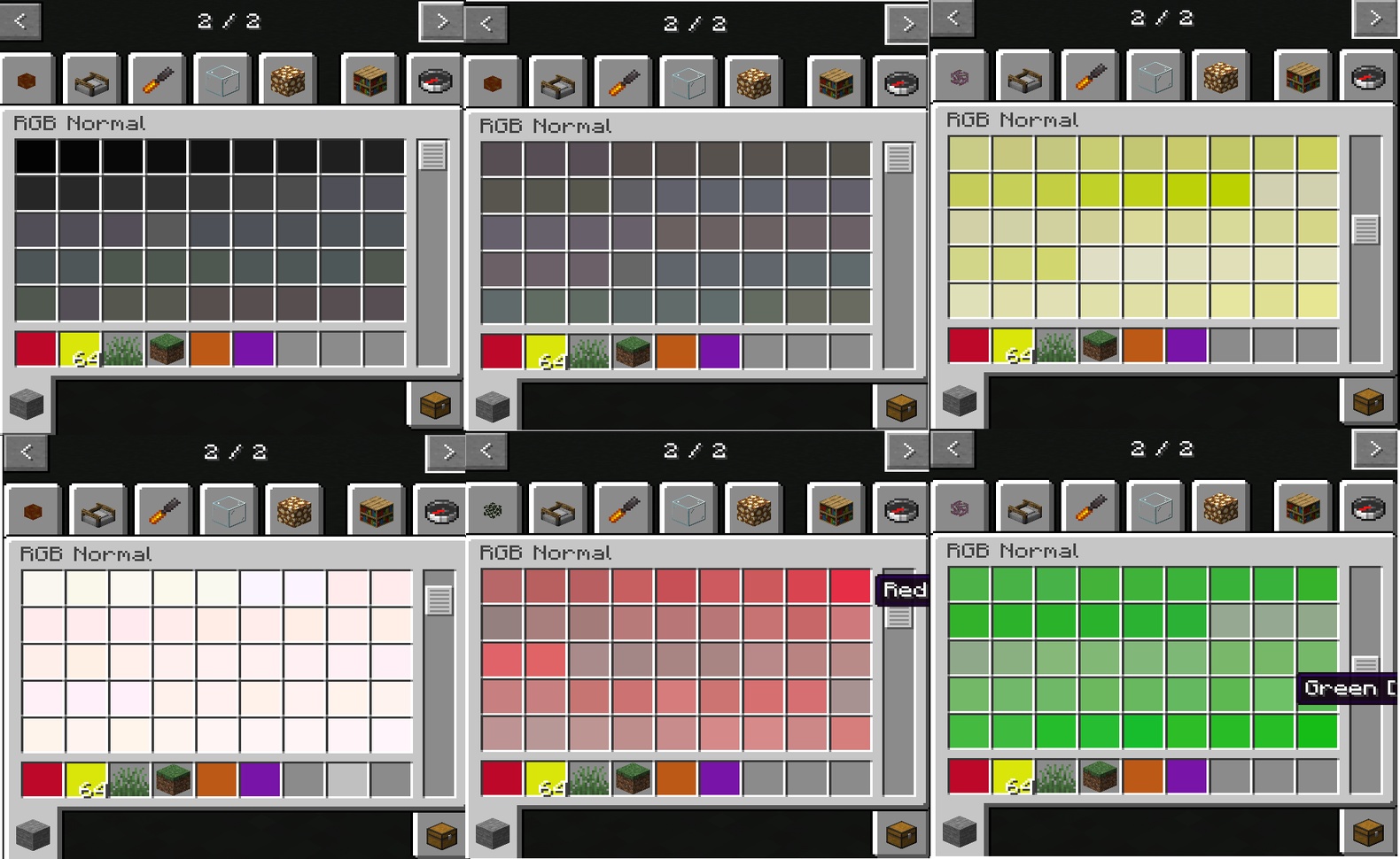
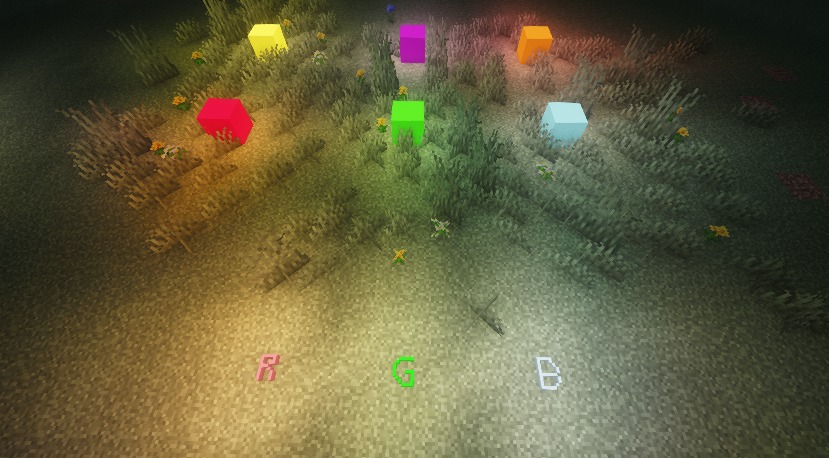
- Over 16,600 structured building colors
- Pastel and neutral optimized palette generation
- Smooth gradient-focused color organization
- Normal, Glow, and Glass variants
- Subtle RGB colored lighting(Glow variant)
- Lightweight static block architecture
- Designed for high compatibility
- Chisels & Bits friendly
Compatibility
RGBBlocks is designed around standard full-block behavior to maximize compatibility with shaders, building tools, and other mods.
The mod has been tested in both singleplayer and multiplayer environments.
Recommended Usage
RGBBlocks works especially well for:
- Architectural builds
- Gradient detailing
- Modern and pastel builds
- Chisels & Bits creations
- Pixel art
- Builds requiring precise color expression
Tested Environment
RGBBlocks has been tested with the following environment:
- Minecraft NeoForge 26.1.2.41-beta
- Chisels & Bits neoforge-26.1.2.33(Recommended)
- Iris NeoForge 1.10.9
- Sodium NeoForge 0.8.11
- Complementary Shaders
- Singleplayer and Multiplayer environments
The mod is designed around standard static full-block behavior for broad compatibility with shaders, building tools, and other mods.
Design Philosophy
RGBBlocks focuses on stability, simplicity, and large-scale color availability rather than dynamic runtime color systems.
The mod intentionally avoids complex runtime rendering or block entity systems in favor of predictable static blocks and broad compatibility with the Minecraft modding ecosystem.
Built for Minecraft NeoForge.
Known Issue
-If a “Lost Connection” error occurs after updating RGB blocks while using Chisels & Bits, delete the clipboard .dat files inside:
.minecraft/chiselsandbits
Available Versions
How to Install RGB blocks on Your Server
Order Server
Order a Minecraft Java server with at least 3 GB RAM (4 GB recommended).
Set neoforge Loader
In the panel under "Egg", select the neoforge loader and matching Minecraft version (26.1.2).
Install Mod
Open the mod browser in the dashboard and search for "RGB blocks". Click "Install" – done! Alternatively, upload the .jar via SFTP to the /mods folder.
Compatibility
Mod Loaders
Minecraft Versions
26.1.2
Server-side
✓ RequiredRecommended RAM
4 GB(min. 3 GB)Frequently Asked Questions
RGB blocks server crashes on startup – what to do?
Most common cause: wrong neoforge version or insufficient RAM. Check the server log (latest.log) for "OutOfMemoryError" or "Mixin" errors. With Mado Hosting: ensure at least 3 GB RAM is allocated and the loader matches the mod version (26.1.2). You can switch loaders with one click in the panel.
Is RGB blocks compatible with neoforge?
RGB blocks officially supports neoforge for Minecraft 26.1.2. The Mado dashboard automatically detects incompatible loader combinations.
Server lagging with RGB blocks – how to optimize performance?
Recommended RAM: 4 GB (per 8 players). Use /spark profiler to check if RGB blocks consumes the most tick time. Common fixes: reduce server view-distance to 8-10, install "performant" or "starlight" as supplementary mods on Forge. With Mado Hosting, your server runs on NVMe SSDs with dedicated CPU cores for minimal latency.
Similar Mods

![[ETF] Entity Texture Features](https://cdn.modrinth.com/data/BVzZfTc1/af683d206d50b05258d865b0d6e4aa2f2cee12f2_96.webp)
![[EMF] Entity Model Features](https://cdn.modrinth.com/data/4I1XuqiY/6e5bbd0d06b1741bfdab6c0cfab6de8fdaf0064c_96.webp)



Rent Modded Server
Install RGB blocks with just one click on your server.