
Road Builder Mod
A simple mod for building realistic roads. Initially, just adds the ability to draw road markings.
Screenshots
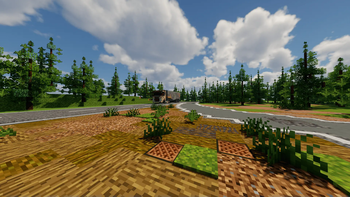
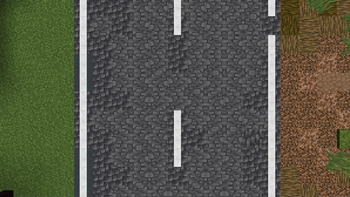
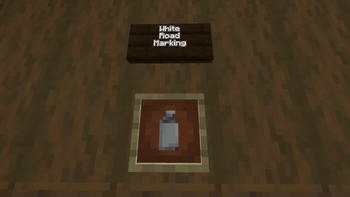
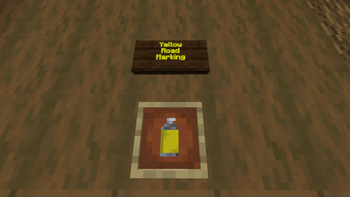
About this Mod
Combatability
Requires Fabric api and the Fabric Loader
Preface
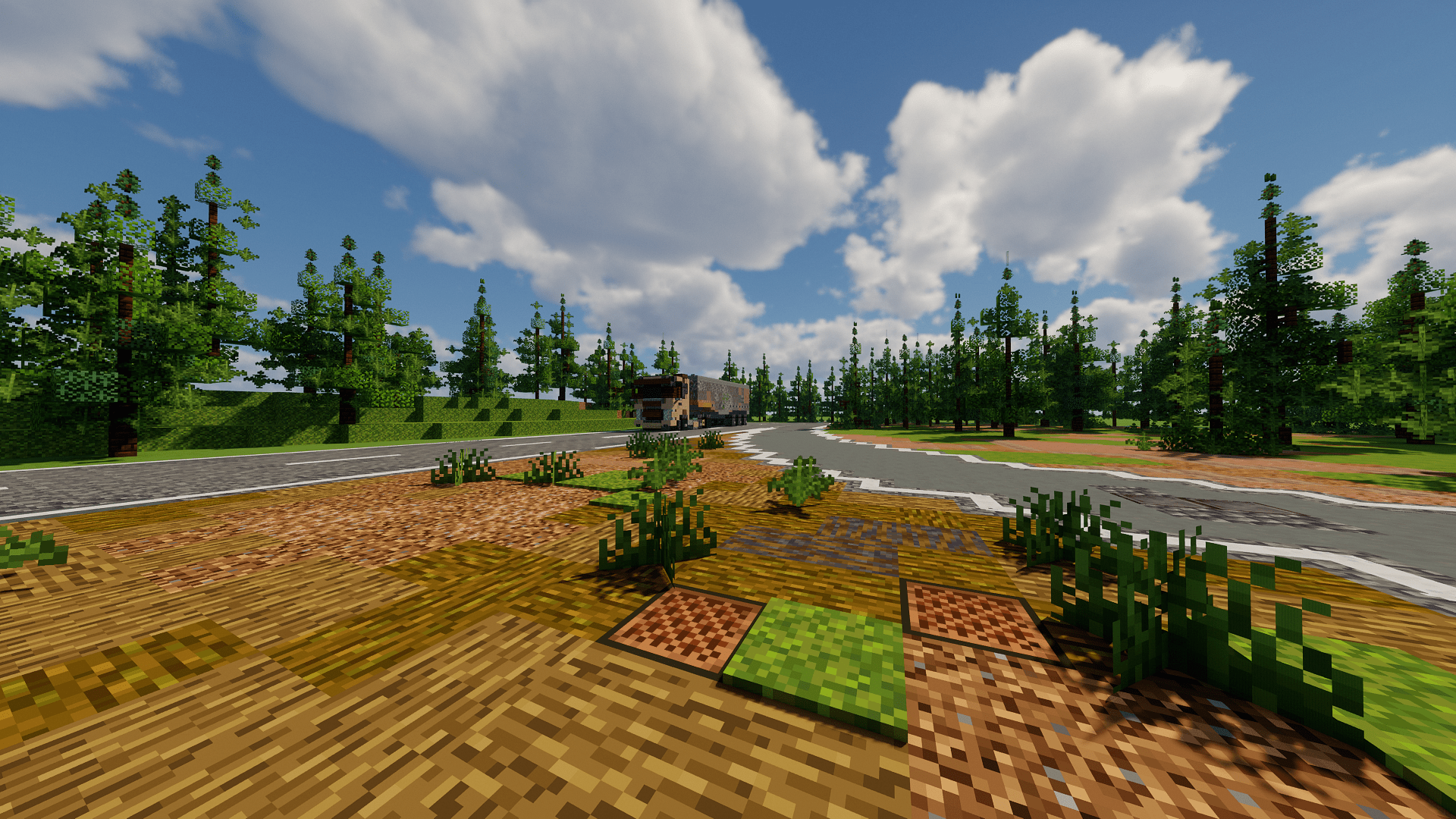
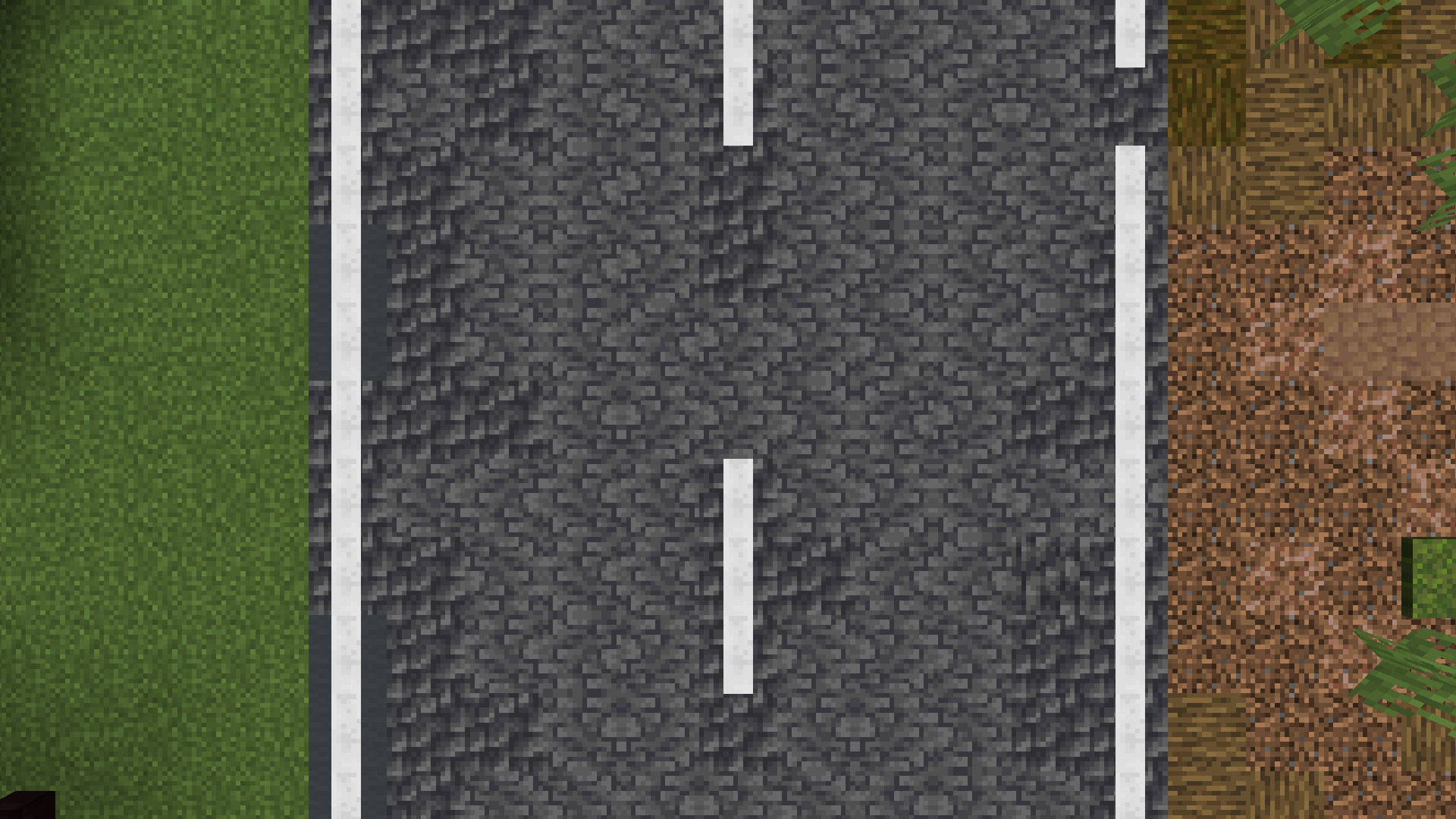
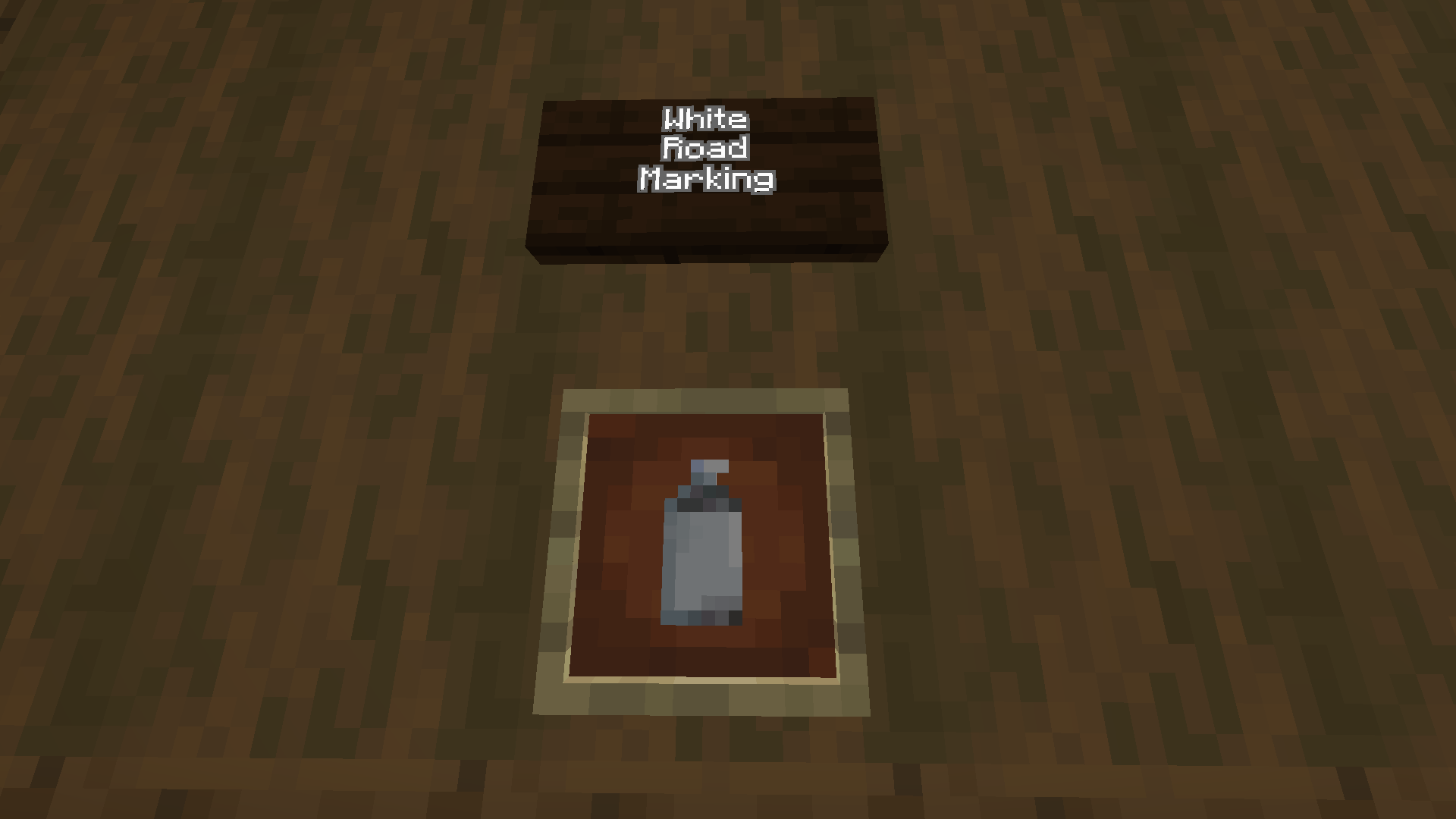
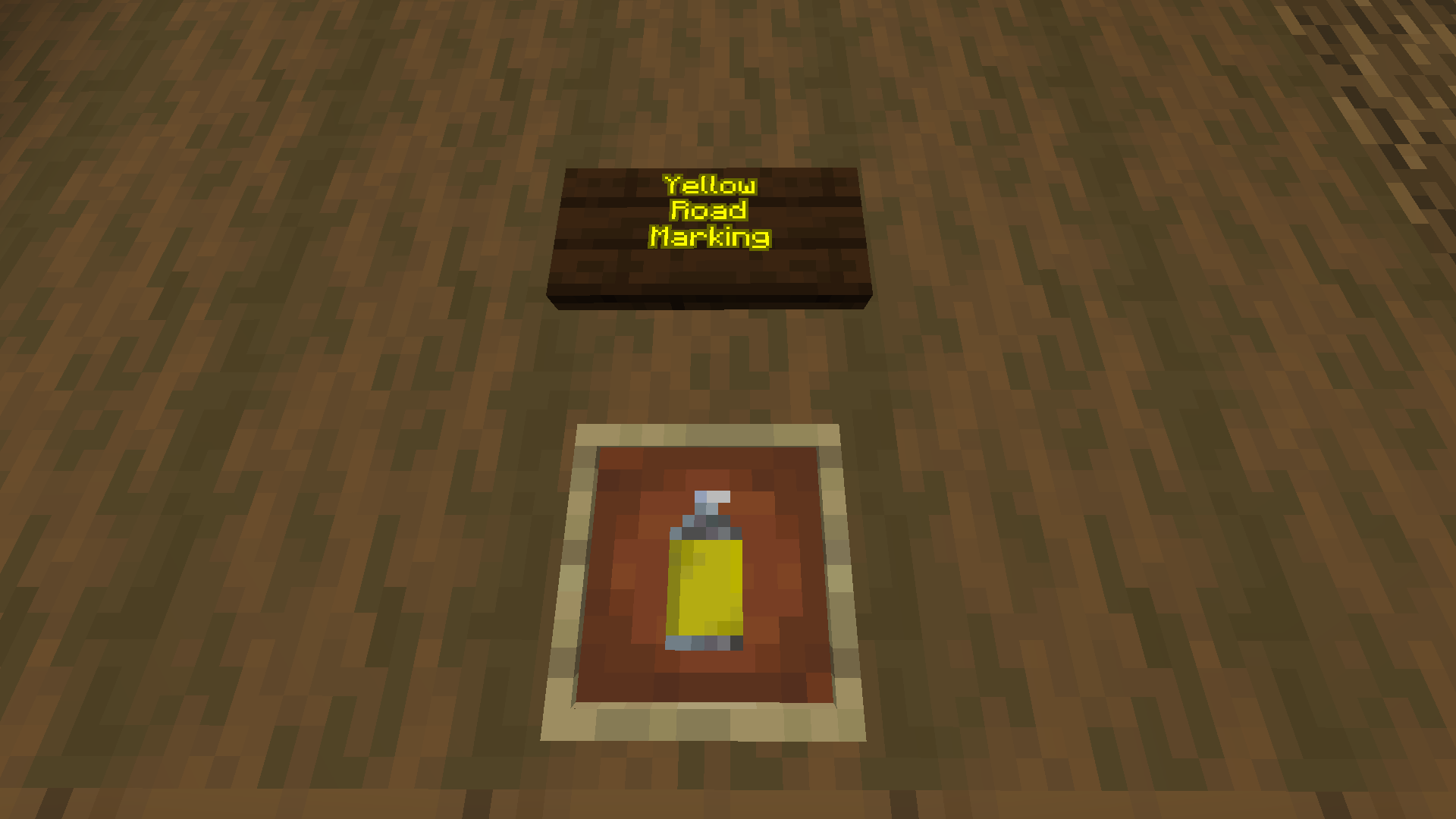
Currently, this mod adds 2 new features; a white road marking block and a yellow road marking block. This means that it is very much in alpha progress.
Purpose
This mod allows a decent recreation of the world's roads in a seemless manner without having to use debugged or obscure vanilla blocks to create the look of a road.
Features
Only accessible by the creative inventory, scroll down to the bottom of the building blocks section and you will find two spray can sprites - they are respectively yellow and white. Drag them to your hotbar, exit the creative menu, and then 'spray' these blocks. You might notice that they are complete clones of the redstone dust block as they conduct redstone power.
Future
In future the team plans to add a built in road creating mechanism such as ones from the cities skylines 2 game
Eg:
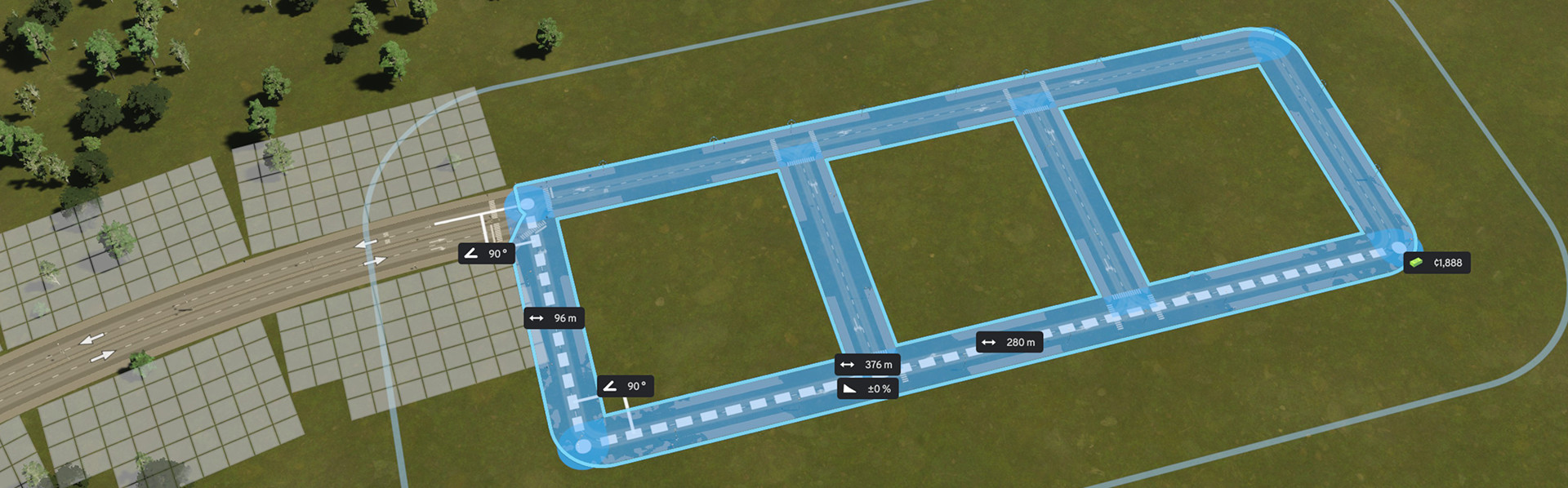
And a sort of node system for snapping to existing roads to make a user friendly experience.
Available Versions
How to Install Road Builder Mod on Your Server
Order Server
Order a Minecraft Java server with at least 3 GB RAM (4 GB recommended).
Set fabric Loader
In the panel under "Egg", select the fabric loader and matching Minecraft version (1.21.2).
Install Mod
Open the mod browser in the dashboard and search for "Road Builder Mod". Click "Install" – done! Alternatively, upload the .jar via SFTP to the /mods folder.
Compatibility
Mod Loaders
Minecraft Versions
1.21.2, 1.21.1
Server-side
✓ RequiredRecommended RAM
4 GB(min. 3 GB)Frequently Asked Questions
Road Builder Mod server crashes on startup – what to do?
Most common cause: wrong fabric version or insufficient RAM. Check the server log (latest.log) for "OutOfMemoryError" or "Mixin" errors. With Mado Hosting: ensure at least 3 GB RAM is allocated and the loader matches the mod version (1.21.2). You can switch loaders with one click in the panel.
Is Road Builder Mod compatible with fabric?
Road Builder Mod officially supports fabric for Minecraft 1.21.2, 1.21.1. The Mado dashboard automatically detects incompatible loader combinations.
Server lagging with Road Builder Mod – how to optimize performance?
Recommended RAM: 4 GB (per 8 players). Use /spark profiler to check if Road Builder Mod consumes the most tick time. Common fixes: reduce server view-distance to 8-10, install "performant" or "starlight" as supplementary mods on Forge. With Mado Hosting, your server runs on NVMe SSDs with dedicated CPU cores for minimal latency.
Similar Mods

![[ETF] Entity Texture Features](https://cdn.modrinth.com/data/BVzZfTc1/af683d206d50b05258d865b0d6e4aa2f2cee12f2_96.webp)
![[EMF] Entity Model Features](https://cdn.modrinth.com/data/4I1XuqiY/6e5bbd0d06b1741bfdab6c0cfab6de8fdaf0064c_96.webp)



Rent Modded Server
Install Road Builder Mod with just one click on your server.