Safe Drop
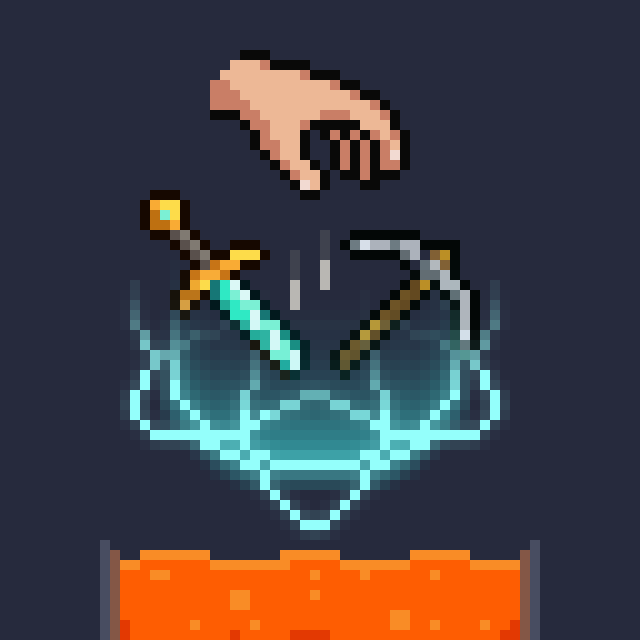
Never accidentally drop your best sword into lava again! This minimalist Mod requires a quick double-tap to drop enchanted or custom-named items.
Screenshots
About this Mod
⚛️ Atomic SafeDrop
Never lose your best gear to a misclick again.
We’ve all been there: you’re bridging over a lava lake in the Nether or dodging attacks in the End, and a sudden slip of the finger makes you yeet your fully enchanted Netherite sword into the abyss.
Atomic SafeDrop is a lightweight, strictly focused mod that elegantly solves this exact pain point without cluttering your game with unnecessary menus or bloated code.
✨ How It Works
SafeDrop acts as a smart safety net for your most precious items:
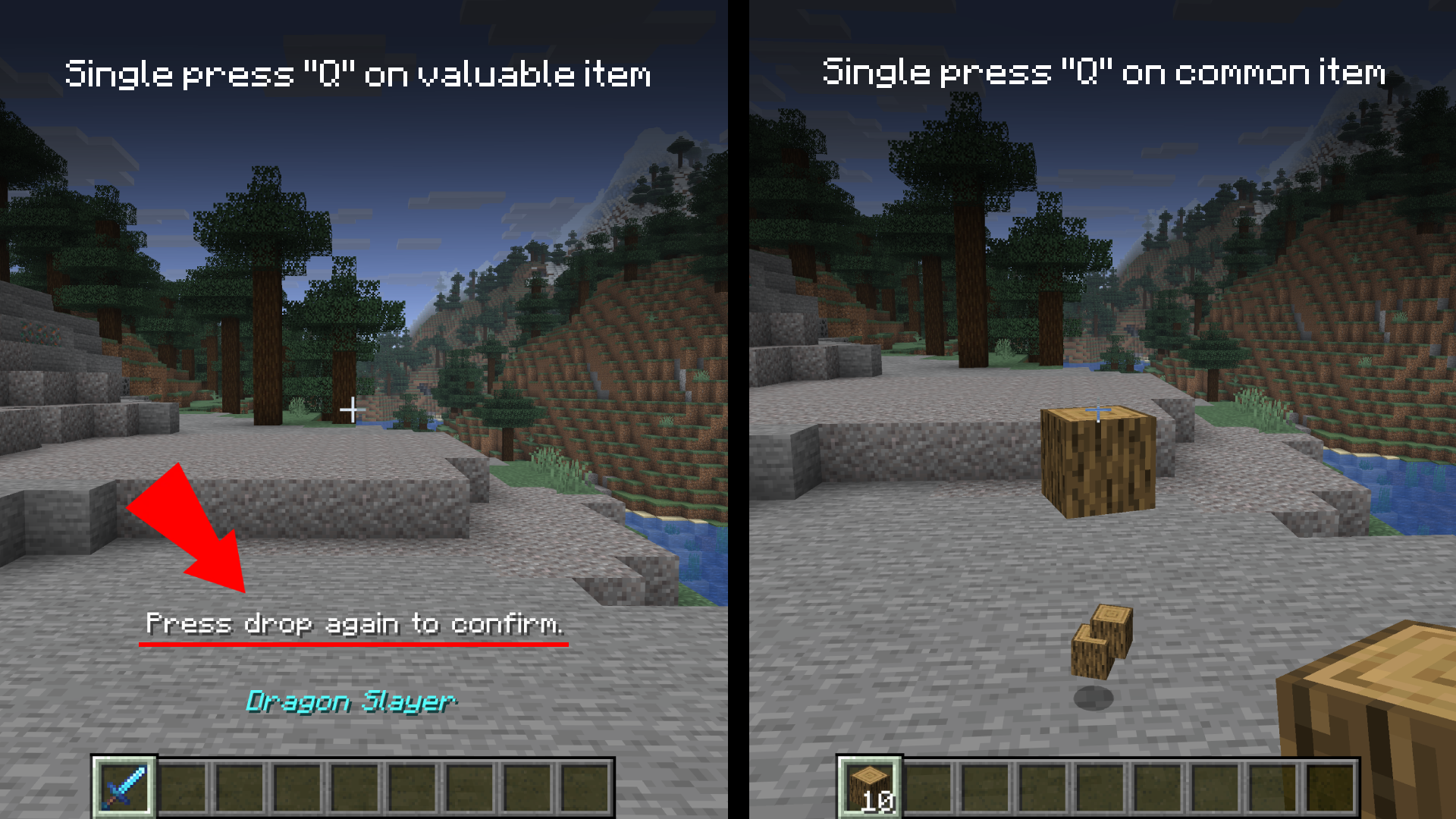
- Valuables are Protected: If the item you are holding is enchanted or has a custom name, the single drop key input is completely ignored.
- Intentional Dropping: To actually drop a valuable item, you simply double-tap the drop key within a 500ms window.
- Normal Behavior for Junk: Standard items like dirt, cobblestone, or basic tools drop normally with a single press, ensuring your inventory management speed isn't slowed down.
Available Versions
How to Install Safe Drop on Your Server
Order Server
Order a Minecraft Java server with at least 3 GB RAM (4 GB recommended).
Set fabric Loader
In the panel under "Egg", select the fabric loader and matching Minecraft version (1.21.11).
Install Mod
Open the mod browser in the dashboard and search for "Safe Drop". Click "Install" – done! Alternatively, upload the .jar via SFTP to the /mods folder.
Compatibility
Mod Loaders
Minecraft Versions
1.21.11, 1.21.10, 1.21.9 (+9 more)
Server-side
✗ UnsupportedRecommended RAM
4 GB(min. 3 GB)Frequently Asked Questions
Safe Drop server crashes on startup – what to do?
Most common cause: wrong fabric version or insufficient RAM. Check the server log (latest.log) for "OutOfMemoryError" or "Mixin" errors. With Mado Hosting: ensure at least 3 GB RAM is allocated and the loader matches the mod version (1.21.11). You can switch loaders with one click in the panel.
Is Safe Drop compatible with fabric and neoforge?
Safe Drop officially supports fabric, neoforge for Minecraft 1.21.11, 1.21.10, 1.21.9. The Mado dashboard automatically detects incompatible loader combinations.
Server lagging with Safe Drop – how to optimize performance?
Recommended RAM: 4 GB (per 8 players). Use /spark profiler to check if Safe Drop consumes the most tick time. Common fixes: reduce server view-distance to 8-10, install "performant" or "starlight" as supplementary mods on Forge. With Mado Hosting, your server runs on NVMe SSDs with dedicated CPU cores for minimal latency.
Similar Mods




![[ETF] Entity Texture Features](https://cdn.modrinth.com/data/BVzZfTc1/af683d206d50b05258d865b0d6e4aa2f2cee12f2_96.webp)
![[EMF] Entity Model Features](https://cdn.modrinth.com/data/4I1XuqiY/6e5bbd0d06b1741bfdab6c0cfab6de8fdaf0064c_96.webp)
Rent Modded Server
Install Safe Drop with just one click on your server.