Salt's Anti-Aliasing
Salt’s Anti Aliasing adds modern anti-aliasing, sharpening, supersampling, and upscaling options to Minecraft with in-game controls and scene-only processing that keeps the HUD crisp.
Screenshots




About this Mod

Salt's Anti Aliasing
Salt's Anti Aliasing brings a full suite of anti-aliasing, sharpening, supersampling, and upscaling options to Minecraft with a built-in Video Settings menu, live previews, debug tools, and performance tracking.
NOTICE: The MSAA option doesn't work with sodium installed
Whether you want cleaner edges, a sharper image, or better performance through upscaling, this mod gives you modern image-quality options directly inside the game.
Features
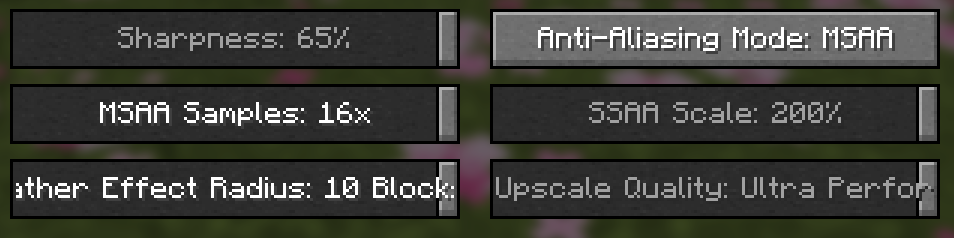
- In-game anti-aliasing menu inside Video Settings
- Mode-specific sliders and controls
- Built-in tooltips that explain what each option does
- Sharpening controls for supported modes
- Upscale quality presets for supported modes
- Performance metrics recording through config
- Edge-debug overlay for visual testing
- Designed to keep the game's interface clean and readable
Included Modes
OffFXAAMSAAwith2x,4x,8x, and16xSSAAwith125%,150%,175%, and200%SMAATAANIS SharpenNIS UpscaleFSR1 UpscaleFSR1 + RCAS
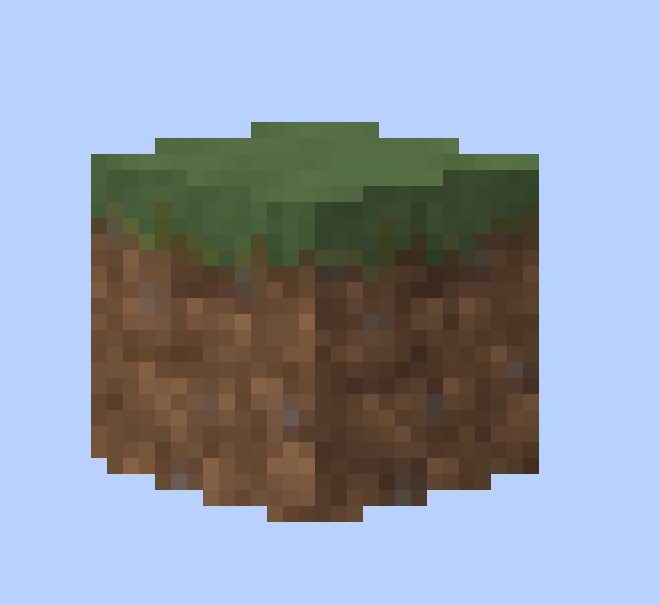
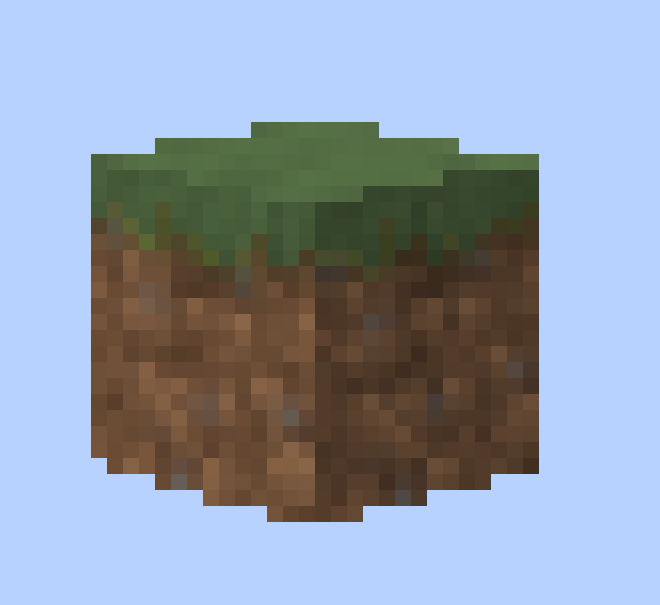
Off
Sharpness
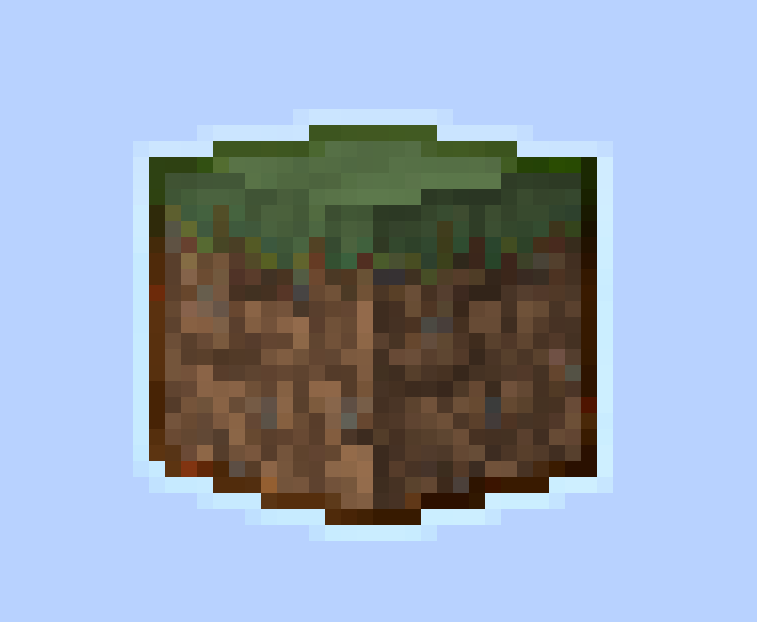
FXAA

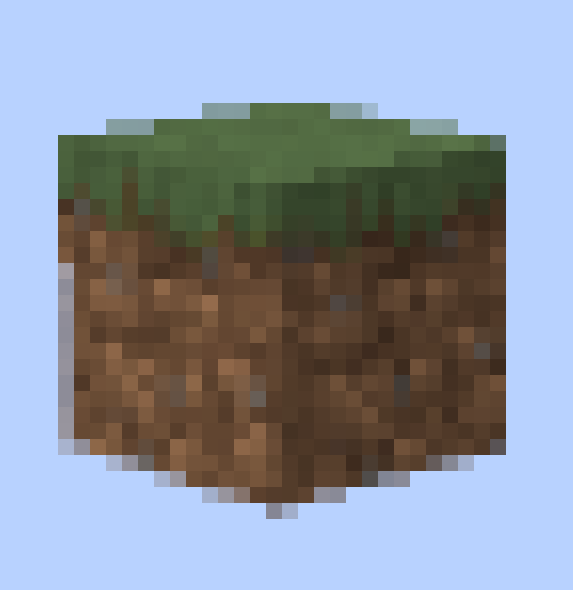
MSAA x16

Why Use It?
Minecraft's default image can look jagged, noisy, or unstable depending on your resolution and settings. Salt's Anti Aliasing gives you multiple ways to improve that, depending on what you want:
- cleaner edges
- reduced shimmering
- sharper visuals
- better image stability
- performance-friendly upscaling options
- high-quality supersampling options for stronger GPUs
Some modes are lightweight and fast, while others focus on maximum image quality.
Built-In Debug Tools
Salt's Anti Aliasing also includes tools for testing and comparison:
F3 + Ktoggles an edge-detection debug view- on-screen edge stats help compare modes
- optional metrics recording can log frame rate behavior over time
- per-mode reporting makes it easier to compare performance between settings
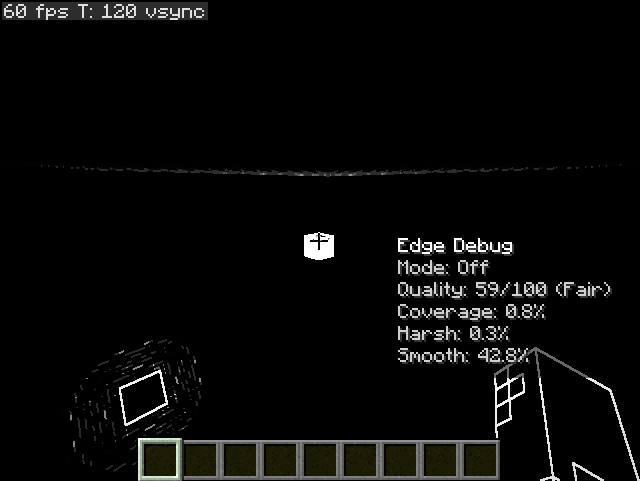
Performance Metrics
If enabled in the config, the mod can record useful benchmarking information such as:
- average FPS
- median FPS
- 1% lows and 5% lows
- lag spikes
- FPS drops
- low-FPS time
- per-mode performance totals
- per-minute averages
This makes it much easier to compare how each anti-aliasing mode performs on your system.
Designed For Tuning
This mod is built for players who like to test, compare, and fine-tune image quality. Whether you want a lightweight edge smoother, a sharp upscale preset, or a stronger cinematic look, Salt's Anti Aliasing gives you the tools to experiment and find what looks best on your setup.
Current Focus
The current version focuses on the OpenGL rendering path and includes the full in-game feature set listed above. The project is also structured with future graphics-backend expansion in mind.
If you want cleaner Minecraft visuals with real control over how the game looks and performs, Salt's Anti Aliasing is made for exactly that.
Available Versions
How to Install Salt's Anti-Aliasing on Your Server
Order Server
Order a Minecraft Java server with at least 3 GB RAM (4 GB recommended).
Set fabric Loader
In the panel under "Egg", select the fabric loader and matching Minecraft version (26.1.2).
Install Mod
Open the mod browser in the dashboard and search for "Salt's Anti-Aliasing". Click "Install" – done! Alternatively, upload the .jar via SFTP to the /mods folder.
Compatibility
Mod Loaders
Minecraft Versions
26.1.2, 1.21.11, 1.21.10 (+3 more)
Server-side
✗ UnsupportedRecommended RAM
4 GB(min. 3 GB)Frequently Asked Questions
Salt's Anti-Aliasing server crashes on startup – what to do?
Most common cause: wrong fabric version or insufficient RAM. Check the server log (latest.log) for "OutOfMemoryError" or "Mixin" errors. With Mado Hosting: ensure at least 3 GB RAM is allocated and the loader matches the mod version (26.1.2). You can switch loaders with one click in the panel.
Is Salt's Anti-Aliasing compatible with fabric?
Salt's Anti-Aliasing officially supports fabric for Minecraft 26.1.2, 1.21.11, 1.21.10. The Mado dashboard automatically detects incompatible loader combinations.
Server lagging with Salt's Anti-Aliasing – how to optimize performance?
Recommended RAM: 4 GB (per 8 players). Use /spark profiler to check if Salt's Anti-Aliasing consumes the most tick time. Common fixes: reduce server view-distance to 8-10, install "performant" or "starlight" as supplementary mods on Forge. With Mado Hosting, your server runs on NVMe SSDs with dedicated CPU cores for minimal latency.
Similar Mods




Rent Modded Server
Install Salt's Anti-Aliasing with just one click on your server.