
Salvage Workbench (Seamless Item reclamation)
Lets users salvage rescources from items that they dont need anymore. Also includes enchanted items
Screenshots

About this Mod





About
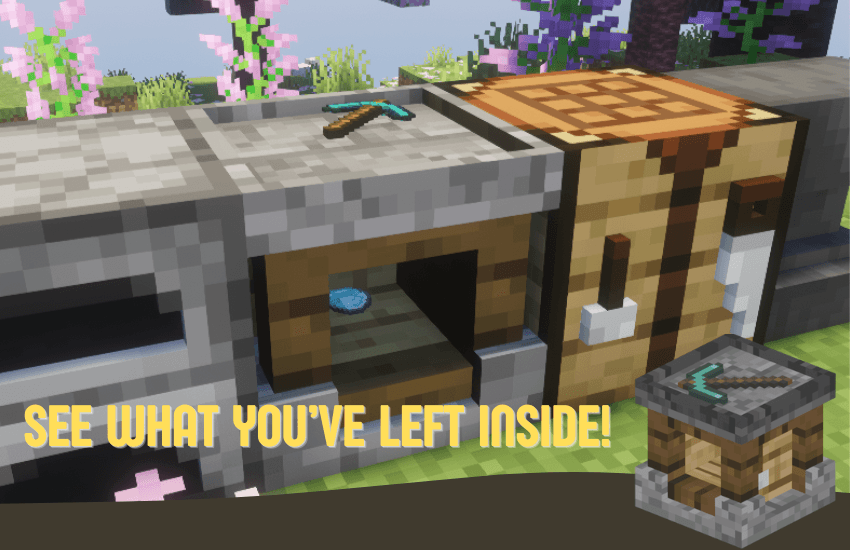
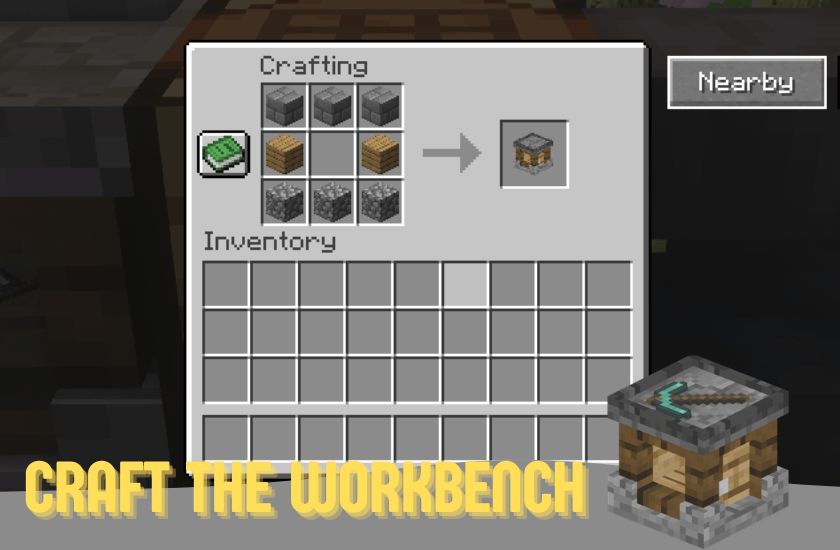
The Salvage workbench turns crafted items back into materials with a clean, immersive in-world workstation.
Features
- A new block: Salvage Workbench
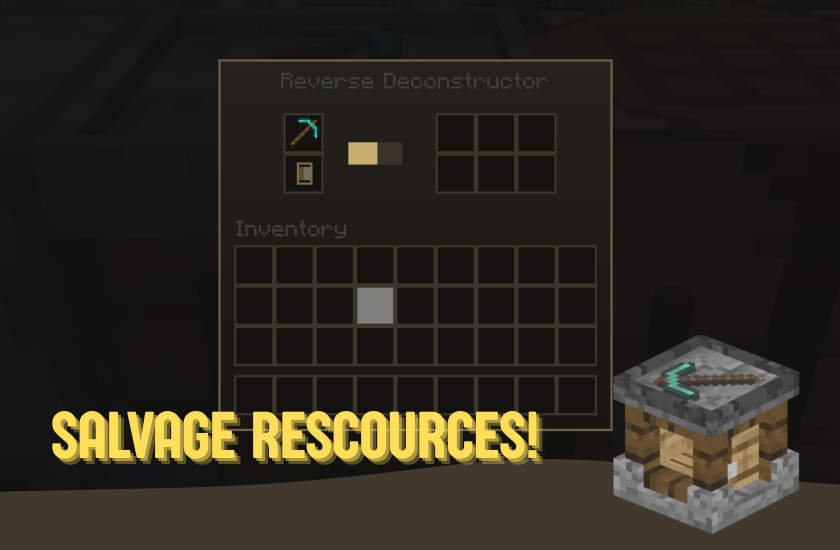
- Salvage items into rescources
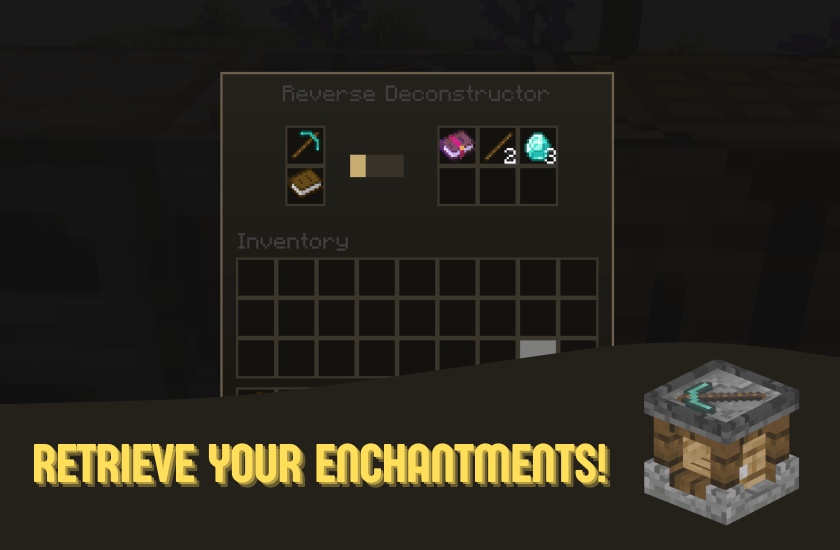
- Recover enchantments from items
- Works with hoppers

Durability-Based Returns
Damageable items now return fewer materials based on condition:
- Durability < 25%: minimum return of 1 item total
- Durability < 50%: returns about 50% of normal output
- Durability < 75%: returns about 70% of normal output
- Durability >= 75%: full output rules apply
For non-damageable items (like most blocks), full output is used.
Requirements
- Minecraft 1.21.11
- Fabric Loader 0.18+
- Java 21+
- Seamless API
Notes
This mod focuses on survival-friendly salvage and recovery, not free duplication. Returns are intentionally balanced by durability and configurable loss settings. For Bug reports please open an issue on github, or message me through discord!
API Integration
This project is aligned with Seamless-API to make custom integrations easier for other modders.
Also check out!


Available Versions
How to Install Salvage Workbench (Seamless Item reclamation) on Your Server
Order Server
Order a Minecraft Java server with at least 3 GB RAM (4 GB recommended).
Set fabric Loader
In the panel under "Egg", select the fabric loader and matching Minecraft version (1.21.11).
Install Mod
Open the mod browser in the dashboard and search for "Salvage Workbench (Seamless Item reclamation)". Click "Install" – done! Alternatively, upload the .jar via SFTP to the /mods folder.
Compatibility
Mod Loaders
Minecraft Versions
1.21.11
Server-side
✓ RequiredRecommended RAM
4 GB(min. 3 GB)Frequently Asked Questions
Salvage Workbench (Seamless Item reclamation) server crashes on startup – what to do?
Most common cause: wrong fabric version or insufficient RAM. Check the server log (latest.log) for "OutOfMemoryError" or "Mixin" errors. With Mado Hosting: ensure at least 3 GB RAM is allocated and the loader matches the mod version (1.21.11). You can switch loaders with one click in the panel.
Is Salvage Workbench (Seamless Item reclamation) compatible with fabric?
Salvage Workbench (Seamless Item reclamation) officially supports fabric for Minecraft 1.21.11. The Mado dashboard automatically detects incompatible loader combinations.
Server lagging with Salvage Workbench (Seamless Item reclamation) – how to optimize performance?
Recommended RAM: 4 GB (per 8 players). Use /spark profiler to check if Salvage Workbench (Seamless Item reclamation) consumes the most tick time. Common fixes: reduce server view-distance to 8-10, install "performant" or "starlight" as supplementary mods on Forge. With Mado Hosting, your server runs on NVMe SSDs with dedicated CPU cores for minimal latency.
Similar Mods




Rent Modded Server
Install Salvage Workbench (Seamless Item reclamation) with just one click on your server.