
Saro´s Construction
Adds construction barriers, cones, scaffolding, and interactive site equipment for building realistic construction zones.
Screenshots
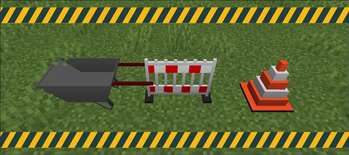
About this Mod
!
!
The Saro's Construction Mod adds a variety of items tailored for creating realistic construction sites in Minecraft. These items include decorative elements and functional construction blocks.
!
Decorative Elements 🎨
- Various blocks and items designed to enhance your construction site aesthetics.
Advanced Construction Equipment 🛠️
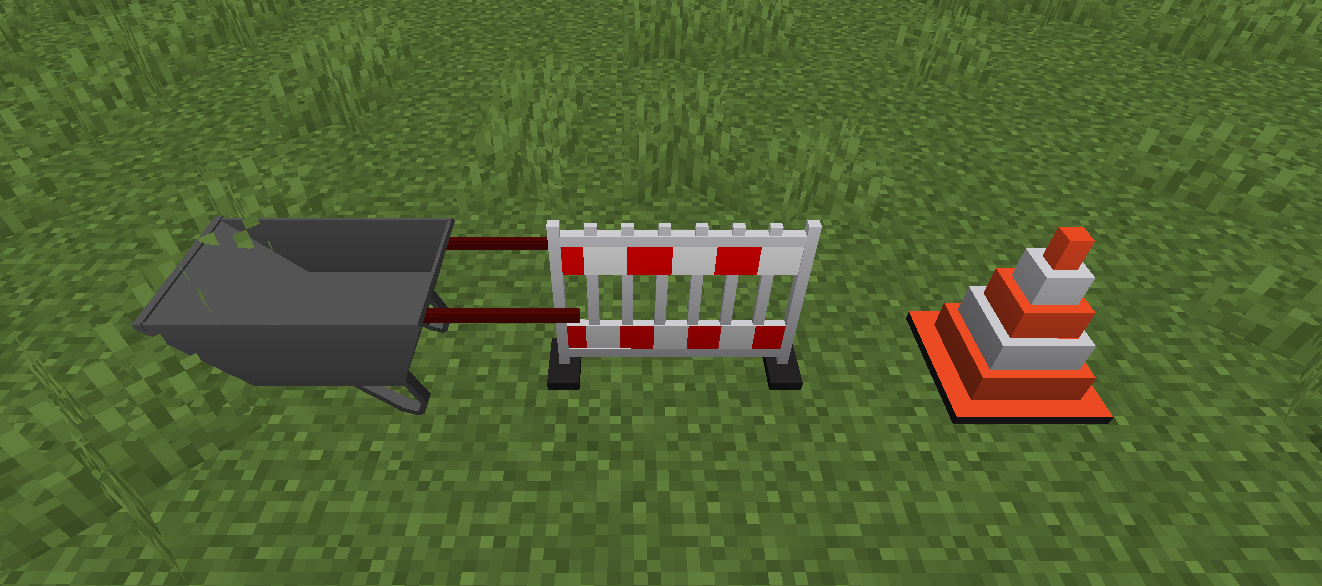
- Interactive Wheelbarrow: Now features 3D item rendering, auto-pickup functionality (works like a hopper!), and explosion protection. It functions seamlessly as both a stationary block and a pushable entity.
- Functional blocks and items with construction-related utilities.
Community Feedback 📢
- Have a suggestion or found a bug? Reach out to us join our Discord server.
Blocks
!
Version Support & Features
⚠️ Note: All latest features (such as the updated Wheelbarrow) are currently only available in version 1.20.1.
Port requests are welcome, but please understand that maintaining support for all versions simultaneously is very time-consuming.
- Forge 1.20.1 ✅ (Latest Features)
- Forge 1.21.1 ✅ (Latest Features)
- Forge 1.21 ✅
- Forge 1.20.6 ✅
- Forge 1.20.4 ✅
- Forge 1.19.4 ✅
- Forge 1.19.2 ✅
- Forge 1.18.2 ✅
- Forge 1.16.5 ✅
!
Connect with us on Discord and be part of the Saro's Construction Mod community!
](https://server.sarocesch.de/refersaro.php)
Project Support & Usage
Hosting: For the best performance, I recommend using BisectHosting linked in the banner.
Modpacks: You are free to include my work in any modpack. Please ensure proper credit is given by providing a link to this project page.
Available Versions
How to Install Saro´s Construction on Your Server
Order Server
Order a Minecraft Java server with at least 3 GB RAM (4 GB recommended).
Set fabric Loader
In the panel under "Egg", select the fabric loader and matching Minecraft version (26.1.2).
Install Mod
Open the mod browser in the dashboard and search for "Saro´s Construction". Click "Install" – done! Alternatively, upload the .jar via SFTP to the /mods folder.
Compatibility
Mod Loaders
Minecraft Versions
26.1.2, 26.1, 1.21.1 (+8 more)
Server-side
✓ RequiredRecommended RAM
4 GB(min. 3 GB)Frequently Asked Questions
Saro´s Construction server crashes on startup – what to do?
Most common cause: wrong fabric version or insufficient RAM. Check the server log (latest.log) for "OutOfMemoryError" or "Mixin" errors. With Mado Hosting: ensure at least 3 GB RAM is allocated and the loader matches the mod version (26.1.2). You can switch loaders with one click in the panel.
Is Saro´s Construction compatible with fabric and forge and neoforge and quilt?
Saro´s Construction officially supports fabric, forge, neoforge, quilt for Minecraft 26.1.2, 26.1, 1.21.1. Note: Forge and Fabric mods are NOT cross-compatible – pick one loader and stick with it. The Mado dashboard automatically detects incompatible loader combinations.
Server lagging with Saro´s Construction – how to optimize performance?
Recommended RAM: 4 GB (per 8 players). Use /spark profiler to check if Saro´s Construction consumes the most tick time. Common fixes: reduce server view-distance to 8-10, install "performant" or "starlight" as supplementary mods on Forge. With Mado Hosting, your server runs on NVMe SSDs with dedicated CPU cores for minimal latency.
Similar Mods

![[ETF] Entity Texture Features](https://cdn.modrinth.com/data/BVzZfTc1/af683d206d50b05258d865b0d6e4aa2f2cee12f2_96.webp)
![[EMF] Entity Model Features](https://cdn.modrinth.com/data/4I1XuqiY/6e5bbd0d06b1741bfdab6c0cfab6de8fdaf0064c_96.webp)



Rent Modded Server
Install Saro´s Construction with just one click on your server.