
Saro´s Log Saver
This mod protects selected logs from being debarked
About this Mod
!
Saros Log Saver is a practical Forge mod that helps protect your valuable wood logs from accidental stripping. Designed with builders, landscapers, and forest managers in mind, this mod makes it easy to selectively safeguard specific logs or entire areas, ensuring that your decorative builds and natural forests remain pristine.
!
1. Individual Log Protection
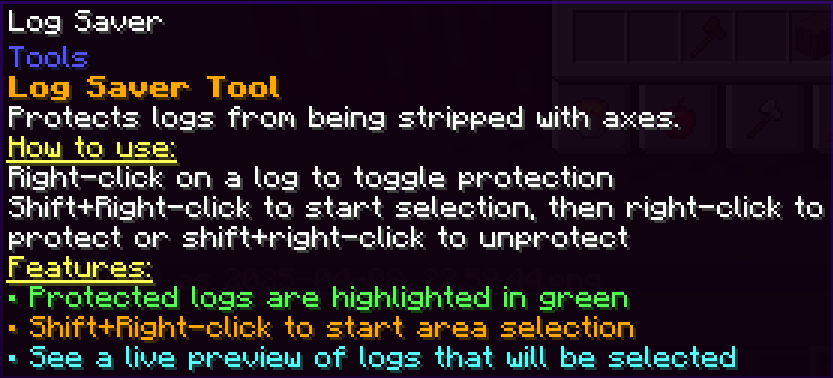
- Easy to Use: Right-click a log with the Log Saver Tool to protect it.
- Reversible: Simply right-click again on a protected log to remove the protection.
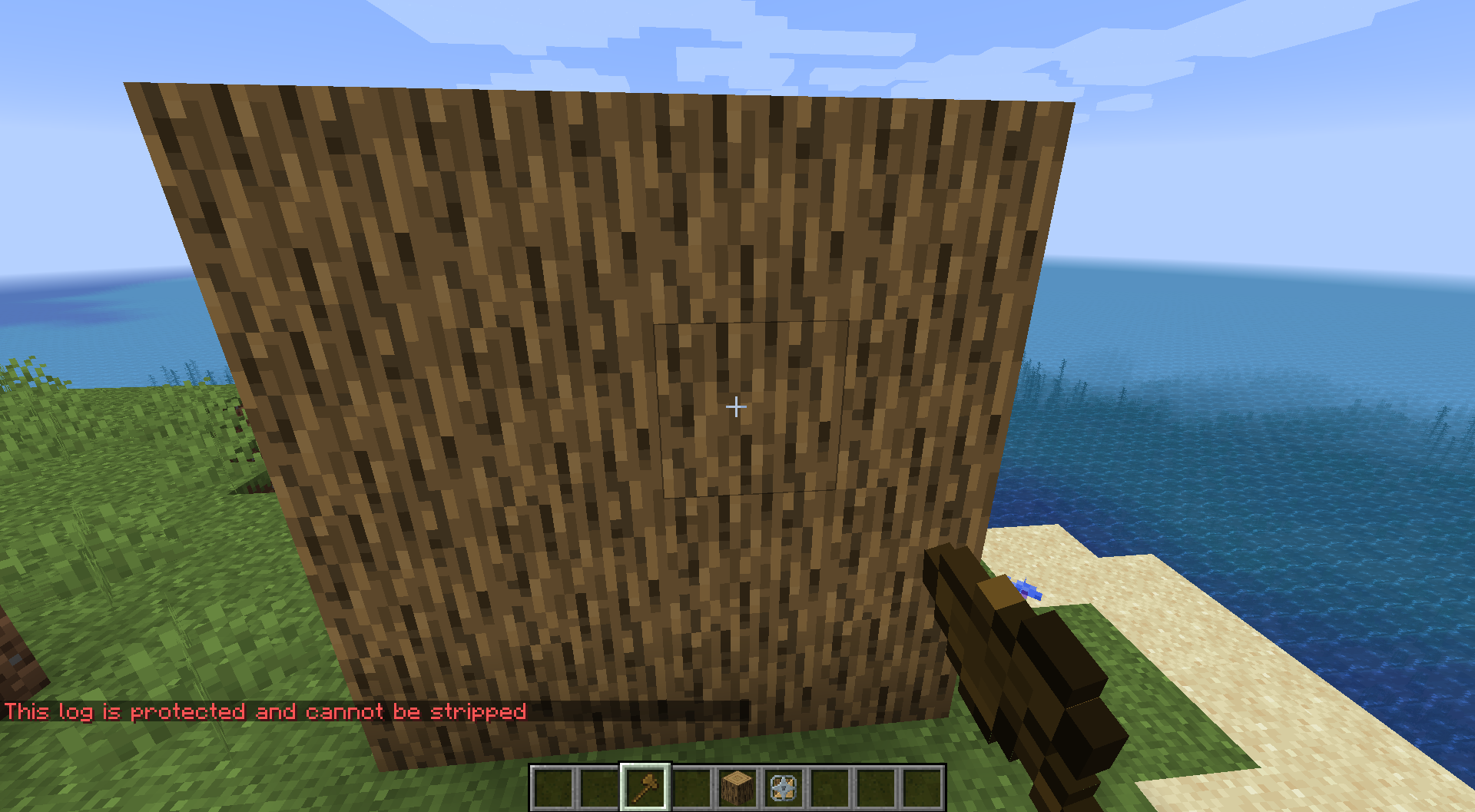
- Prevents Stripping: Once protected, logs cannot be stripped with an axe.
2. Bulk Protection with Multi-Selection
- Initiate Selection: Hold Shift and right-click on the first log to start the selection process.
- Select Area: Move to the second point and right-click (without holding Shift) to protect all logs within the defined area.
3. Bulk Unprotection with Multi-Selection
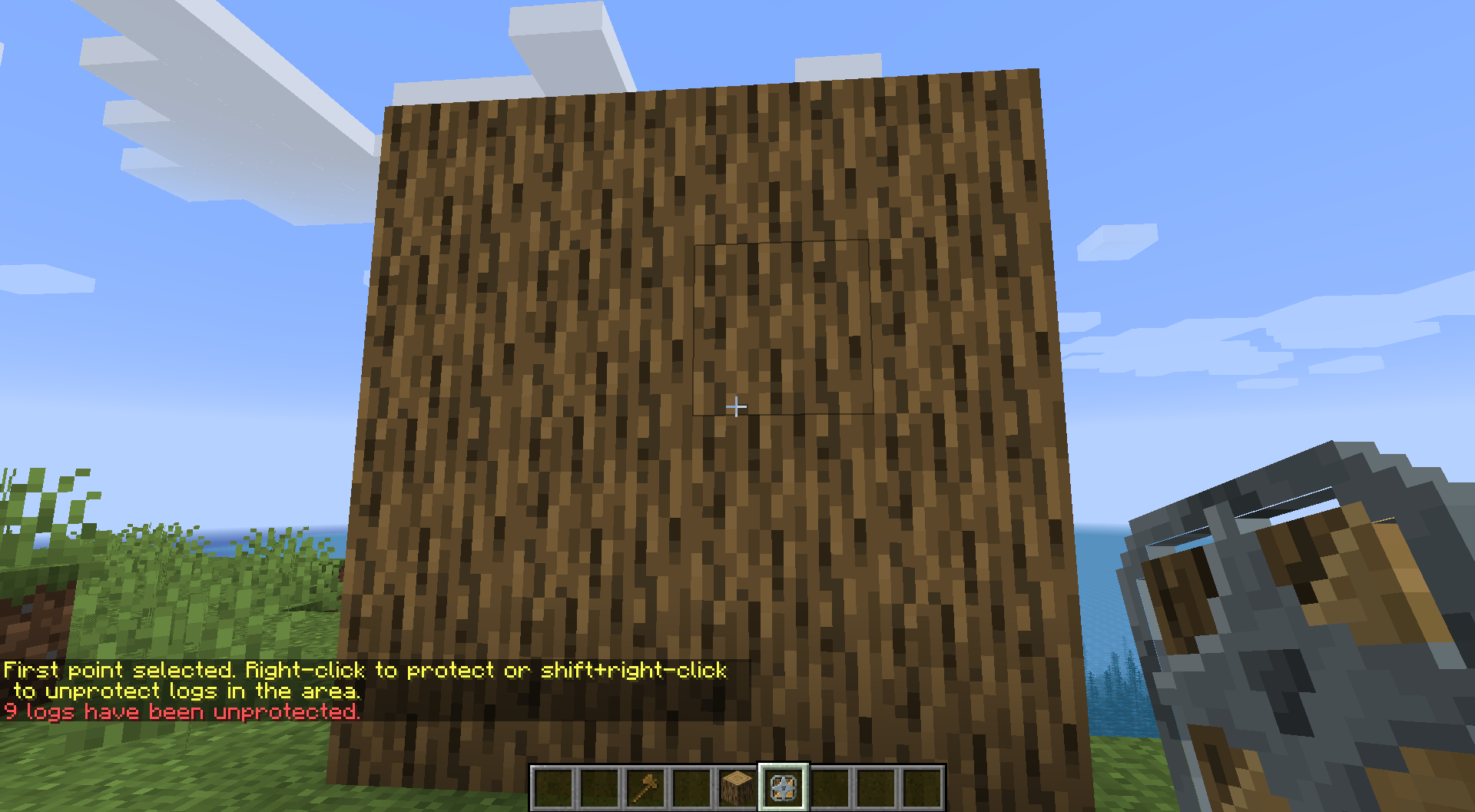
- Initiate Removal: Hold Shift and right-click on the first log to begin the unprotection selection.
- Select Area: Move to the second point and press Shift + Right-Click to remove protection from all logs in the area.
4. Visual Feedback
- Color-Coded Outlines:
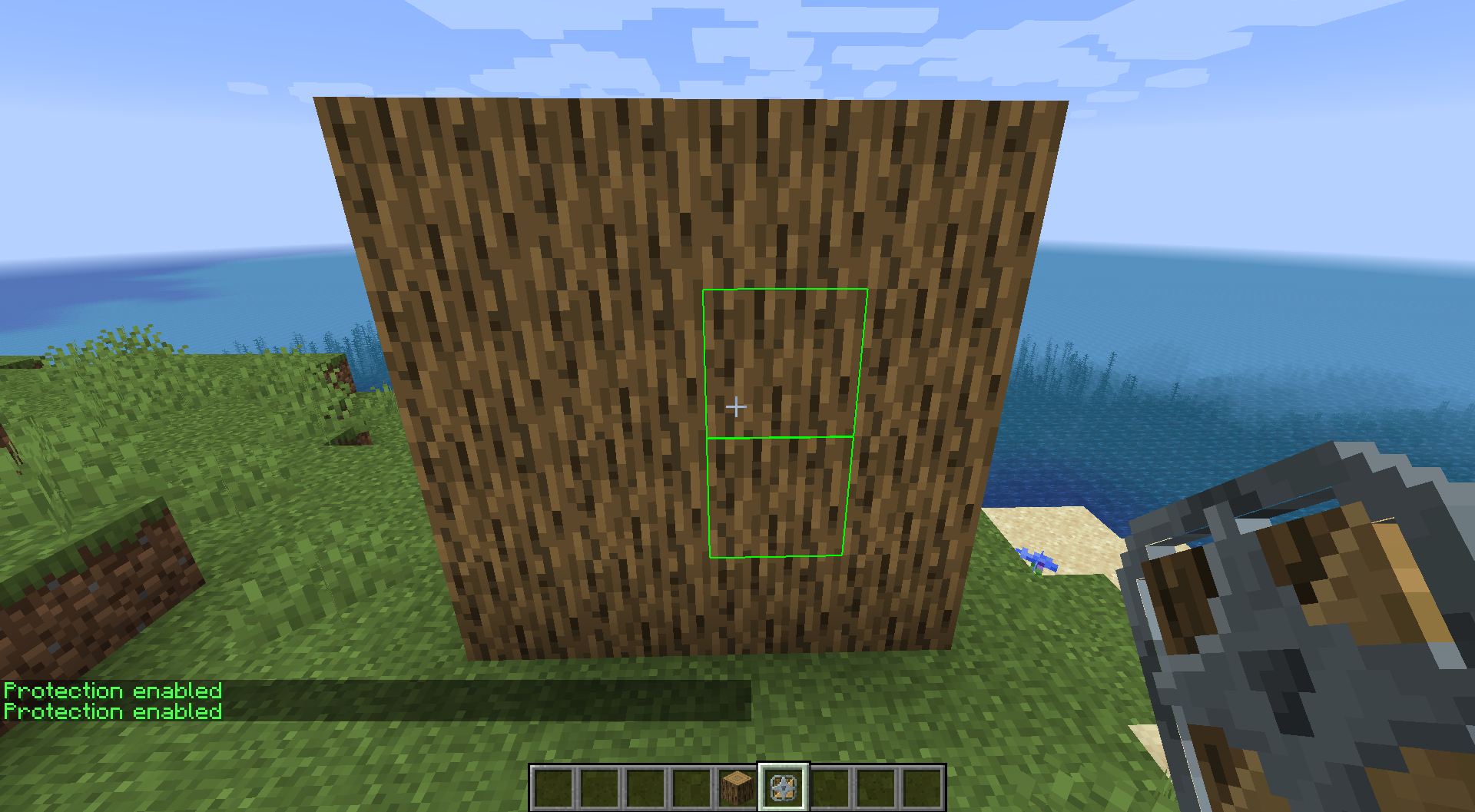
- Green: Indicates logs that are currently protected.
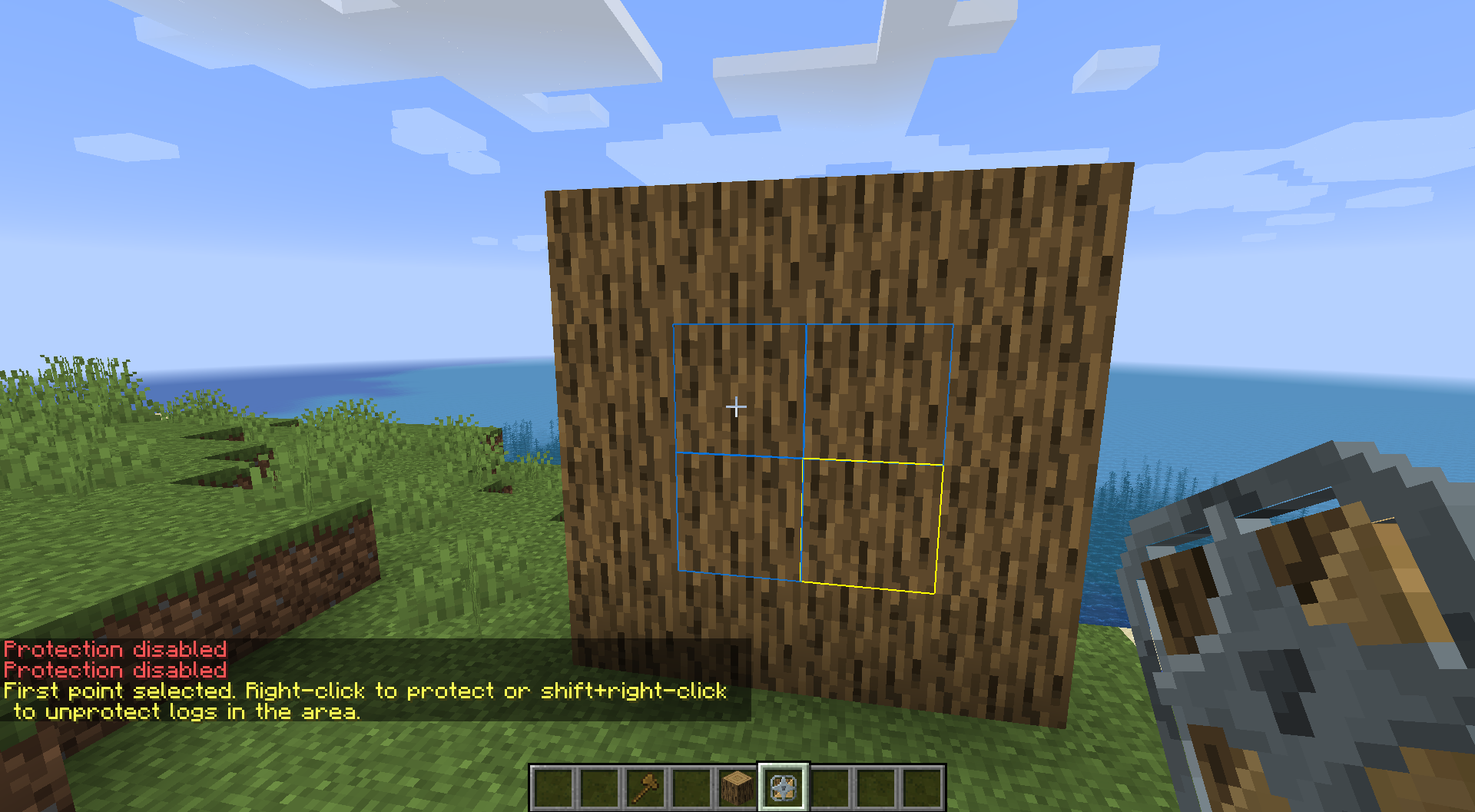
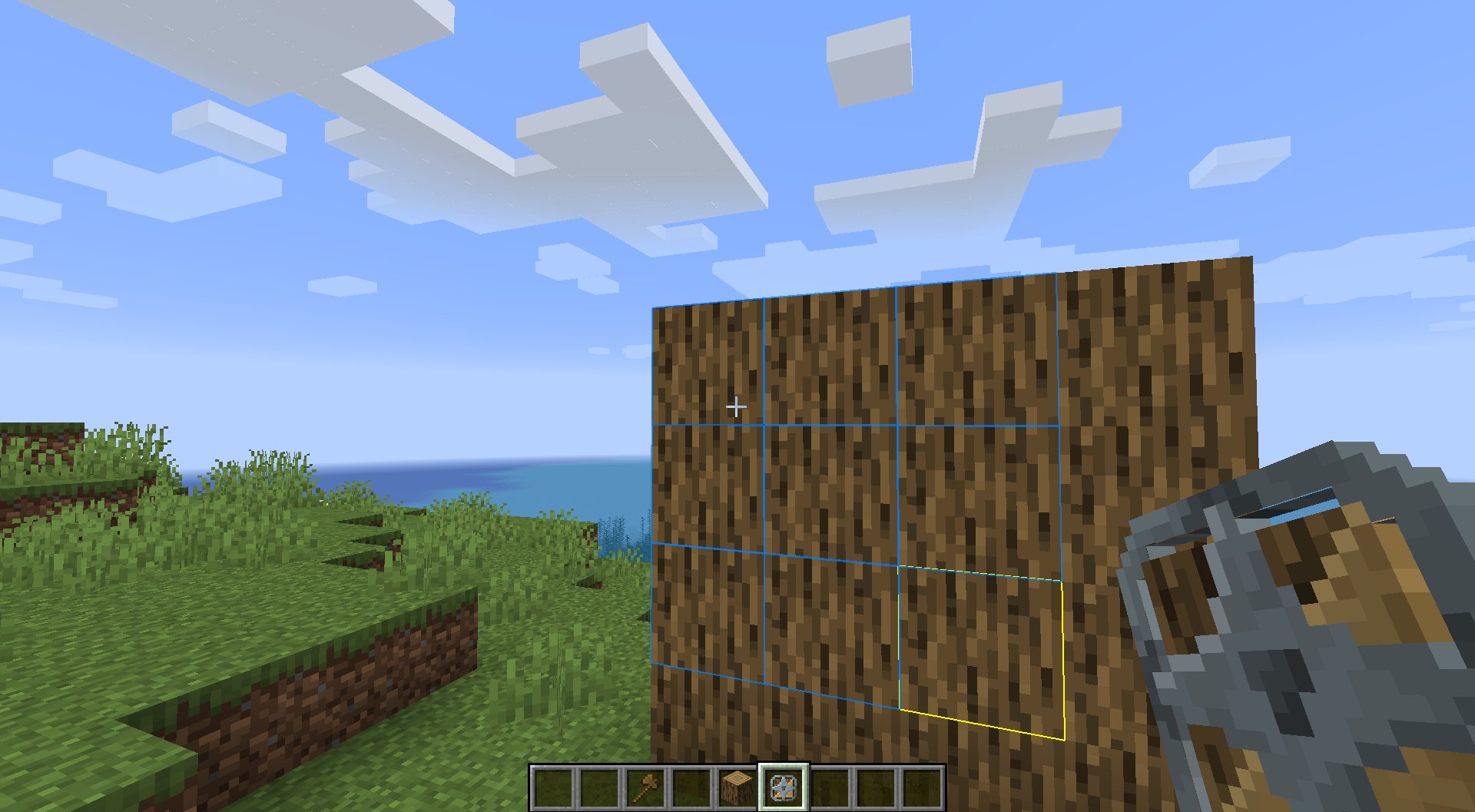
- Yellow: Marks the first selection point during multi-selection.
- Blue: Provides a live preview of the logs that will be affected by your bulk action.
- Tool-Specific Visibility: Outlines appear only while holding the Log Saver Tool, ensuring a clean interface during normal gameplay.
5. Live Preview for Multi-Selection
- Immediate Feedback: Once the first point is selected, a live preview shows all logs within the selection area.
6. Multi-Language Support
- Language Support: Provides full support for both English and German.
Use Cases
- Preserve Decorative Builds: Protect critical or decorative logs from accidental stripping.
- Maintain Natural Forests: Keep forests intact by preventing unwanted modifications.
!

](https://server.sarocesch.de/refersaro.php "https://server.sarocesch.de/refersaro.php")
Project Support & Usage
Hosting: For the best performance, I recommend using BisectHosting linked in the banner.
Modpacks: You are free to include my work in any modpack. Please ensure proper credit is given by providing a link to this project page.
Available Versions
How to Install Saro´s Log Saver on Your Server
Order Server
Order a Minecraft Java server with at least 3 GB RAM (4 GB recommended).
Set forge Loader
In the panel under "Egg", select the forge loader and matching Minecraft version (26.1.2).
Install Mod
Open the mod browser in the dashboard and search for "Saro´s Log Saver". Click "Install" – done! Alternatively, upload the .jar via SFTP to the /mods folder.
Compatibility
Mod Loaders
Minecraft Versions
26.1.2, 1.21.1, 1.20.1 (+3 more)
Server-side
✓ RequiredRecommended RAM
4 GB(min. 3 GB)Frequently Asked Questions
Saro´s Log Saver server crashes on startup – what to do?
Most common cause: wrong forge version or insufficient RAM. Check the server log (latest.log) for "OutOfMemoryError" or "Mixin" errors. With Mado Hosting: ensure at least 3 GB RAM is allocated and the loader matches the mod version (26.1.2). You can switch loaders with one click in the panel.
Is Saro´s Log Saver compatible with forge?
Saro´s Log Saver officially supports forge for Minecraft 26.1.2, 1.21.1, 1.20.1. The Mado dashboard automatically detects incompatible loader combinations.
Server lagging with Saro´s Log Saver – how to optimize performance?
Recommended RAM: 4 GB (per 8 players). Use /spark profiler to check if Saro´s Log Saver consumes the most tick time. Common fixes: reduce server view-distance to 8-10, install "performant" or "starlight" as supplementary mods on Forge. With Mado Hosting, your server runs on NVMe SSDs with dedicated CPU cores for minimal latency.
Similar Mods

![[ETF] Entity Texture Features](https://cdn.modrinth.com/data/BVzZfTc1/af683d206d50b05258d865b0d6e4aa2f2cee12f2_96.webp)
![[EMF] Entity Model Features](https://cdn.modrinth.com/data/4I1XuqiY/6e5bbd0d06b1741bfdab6c0cfab6de8fdaf0064c_96.webp)



Rent Modded Server
Install Saro´s Log Saver with just one click on your server.