
SBSShot
SBS(Side-By-Side) 3D screenshot mod
Screenshots
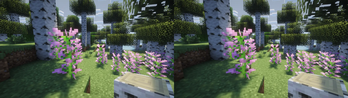
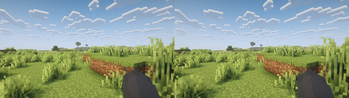
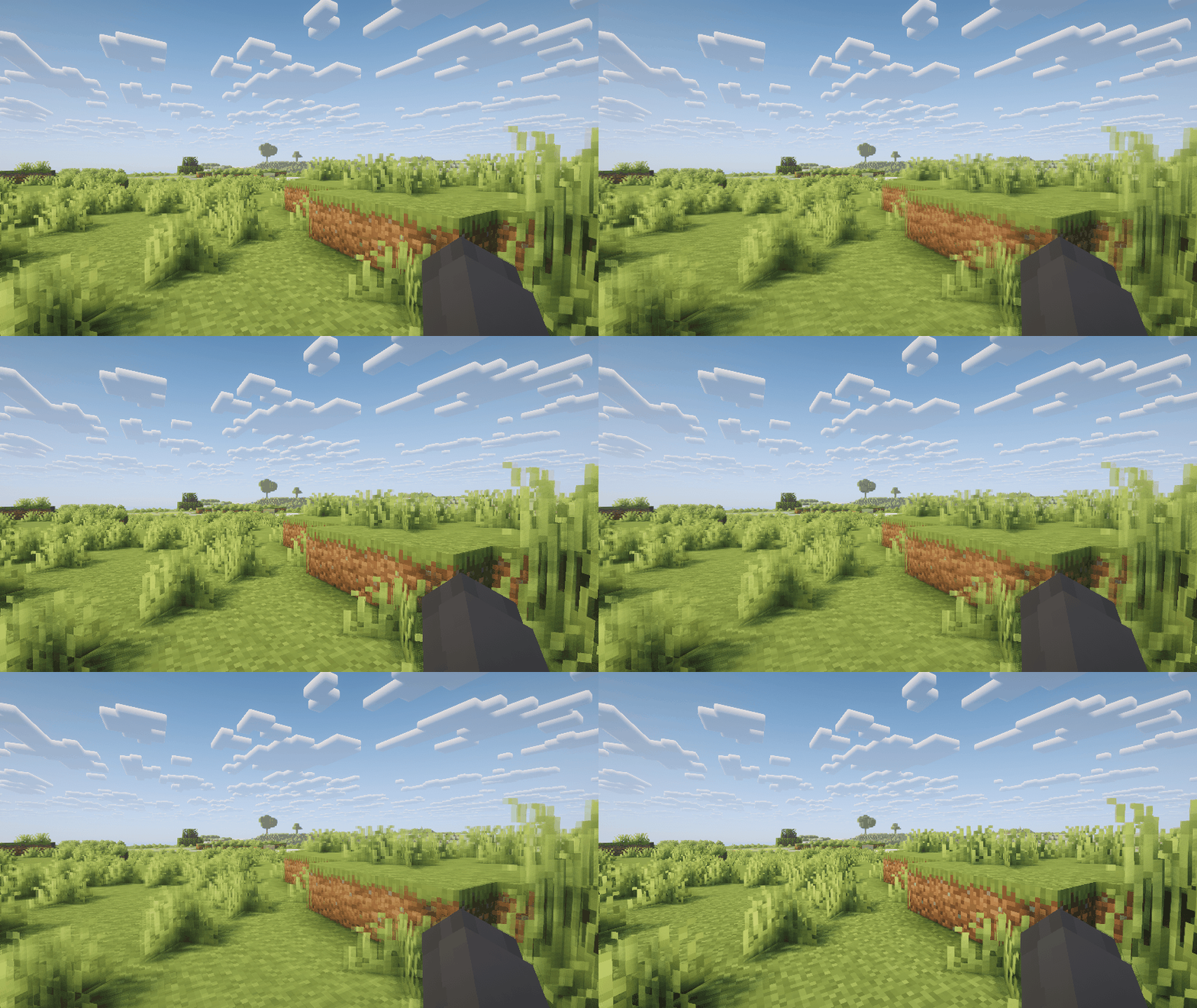
About this Mod
SBSShot is a Minecraft mod that allows you to capture Side-by-Side (SBS) stereo 3D screenshots, designed for VR headsets and 3D viewing environments.
✨ Features
- Capture stereoscopic 3D screenshots in SBS (Side-by-Side) format
- Simple one-key operation (default: "." key)
- Compatible with VR/HMD devices and cross-eye / parallel viewing methods
- Works in normal Minecraft gameplay without requiring a VR mod
🎮 What this mod changes
With SBSShot, your screenshots are no longer flat images — they become immersive 3D scenes.
- Landscapes gain depth, making mountains, caves, and structures feel more realistic
- Builds can be viewed with true spatial presence, enhancing showcase and sharing
- Action moments (combat, exploration) feel more dynamic when viewed in 3D
For example:
- A large castle build feels massive when viewed in stereo
- Deep caves look more intimidating with real depth perception
- Scenic views become more immersive, almost like standing inside the world
🕶 Viewing your screenshots
You can view SBS images using:
- VR headsets (HMD)
- 3D displays
- Cross-eye or parallel viewing techniques
Or try SBS STEREO VIEWER (the web viewer).
⌨ Controls
| Function | Key |
|---|---|
| Stereo screenshot | . (Period) |
Turn your Minecraft world into a true 3D experience — not just playing, but capturing depth itself.
Available Versions
How to Install SBSShot on Your Server
Order Server
Order a Minecraft Java server with at least 3 GB RAM (4 GB recommended).
Set fabric Loader
In the panel under "Egg", select the fabric loader and matching Minecraft version (26.1.2).
Install Mod
Open the mod browser in the dashboard and search for "SBSShot". Click "Install" – done! Alternatively, upload the .jar via SFTP to the /mods folder.
Compatibility
Mod Loaders
Minecraft Versions
26.1.2
Server-side
✗ UnsupportedRecommended RAM
4 GB(min. 3 GB)Frequently Asked Questions
SBSShot server crashes on startup – what to do?
Most common cause: wrong fabric version or insufficient RAM. Check the server log (latest.log) for "OutOfMemoryError" or "Mixin" errors. With Mado Hosting: ensure at least 3 GB RAM is allocated and the loader matches the mod version (26.1.2). You can switch loaders with one click in the panel.
Is SBSShot compatible with fabric and neoforge?
SBSShot officially supports fabric, neoforge for Minecraft 26.1.2. The Mado dashboard automatically detects incompatible loader combinations.
Server lagging with SBSShot – how to optimize performance?
Recommended RAM: 4 GB (per 8 players). Use /spark profiler to check if SBSShot consumes the most tick time. Common fixes: reduce server view-distance to 8-10, install "performant" or "starlight" as supplementary mods on Forge. With Mado Hosting, your server runs on NVMe SSDs with dedicated CPU cores for minimal latency.
Similar Mods
![[EMF] Entity Model Features](https://cdn.modrinth.com/data/4I1XuqiY/6e5bbd0d06b1741bfdab6c0cfab6de8fdaf0064c_96.webp)


Rent Modded Server
Install SBSShot with just one click on your server.