
ScheduledTickVisualizer
Render ScheduledTick in real-time!
Screenshots
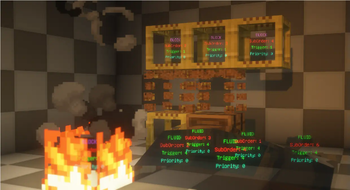
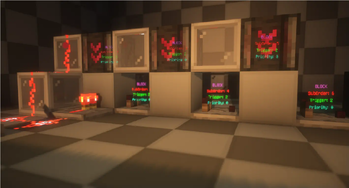
About this Mod
What is this?
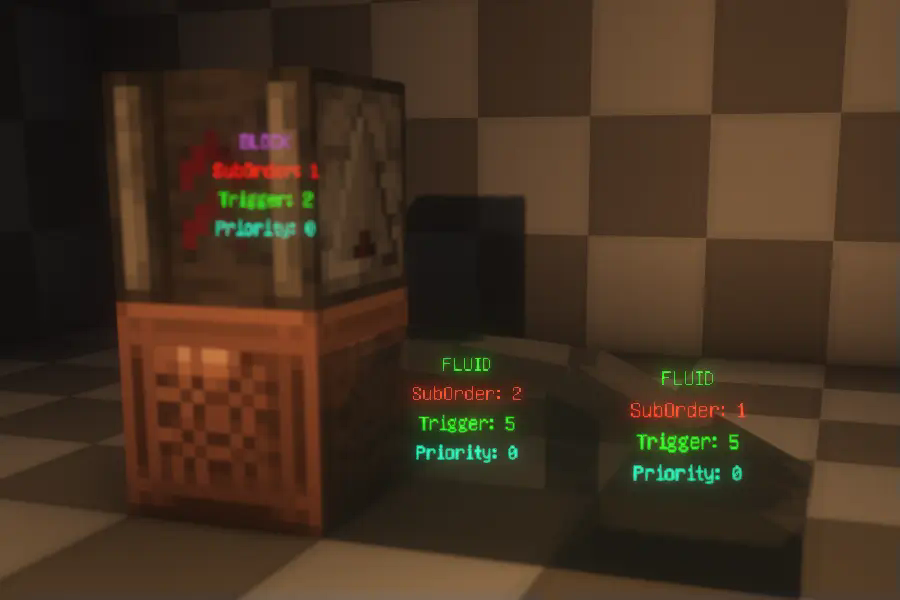
This is a visualization mod that renders detailed information about ScheduledTicks in the world, including their type, trigger time, order, and priority.
How to Use?
First, make sure to install YACL and Mod Menu, and ensure this mod is installed on both the server and the client.
Then, enter the world, open the settings menu, navigate to Mod Menu, find this mod, and click on its settings. Enable "Main Render" to start visualizing ScheduledTicks.

Related Commands and Settings
Settings are already explained in the configuration menu and won't be elaborated on here. However, it's worth noting that to prevent the server from sending ScheduledTick data for distant areas (very far away) to the client, the server will check whether any players are within range (default is 20 blocks). This range can be adjusted using the command:
/gamerule scheduledTickInformationRange <int>
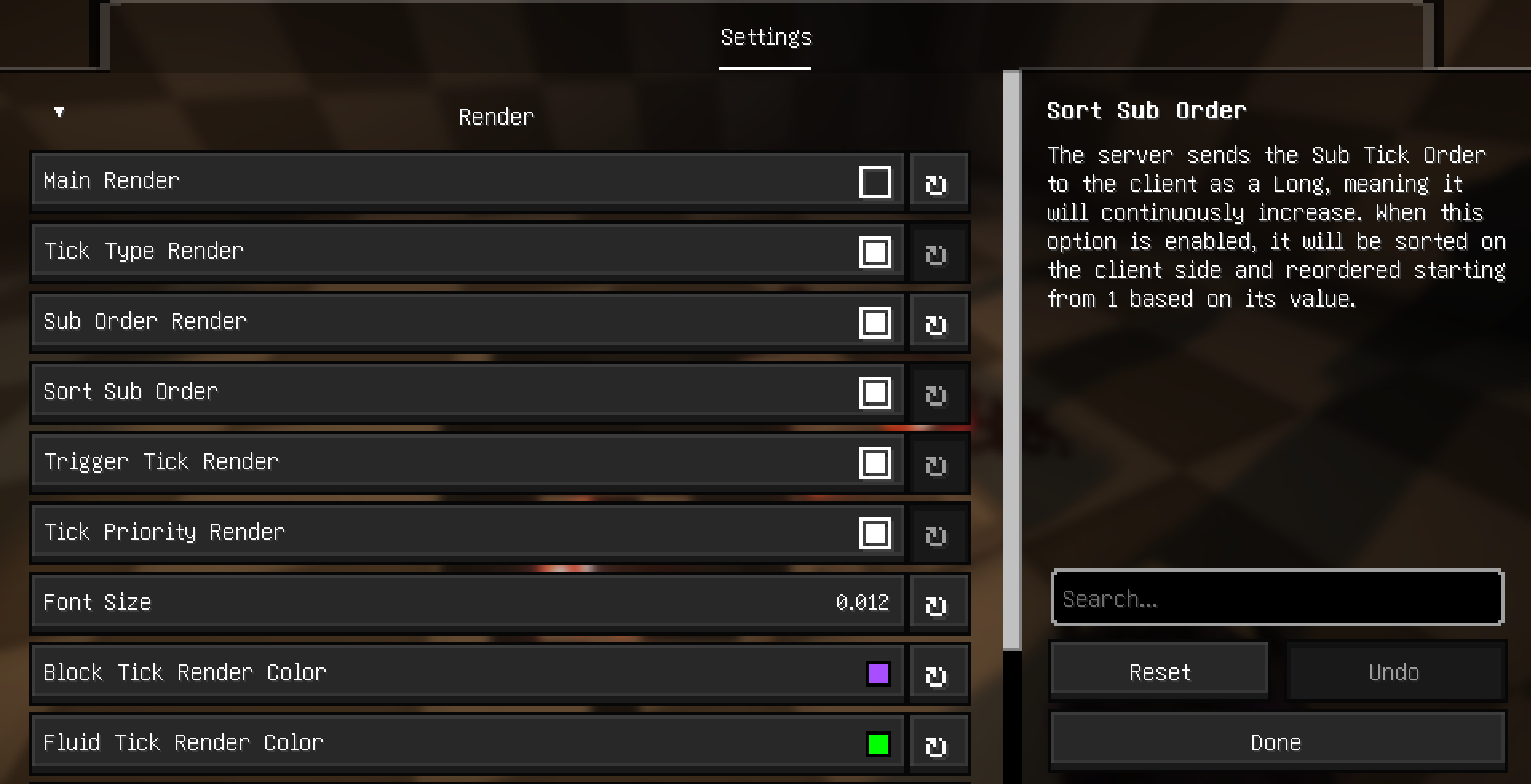
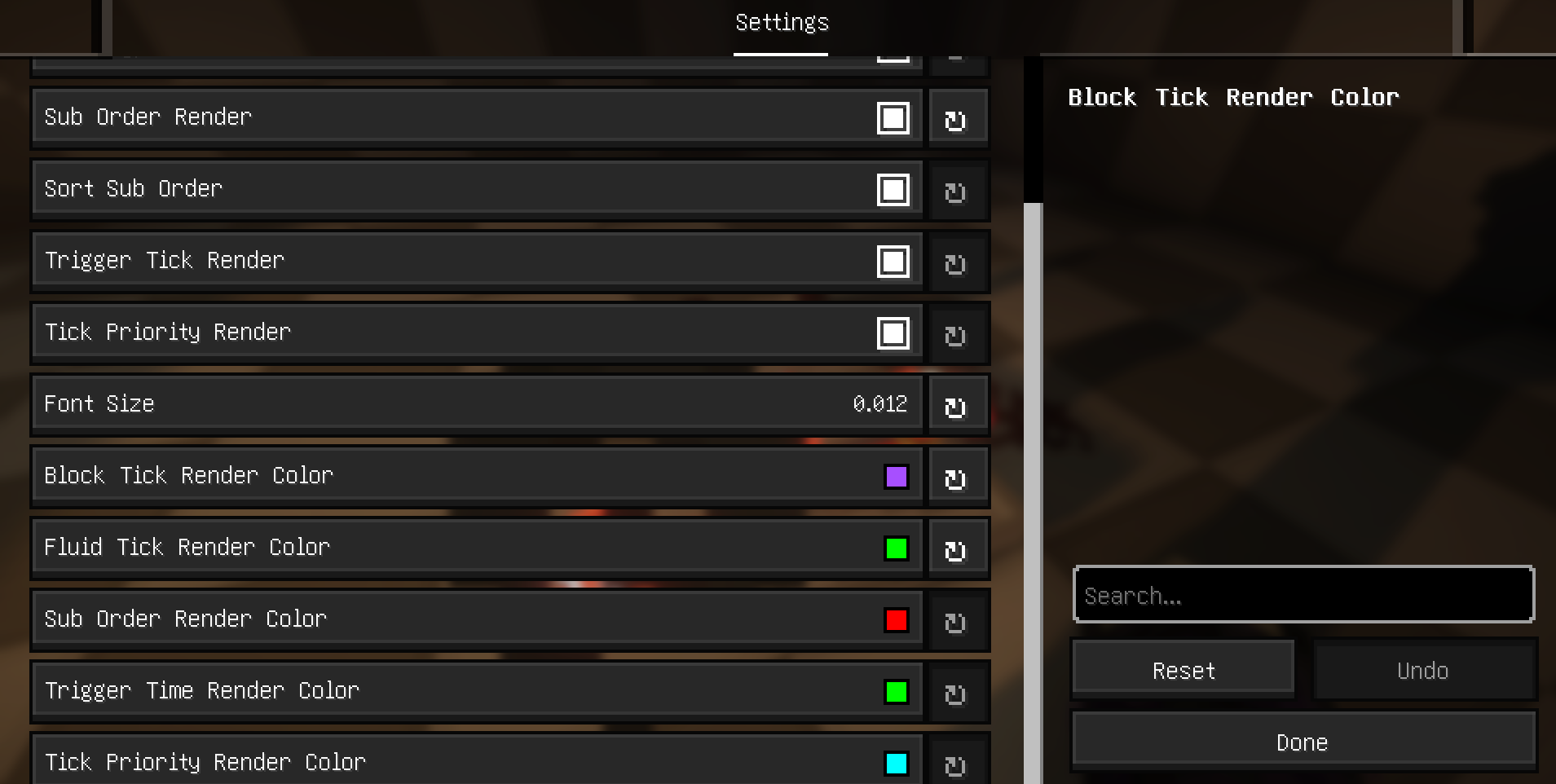
Additional Explanation and Supported Languages
Explanation
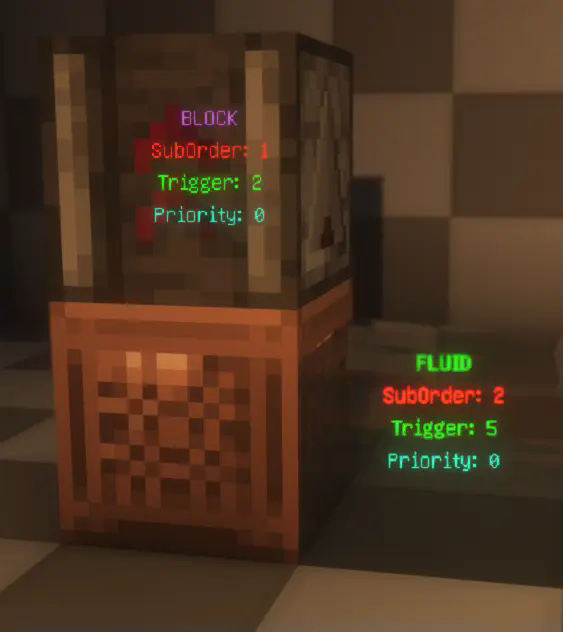
- Type: Displays the type of the ScheduledTick, indicating whether it's a block tick or a fluid tick.
- SubOrder: Shows the execution order of the ScheduledTick within the current tick, i.e., the sequence among multiple ScheduledTicks.
- Trigger: Indicates how many ticks remain until the ScheduledTick is triggered.
- Priority: Displays the priority level of the ScheduledTick. For more details, refer to this
. 
Supported Languages:
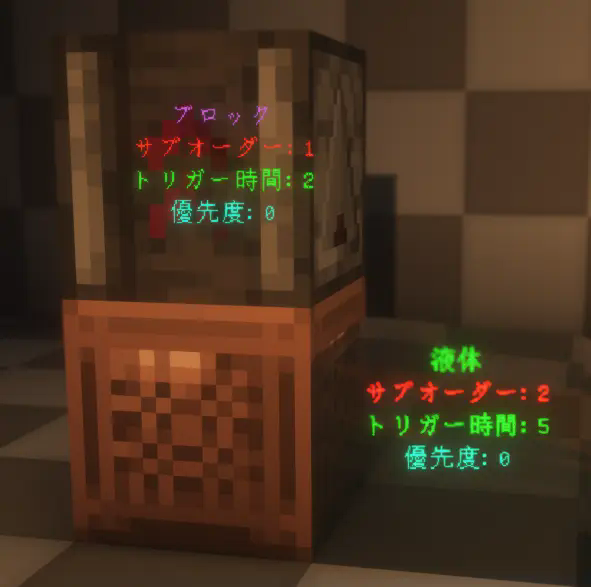
The mod currently supports multiple languages, including English, Simplified Chinese, Traditional
(Taiwan and Hong Kong), and Japanese.

Available Versions
How to Install ScheduledTickVisualizer on Your Server
Order Server
Order a Minecraft Java server with at least 3 GB RAM (4 GB recommended).
Set fabric Loader
In the panel under "Egg", select the fabric loader and matching Minecraft version (1.21.6).
Install Mod
Open the mod browser in the dashboard and search for "ScheduledTickVisualizer". Click "Install" – done! Alternatively, upload the .jar via SFTP to the /mods folder.
Compatibility
Mod Loaders
Minecraft Versions
1.21.6, 1.21.5, 1.21.4 (+10 more)
Server-side
✓ RequiredRecommended RAM
4 GB(min. 3 GB)Frequently Asked Questions
ScheduledTickVisualizer server crashes on startup – what to do?
Most common cause: wrong fabric version or insufficient RAM. Check the server log (latest.log) for "OutOfMemoryError" or "Mixin" errors. With Mado Hosting: ensure at least 3 GB RAM is allocated and the loader matches the mod version (1.21.6). You can switch loaders with one click in the panel.
Is ScheduledTickVisualizer compatible with fabric?
ScheduledTickVisualizer officially supports fabric for Minecraft 1.21.6, 1.21.5, 1.21.4. The Mado dashboard automatically detects incompatible loader combinations.
Server lagging with ScheduledTickVisualizer – how to optimize performance?
Recommended RAM: 4 GB (per 8 players). Use /spark profiler to check if ScheduledTickVisualizer consumes the most tick time. Common fixes: reduce server view-distance to 8-10, install "performant" or "starlight" as supplementary mods on Forge. With Mado Hosting, your server runs on NVMe SSDs with dedicated CPU cores for minimal latency.
Similar Mods




Rent Modded Server
Install ScheduledTickVisualizer with just one click on your server.