
Scoreboard Health Indicators
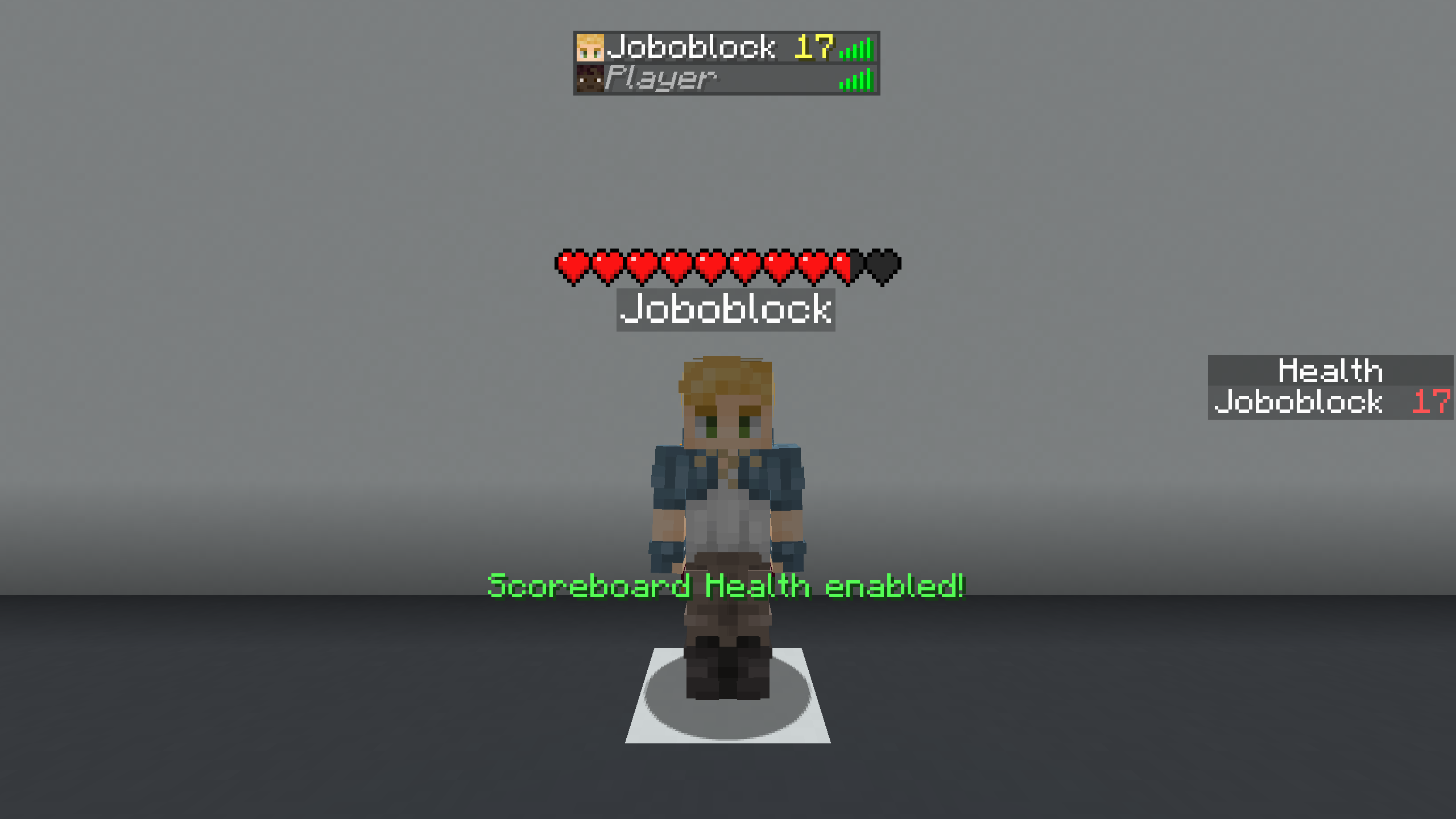
Displays scoreboard-based health values as clean, visible health bars above players and entities, even when internal health is hidden.
Screenshots
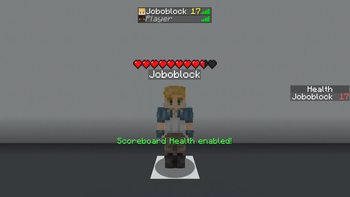
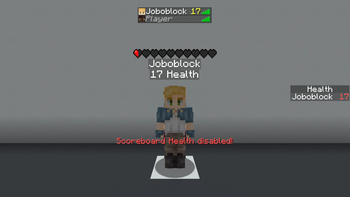
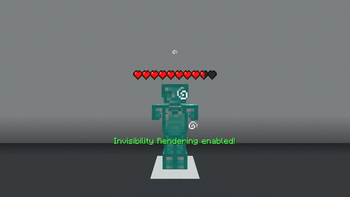
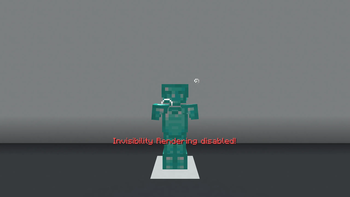
About this Mod
Scoreboard Health Indicators
📋 Overview:
🎮 Multiplayer
This mod works in both single-player and multiplayer.
Important: Confirm that you are allowed to use this mod on the multiplayer server you are playing on, as it may be considered cheating.
❓ What It Does
This mod displays the scoreboard-based health of players and entities as a health bar above them.
It works even if the server hides the internal health value or the entity is invisible.
❓ Why does it exist?
Many servers hide real health values and instead display custom values using the scoreboard (for example below player names or in the player list).
These values can be harder to read, look cluttered, and disappear when players are too far away or invisible.
This mod solves that by converting the scoreboard value into a clean and consistent health bar.
🚀 Getting Started
- Bind the "Toggle Scoreboard Health" key from the "Scoreboard Health Indicators" category to a key of your choice.
- Press the key. (You should see the message: "Scoreboard Health enabled!")
- Enjoy the mod.
🔍 How It Works
Instead of using the health value sent by the server, the mod reads the scoreboard value used to represent health (such as below-name, sidebar, or player list).
This value is then passed to the health indicator mod, which handles rendering the health bar.
⚙️ Technical:
❌ Does it not work like you want it to?
The mod must be toggled.
No enable text appears when you press the key:
Did you set the correct keybind? (The mod is unbound by default.)
Enable text appears, but no health is rendered:
Did you select the correct scoreboard type (Below Name, Sidebar, Player List)?
You can cycle through them using the "Cycle Scoreboard Type" key from the "Scoreboard Health Indicators" category.
(Remember: a scoreboard value must exist for the mod to work.)
The health bar disappears for invisible players:
Did you enable "Invisibility Rendering"?
The game crashes:
Do you have all dependencies installed? (Fabric API, Health Indicators)
Did you download the correct mod version for your game version?
Something else:
Open an issue or request a version here:
https://github.com/Joboblock/Bridge-Guard/issues
(If your game crashes, please confirm that this mod is the cause.)
📝 Example
Scenario: Internal health is hidden, and the health value is shown in the player list.
- Bind "Toggle Scoreboard Health" to a key and press it.
- Bind "Cycle Scoreboard Type Up" and cycle until you see "Scoreboard type: List".
The player list value will now be displayed as a health bar.
Available Versions
How to Install Scoreboard Health Indicators on Your Server
Order Server
Order a Minecraft Java server with at least 3 GB RAM (4 GB recommended).
Set fabric Loader
In the panel under "Egg", select the fabric loader and matching Minecraft version (1.21.11).
Install Mod
Open the mod browser in the dashboard and search for "Scoreboard Health Indicators". Click "Install" – done! Alternatively, upload the .jar via SFTP to the /mods folder.
Compatibility
Mod Loaders
Minecraft Versions
1.21.11, 1.21.10, 1.21.9
Server-side
✗ UnsupportedRecommended RAM
4 GB(min. 3 GB)Frequently Asked Questions
Scoreboard Health Indicators server crashes on startup – what to do?
Most common cause: wrong fabric version or insufficient RAM. Check the server log (latest.log) for "OutOfMemoryError" or "Mixin" errors. With Mado Hosting: ensure at least 3 GB RAM is allocated and the loader matches the mod version (1.21.11). You can switch loaders with one click in the panel.
Is Scoreboard Health Indicators compatible with fabric?
Scoreboard Health Indicators officially supports fabric for Minecraft 1.21.11, 1.21.10, 1.21.9. The Mado dashboard automatically detects incompatible loader combinations.
Server lagging with Scoreboard Health Indicators – how to optimize performance?
Recommended RAM: 4 GB (per 8 players). Use /spark profiler to check if Scoreboard Health Indicators consumes the most tick time. Common fixes: reduce server view-distance to 8-10, install "performant" or "starlight" as supplementary mods on Forge. With Mado Hosting, your server runs on NVMe SSDs with dedicated CPU cores for minimal latency.
Similar Mods
![[EMF] Entity Model Features](https://cdn.modrinth.com/data/4I1XuqiY/6e5bbd0d06b1741bfdab6c0cfab6de8fdaf0064c_96.webp)


Rent Modded Server
Install Scoreboard Health Indicators with just one click on your server.