
Screenshot
This mod adds the ability to take screenshots to relevant Alpha Versions!
Screenshots
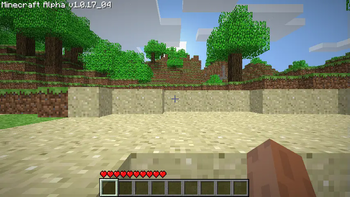
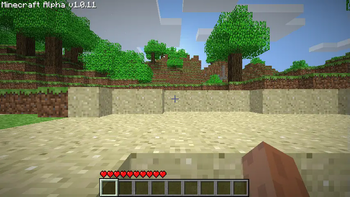
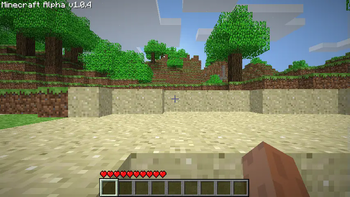
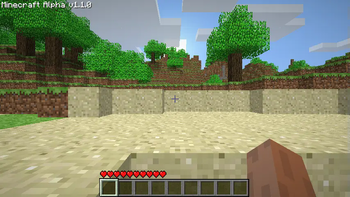
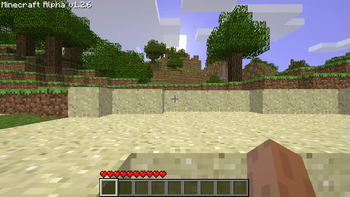
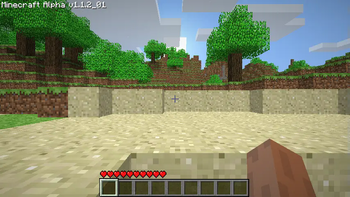
About this Mod
Screenshot! Alpha 1.0.4, 1.0.5_01, 1.0.11, 1.0.14, 1.0.15, 1.0.16, 1.0.17_04, 1.1.0, 1.1.2_01, 1.2.6 and Beta 1.1_02
This is a backport of taking screenshots from Beta 1.7.3.
Screenshots were added the version after Alpha 1.1.2_01, in Alpha 1.2.0 but required you to hold down F1, where this mod does not.
Edits/Additions
Spoiler
Edits:
Minecraft
Adds:
ScreenShotHelper
Version Information:
Spoiler
Beta 1.1_02:
Spoiler
Edits: Minecraft
I removed the F1 requirement to take screenshots.
Alpha 1.2.6:
Spoiler
Edits: Minecraft
I removed the F1 requirement to take screenshots.
Alpha 1.1.0:
Spoiler
Basically the same as Alpha 1.1.2_01.
Alpha 1.0.11-1.0.17_04:
Spoiler
Basically the same as Alpha 1.1.2_01.
Alpha 1.0.4-1.0.5_01:
Spoiler
These versions modify the GuiIngame and Minecraft classes and introduce the ScreenShotHelper. They lack the necessary code to display the chat message for the screenshot file name, necessitating the modification of GuiIngame. Additionally, these versions are packaged differently from later releases, resulting in a different appearance when viewed within the zip file.
Additional Information:
Spoiler
In earlier versions of the game, the absence of multiplayer functionality means that chat features are not present. Consequently, certain versions of the mod developed for these early iterations may lack the black transparent shadow behind the file name.
Source and RetroMCP patches will be inside the download along side the mod, feel free to check it out.
Modloader not required but I had to select an API.
Additionally, if you would like a to use another of my mods that I combined this mod with feel free to check out More Debug + Screenshot
Available Versions
How to Install Screenshot on Your Server
Order Server
Order a Minecraft Java server with at least 3 GB RAM (4 GB recommended).
Set modloader Loader
In the panel under "Egg", select the modloader loader and matching Minecraft version (b1.1_02).
Install Mod
Open the mod browser in the dashboard and search for "Screenshot". Click "Install" – done! Alternatively, upload the .jar via SFTP to the /mods folder.
Compatibility
Mod Loaders
Minecraft Versions
b1.1_02, a1.2.6, a1.1.2_01 (+8 more)
Server-side
✗ UnsupportedRecommended RAM
4 GB(min. 3 GB)Frequently Asked Questions
Screenshot server crashes on startup – what to do?
Most common cause: wrong modloader version or insufficient RAM. Check the server log (latest.log) for "OutOfMemoryError" or "Mixin" errors. With Mado Hosting: ensure at least 3 GB RAM is allocated and the loader matches the mod version (b1.1_02). You can switch loaders with one click in the panel.
Is Screenshot compatible with modloader?
Screenshot officially supports modloader for Minecraft b1.1_02, a1.2.6, a1.1.2_01. The Mado dashboard automatically detects incompatible loader combinations.
Server lagging with Screenshot – how to optimize performance?
Recommended RAM: 4 GB (per 8 players). Use /spark profiler to check if Screenshot consumes the most tick time. Common fixes: reduce server view-distance to 8-10, install "performant" or "starlight" as supplementary mods on Forge. With Mado Hosting, your server runs on NVMe SSDs with dedicated CPU cores for minimal latency.
Similar Mods




![[ETF] Entity Texture Features](https://cdn.modrinth.com/data/BVzZfTc1/af683d206d50b05258d865b0d6e4aa2f2cee12f2_96.webp)
![[EMF] Entity Model Features](https://cdn.modrinth.com/data/4I1XuqiY/6e5bbd0d06b1741bfdab6c0cfab6de8fdaf0064c_96.webp)
Rent Modded Server
Install Screenshot with just one click on your server.