
Searchable
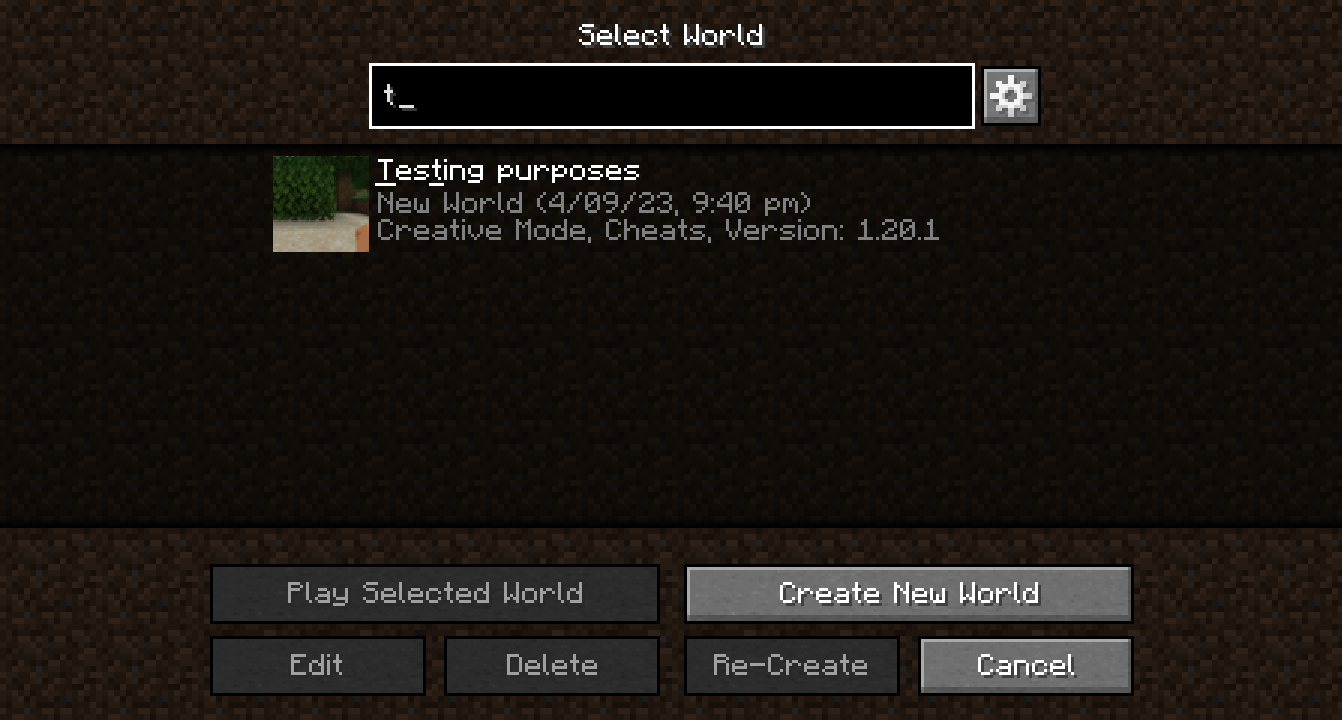
Improves the singleplayer select world screen search and adds it to other GUIs.
Screenshots
About this Mod
Searchable
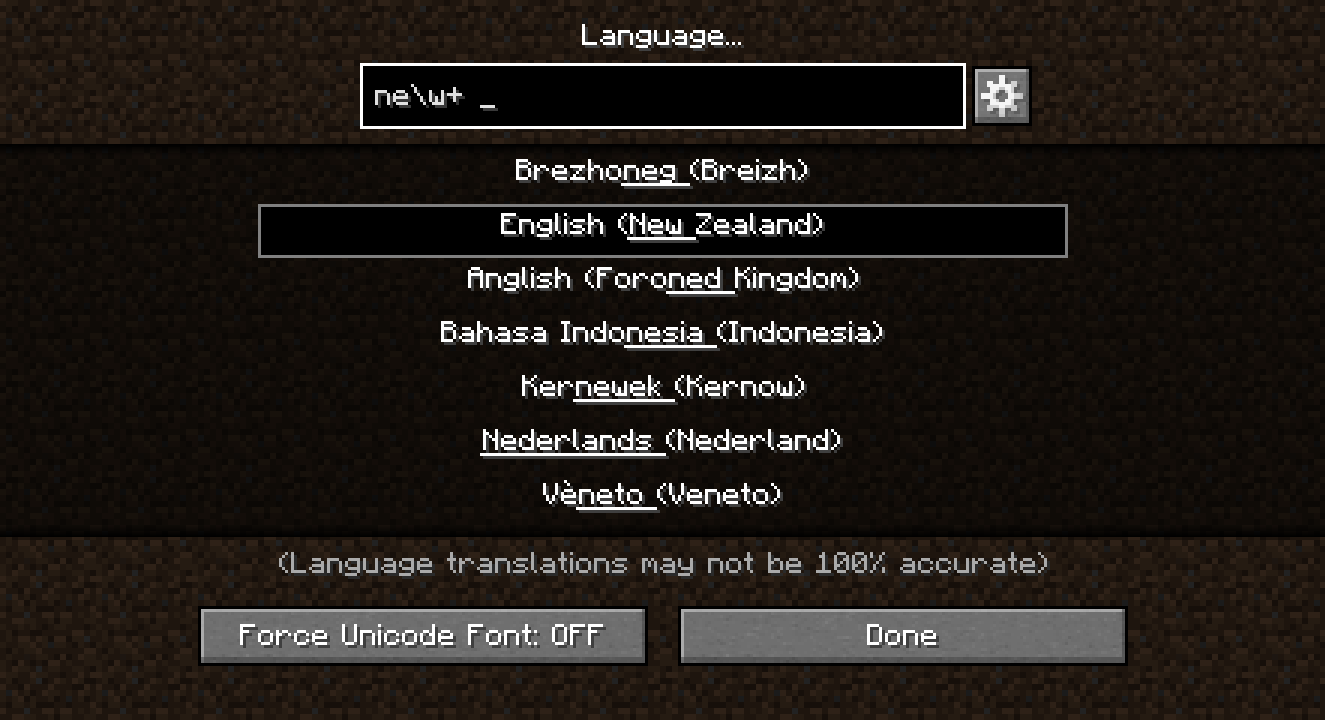
Makes Minecraft more searchable!
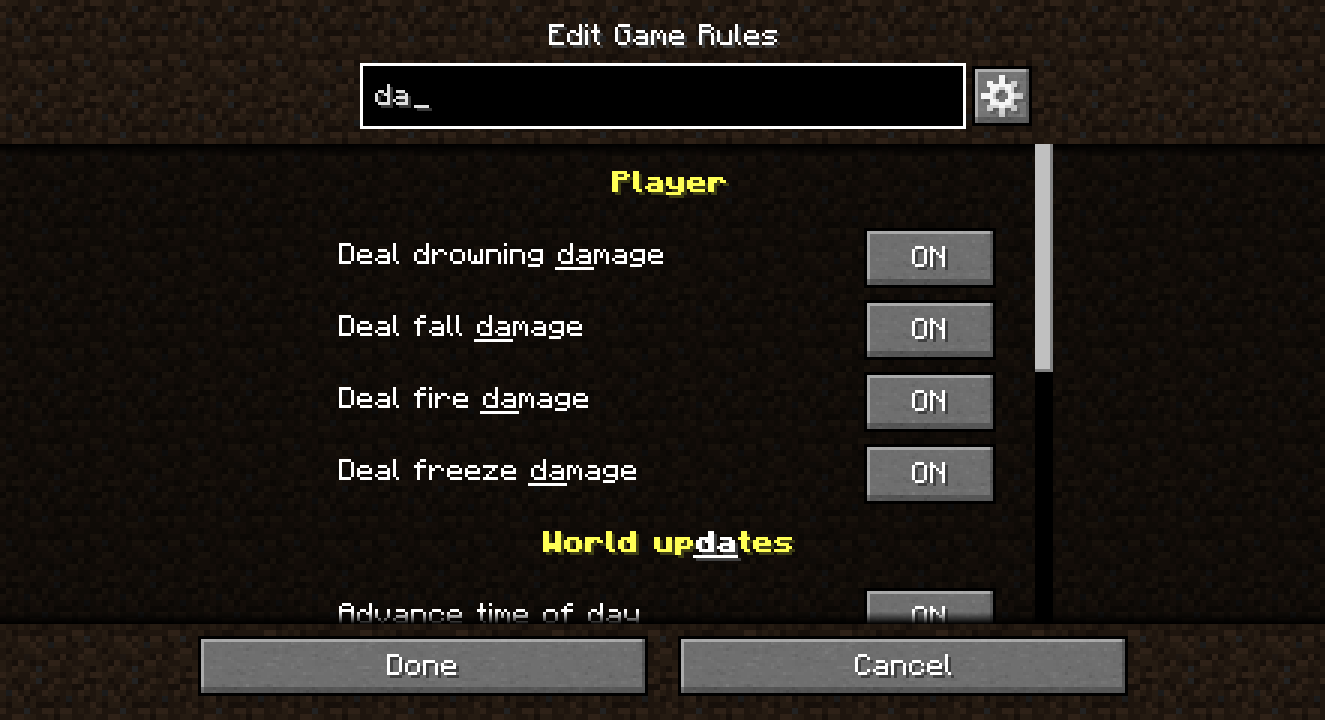
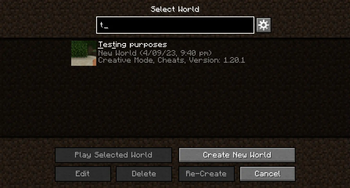
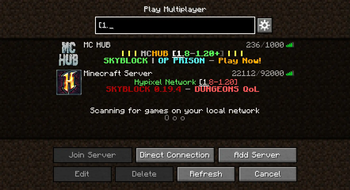
Improves the search functionality of the singleplayer world selection screen and also brings it to:
- the multiplayer server selection screen
- the languages screen
- the key binds screen
- the game rules editing screen
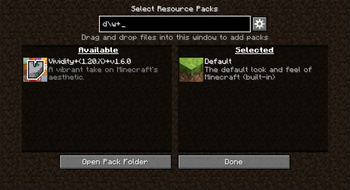
- the resource pack selection screen
- the data pack selection screen
Please make any suggestions or bug reports in the Issues tab on the GitHub repository :)
Why does this exist?
I created this mod initially just to add search to the Languages screen, as I am learning Dutch and I wanted to regularly switch between Dutch and English in the game, but having over 100 languages that all have the same text formatting and no way to filter them was very frustrating. After realising that the world selection screen has its own search box, I figured the best way to go about this was to add that same search to the Languages screen, and then to other GUIs that seemed a bit neglected with their own lack of search.
What changes does this make to the singleplayer world selection screen?
Searchable adds text highlighting, fixes a bug where the "Play Selected World" and other buttons in the GUI wouldn't become greyed out when the selected world is hidden due to a search query change, and adds more options turned off by default to:
- use RegEx expressions for searching
- match world details as well as world names
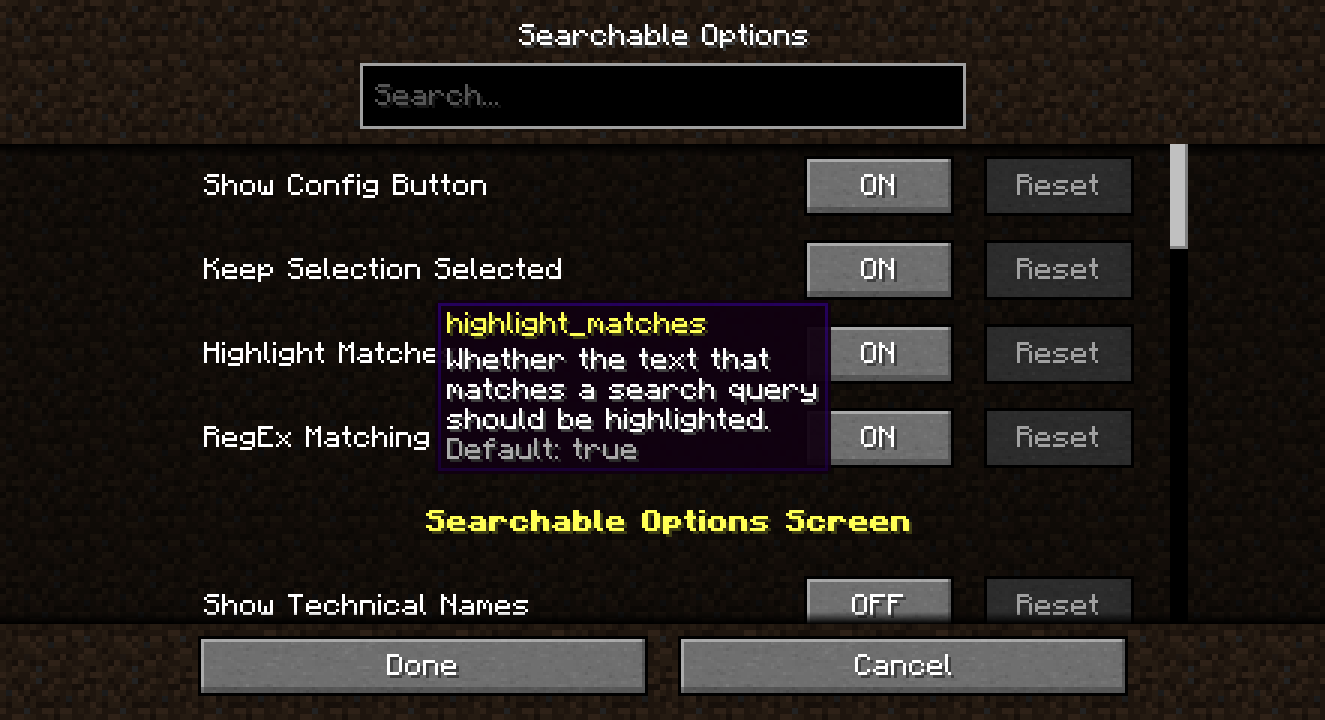
Searchable also adds a button to open the config next to the search boxes it modifies or adds.
What if I don't want certain changes that the mod makes?
That's totally fine! Pretty much everything in Searchable can be toggled on and off in the config, from highlighting to which screens have search added to whether the 'open config' buttons are added.
The config can be changed with either:
- the in-game GUI, accessible through the 'open config' buttons or Mod Menu if it is installed; or
- the config TOML file found in
.minecraft/config/searchable/searchable.toml.
Available Versions
How to Install Searchable on Your Server
Order Server
Order a Minecraft Java server with at least 3 GB RAM (4 GB recommended).
Set quilt Loader
In the panel under "Egg", select the quilt loader and matching Minecraft version (1.20.1).
Install Mod
Open the mod browser in the dashboard and search for "Searchable". Click "Install" – done! Alternatively, upload the .jar via SFTP to the /mods folder.
Compatibility
Mod Loaders
Minecraft Versions
1.20.1, 1.20
Server-side
✗ UnsupportedRecommended RAM
4 GB(min. 3 GB)Frequently Asked Questions
Searchable server crashes on startup – what to do?
Most common cause: wrong quilt version or insufficient RAM. Check the server log (latest.log) for "OutOfMemoryError" or "Mixin" errors. With Mado Hosting: ensure at least 3 GB RAM is allocated and the loader matches the mod version (1.20.1). You can switch loaders with one click in the panel.
Is Searchable compatible with quilt?
Searchable officially supports quilt for Minecraft 1.20.1, 1.20. The Mado dashboard automatically detects incompatible loader combinations.
Server lagging with Searchable – how to optimize performance?
Recommended RAM: 4 GB (per 8 players). Use /spark profiler to check if Searchable consumes the most tick time. Common fixes: reduce server view-distance to 8-10, install "performant" or "starlight" as supplementary mods on Forge. With Mado Hosting, your server runs on NVMe SSDs with dedicated CPU cores for minimal latency.
Similar Mods




![[ETF] Entity Texture Features](https://cdn.modrinth.com/data/BVzZfTc1/af683d206d50b05258d865b0d6e4aa2f2cee12f2_96.webp)
![[EMF] Entity Model Features](https://cdn.modrinth.com/data/4I1XuqiY/6e5bbd0d06b1741bfdab6c0cfab6de8fdaf0064c_96.webp)
Rent Modded Server
Install Searchable with just one click on your server.