
Selective Slots
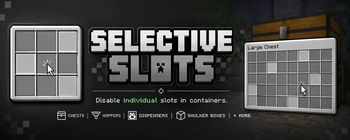
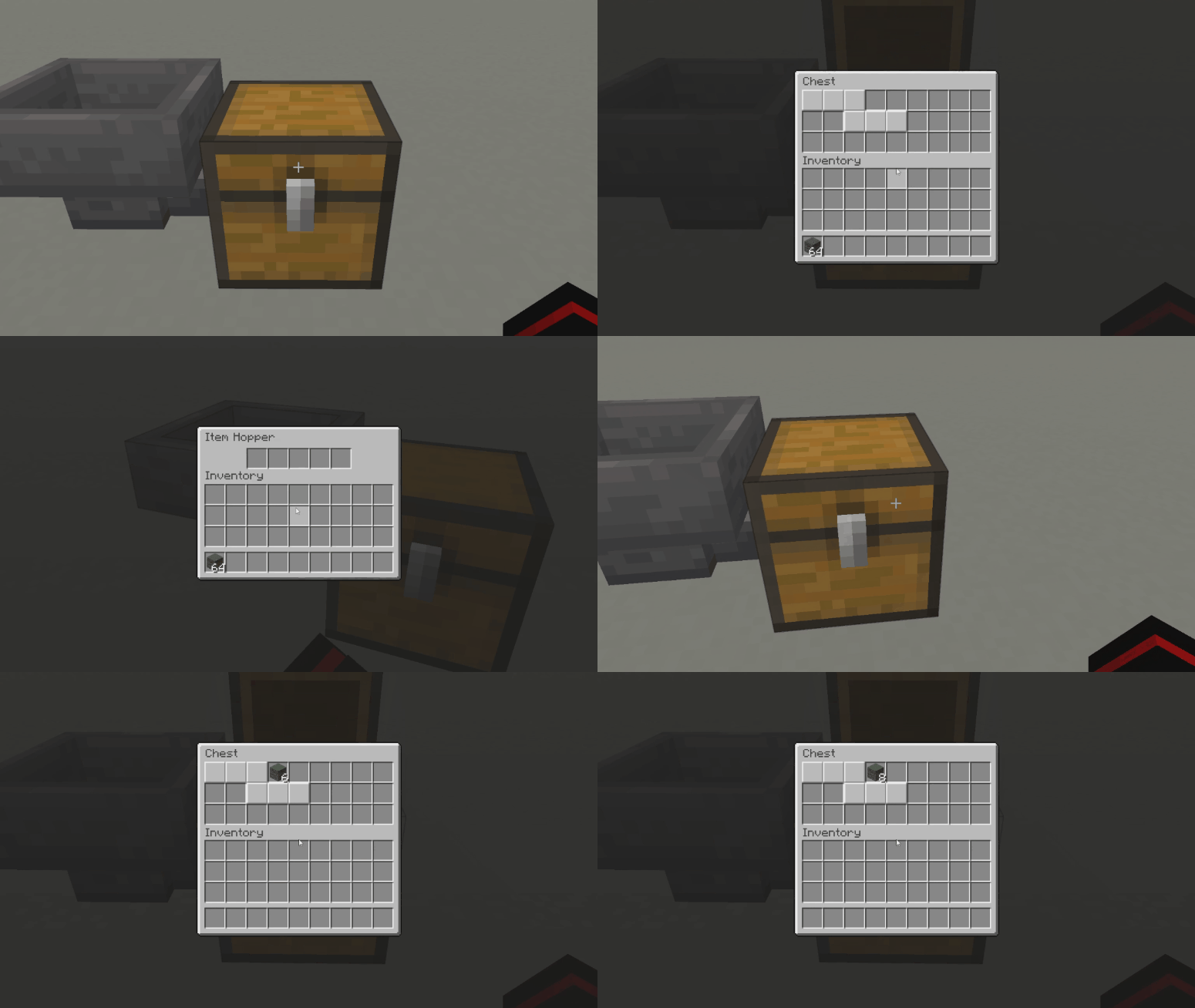
A lightweight, vanilla-friendly mod for disabling individual slots in containers like chests, hoppers, dispensers, and shulker boxes.
Screenshots
About this Mod
A lightweight, vanilla-friendly mod for disabling individual slots in containers like chests, hoppers, dispensers, and shulker boxes.
✨ Features
- Disable individual slots in supported containers
- Crafter-style disabled slot visuals
- Per-container configuration support
- Configurable comparator behavior for disabled slots
- Drag toggle support
- Shulker box persistence
📦 Supported Containers
Block Containers
- Chest
- Trapped Chest
- Barrel
- Shulker Box
- Hopper
- Dispenser
- Dropper
- Brewing Stand
Entity Containers
- Chest Boats
- Chest Raft
- Chest Minecart
- Hopper Minecart
🖱️ Controls
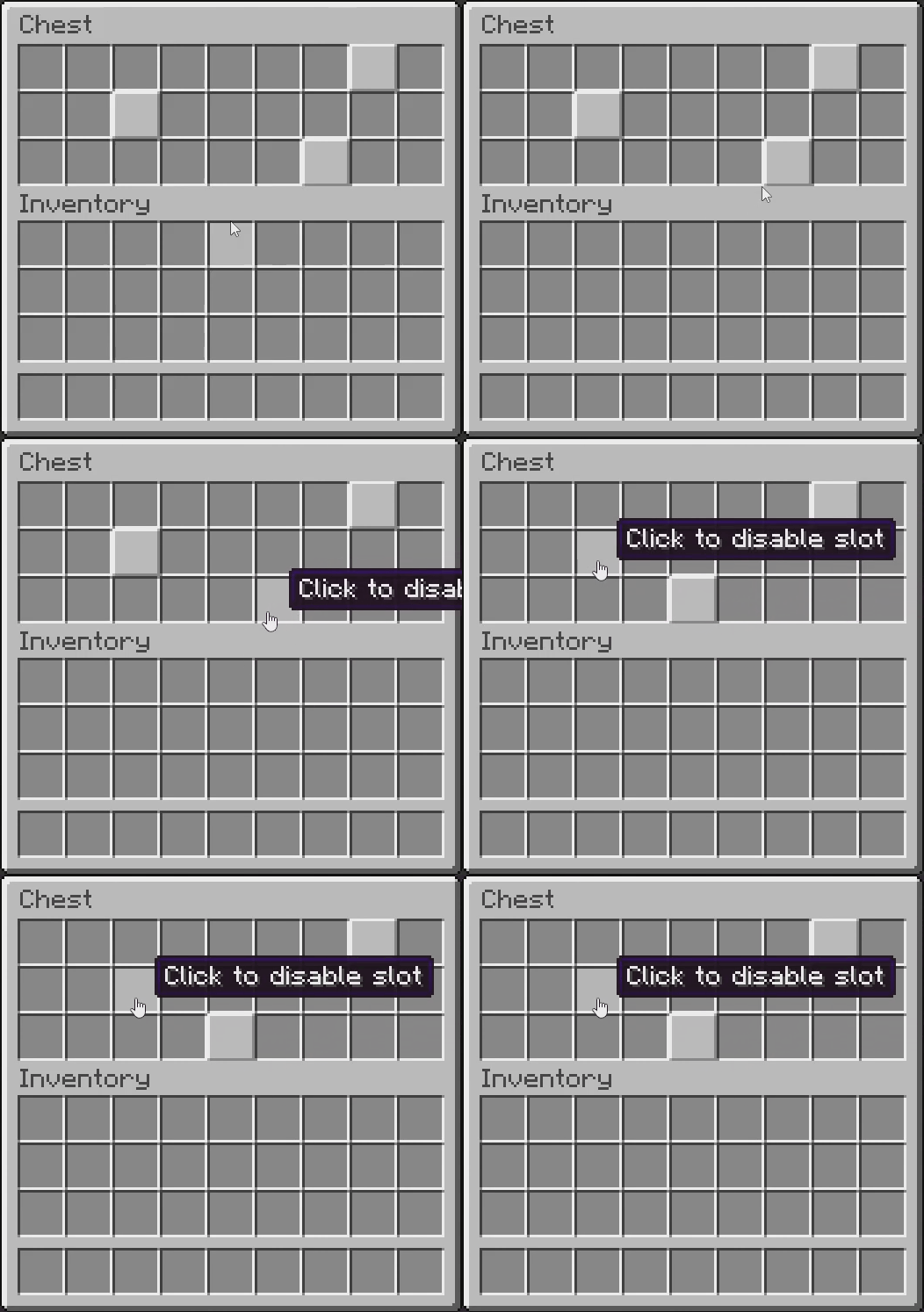
Toggle Individual Slots
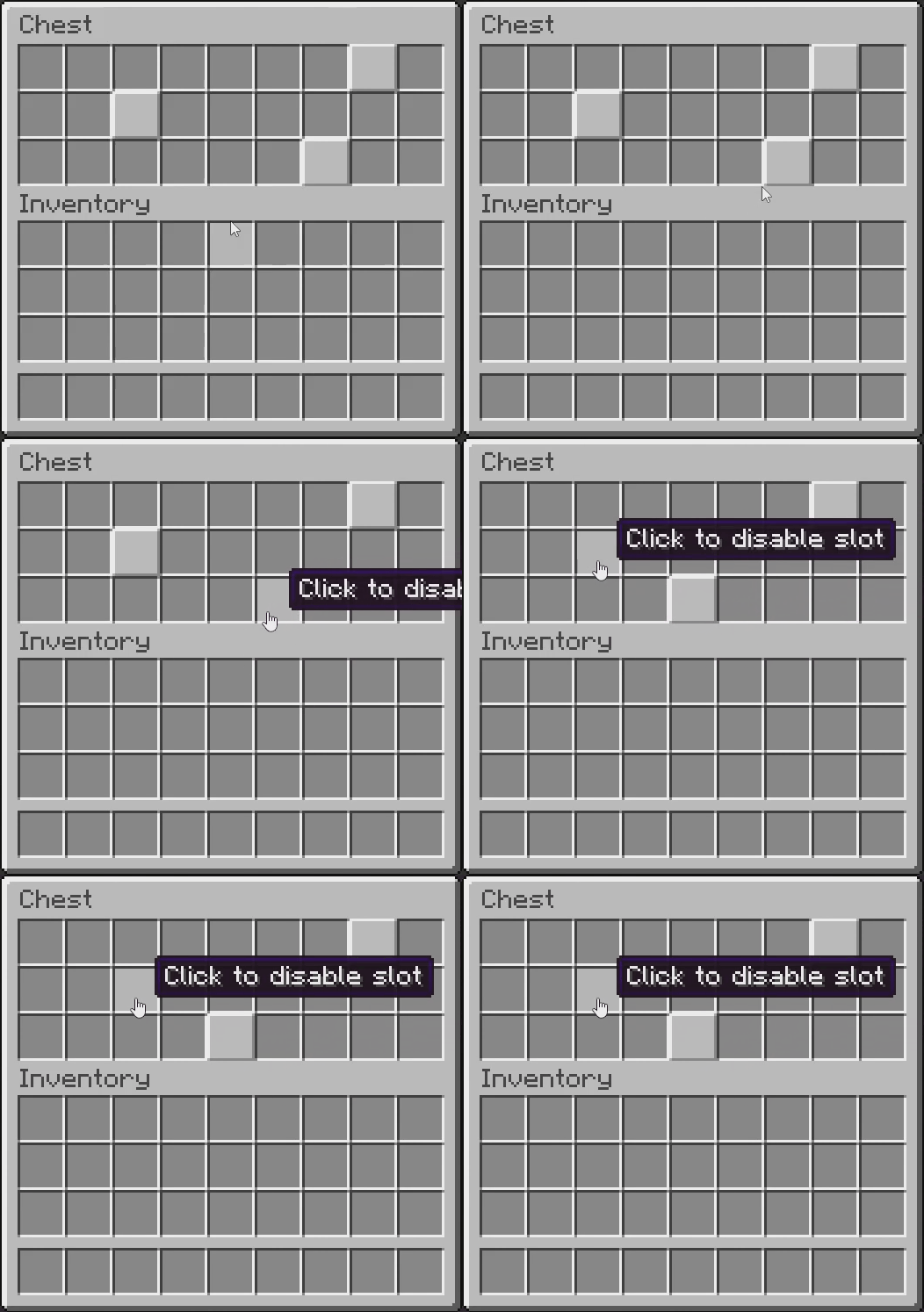
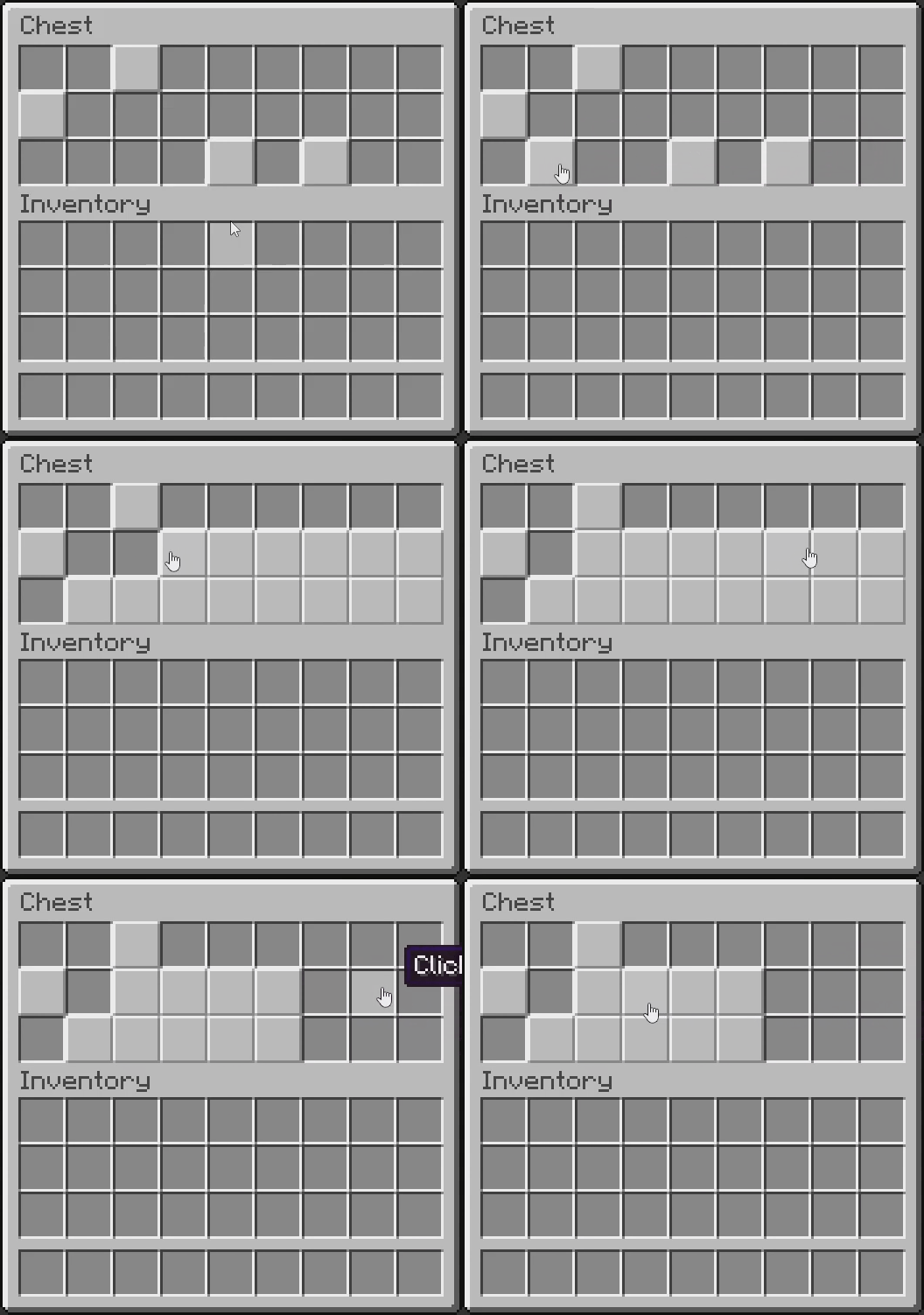
Click a slot to toggle it between enabled and disabled.
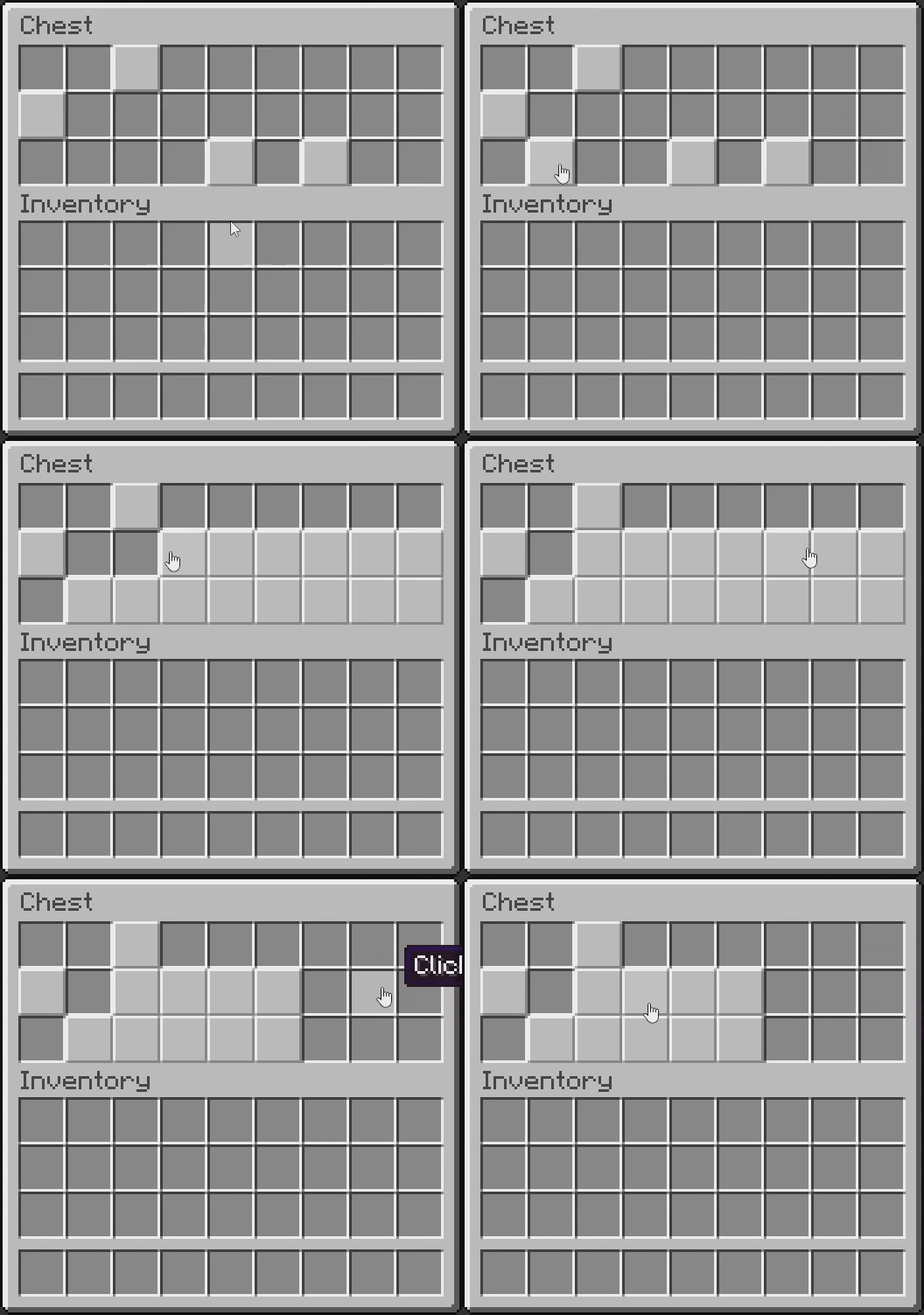
Drag Toggle
Click and drag across multiple slots to apply the same toggle state to all selected slots.
🔴 Redstone
Comparator Support
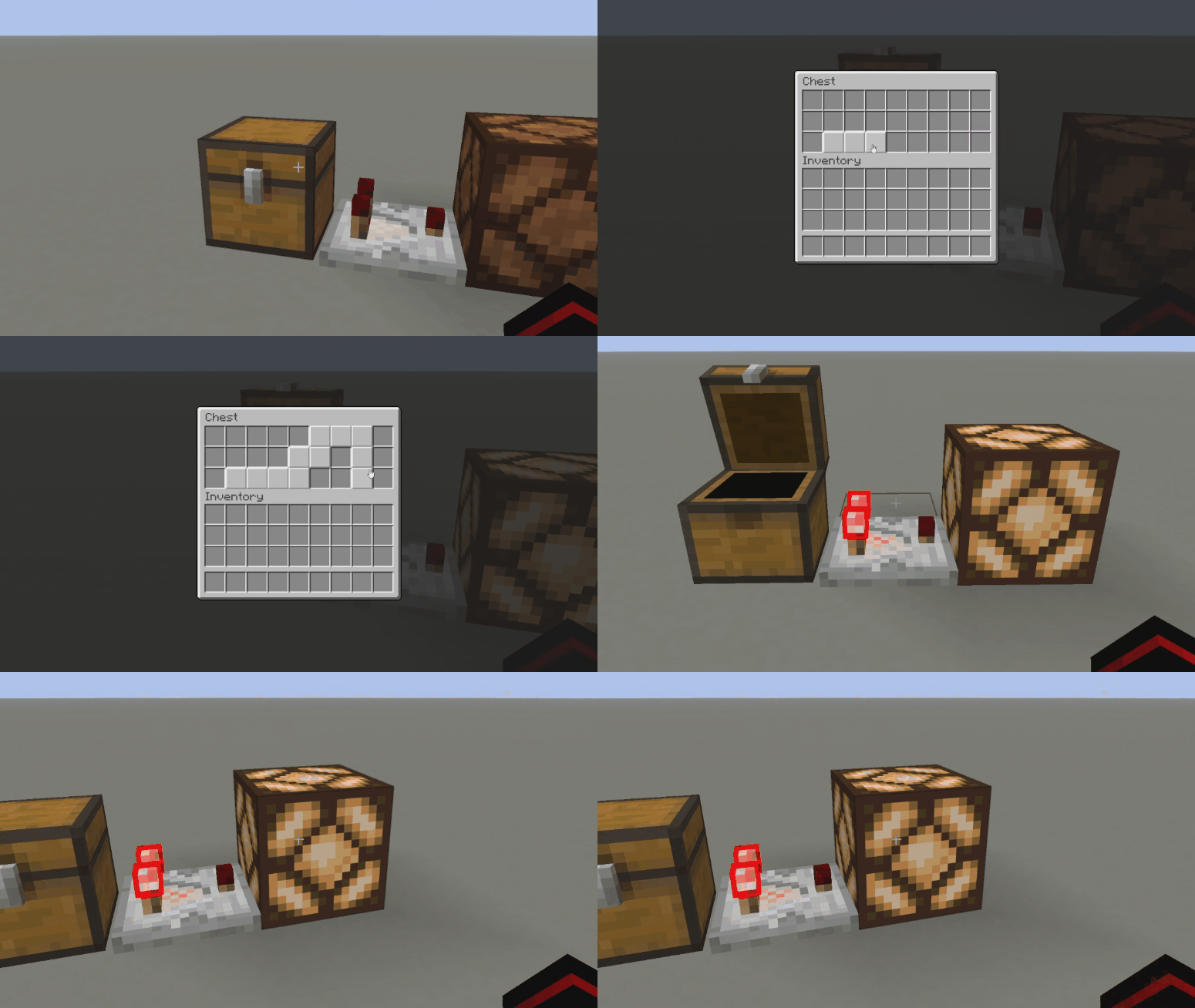
Disabled slots can optionally count as filled slots for comparator output.
Supports all containers that normally output redstone signals.

Hoppers & Droppers
Hopper, and droppers respect disabled slots and will not insert items into them.


📦 Shulker Box Persistence
Disabled slot states can persist when shulker boxes are broken and picked up.

⚙️ Configuration
Client Configuration
Client settings can be configured through Mod Menu.
Server Configuration
Server configuration allows:
- Enabling/disabling support per container
- Configuring comparator behavior per container
- Configuring shulker box persistence
🔌 Requirements
🚨 IMPORTANT: Selective Slots must be installed on both the client and server
- Minecraft 1.21.11
- Fabric API
- Fabric Language Kotlin
Optional:
- Mod Menu
🛠️ Compatibility
Selective Slots currently only supports vanilla containers.
Modded containers require explicit integration to support disabled slots.
API support for easier integration may be added in the future.
📜 License
This project is licensed under the MIT License.
Available Versions
How to Install Selective Slots on Your Server
Order Server
Order a Minecraft Java server with at least 3 GB RAM (4 GB recommended).
Set fabric Loader
In the panel under "Egg", select the fabric loader and matching Minecraft version (1.21.11).
Install Mod
Open the mod browser in the dashboard and search for "Selective Slots". Click "Install" – done! Alternatively, upload the .jar via SFTP to the /mods folder.
Compatibility
Mod Loaders
Minecraft Versions
1.21.11
Server-side
✓ RequiredRecommended RAM
4 GB(min. 3 GB)Frequently Asked Questions
Selective Slots server crashes on startup – what to do?
Most common cause: wrong fabric version or insufficient RAM. Check the server log (latest.log) for "OutOfMemoryError" or "Mixin" errors. With Mado Hosting: ensure at least 3 GB RAM is allocated and the loader matches the mod version (1.21.11). You can switch loaders with one click in the panel.
Is Selective Slots compatible with fabric?
Selective Slots officially supports fabric for Minecraft 1.21.11. The Mado dashboard automatically detects incompatible loader combinations.
Server lagging with Selective Slots – how to optimize performance?
Recommended RAM: 4 GB (per 8 players). Use /spark profiler to check if Selective Slots consumes the most tick time. Common fixes: reduce server view-distance to 8-10, install "performant" or "starlight" as supplementary mods on Forge. With Mado Hosting, your server runs on NVMe SSDs with dedicated CPU cores for minimal latency.
Similar Mods




Rent Modded Server
Install Selective Slots with just one click on your server.