
Show My FPS
Lightweight, customizable HUD mod to keep track of the most precious number: your FPS.
Screenshots
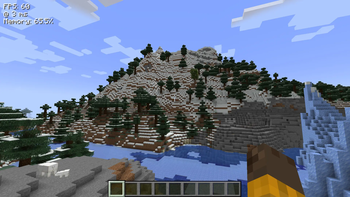
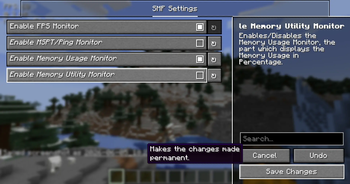

About this Mod
Show My FPS




Show My FPS
Lightweight, customizable HUD mod to keep track of the most necessary necessities, that can all be configured, positioned, colored, edited and tweaked to your liking. Yes, your liking. 🫵
See the ⚙️ Config Tutorial Dropdown ⚙️ below to configure the mod, and have a good day, folks!
| "How shouldst thou behold thy frames per second, wer't not for this enchanted craft?" |
|---|
Demo 📷
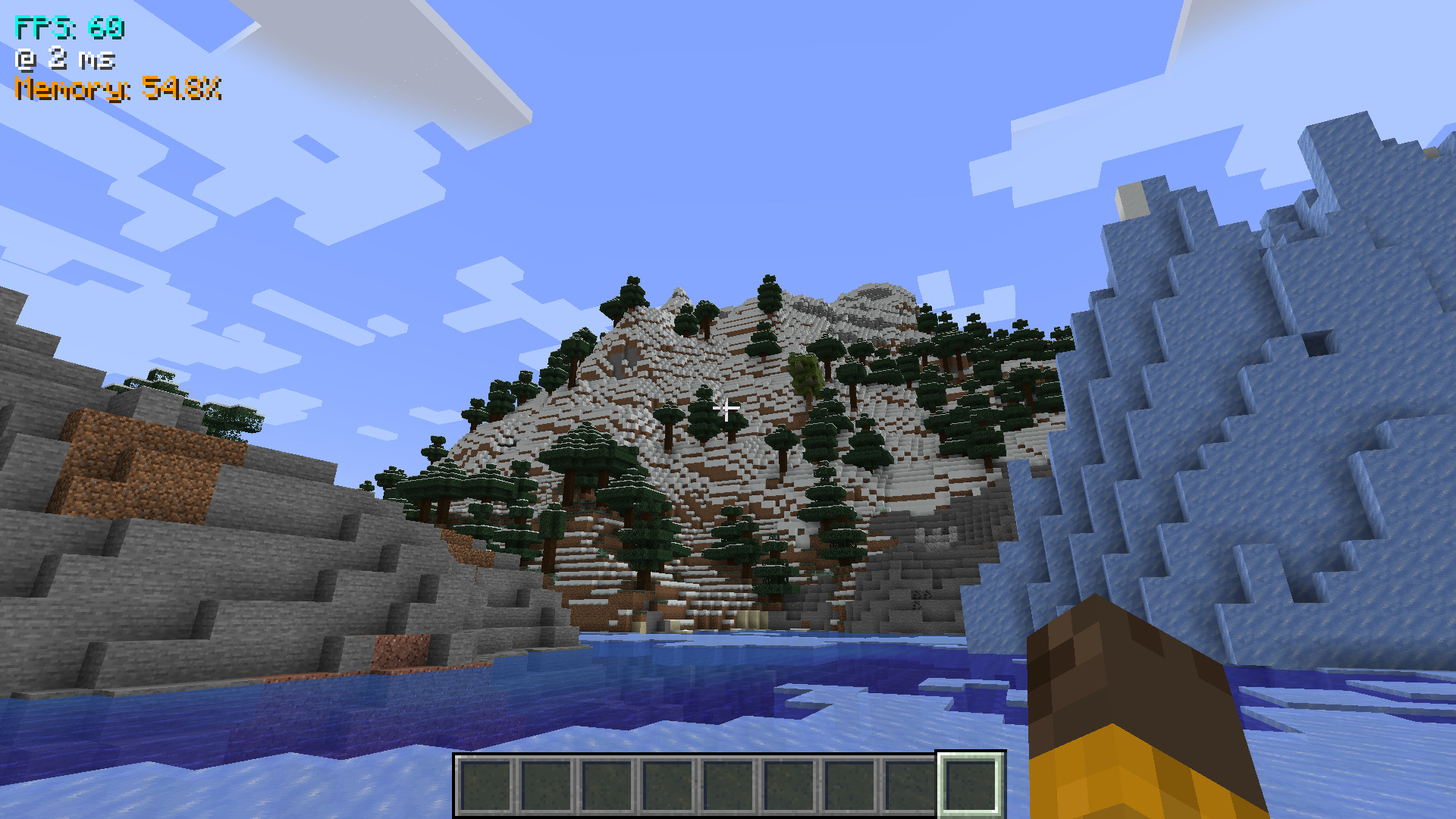
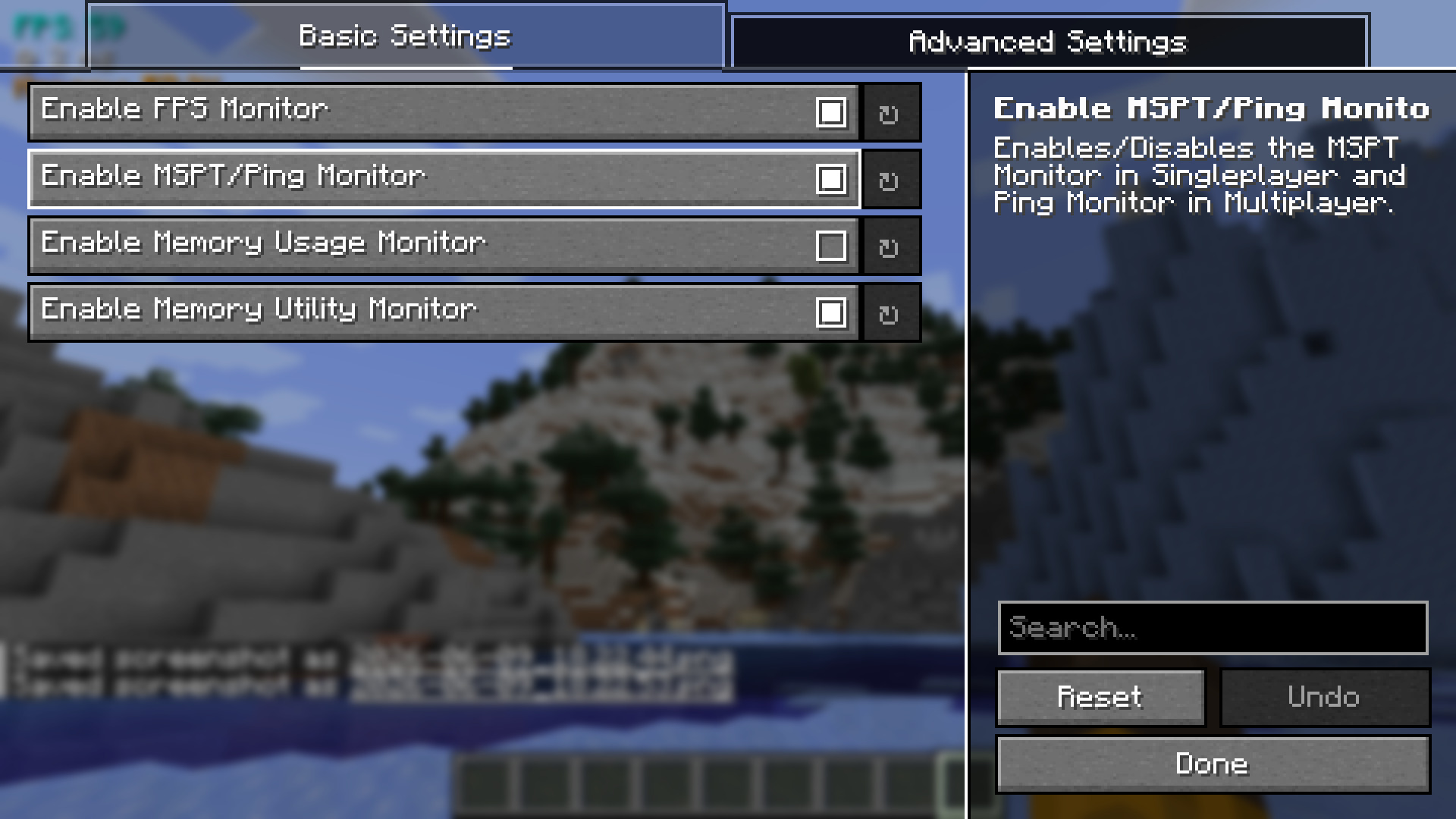
The above config screen can be opened through Mod Menu.
⚙️ Config Tutorial
- Firstly, open your Mod Menu. The mod is made to integrate into the Mod Menu API.
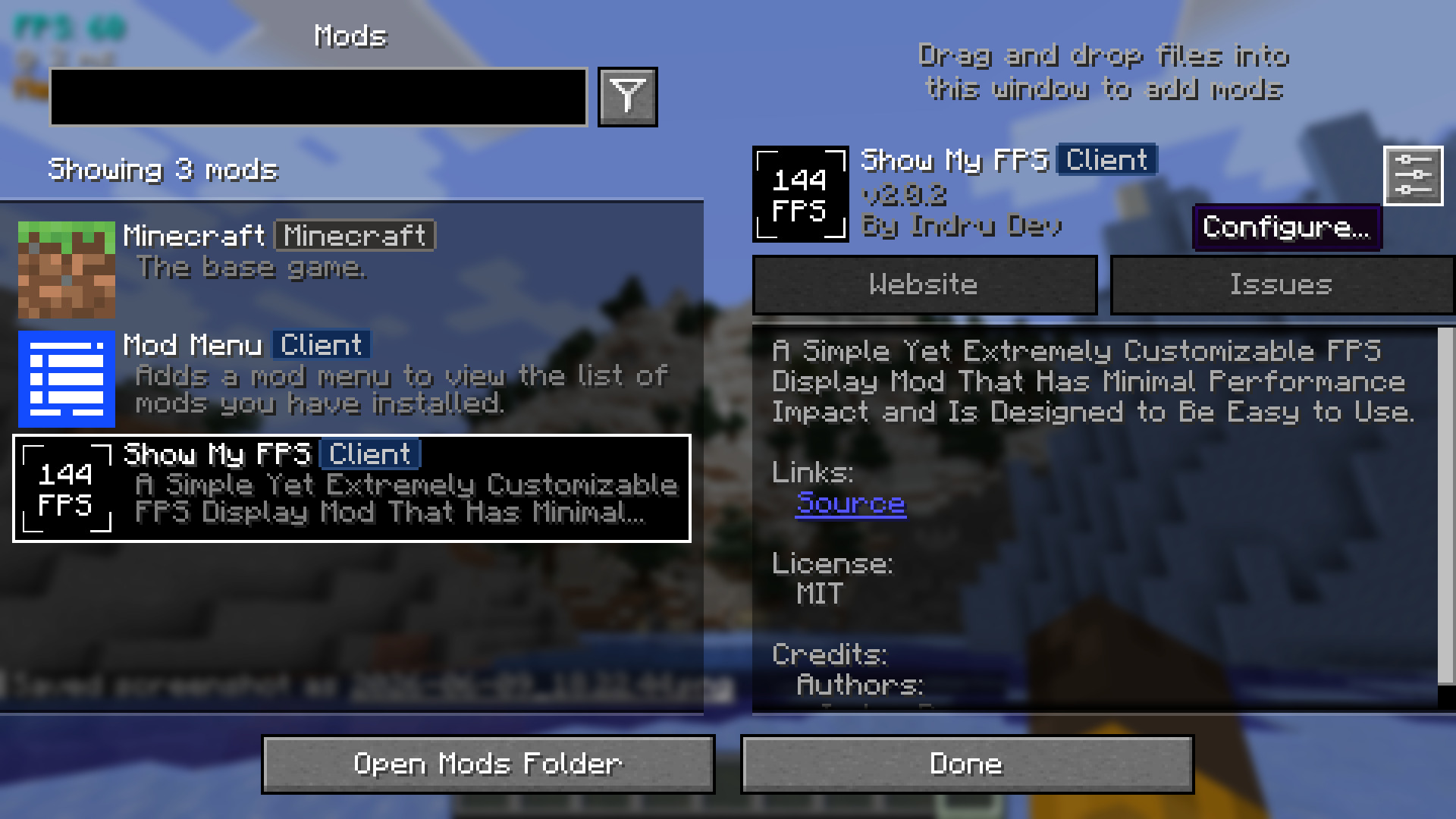
- Now you should see a screen like below. From here, you can enable and disable all the features you need, from colors to positions and components (planned). 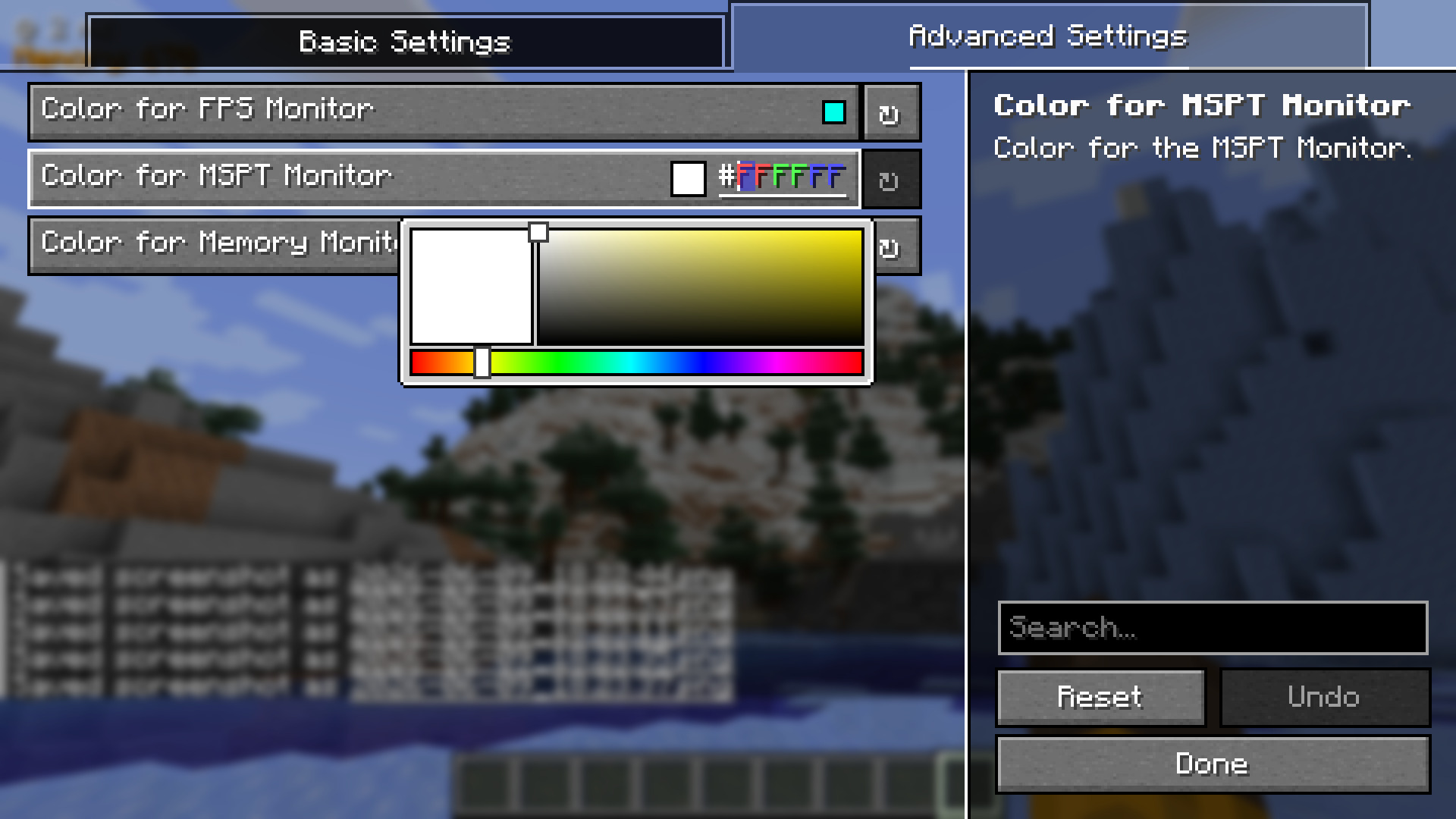 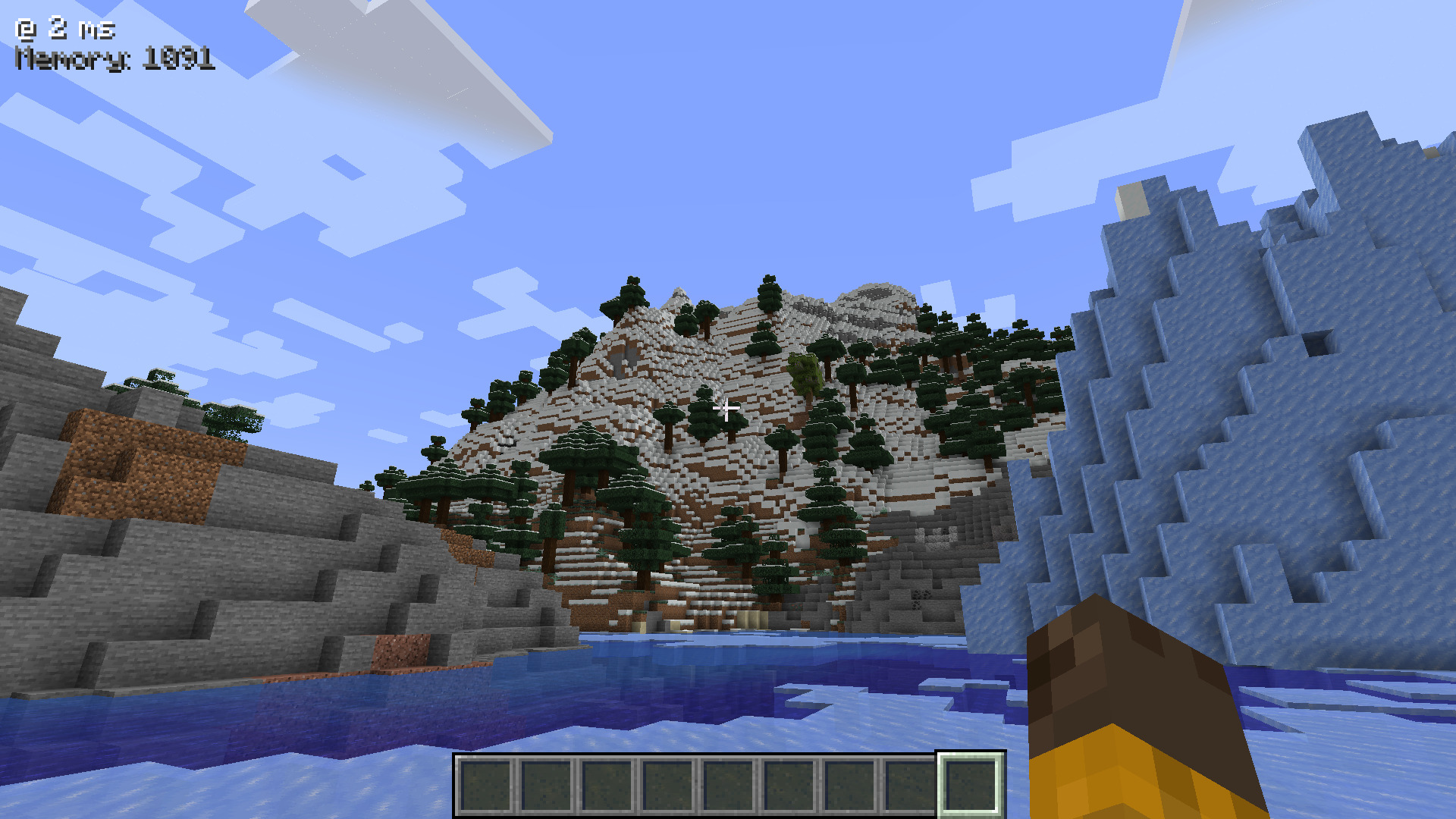
🐛 Nasty bugs
If any bugs are found, or if the mod is found to conflict with other mods, you can report at the GitHub Issue Tracker.
Also, pull requests are always accepted! Just fork the repo, add some changes, and create a Pull Request! I aim to respond to pull requests under 12 - 24 hours.
📃 Modpack Support? (Basically Licensing)
The mod is licensed under MIT. You may use it in your Modrinth and CurseForge modpacks for free (with or without credit)!
Available Versions
How to Install Show My FPS on Your Server
Order Server
Order a Minecraft Java server with at least 3 GB RAM (4 GB recommended).
Set fabric Loader
In the panel under "Egg", select the fabric loader and matching Minecraft version (1.21.5).
Install Mod
Open the mod browser in the dashboard and search for "Show My FPS". Click "Install" – done! Alternatively, upload the .jar via SFTP to the /mods folder.
Compatibility
Mod Loaders
Minecraft Versions
1.21.5, 1.21.4, 1.21.3 (+3 more)
Server-side
✗ UnsupportedRecommended RAM
4 GB(min. 3 GB)Frequently Asked Questions
Show My FPS server crashes on startup – what to do?
Most common cause: wrong fabric version or insufficient RAM. Check the server log (latest.log) for "OutOfMemoryError" or "Mixin" errors. With Mado Hosting: ensure at least 3 GB RAM is allocated and the loader matches the mod version (1.21.5). You can switch loaders with one click in the panel.
Is Show My FPS compatible with fabric?
Show My FPS officially supports fabric for Minecraft 1.21.5, 1.21.4, 1.21.3. The Mado dashboard automatically detects incompatible loader combinations.
Server lagging with Show My FPS – how to optimize performance?
Recommended RAM: 4 GB (per 8 players). Use /spark profiler to check if Show My FPS consumes the most tick time. Common fixes: reduce server view-distance to 8-10, install "performant" or "starlight" as supplementary mods on Forge. With Mado Hosting, your server runs on NVMe SSDs with dedicated CPU cores for minimal latency.
Similar Mods




Rent Modded Server
Install Show My FPS with just one click on your server.