
Showcaser
Share items, fluids, recipes and quests with a single keybind!
Screenshots
About this Mod
Requirements:
- Architectury API
Supported mods:
- EMI
- Roughly Enough Items
- Just Enough Items
- Applied Energistics 2
- FTB Quests
- Patchouli
Although not many mods listed, Showcaser allows you to share items from many modded screens!
Features
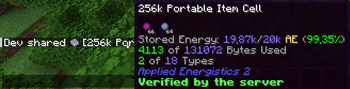
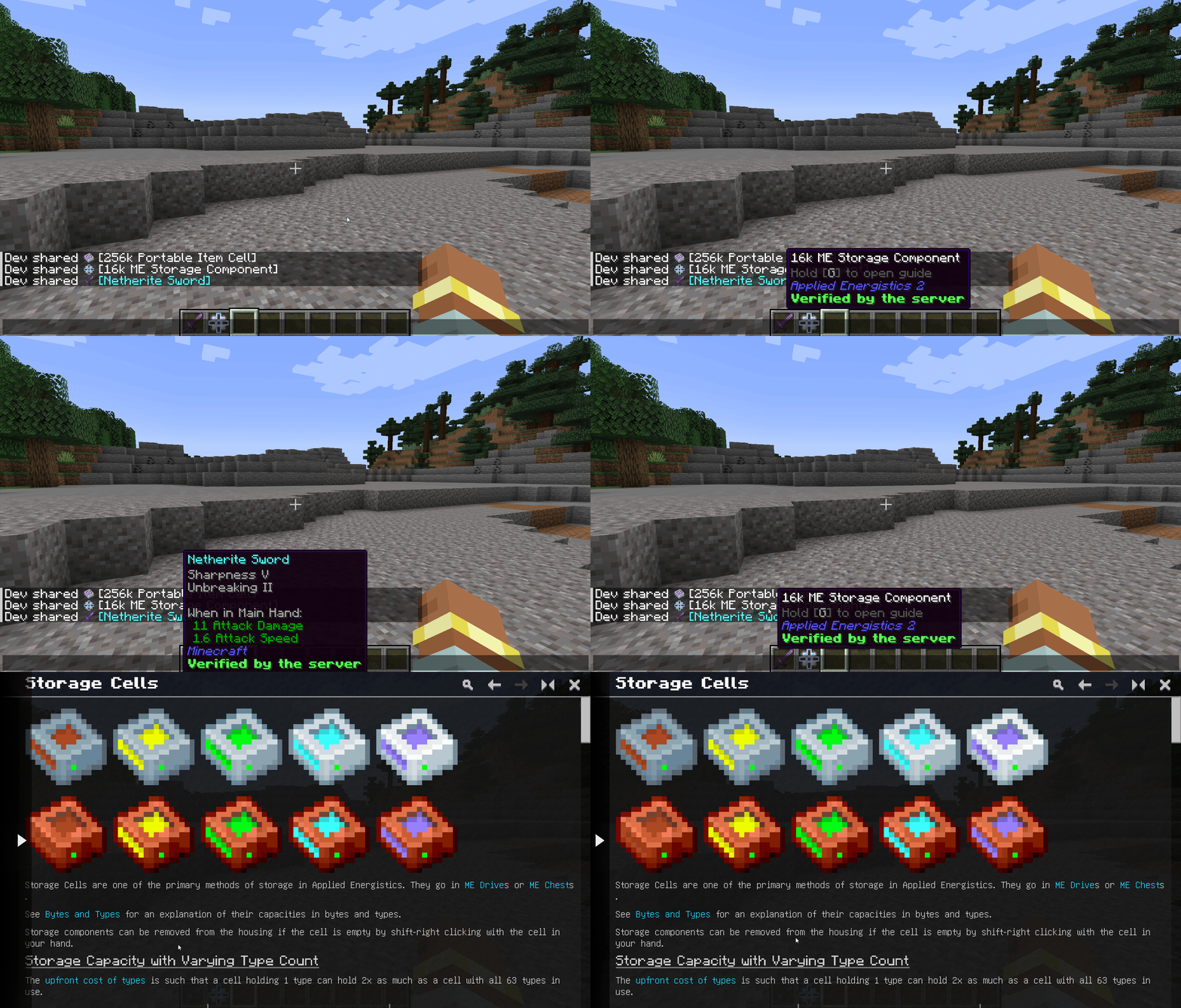
Support for custom item stack tooltips. You can share enchanted diamond sword, Create's mod item with ponder attached to it, or AE2's item cell and tooltip will display custom content or handle custom actions
Verified by the server marker. Items that are getting shared from inventories that are controlled by the server are marked as verified, allowing you to flex with things you've got!
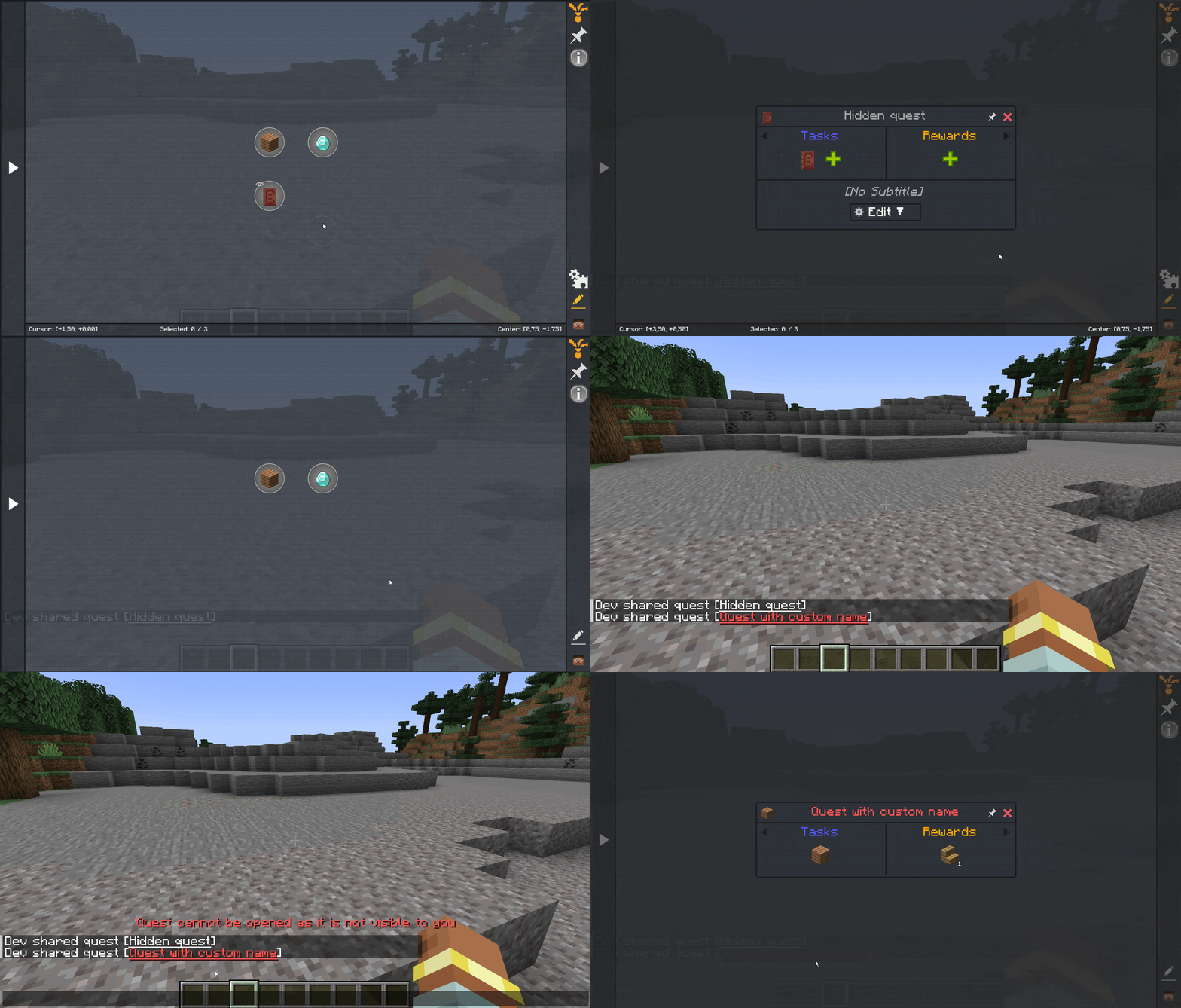
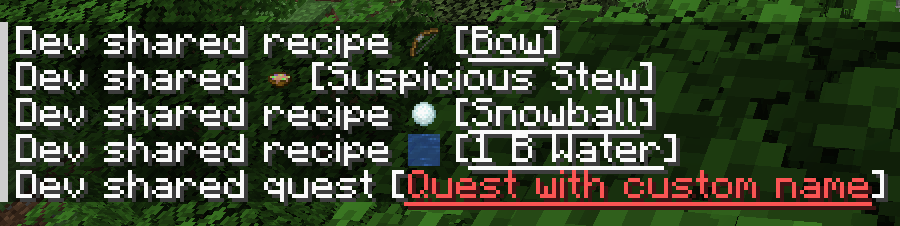
Clickable messages. Shared recipes and quests are hooked up to click event, allowing you to open them by clicking on the message
How to use
By default share keybind is Shift + X
Everything is pretty straightforward:
Item -> hover the slot and press the keybind
EMI's / REI's / JEI's recipe -> hover resource and use the share keybind
FTB Quest -> open quest you want to share and press the keybind
Patchouli -> open book and share the book itself or proceed to entry you need and share it
Showcaser must be installed on client and server side to work properly
If you want to learn about configs and server commands mod provides check our github page!
Available Versions
How to Install Showcaser on Your Server
Order Server
Order a Minecraft Java server with at least 3 GB RAM (4 GB recommended).
Set fabric Loader
In the panel under "Egg", select the fabric loader and matching Minecraft version (1.20.1).
Install Mod
Open the mod browser in the dashboard and search for "Showcaser". Click "Install" – done! Alternatively, upload the .jar via SFTP to the /mods folder.
Compatibility
Mod Loaders
Minecraft Versions
1.20.1
Server-side
✓ RequiredRecommended RAM
4 GB(min. 3 GB)Frequently Asked Questions
Showcaser server crashes on startup – what to do?
Most common cause: wrong fabric version or insufficient RAM. Check the server log (latest.log) for "OutOfMemoryError" or "Mixin" errors. With Mado Hosting: ensure at least 3 GB RAM is allocated and the loader matches the mod version (1.20.1). You can switch loaders with one click in the panel.
Is Showcaser compatible with fabric and forge?
Showcaser officially supports fabric, forge for Minecraft 1.20.1. Note: Forge and Fabric mods are NOT cross-compatible – pick one loader and stick with it. The Mado dashboard automatically detects incompatible loader combinations.
Server lagging with Showcaser – how to optimize performance?
Recommended RAM: 4 GB (per 8 players). Use /spark profiler to check if Showcaser consumes the most tick time. Common fixes: reduce server view-distance to 8-10, install "performant" or "starlight" as supplementary mods on Forge. With Mado Hosting, your server runs on NVMe SSDs with dedicated CPU cores for minimal latency.
Similar Mods

![[ETF] Entity Texture Features](https://cdn.modrinth.com/data/BVzZfTc1/af683d206d50b05258d865b0d6e4aa2f2cee12f2_96.webp)
![[EMF] Entity Model Features](https://cdn.modrinth.com/data/4I1XuqiY/6e5bbd0d06b1741bfdab6c0cfab6de8fdaf0064c_96.webp)



Rent Modded Server
Install Showcaser with just one click on your server.